
Generate complete, professional document in few clicks

It is surprisingly easy to develop a professional-looking document, thanks to the drag-and-drop editing interface featured by Doc. Composer. Besides editing, Doc. Composer also keeps your document synchronized with your model. Whenever a project milestone is met, click to produce a new document. You will get a document with all the most updated diagrams and elements' specification in it.

Easily drag content into your document. Organize them by moving up and down. Add revision log and TOC on the spot, etc.
Select desired styles for headers and contents.
PDF, HTML and MS Word. You can output different kinds of documents for different clients.

Although Doc. Composer comes with 3000+ built-in element templates, you may still want to customize or even to write your own templates for maximizing the efficiency of document production. We know your needs hence we have introduced a simple template language to serve this purpose. You can write your own template in creating document content. The template language is capable in retrieving any kind of project data as well as to define the way how content is presented in a document. It is powerful yet easy to code with.
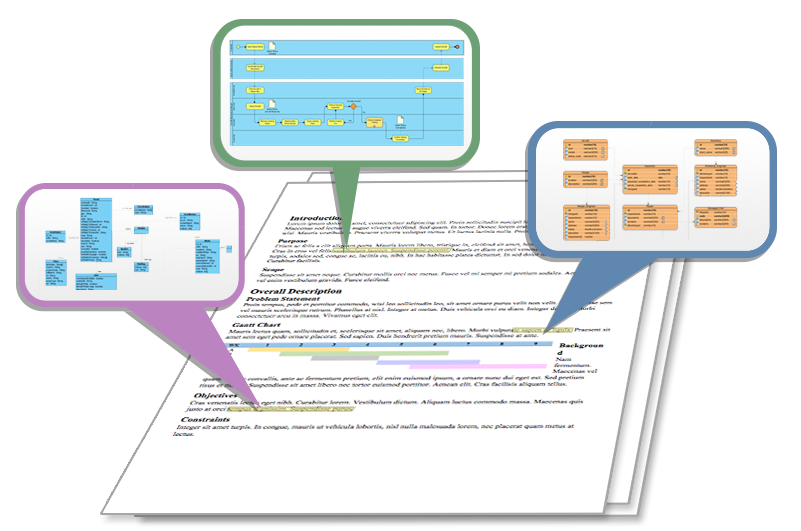
A project documentation is a combination of background information like project goal, scope and constraints, and design details like use case details, database design, process design, etc. Besides building a document from scratch, Doc. Composer can also help you fill-in an existing document with model data. By writing simple query statements in your document, you can easily integrate diagrams and element specification into a document.
A web-based project browser is a handy way to publish your project for knowledge sharing within a team or organization. In Visual Paradigm you can produce such a project browser using Project Publisher. The published content contains all the information of the project, including diagrams, element description, properties, internal and external references, etc. With the published project website, you can easily navigate anywhere you like, for instance, you can click on a shape of a diagram to drill down to the associated information in greater details.
Run with system job scheduler to publish and upload project(s) in regular bases.


