Setting access code for license
Some development teams may involve more than one work groups. Access control is a technique to avoid excessive access of license keys by a group. Think about if group A and B both acquire licenses from the same VP Server, group A may use up all the keys, leaving no available license for group B, when there is no control. Access control solves this problem by enforcing the need of supplying a valid password when trying to acquiring license from server by client. Other than this, access control prevents the licenses from unauthorized access, which increases the level of security as well.
- Open a web browser.
- Visit the VP Server URL and login as administrator. Note that the login ID of the default server administrator is Admin.
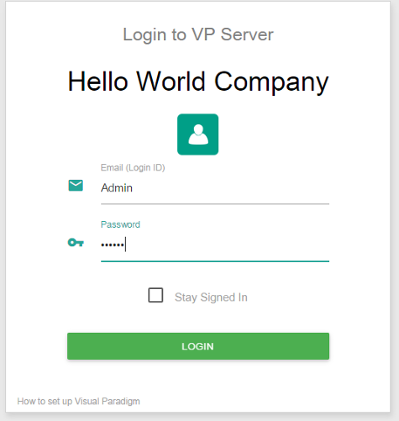
Logging into VP Server as administrator - Click Floating License from the menu on the left hand side.
- Move your mouse pointer to the row of the license that you want to set an access code. Click on -- under the Access Code column.
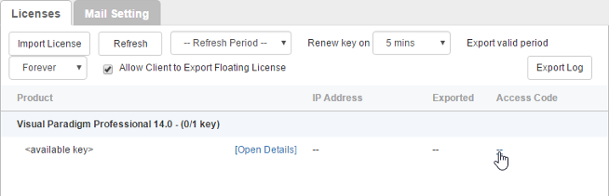
To configure access code - Enter the access code in the popup dialog box. Click the confirm button.
Related Resources
The following resources may help you learn more about the topic discussed in this page.
- Know-how - Use Access Code to Protect your Floating License from Unauthorized Access
- Contact us if you need any help or have any suggestion
| Chapter 5. Access control | Table of Contents | Chapter 6. Importing new version key |
