Returning license key to server
Once you have came back from a location that have no access to the license, and want to return the previously exported floating license key back to the VP Server, you need to go through the return process. To return floating license to server:
- Select Window > License Manager from the application toolbar of Visual Paradigm or ArchiMetric.
- Click Return License....
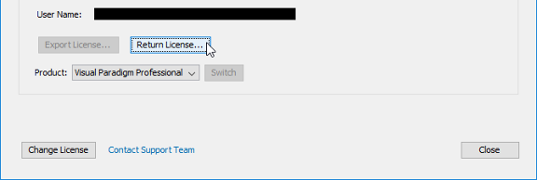
Return floating license
Related Resources
The following resources may help you learn more about the topic discussed in this page.
| 1. Exporting license key from server | Table of Contents |
