Defeat Requirements Drift:
Automatic Spec Alignment over Time
Stop coding from outdated meeting notes. NotesKeep is a premier AI note taking tool designed for dynamic teams. Our unique temporal note taking app system tracks changes chronologically, empowering AI to synthesize the absolute active truth instantly.
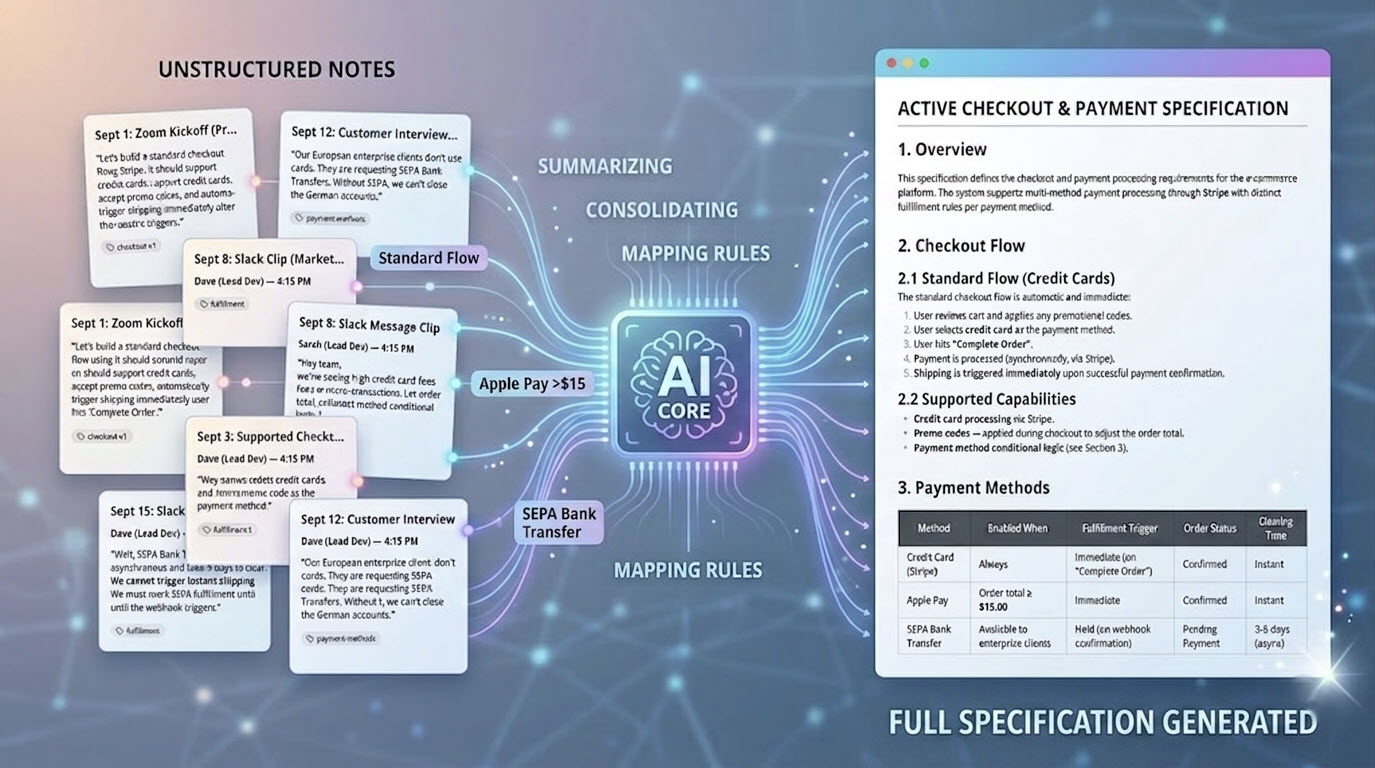
Why Standard Wikis Fail Agile Sprints
In fast-moving development ecosystems, decisions evolve constantly. Day 1: The client proposes direct payment storage. Day 4: Compliance revokes this, dictating payment tokenization instead. Day 9: Developers build direct storage because it was the only static document they found in the shared wiki.
Flat text files, shared Google Docs, and standard wikis lack temporal awareness. They store static snapshots, hiding the timeline of revisions, revocations, and approved modifications.
The Requirements Drift Cycle:
- ❌ Outdated specs: Critical modifications are lost in instant messaging threads or email logs.
- ❌ Wasted Sprints: Developers build deprecated modules, causing expensive rollback cycles.
- ❌ Traceability Gap: Architects struggle to determine who modified a specification and why.
The Chronological Narrative Engine
How NotesKeep records, structures, and reconciles system modifications over time.
Chronological Logging
Document every meeting, client call, and developer standup as a distinct, date-stamped note. NotesKeep preserves the entire sequence of discussion points instead of flattening changes into a single document. This creates an unalterable history trail of requirements evolution.
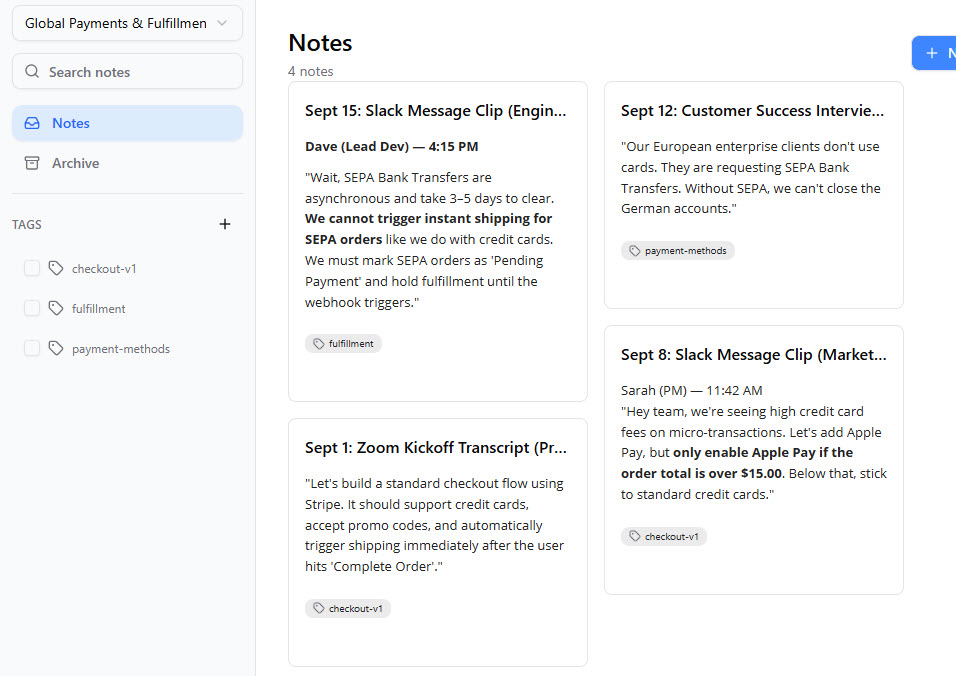
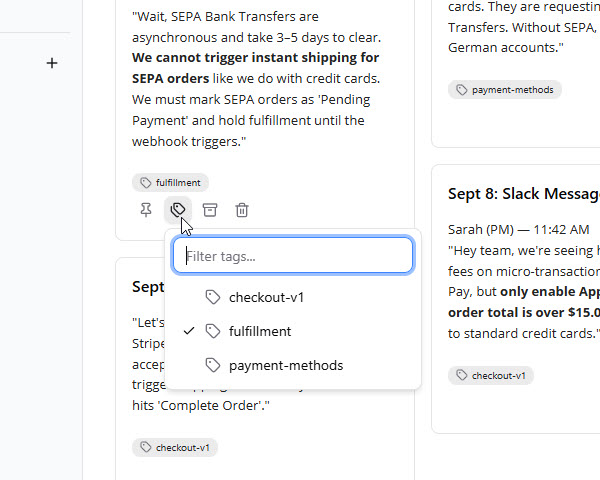
Structured Metadata Mapping
Organize notes using multi-dimensional tagging structures and shared workspaces. Filter notes instantly to trace all conversations surrounding a specific API component, database layer, or business domain, preventing documents from overlapping or conflicting.
Bounded AI Temporal Reconciliation
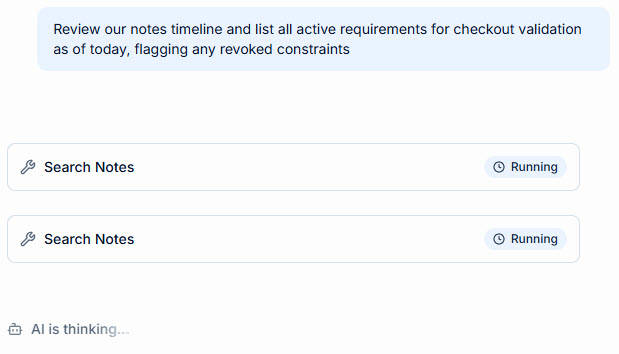
Query our AI Diagramming Chatbot within a restricted Tag View. Prompt the AI: "Review our notes timeline and list all active requirements for checkout validation as of today, flagging any revoked constraints." This synthesizes a zero-hallucination ground truth.
Obtain the Specification
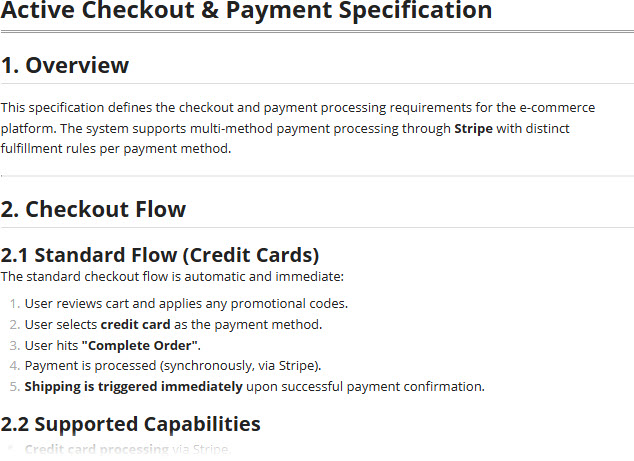
AI generates the specification based on the notes. You can also compile a functional software model (like UML, Sequence maps, or database schemas) and publish it to OpenDocs pages to keep developers perfectly synchronized. Prevent design silos automatically.
Features Built for Change Tracking
Maintain precise control over technical requirements as your systems scale.
Workspace Isolators
Group notes into projects and apply tag taxonomies. Filter your knowledge library dynamically to keep track of shifting goals.
Context Bounded Search
Restrict AI diagram generation and requirements synthesis strictly to active tag scopes, entirely eliminating hallucination risks.
OpenDocs Living Wiki
Publish generated diagrams directly to OpenDocs hosted specifications, making design reviews seamless.
Frequently Asked Questions
Got questions about how we resolve requirements drift? We have answers.
How does Requirements Drift occur in software development teams?
Requirements change rapidly throughout an agile sprint. Clients modify parameters over chat, email, or whiteboard meetings, and these updates are lost. Developers continue coding from obsolete specifications because there is no chronological tracking.
How does NotesKeep solve Requirements Drift?
NotesKeep treats notes as a dynamic chronological narrative. Each change, proposal, and revocation is recorded temporally. The accompanying AI can scan and analyze years of chronological entries to resolve conflicting updates and isolate the currently active specifications.
Can I query the AI to resolve requirements contradictions?
Yes. Users can restrict AI chatbot queries to specific projects or tags. Prompting the AI to "Synthesize our last 4 meeting notes and flag what checkout constraints are active as of today" will generate a clean, conflict-free requirements summary.
Banish Outdated Requirements Forever
Experience the power of chronological team notes. Sync text requirements with visual architectures instantly.