您所需要的强大且免费的 PlantUML 编辑器
欢迎使用终极 PlantUML 工具。VPasCode 提供快速、免费且智能的带实时预览的 在线 PlantUML 编辑器。通过直观、AI 增强的工作流创建时序图、用例图、C4 模型等等。
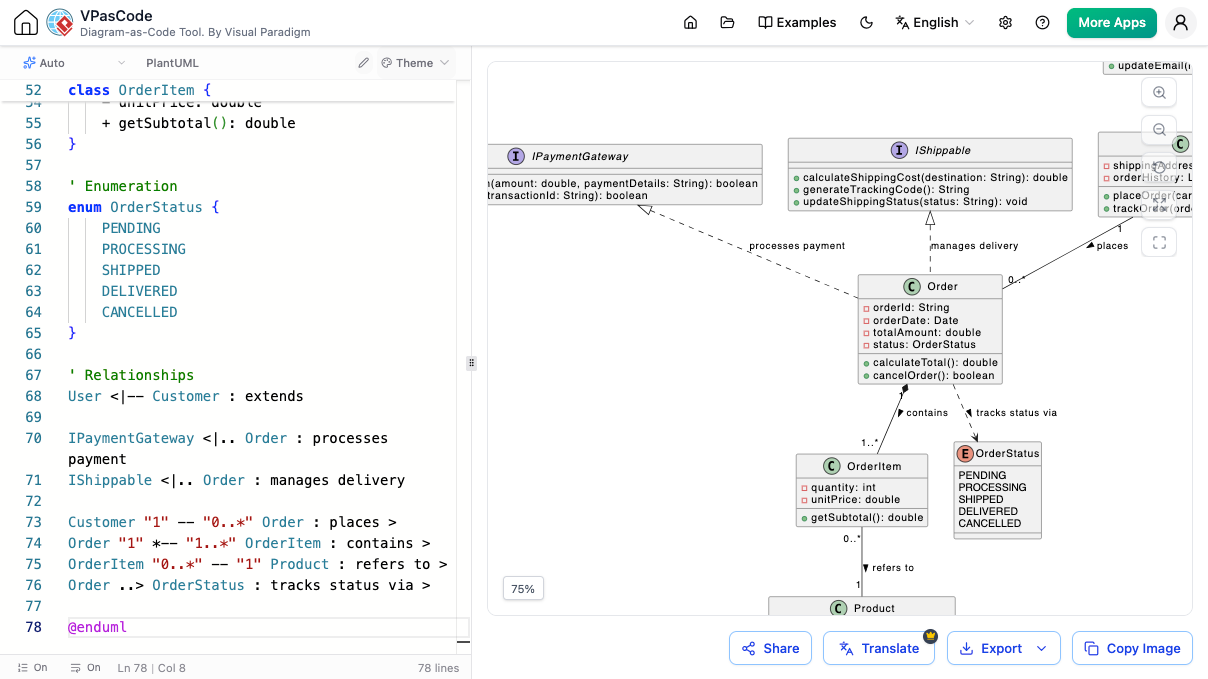
需要更好的方式来创建 PlantUML 图表吗?
寻找一个快速、可靠且功能丰富的 PlantUML 编辑器可能具有挑战性。您需要一个不仅能渲染图表,还能积极帮助您编写更好的代码、支持所有图表类型且无需安装即可在线顺畅运行的 PlantUML 工具。
观看 Visual Paradigm VPasCode 的工作原理
您的一站式 PlantUML 工具
我们的 PlantUML 编辑器专为生产力而设计。它支持从软件设计到项目管理的各种 PlantUML 图表。通过我们支持实时渲染的 PlantUML 工具,让您的代码栩栩如生。
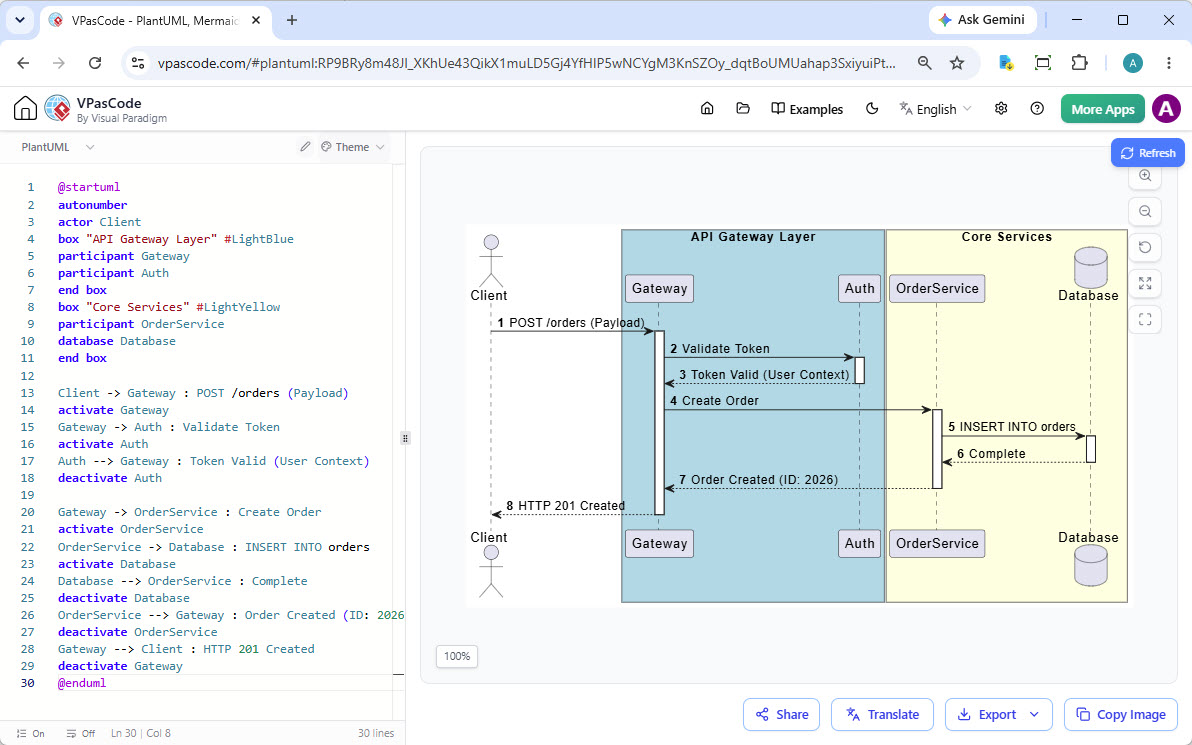
我们的 PlantUML 编辑器正在制作时序图。同时也支持所有其他 PlantUML 图表。
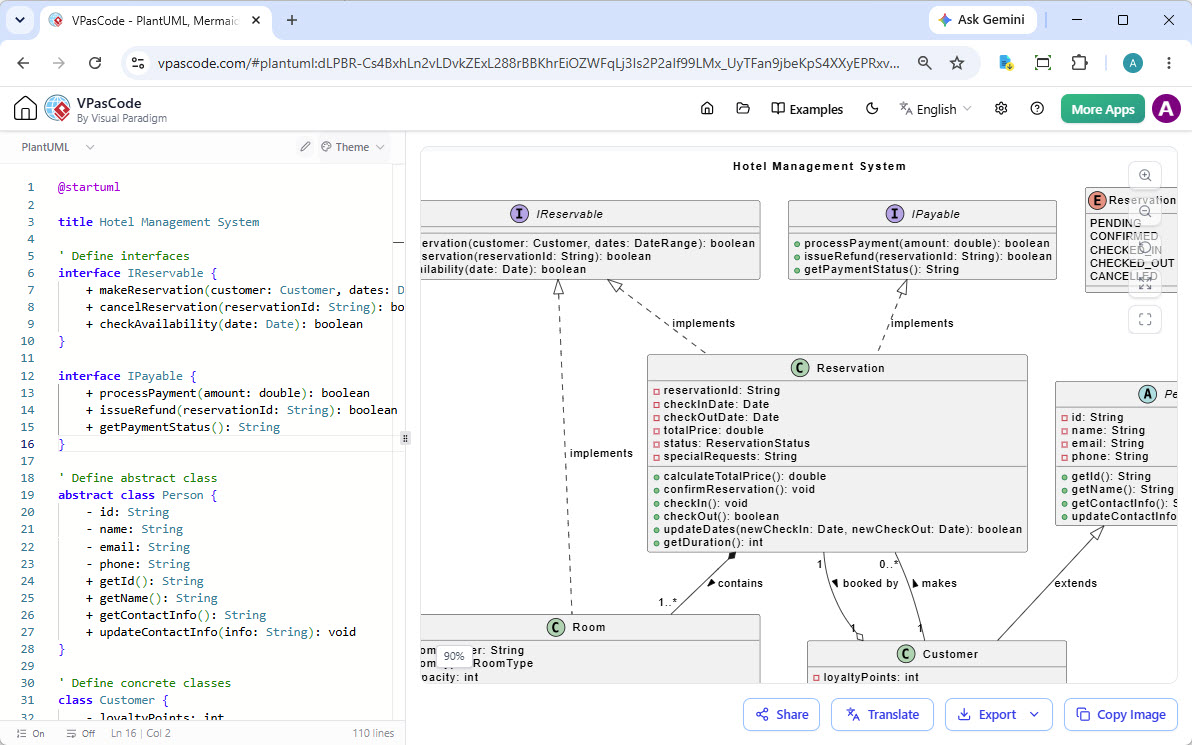
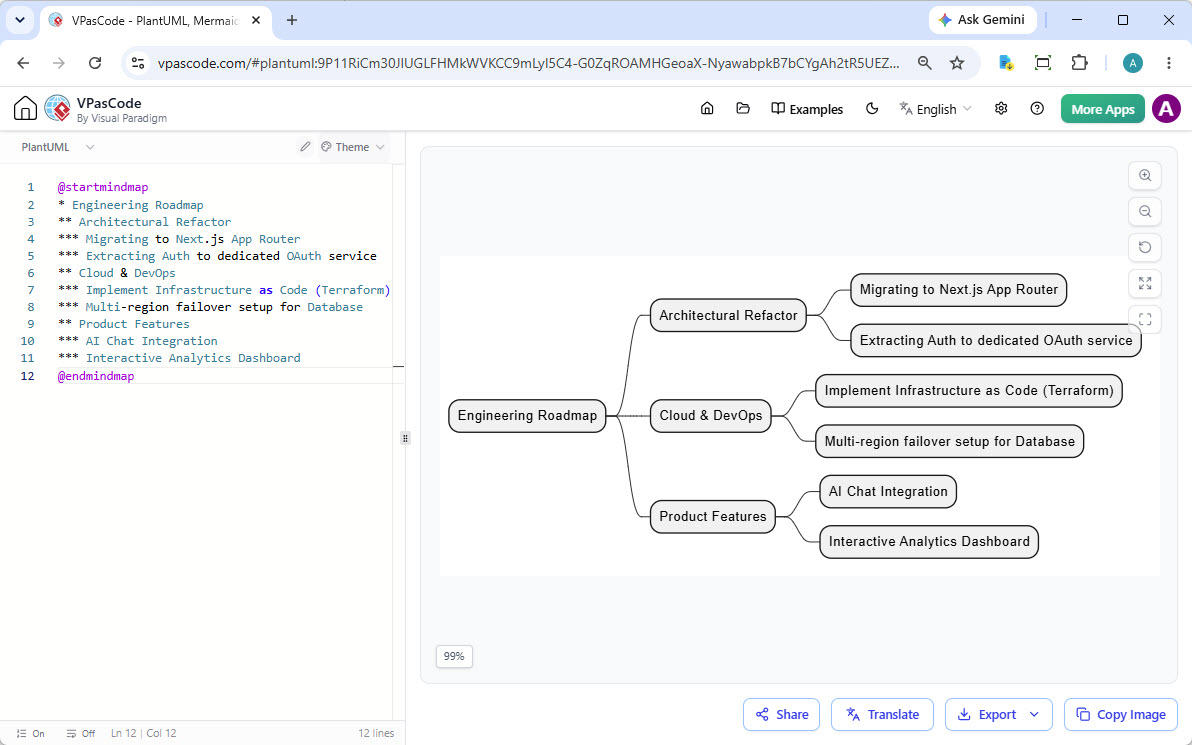
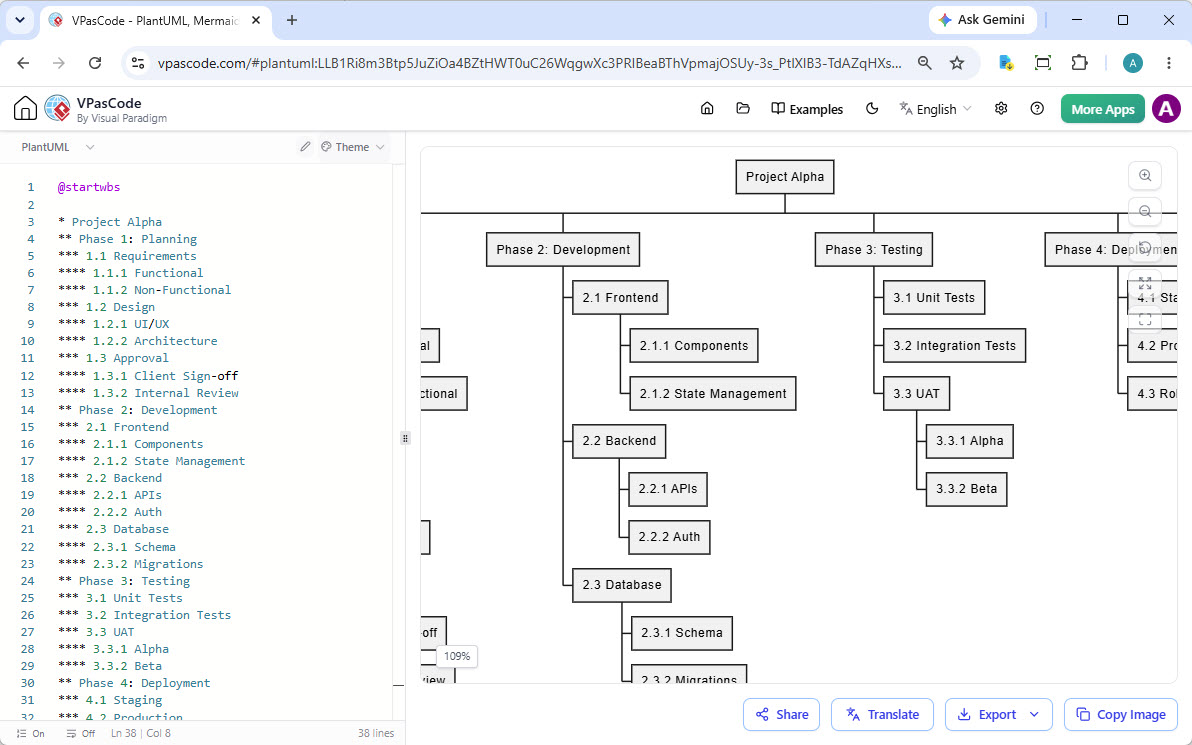
智能 PlantUML 编辑器
VPasCode 不仅仅是一个渲染器。我们的 PlantUML 工具利用 AI 为您的绘图工作流全面提速。
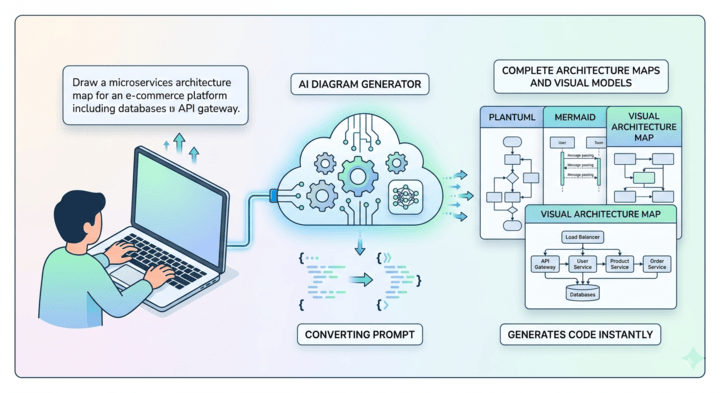
AI PlantUML 生成
跳过手动设置,加速您的工作流。只需输入您的主题或流程,即可让智能的 AI PlantUML 生成器为您的项目即时输出干净、可直接渲染的脚本。
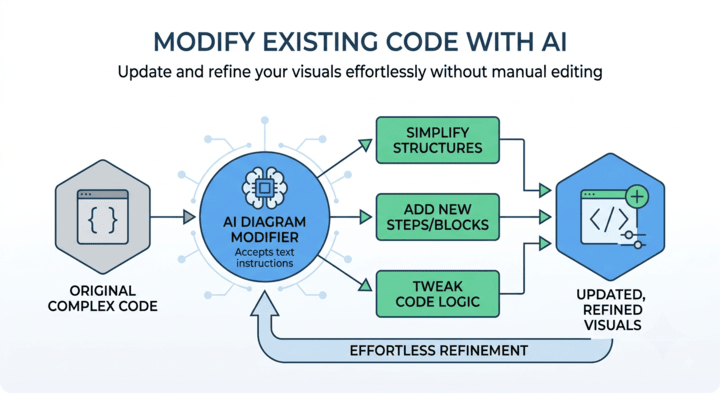
AI PlantUML 代码修改
无需手动逐行编辑即可调整和迭代您的脚本。只需提供简单的文本命令即可轻松添加缺失的节点、重构步骤或优化您现有的 PlantUML 语法。
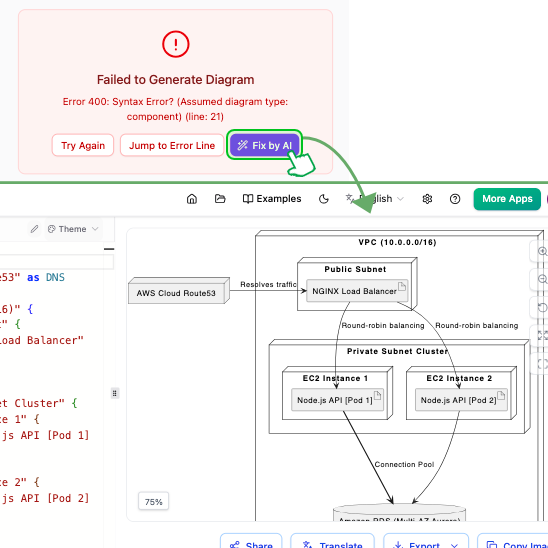
即时修复 PlantUML 语法错误
PlantUML 代码中的拼写错误令人沮丧。我们的 PlantUML 编辑器具备一键式 AI 代码错误修复功能。无需再四处搜寻放错位置的语法。
AI 不仅能纠正您的代码,还会向您展示更改并解释错误所在。这是使用免费 PlantUML 编辑器学习和掌握 PlantUML 语法最智能的方式。
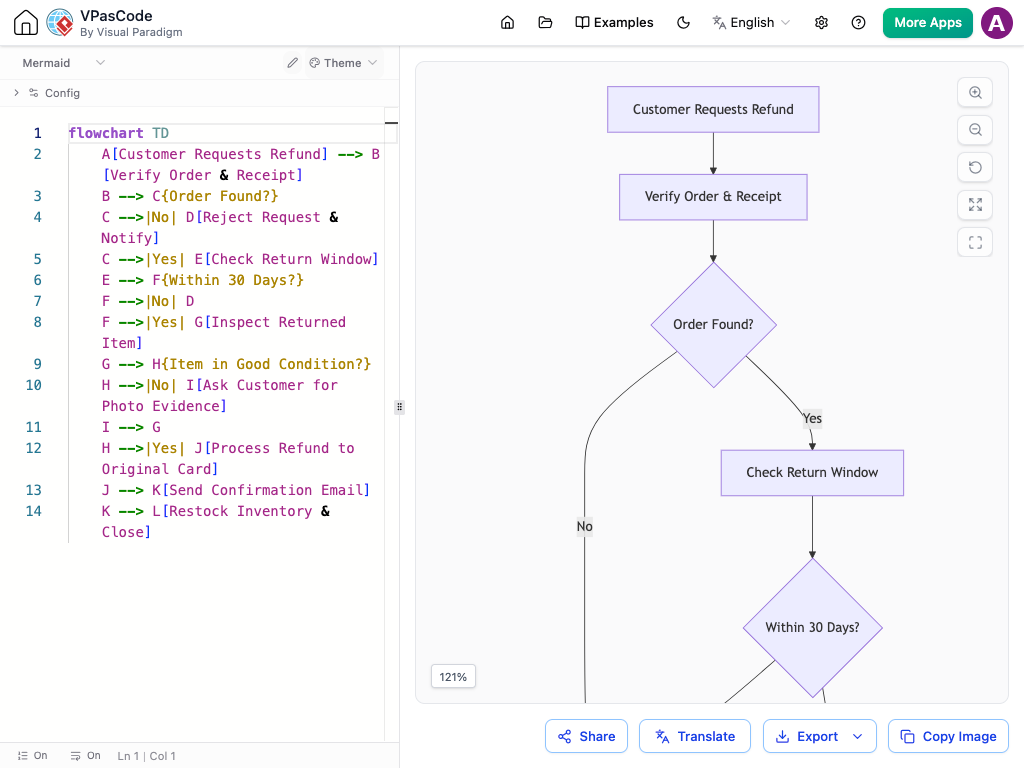
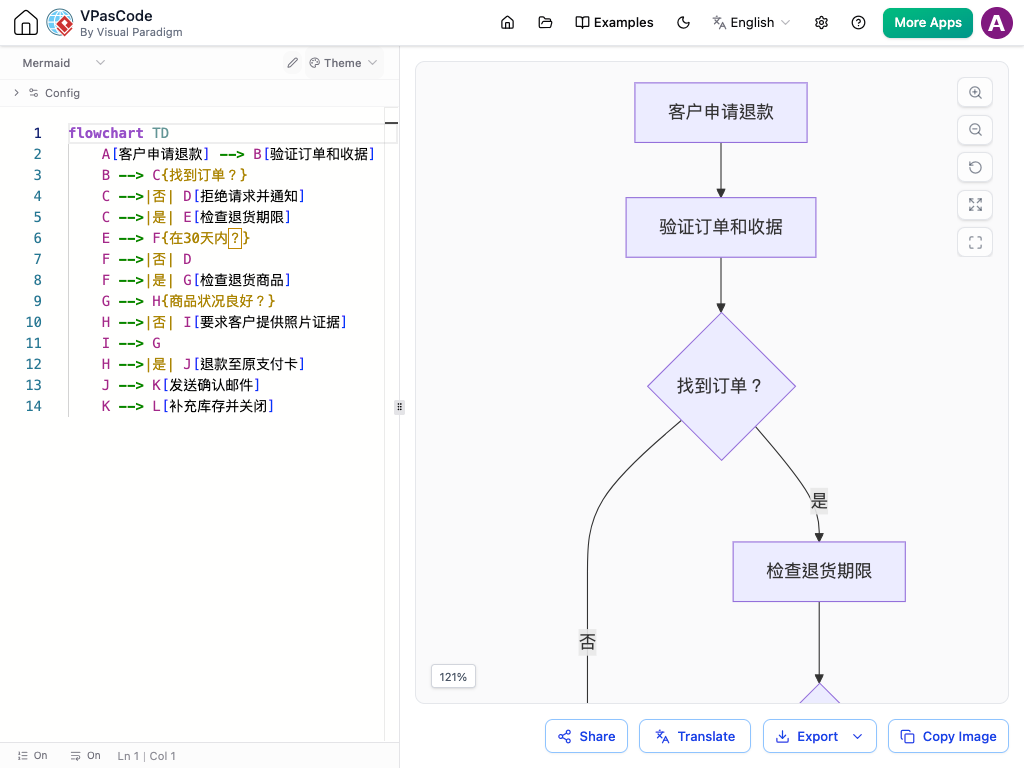
使用 AI 翻译 PlantUML 图表
与国际团队合作?我们的 PlantUML 编辑器内置的 AI 图表翻译功能让您可以瞬间将图表中的文本转换为其他语言。这一强大的 AI 功能使我们的 PlantUML 工具成为全球项目的绝佳选择。
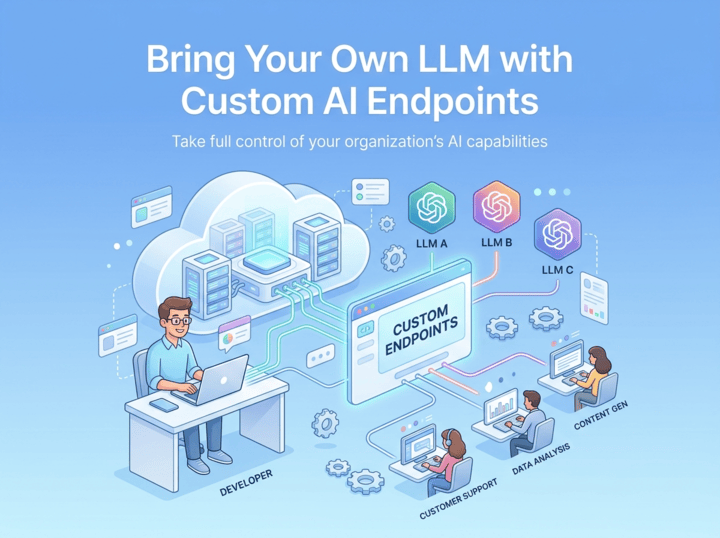
Flexible Custom AI Endpoints
Plug your own API keys into VPasCode and route AI tasks through the provider of your choice. Keep complete authority over your organization's security policies, data privacy guidelines, and API spending.
Easily connect custom endpoints for industry-leading AI models including OpenAI, Anthropic, Google, DeepSeek, Mistral, Qwen, and Groq.
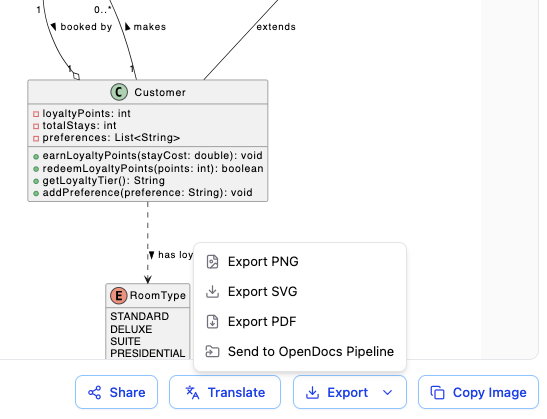
导出为矢量 PDF、SVG 或 PNG
轻松将您的 PlantUML 代码转换为生产就绪的文件。下载高质量的 PDF 用于正式报告和打印、可缩放的 SVG 用于技术文档,或清晰的 PNG 用于团队聊天快速分享。
PlantUML 样式与主题
让您的文档精致且专业。我们的 PlantUML 工具无需手动编码即可为您提供精美的视觉布局。
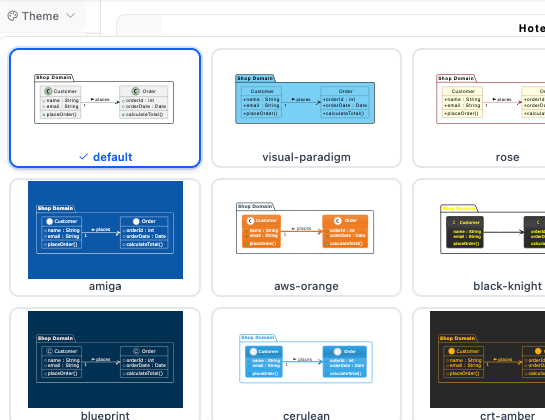
无缝的主题选择界面
为文档设置样式不应需要手动编写代码。我们的 PlantUML 工具具备内置的 主题选择 UI,旨在实现极致的易用性,免去了查阅外部文档或记住准确主题名称的麻烦。
只需点击一下即可切换主题,您就可以即时焕新图表外观。只需从我们免费 PlantUML 编辑器中精心挑选的列表中选择一种风格;该工具会自动将适当的主题语法直接注入您的脚本中并提供即时预览,让您在几秒钟内找到完美的审美。
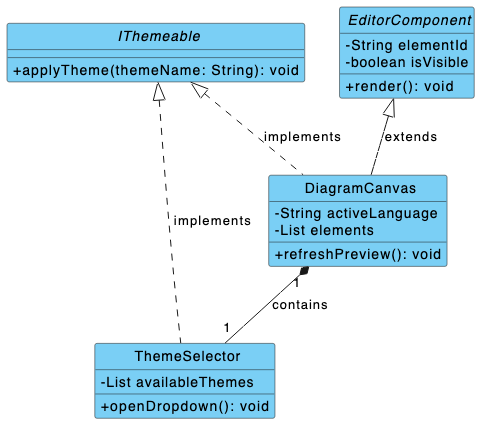
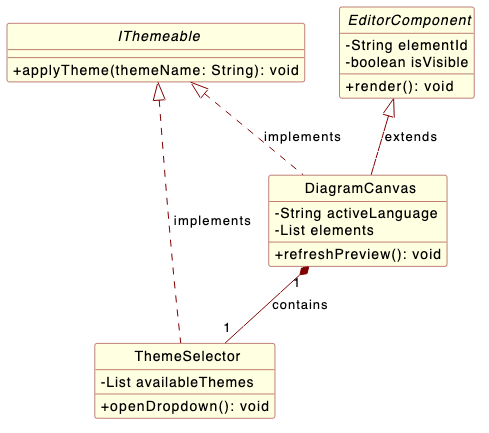
经典的 Visual Paradigm 与 Rose 主题
为您的技术布局带来具有辨识度的专业外观。我们的 PlantUML 编辑器现已提供专为镜像行业标准建模设计而打造的定制化 Visual Paradigm 与 Rose 主题。
无论您喜欢 Visual Paradigm 流畅的蓝色标题,还是 IBM Rational Rose 经典的浅黄色美学,这些专用样式都能确保您的软件文档保持统一,并让资深开发人员阅读起来感到舒适。
功能齐全的 PlantUML 工具
无需安装
直接在浏览器中运行,零插件。只需粘贴代码即可开始编辑。
即时分享
通过直接网址、二维码或社交媒体分享您的 PlantUML 创作。
实时渲染
我们的 在线 PlantUML 编辑器在您键入时实时显示图表更新。
自动检测
粘贴任意代码。我们的 PlantUML 工具会自动识别其为 PlantUML 并进行渲染。
OpenDocs 集成
将您完成的图表发送到 Visual Paradigm OpenDocs 进行文档编写。
同时也是统一工具
虽然它是一流的 PlantUML 编辑器,但它还支持 Mermaid、Graphviz 等。
不仅仅是 PlantUML 编辑器
虽然 VPasCode 是世界级的 PlantUML 工具,但它也是一个统一的代码化图表平台。您的技能是可以通用的。使用 Mermaid、Graphviz、ECharts 创建图表,甚至可视化 JSON、YAML 和 SQL 中的数据,一切尽在同一个直观的编辑器中。
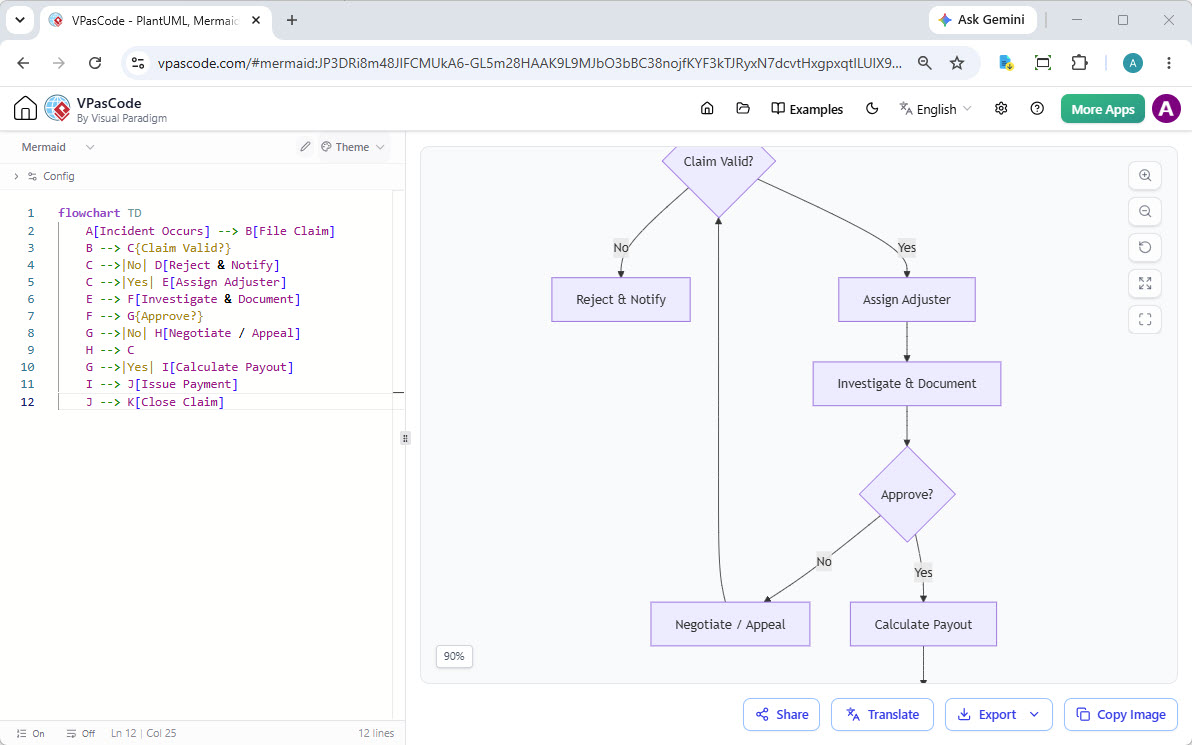
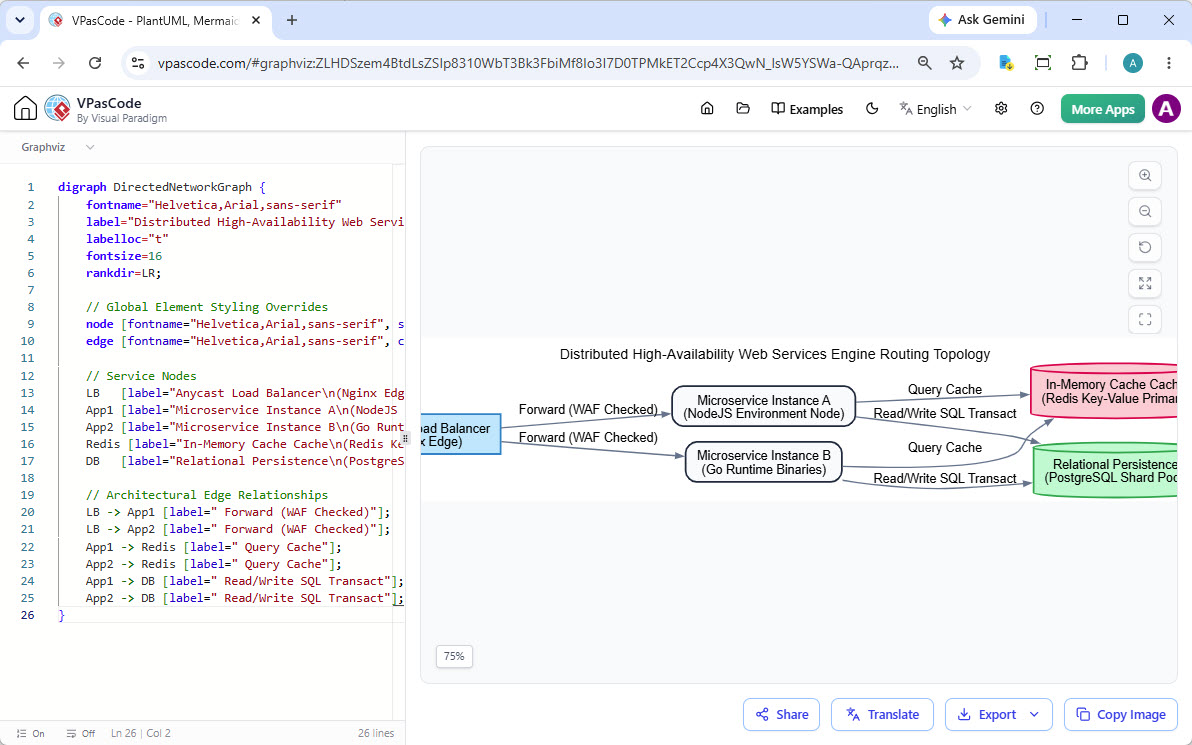
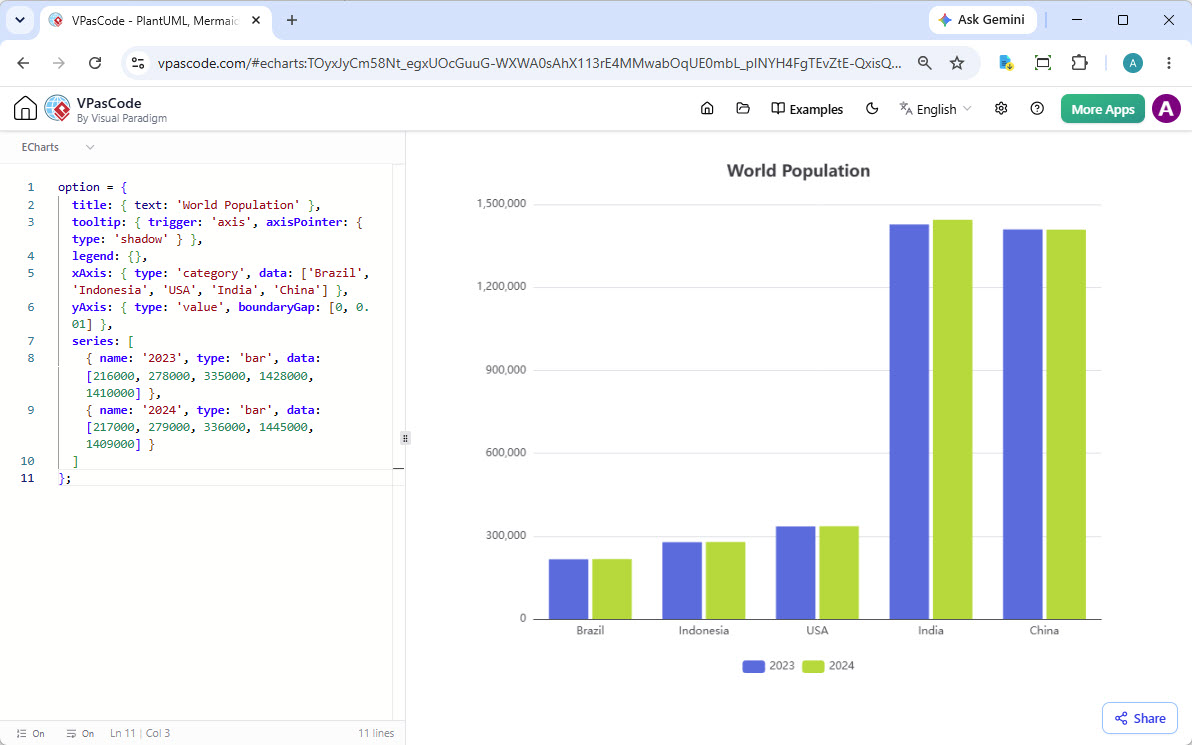
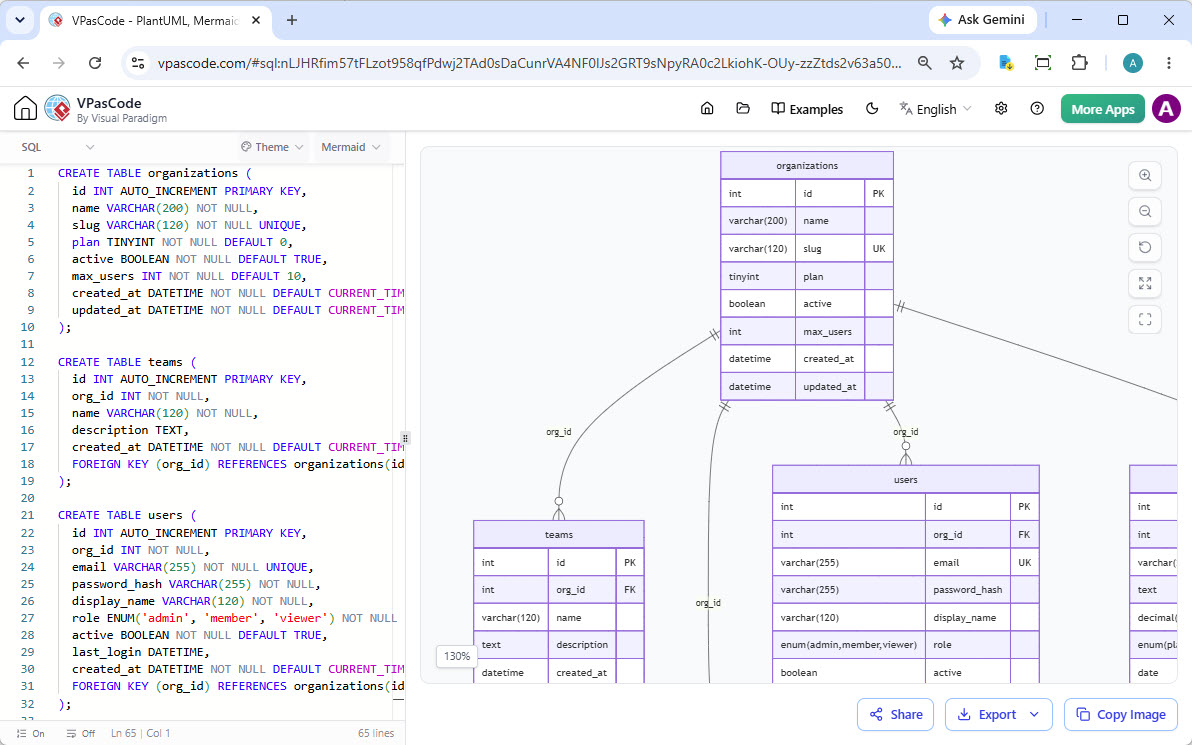
以及更多
可视化 SQL、JSON、YAML、Markmap 思维导图及其他格式。
Visual Paradigm 生态系统的核心部分
您的 PlantUML 编辑器与其他 Visual Paradigm 工具无缝协作,创造从构思到文档的流畅工作流。
使用 AI 生成,用 VPasCode 精炼
使用 Visual Paradigm AI 绘图聊天机器人通过自然语言提示词生成复杂的 PlantUML 图表。生成后,在您的 PlantUML 编辑器中打开代码以微调每个细节,直到完美。
立即试用 AI 绘图聊天机器人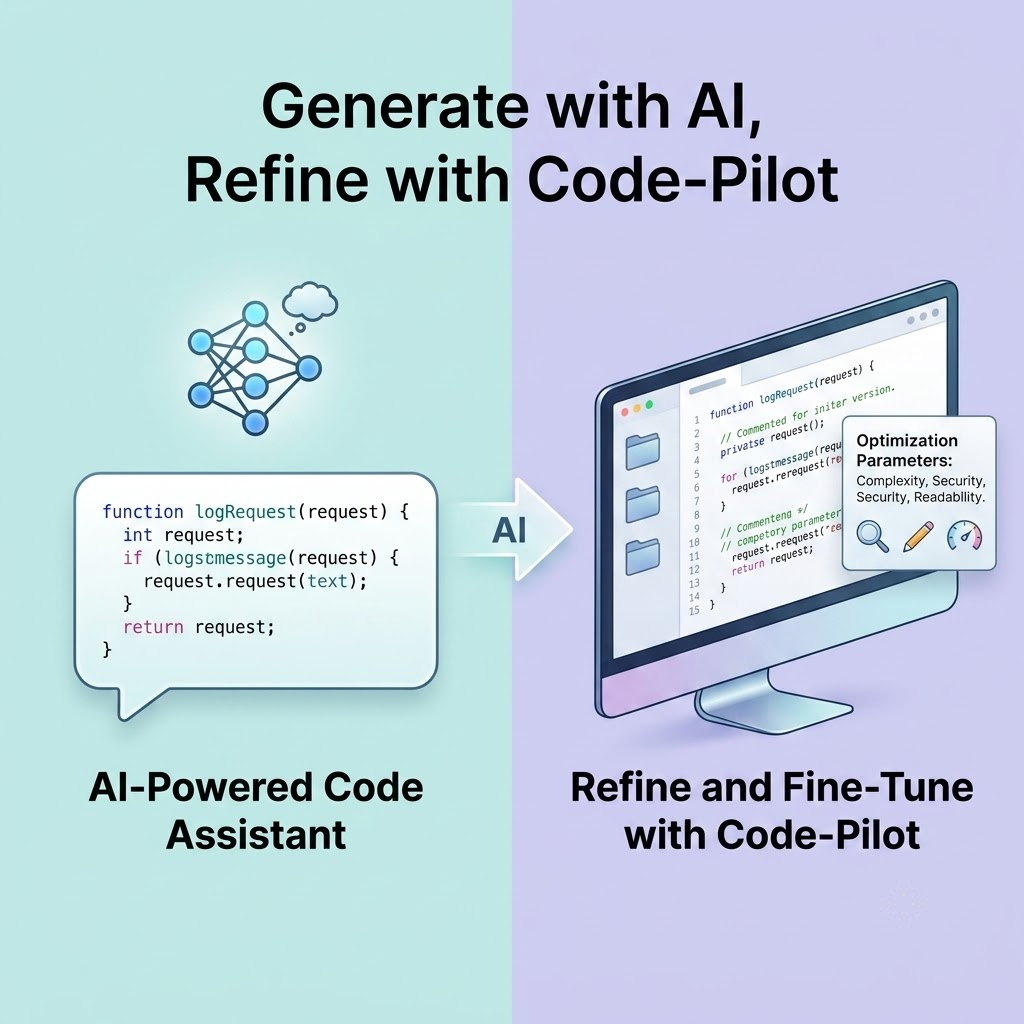
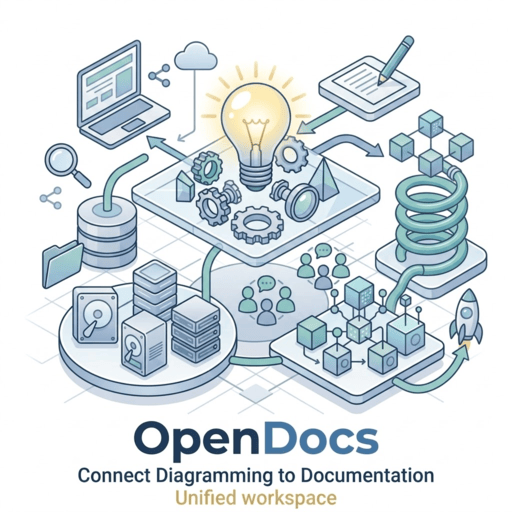
将绘图连接到文档
图表通常是宏大故事的一部分。只需点击一下,即可将您从 PlantUML 工具中完成的工作直接发送到 Visual Paradigm OpenDocs,以创建丰富、可共享的知识库和项目文档。
备受全球领先团队信赖
我们的 PlantUML 编辑器和更广泛的建模平台被全球最成功公司的专业人士所使用。







准备好提升您的 PlantUML 体验了吗?
停止等待缓慢、笨重的工具。今天就开始使用网络上最好的 免费 PlantUML 编辑器创建精美的图表吧。无需安装,没有烦恼。
您的 PlantUML 编辑器疑问解答
是什么让这成为最好的 PlantUML 编辑器?
我们的 PlantUML 编辑器将快速的实时渲染引擎与独特的、行业领先的 AI 功能(如语法纠错和翻译)相结合。它是一个全面的 PlantUML 工具,支持所有图表类型,核心功能免费使用,并且是更大绘图与文档生态系统的一部分。
这是一个免费的 PlantUML 编辑器吗?
是的!我们的 PlantUML 编辑器核心功能完全免费。您可以免费创建、编辑、实时预览和导出图表。诸如 AI 代码修复等高级功能是我们 Visual Paradigm 高级版本的一部分。
我需要运行自己的 PlantUML 服务器吗?
不需要。我们的 在线 PlantUML 编辑器为您处理所有渲染工作。无需安装、配置或维护单独的 PlantUML 服务器。一切都在您的浏览器中开箱即用。
支持哪些 PlantUML 图表?
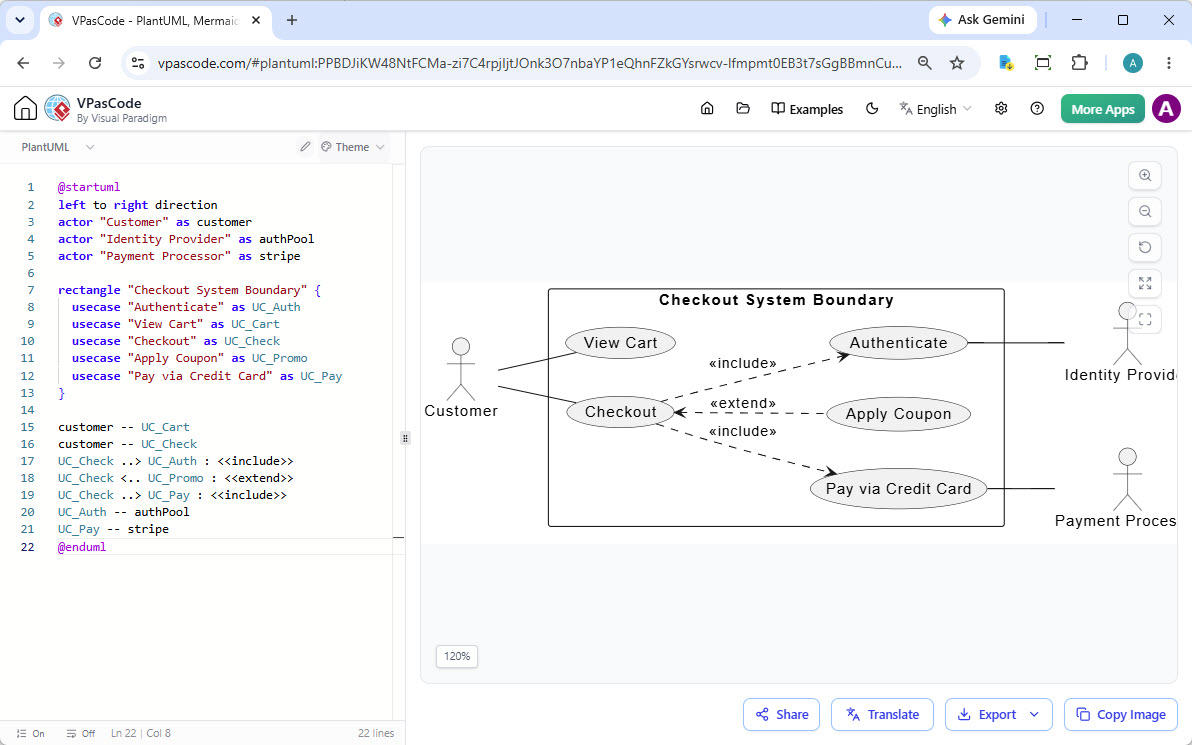
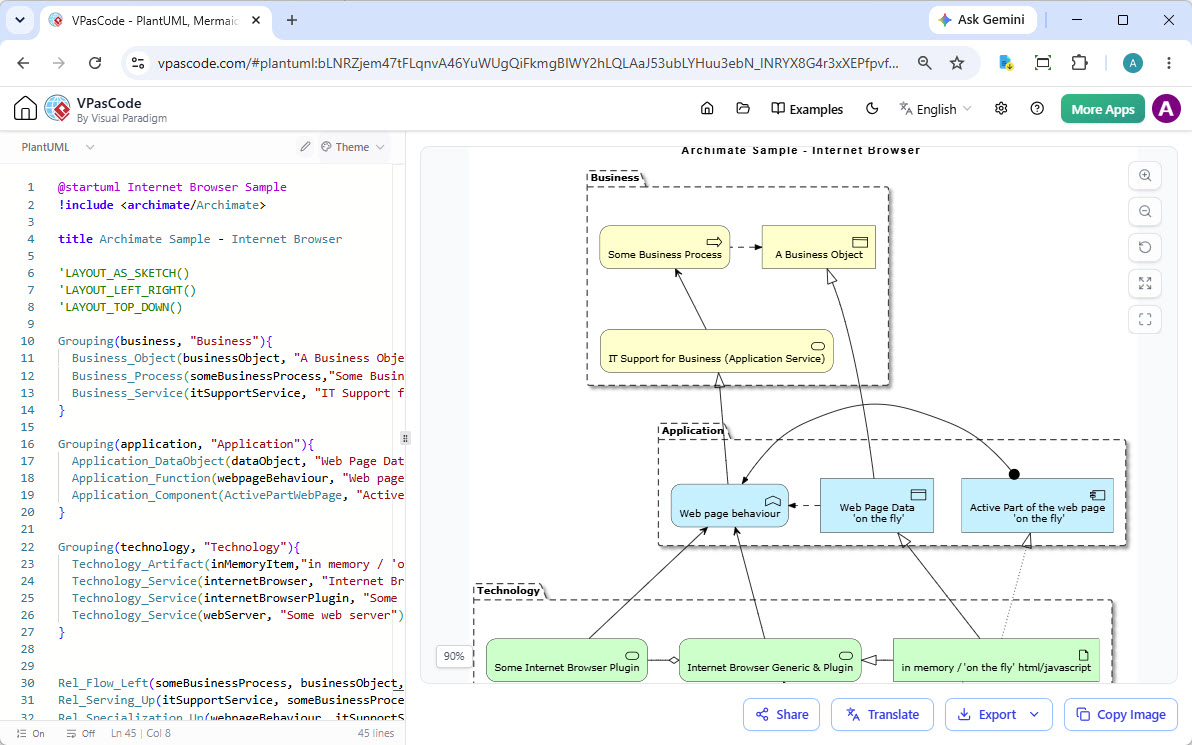
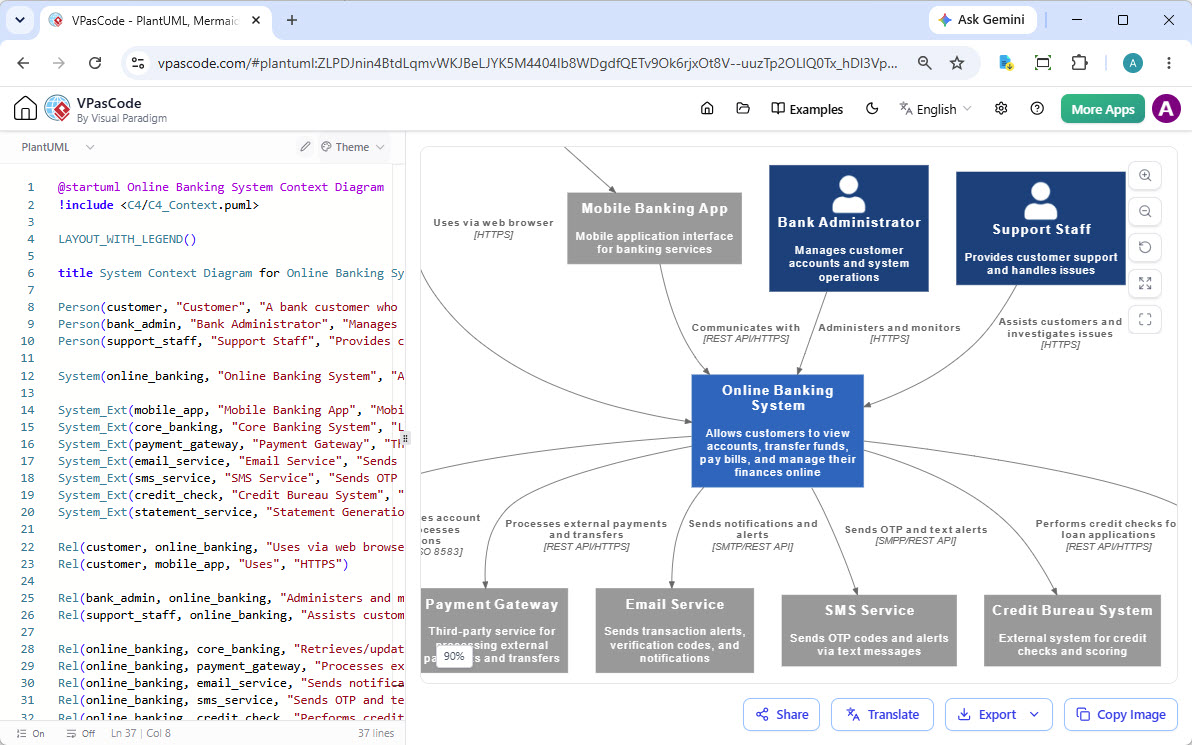
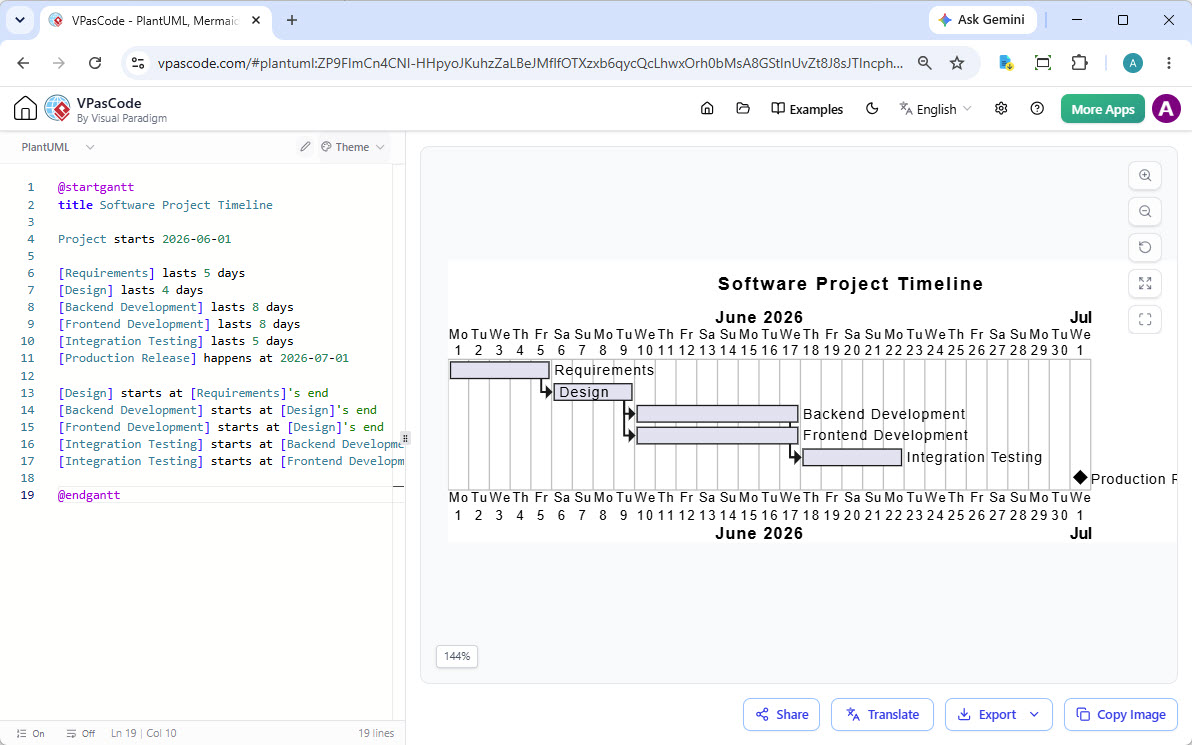
我们的 PlantUML 工具支持全系列图表,包括 时序图 (Sequence)、用例图、类图、活动图、组件图、状态图、对象图、部署图和定时图,以及 ArchiMate、C4、ERD、WBS、甘特图和思维导图。只要 PlantUML 能制作,我们的编辑器就能渲染。
PlantUML 与 Mermaid 有什么区别?
两者都是流行的文本生成图表工具。PlantUML 历史更悠久,能够以极高的精细度支持更广泛的技术图表(如 UML、ArchiMate 和 C4)。Mermaid 则以更简单的语法著称,在流程图和时序图(尤其是在 Markdown 文档中)中非常受欢迎。我们的 editor 同时支持两者,您可以根据需求选择最合适的工具。
VPasCode 支持 AI 图表生成吗?
是的!VPasCode 具有原生内置的 AI 图表生成功能。您可以使用简单的文本提示词(例如“为 ATM 系统生成 PlantUML 用例图”)直接在界面内创建图表。VPasCode 可瞬间将您的提示词转化为渲染好的图表,无需在多个应用之间切换。
我可以在 VPasCode 中编辑由 Visual Paradigm AI 绘图聊天机器人生成的图表吗?
可以!VPasCode 与 Visual Paradigm AI 绘图聊天机器人直接连接。您可以在聊天机器人中进行头脑风暴或提炼初步概念,然后直接在 VPasCode 中打开这些图表以执行精细的代码编辑、翻译或格式化。