The Unified Diagram as Code Tool You've Been Waiting For

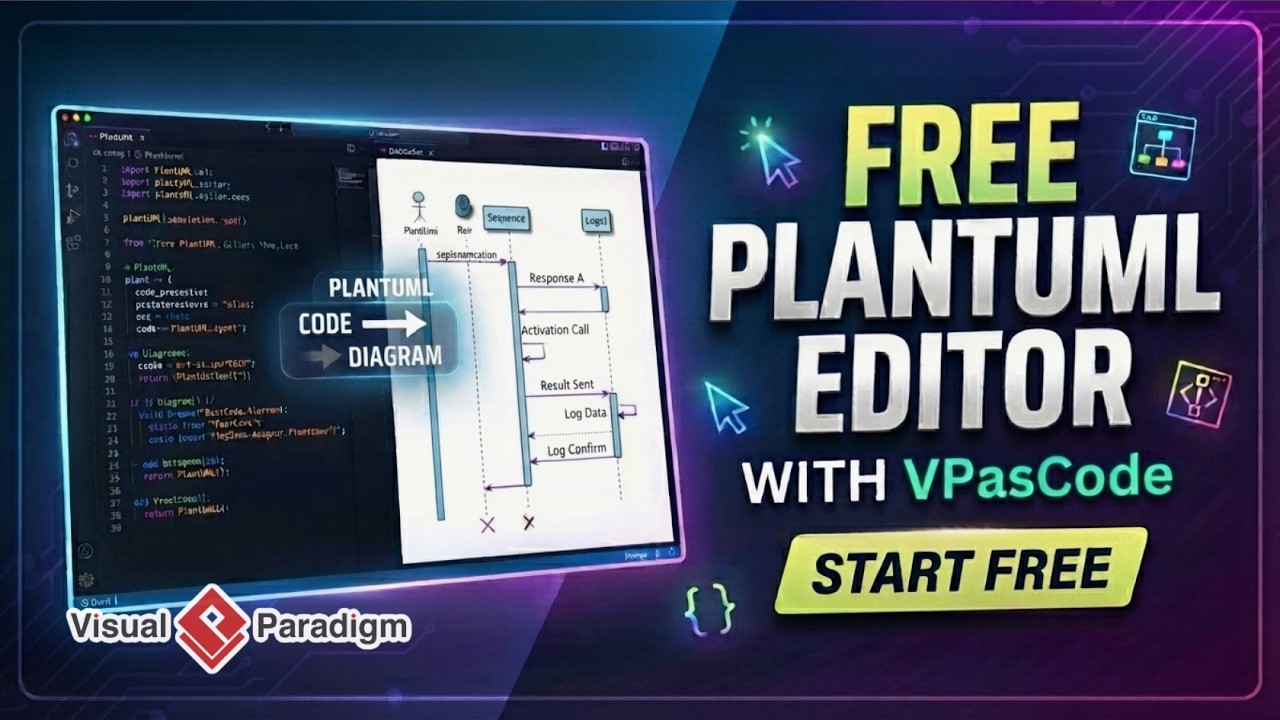
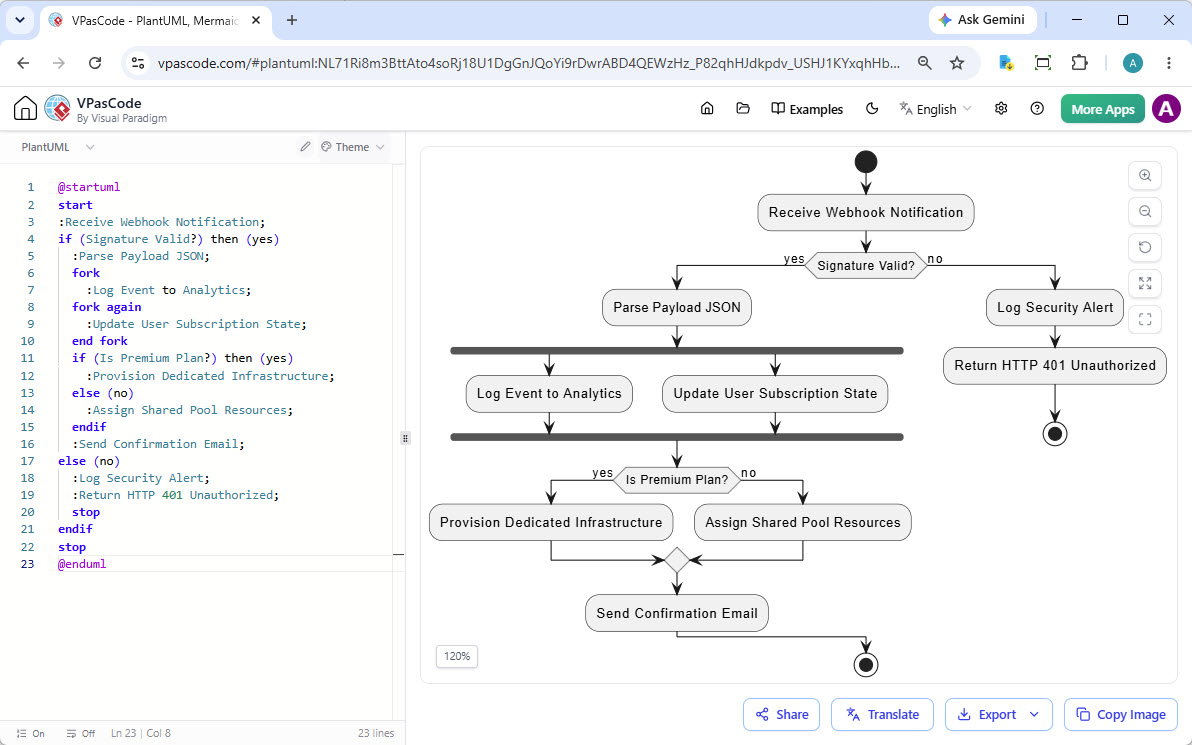
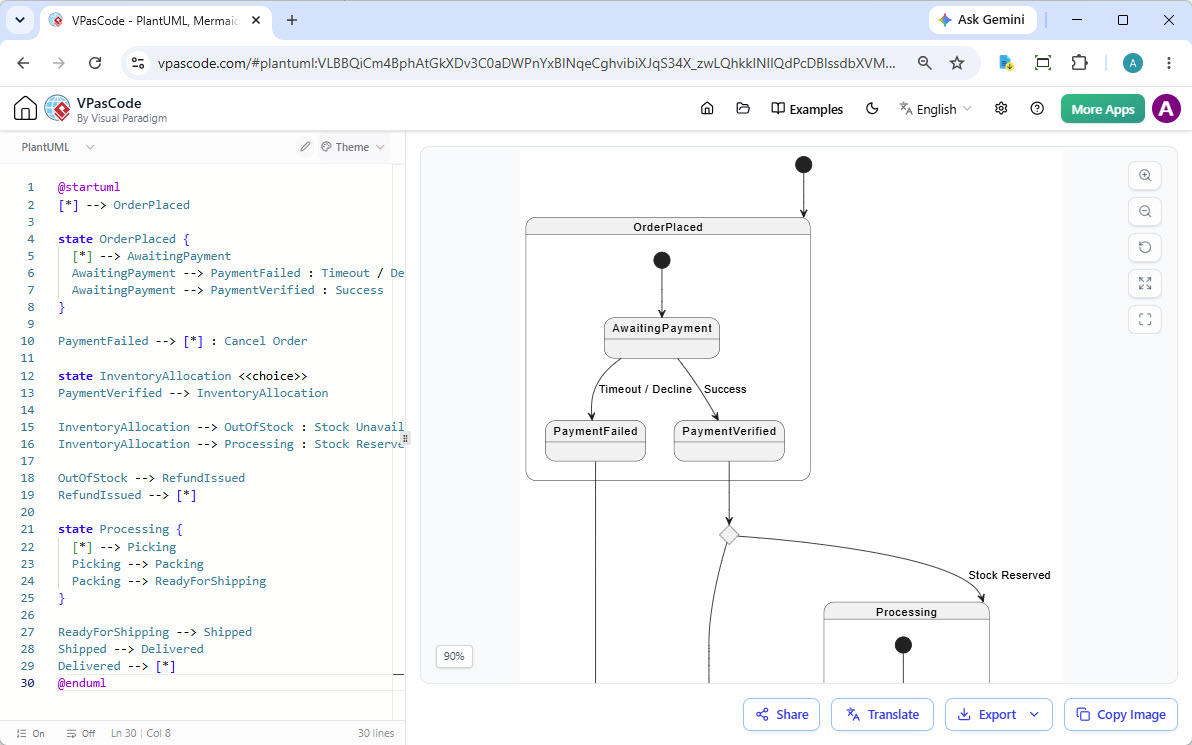
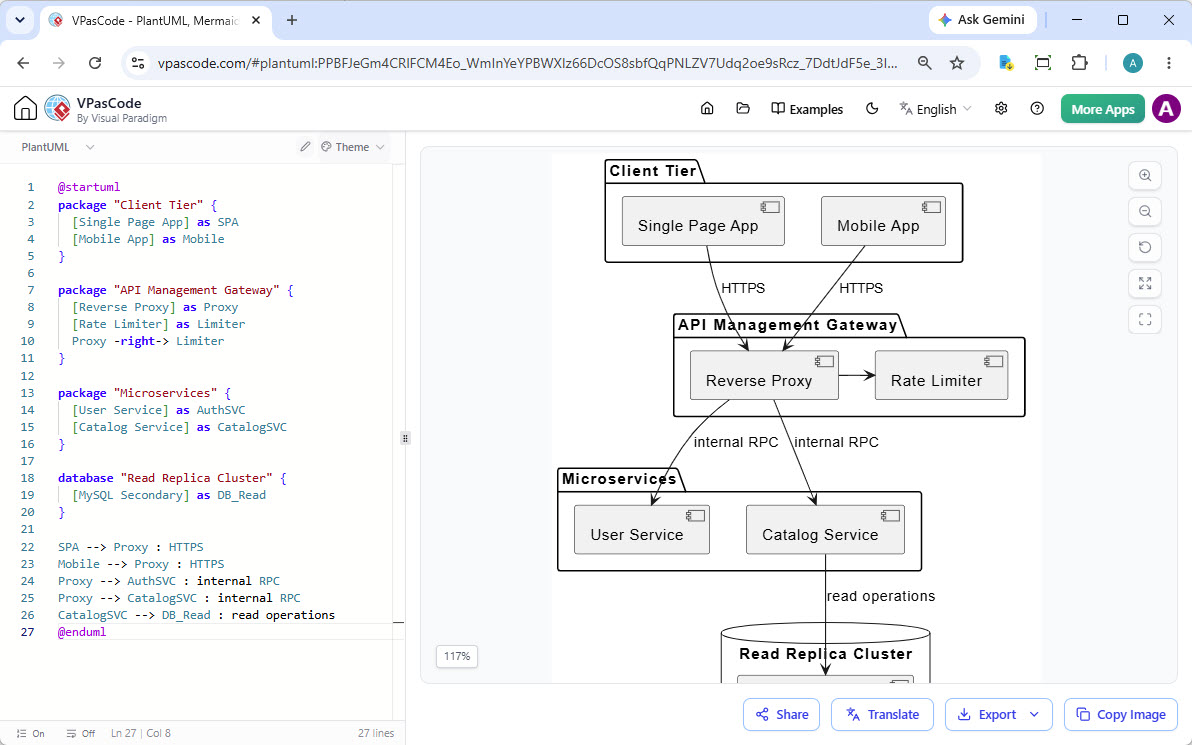
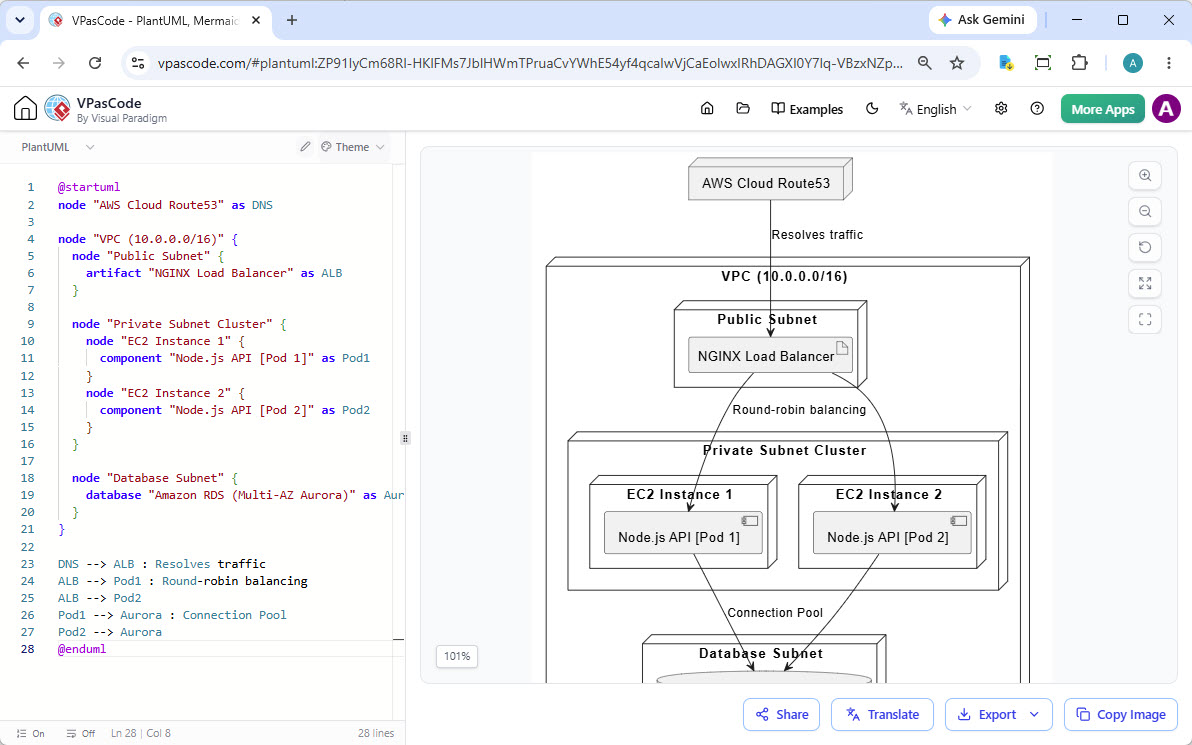
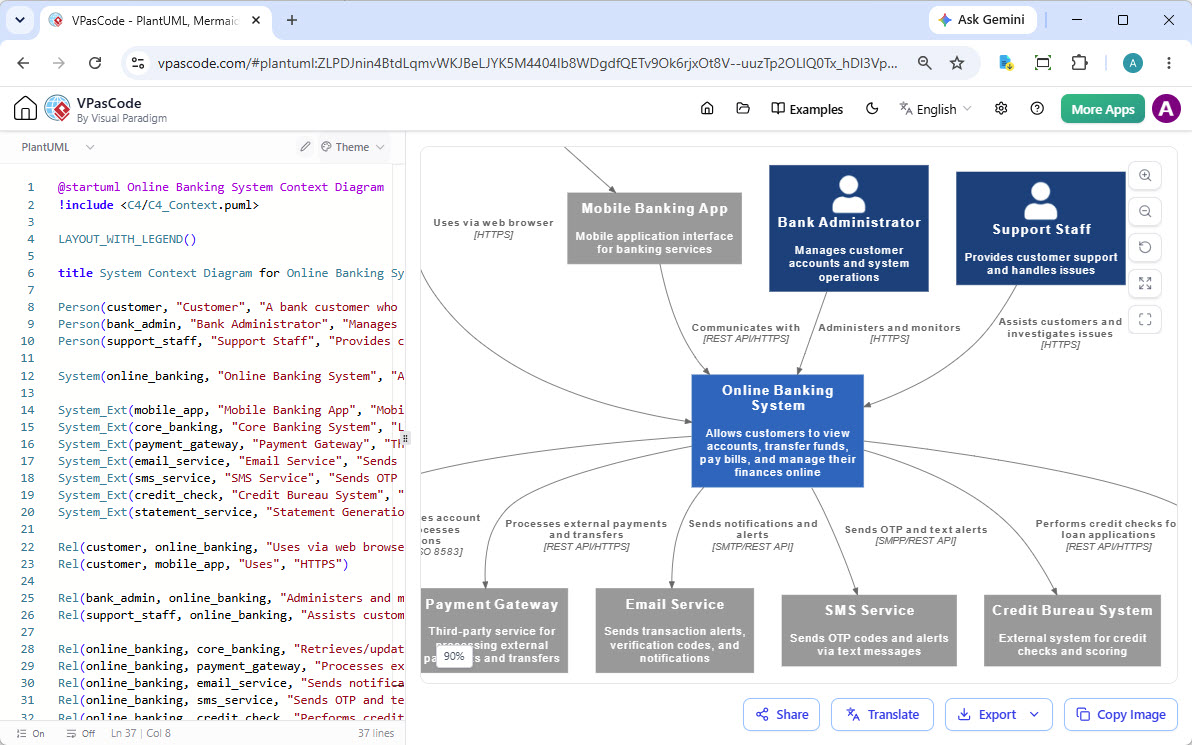
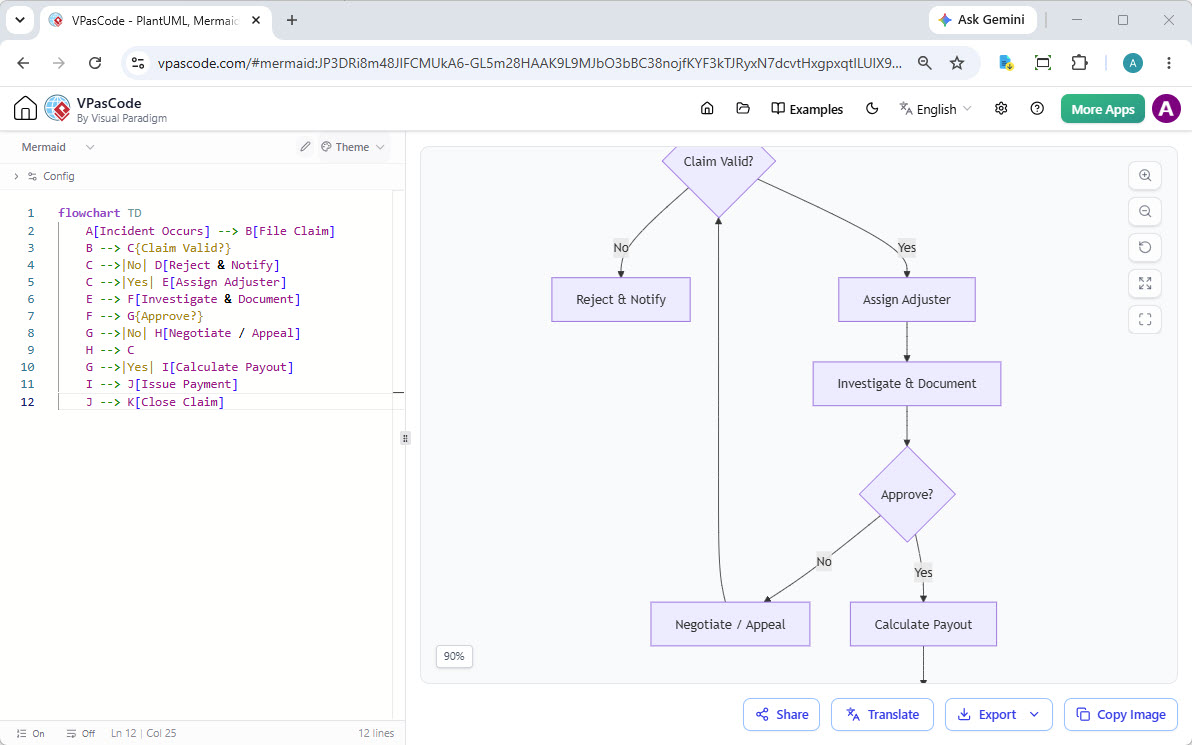
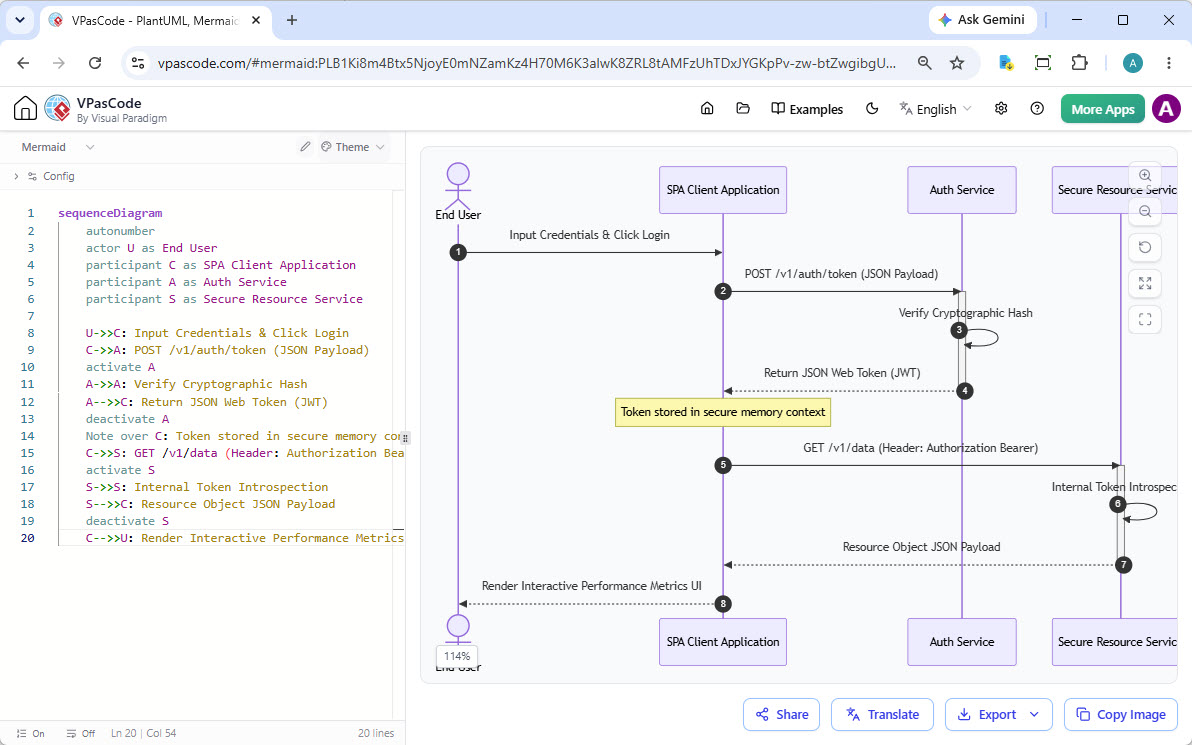
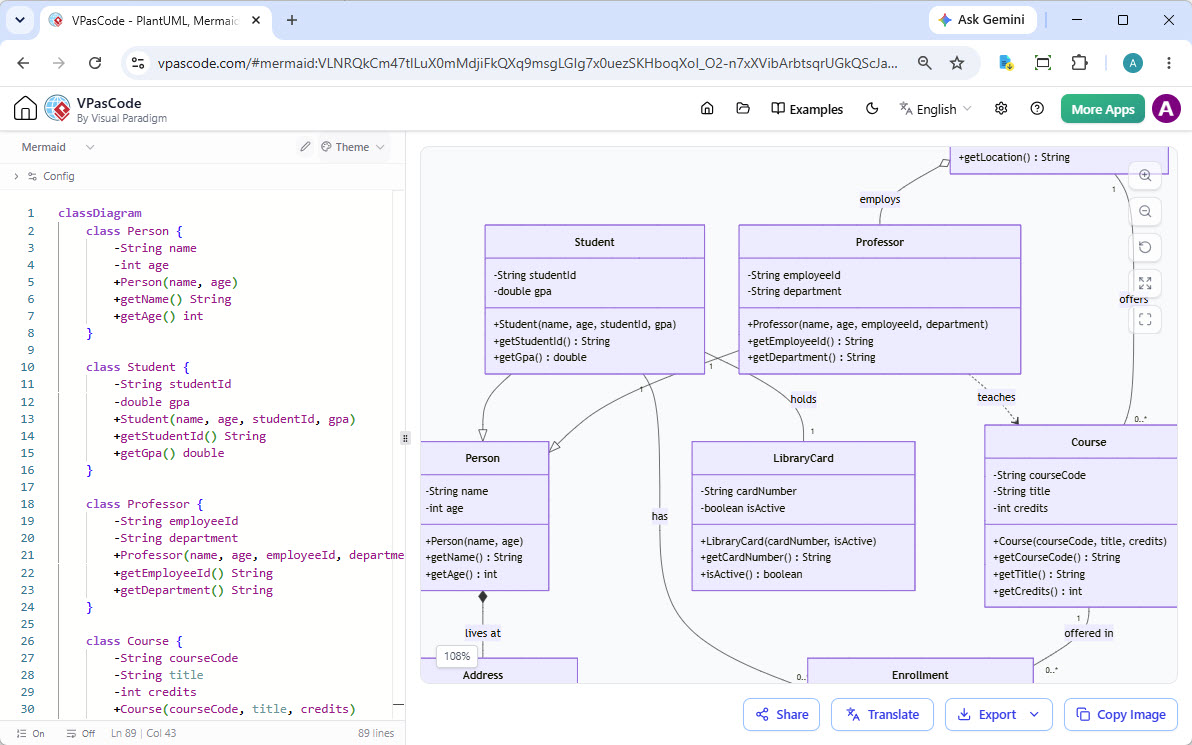
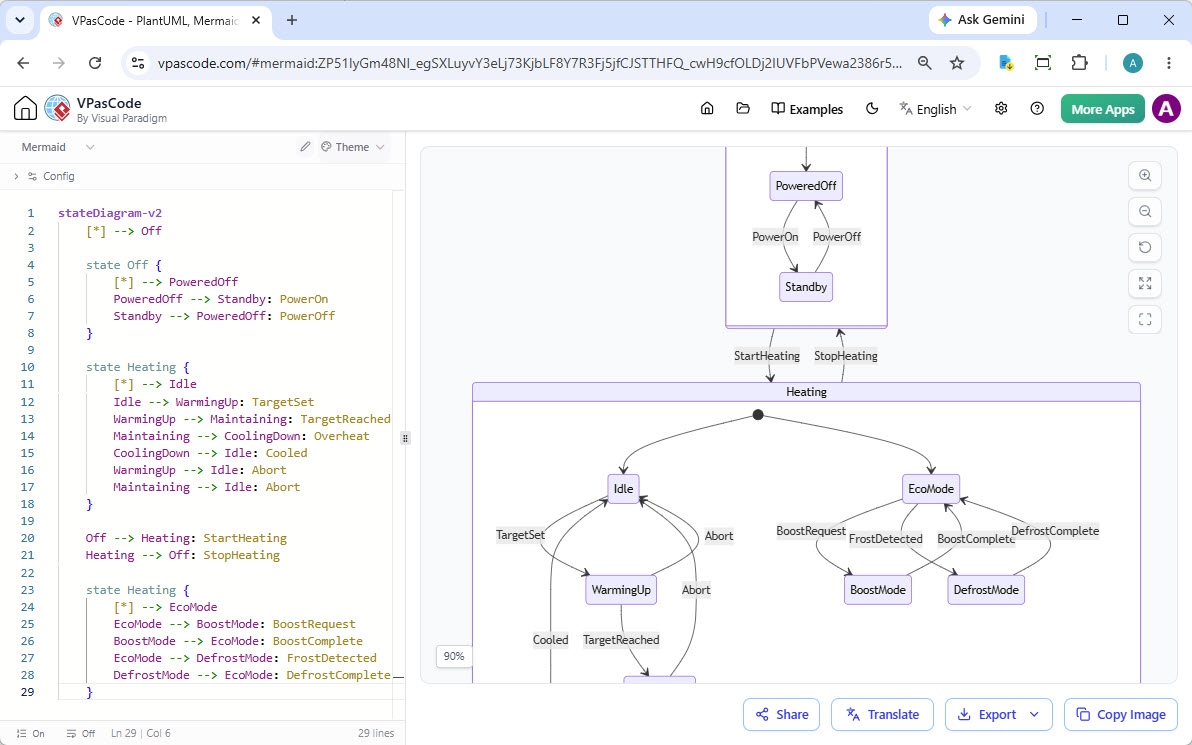
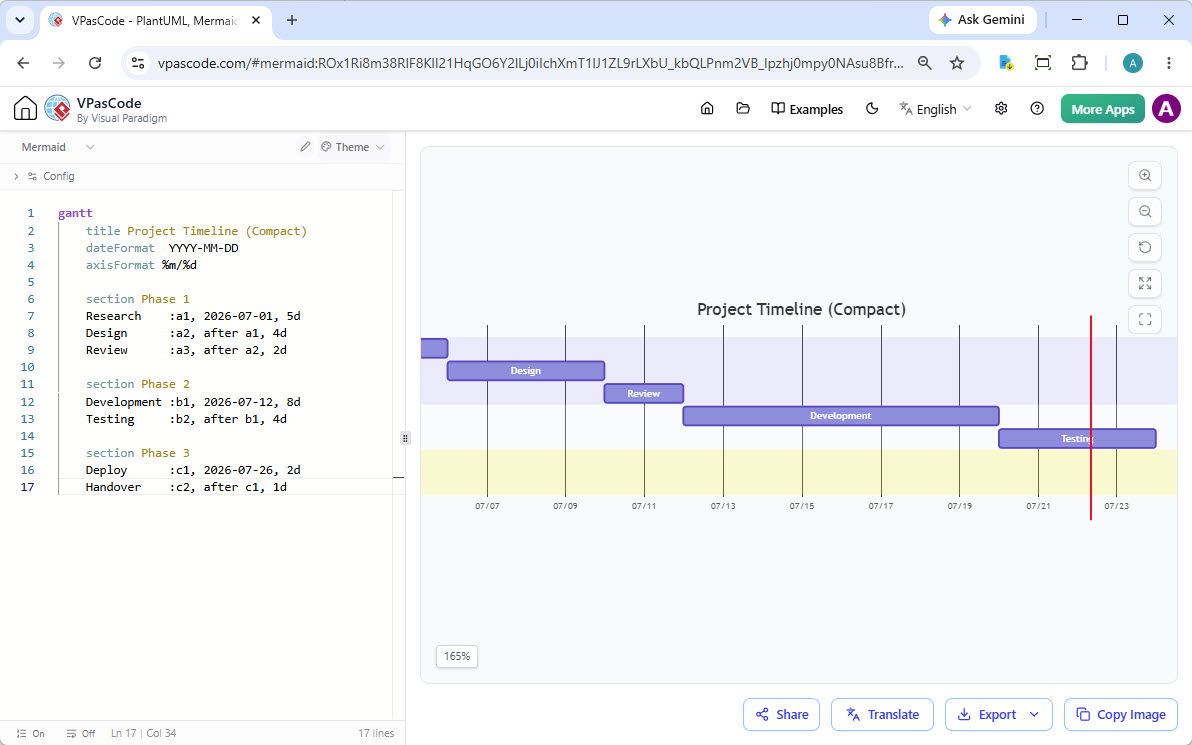
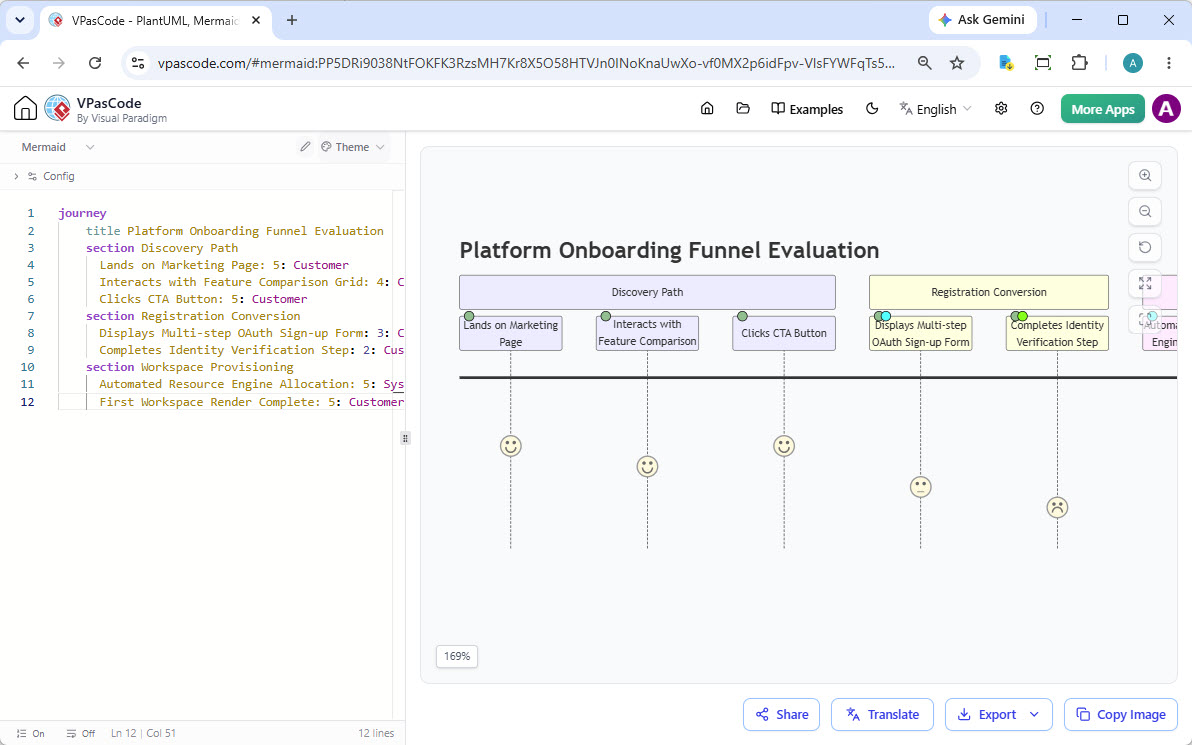
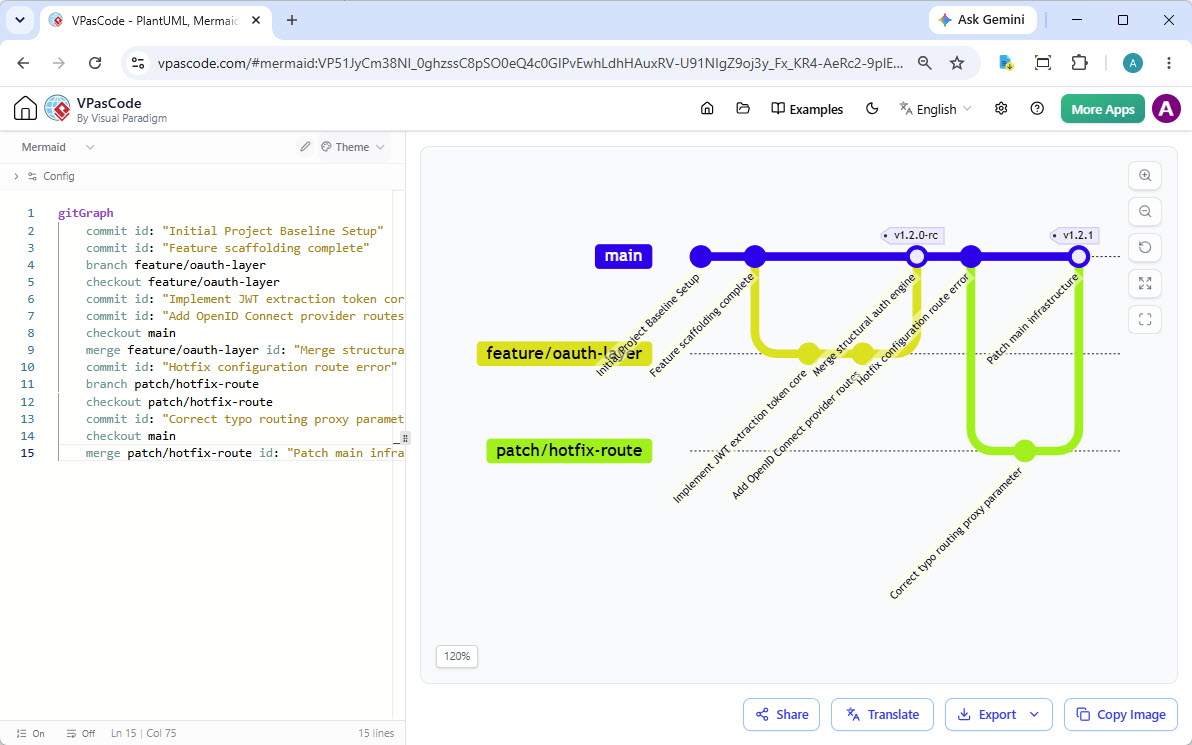
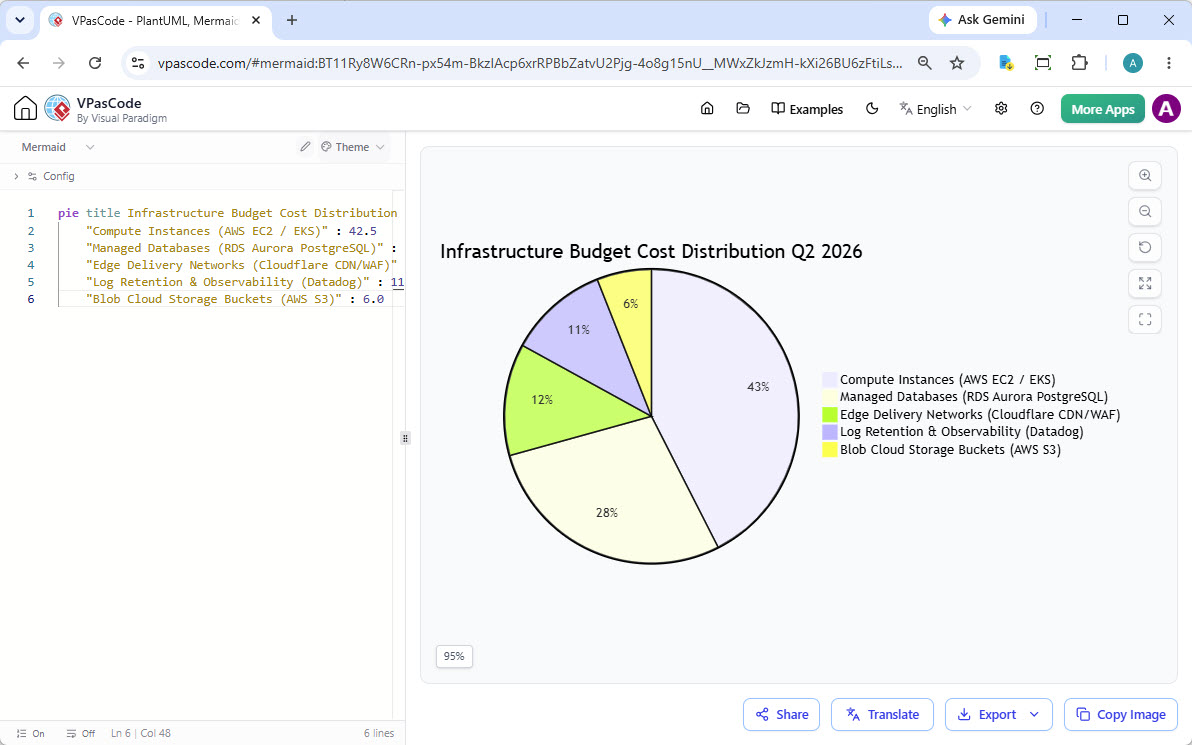
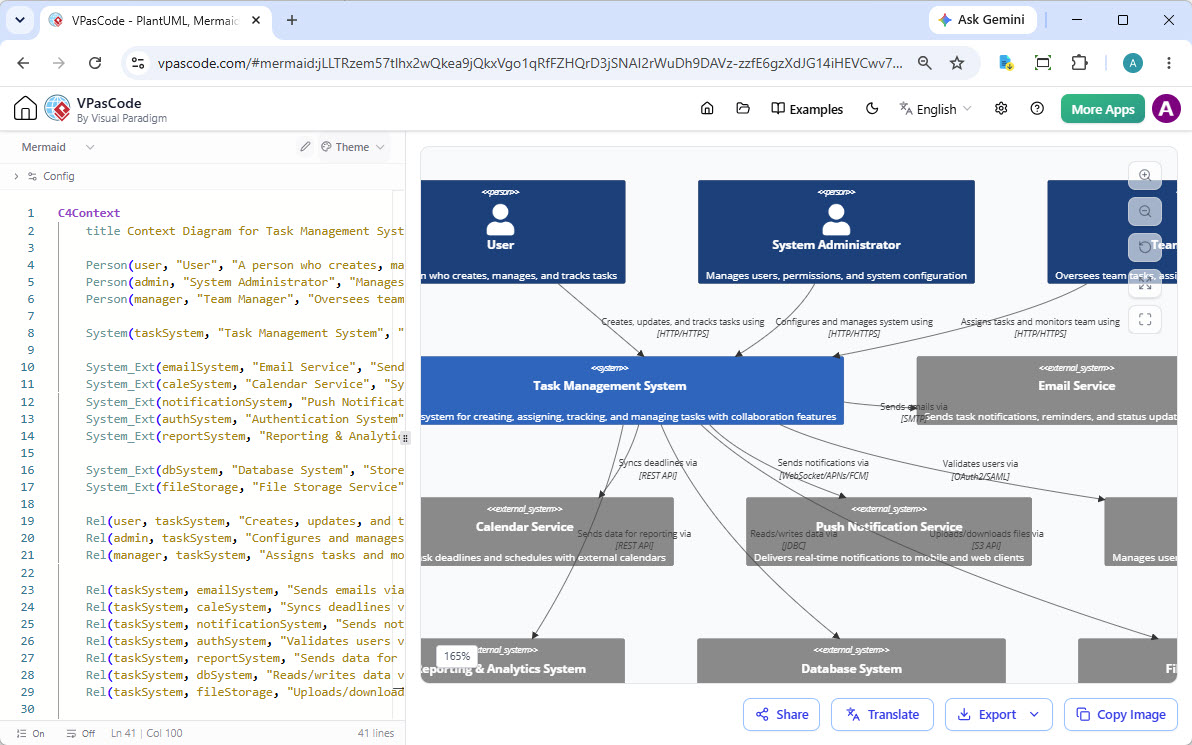
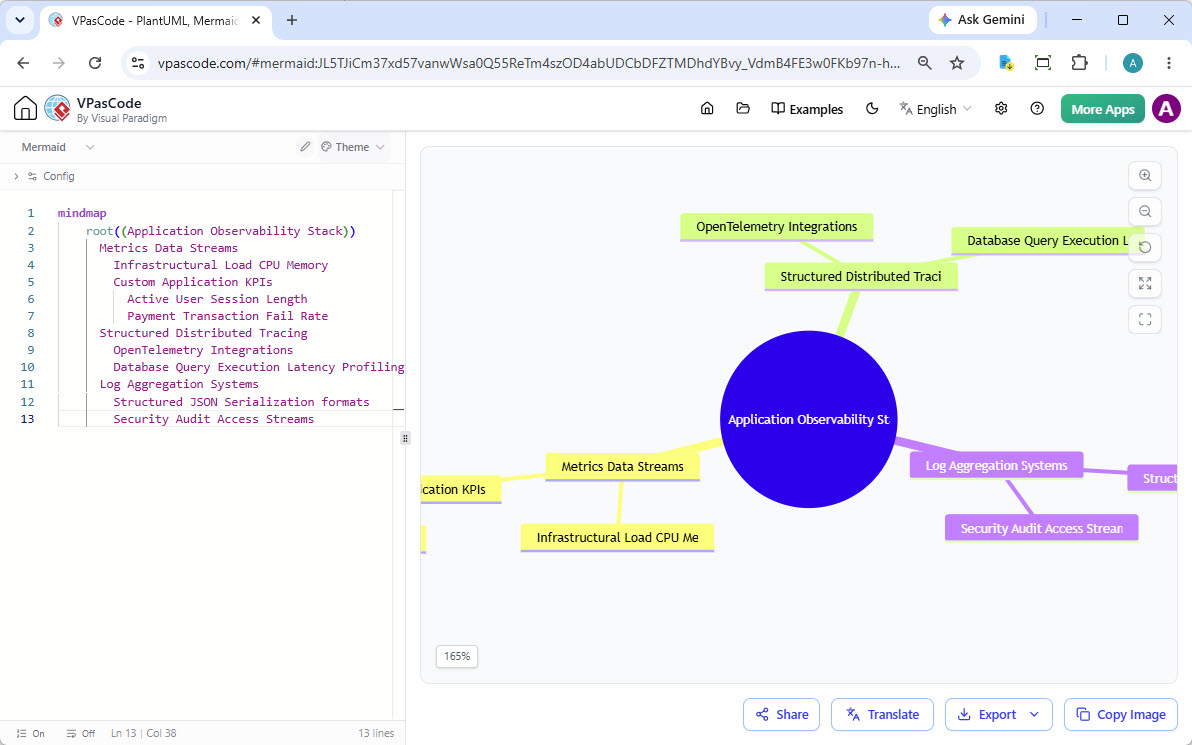
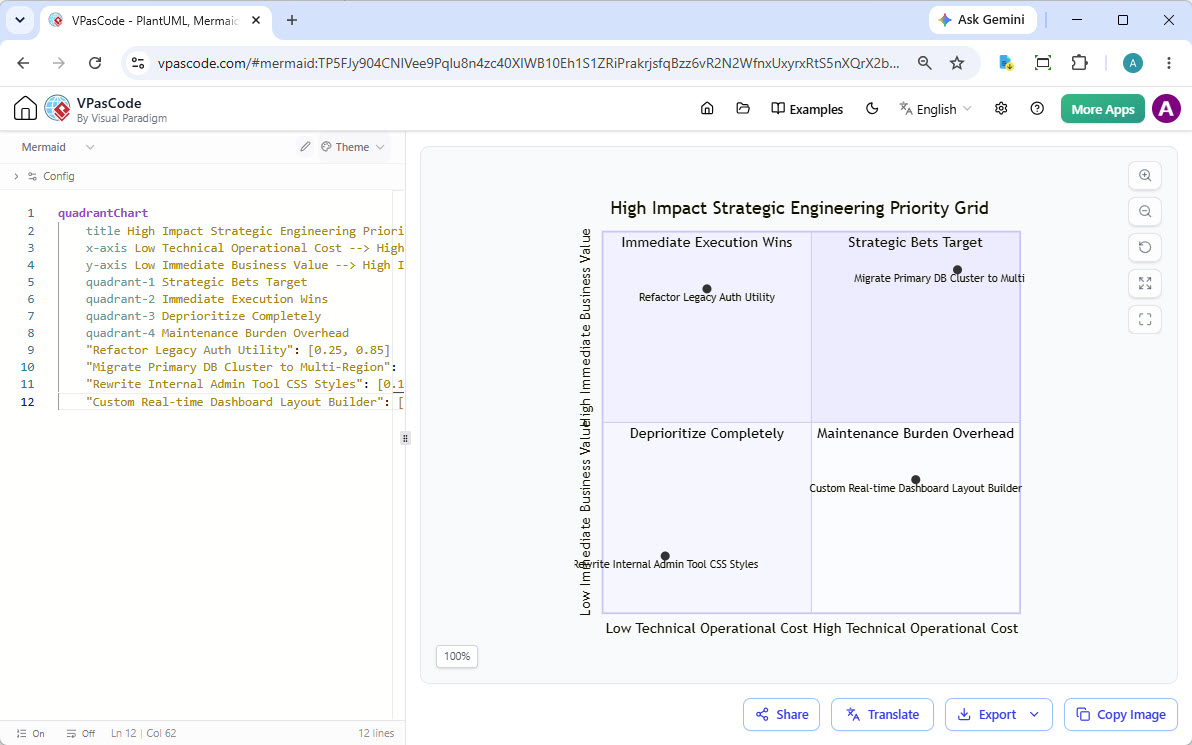
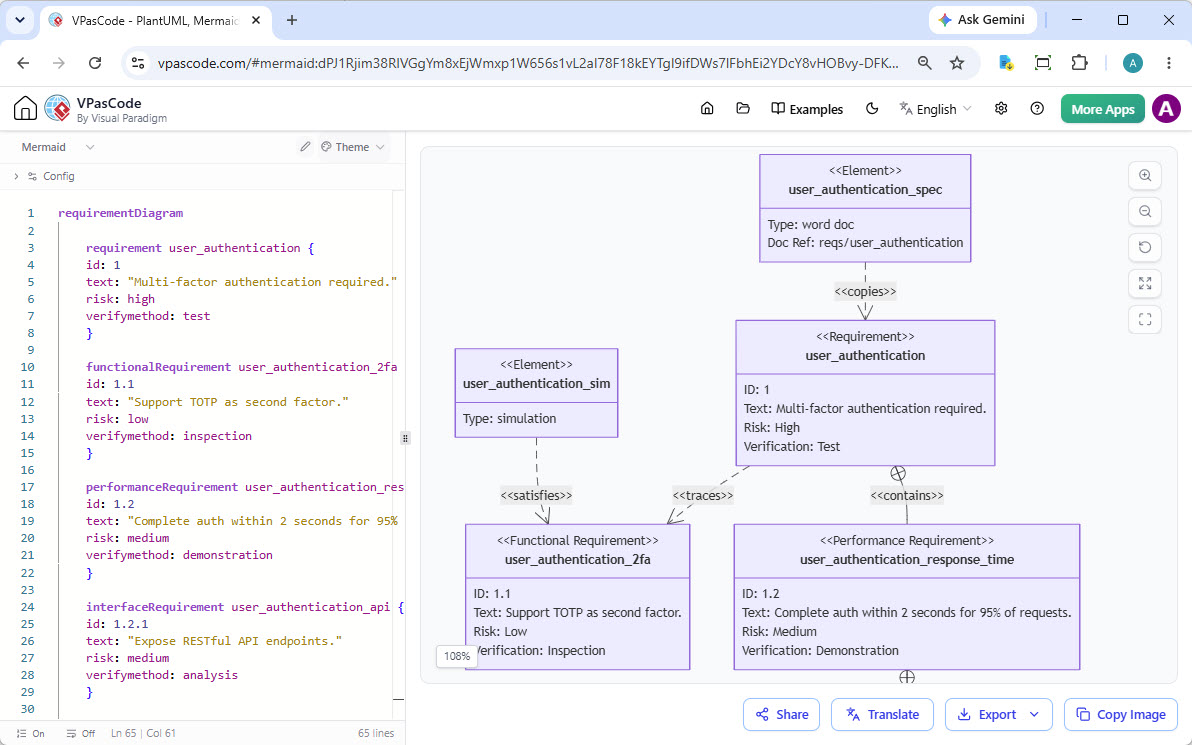
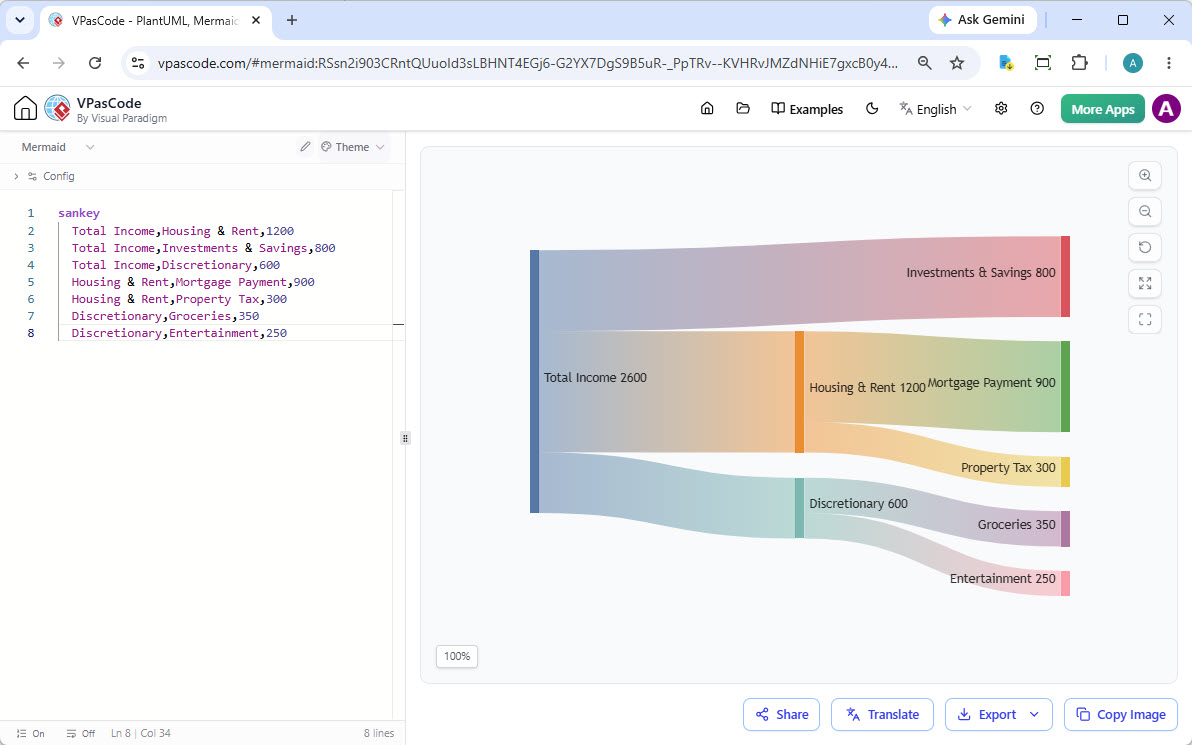
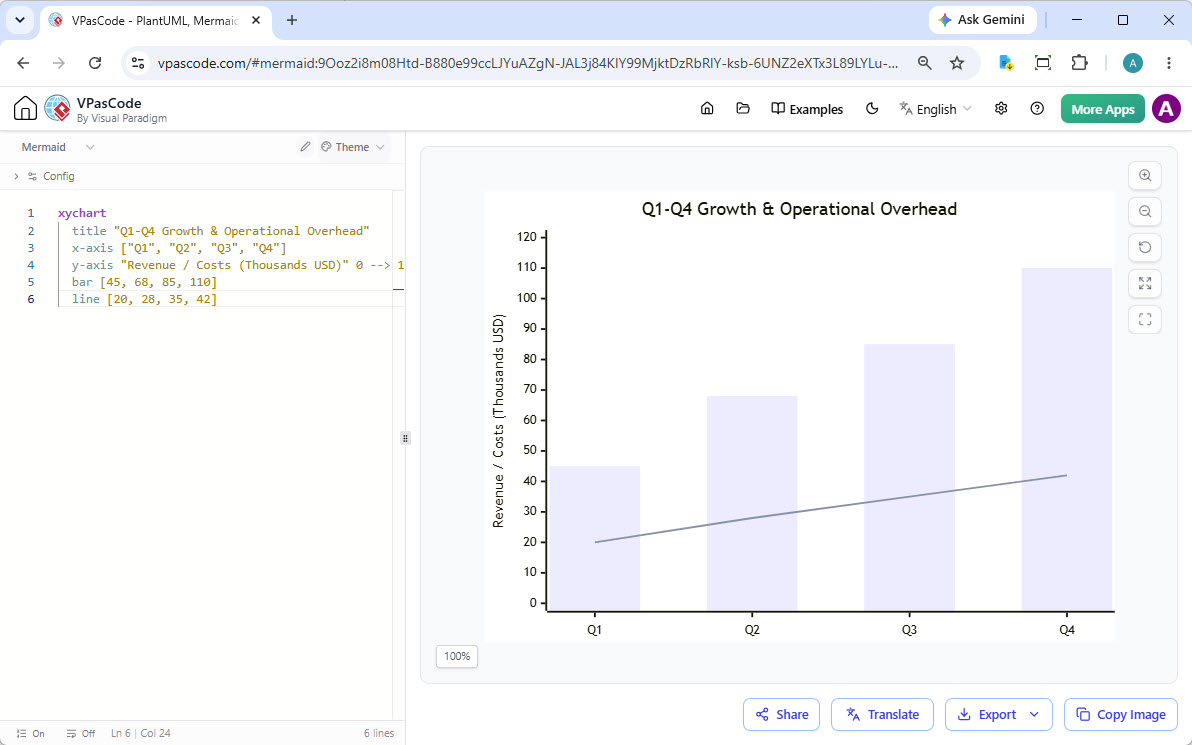
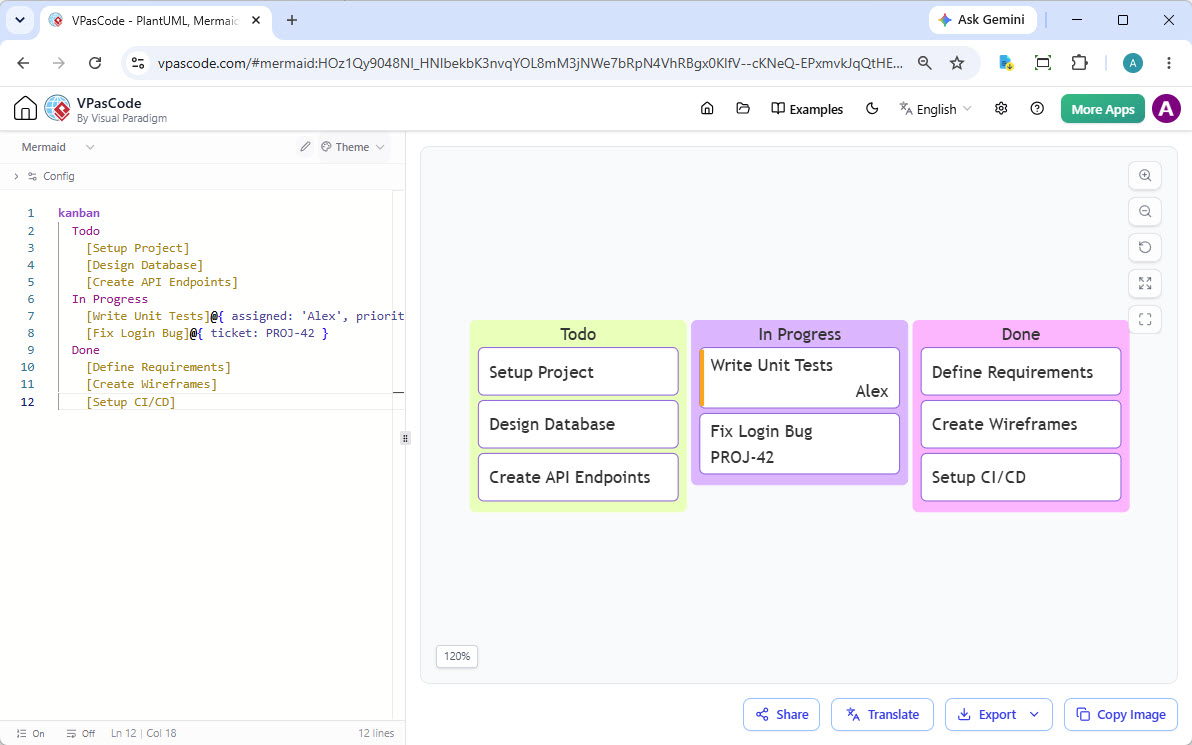
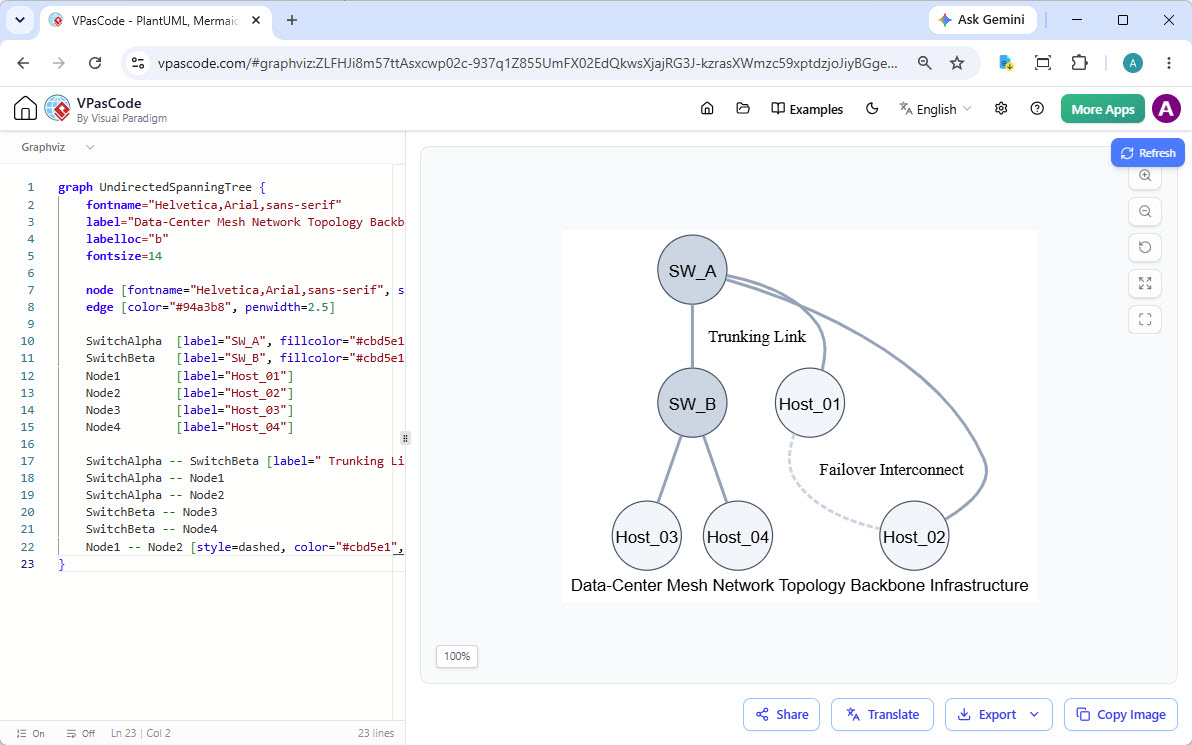
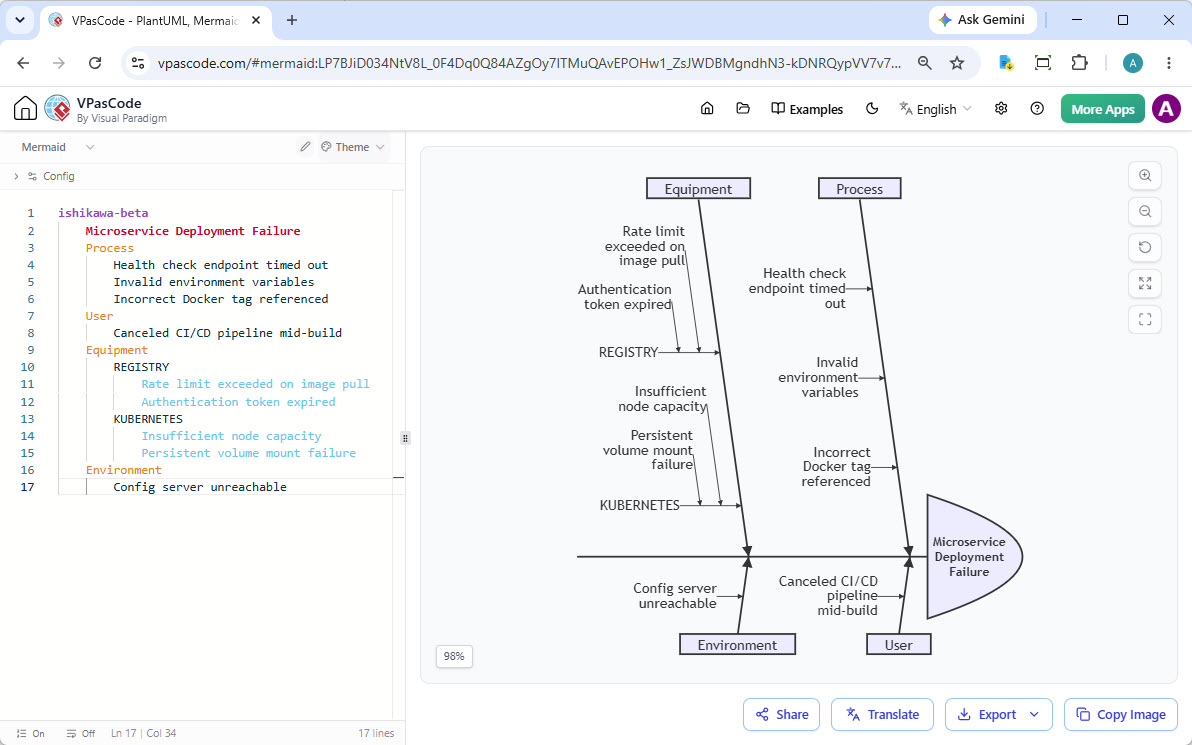
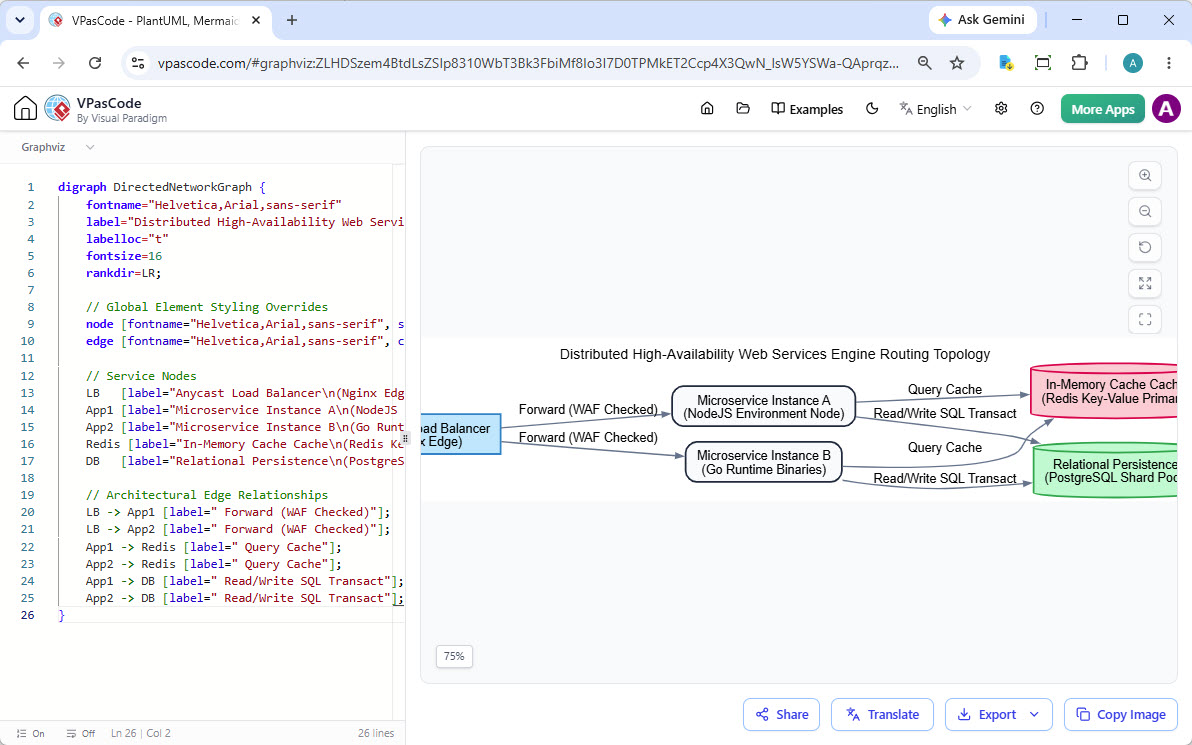
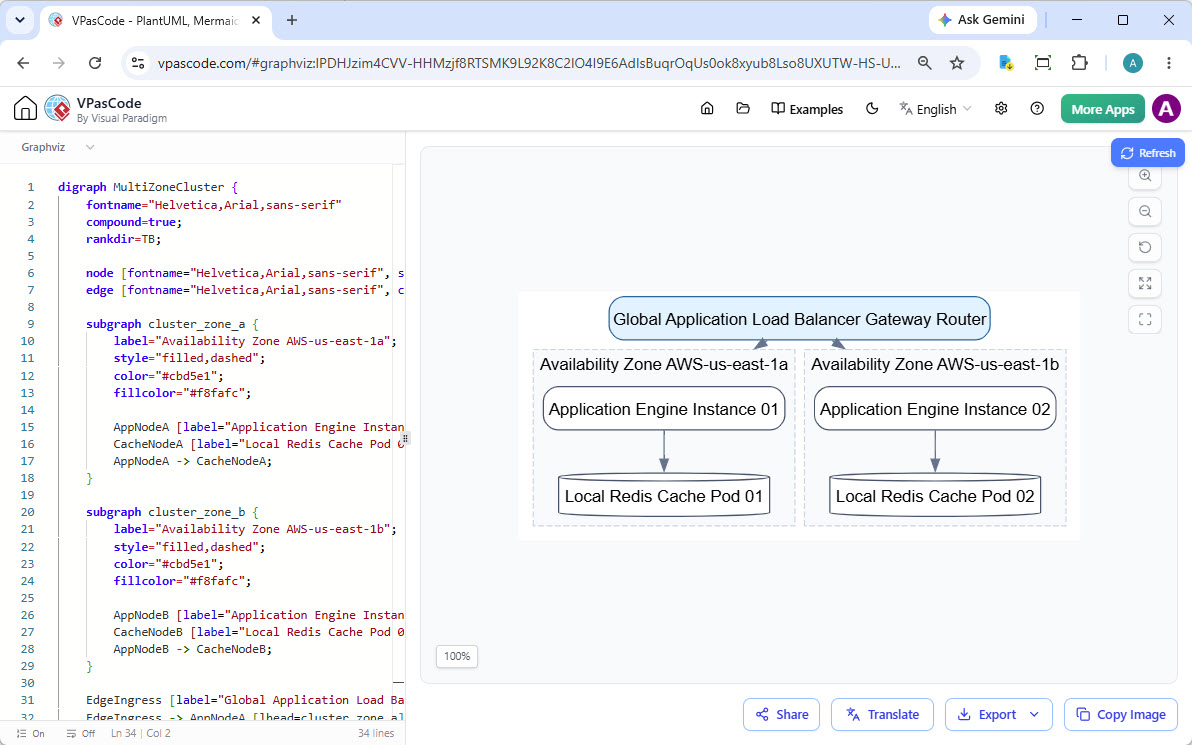
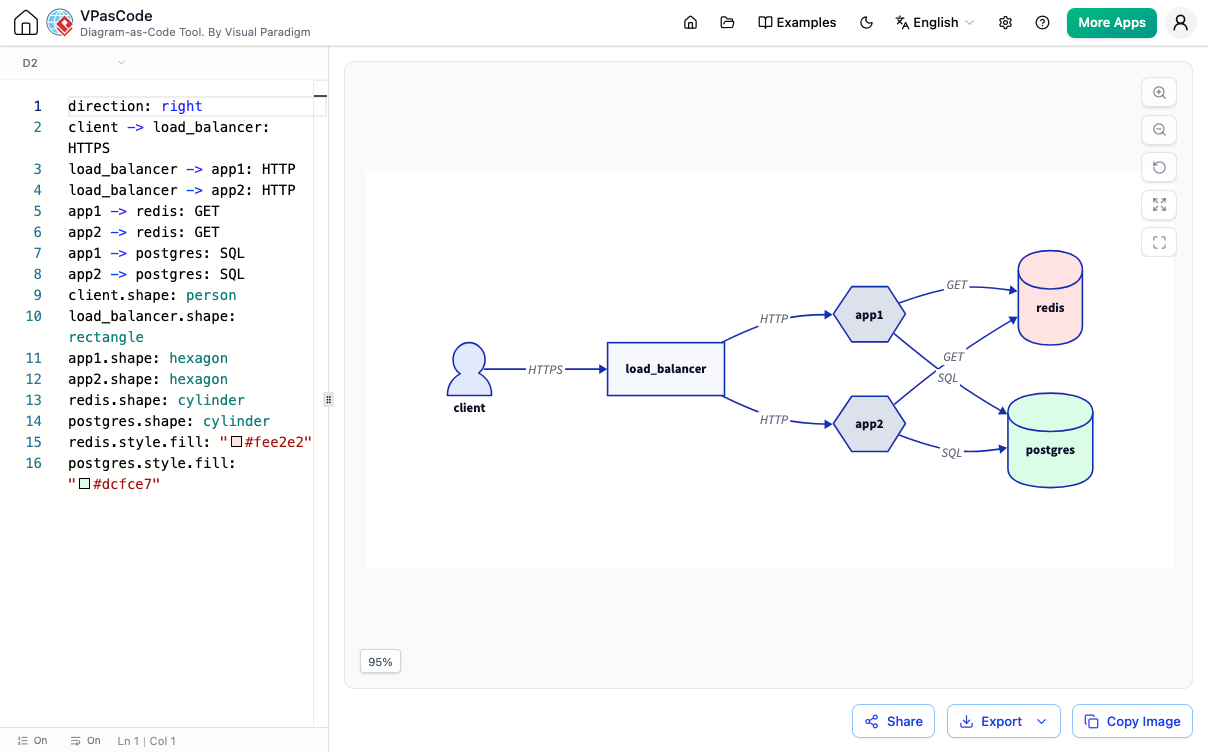
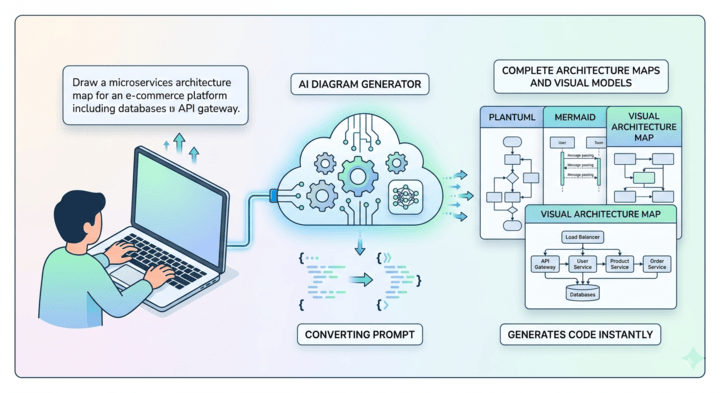
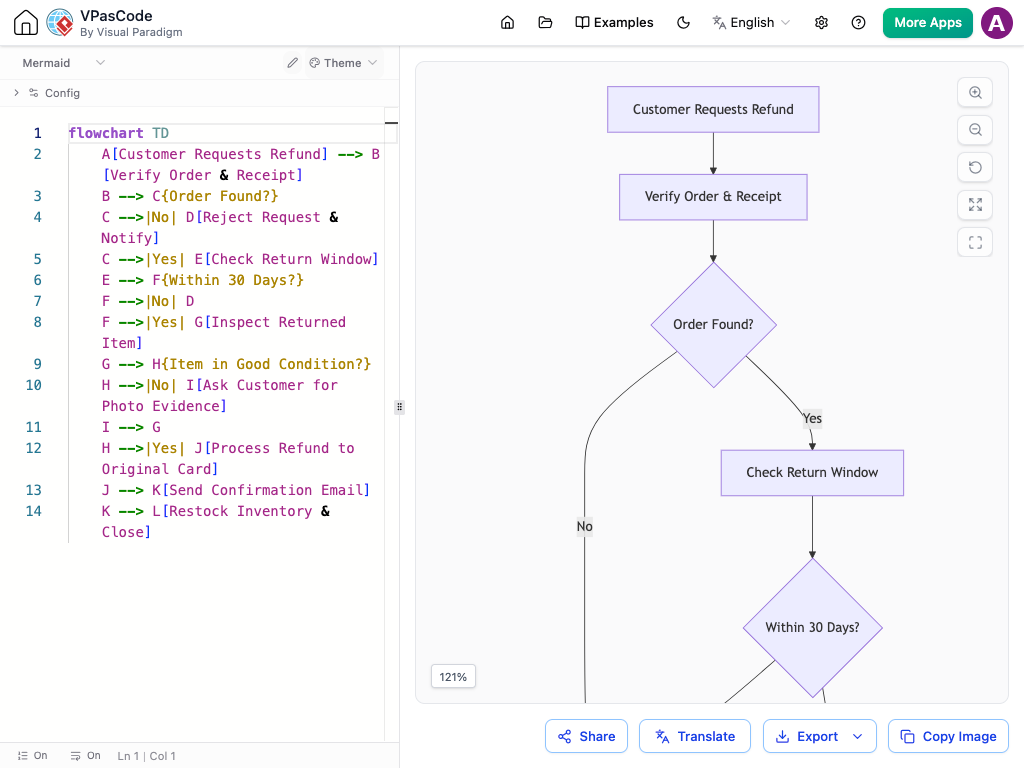
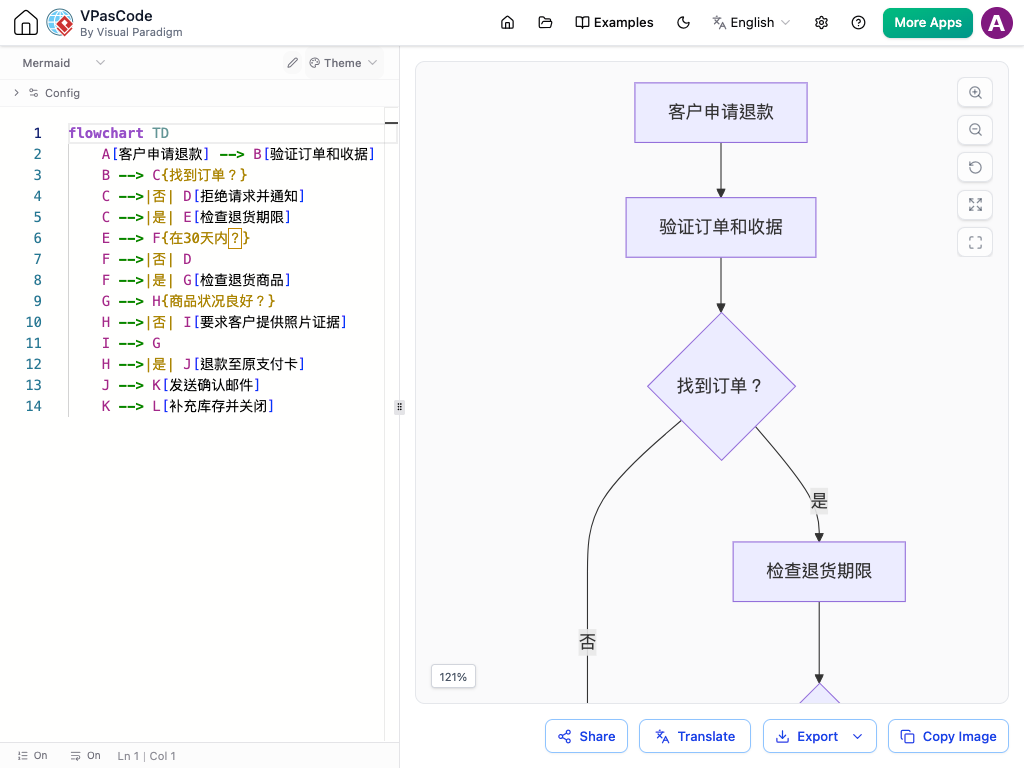
Visual Paradigm VPasCode is a free, text-based diagramming platform that unifies major 'diagram as code' standards like PlantUML, Mermaid, D2, and Graphviz into a single, intelligent editor. Create, render, and refine complex diagrams from simple text descriptions with our powerful diagram as code tool.

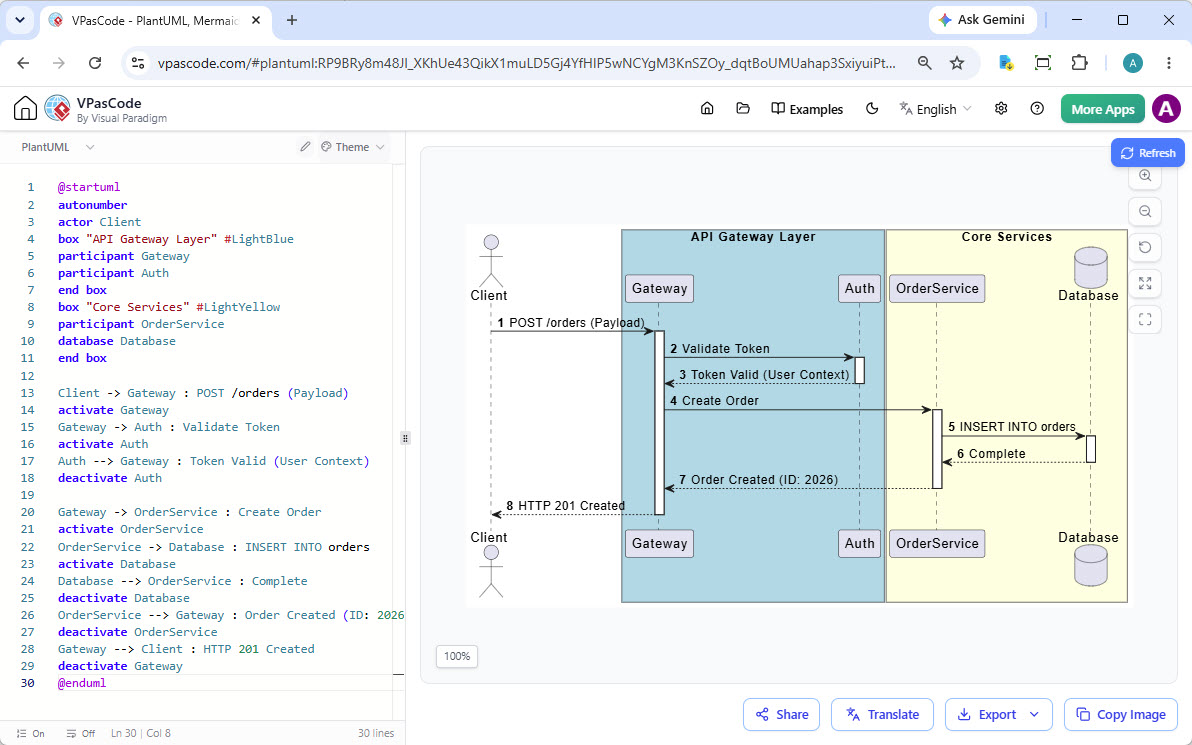
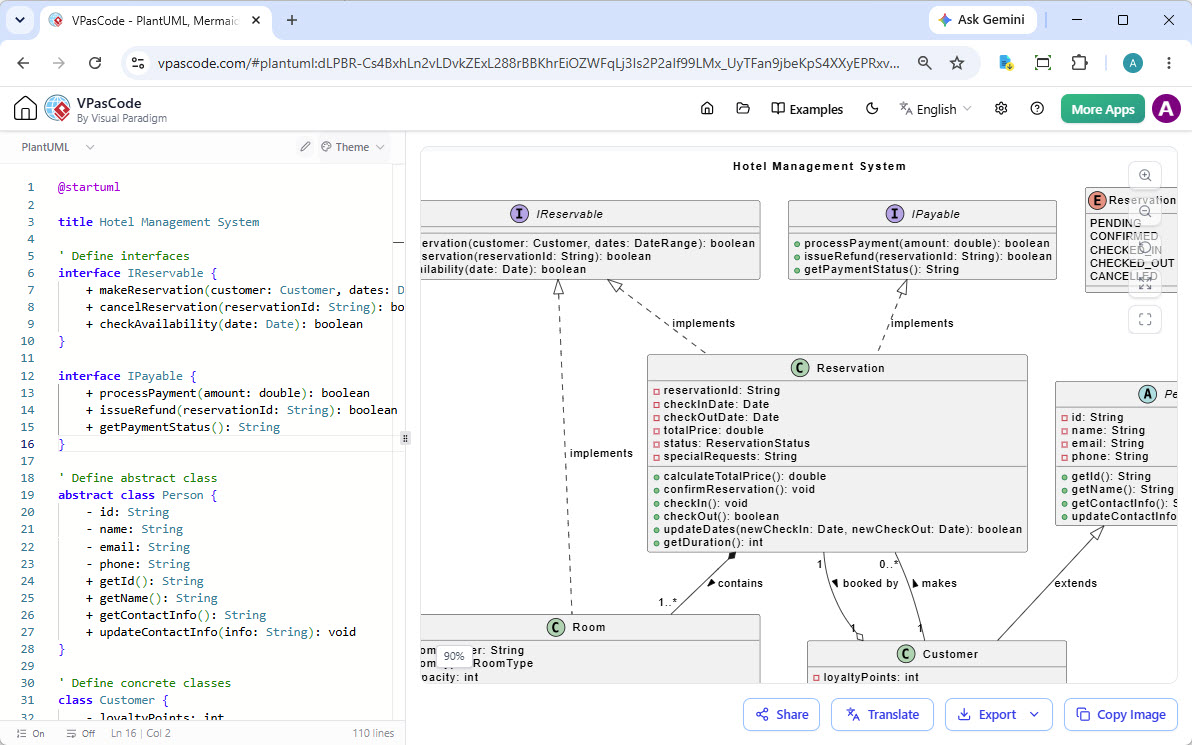
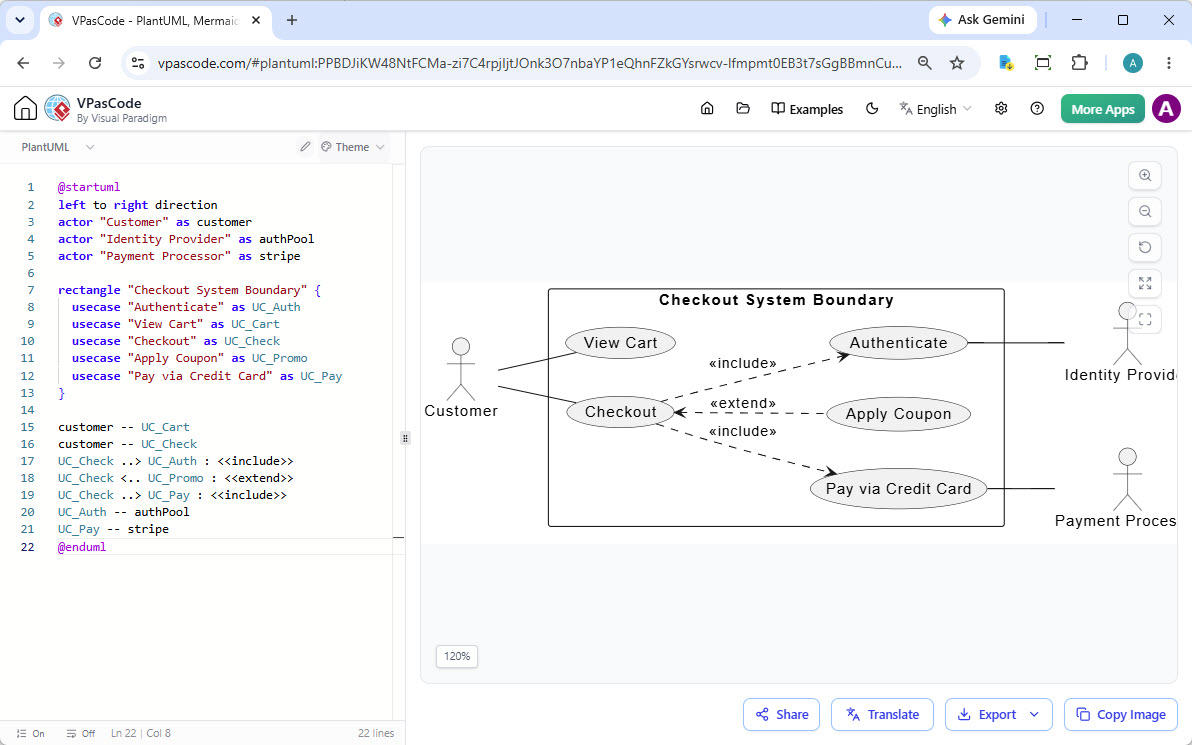
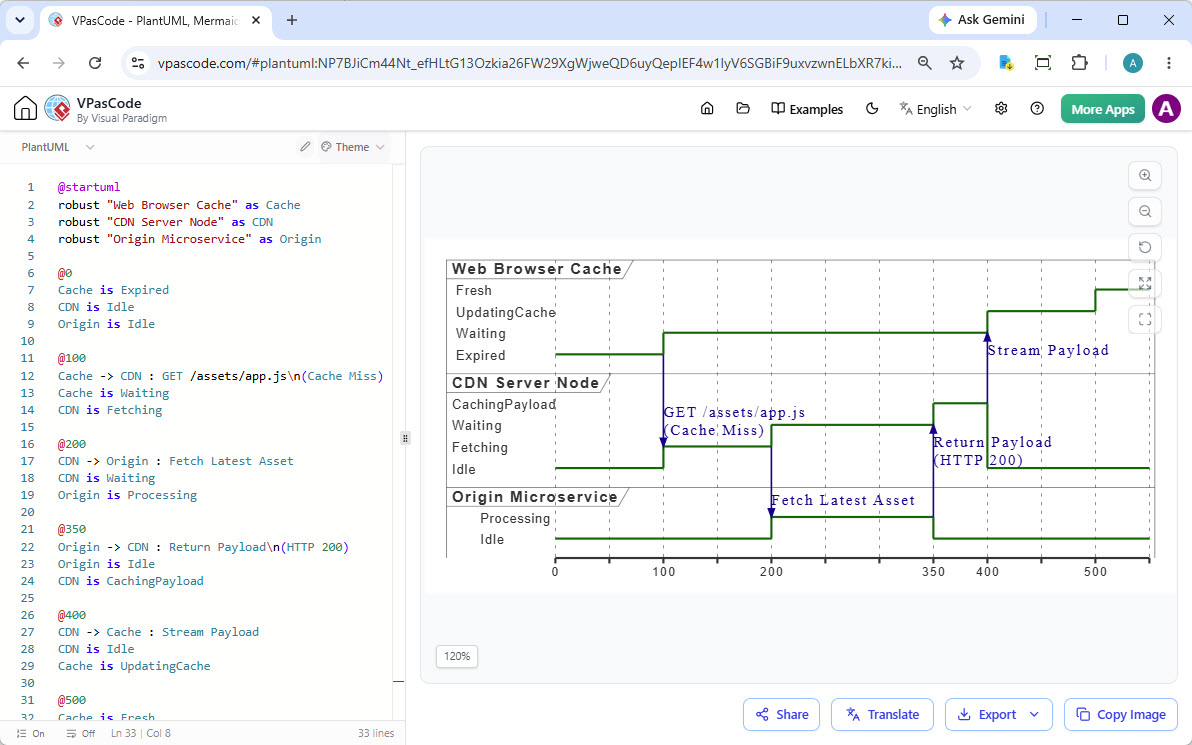
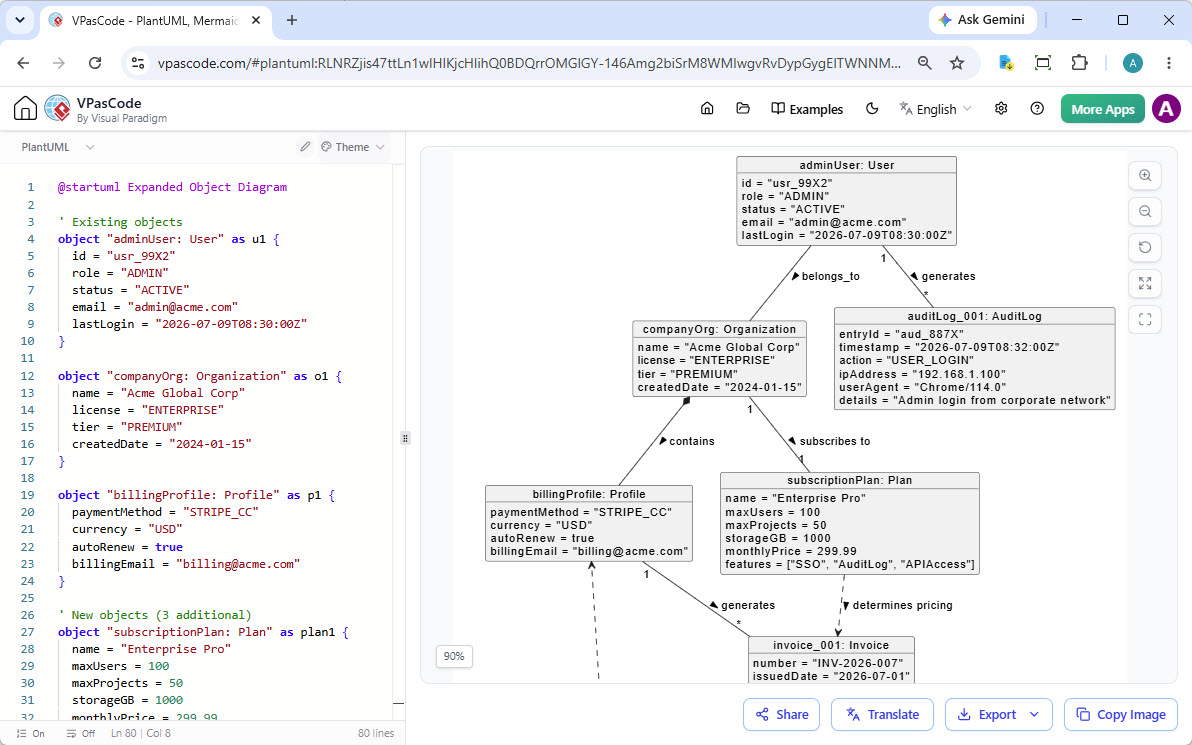
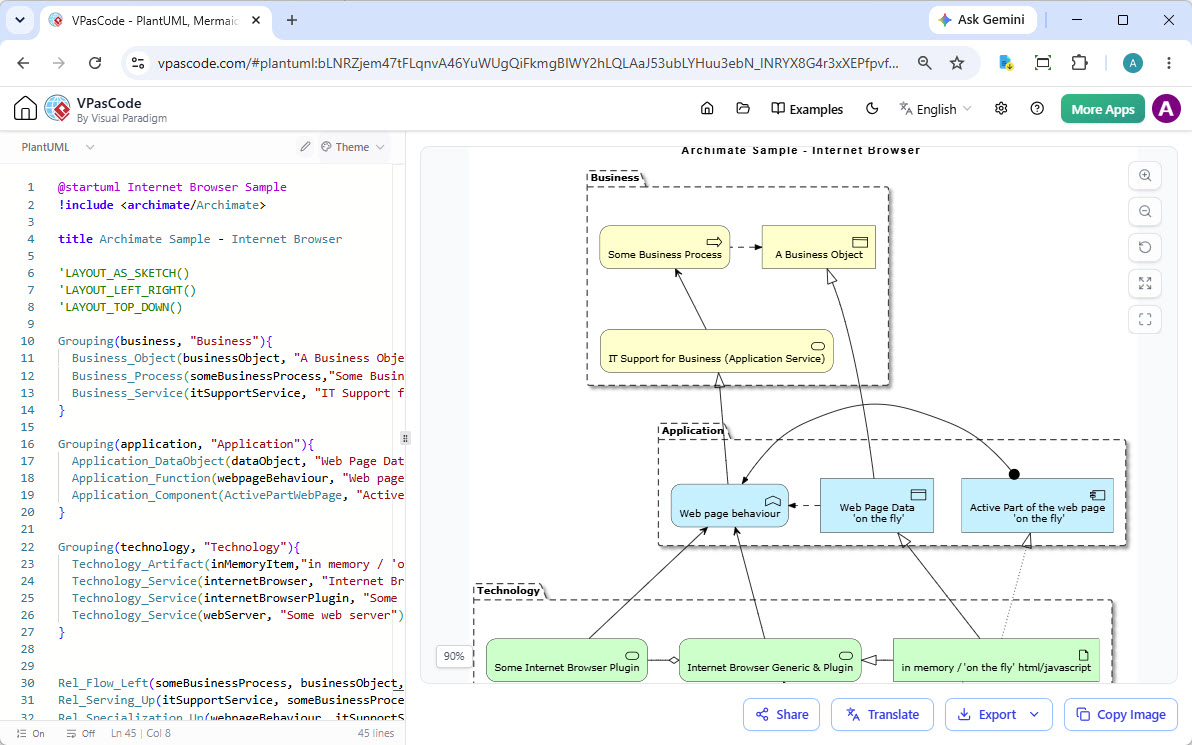
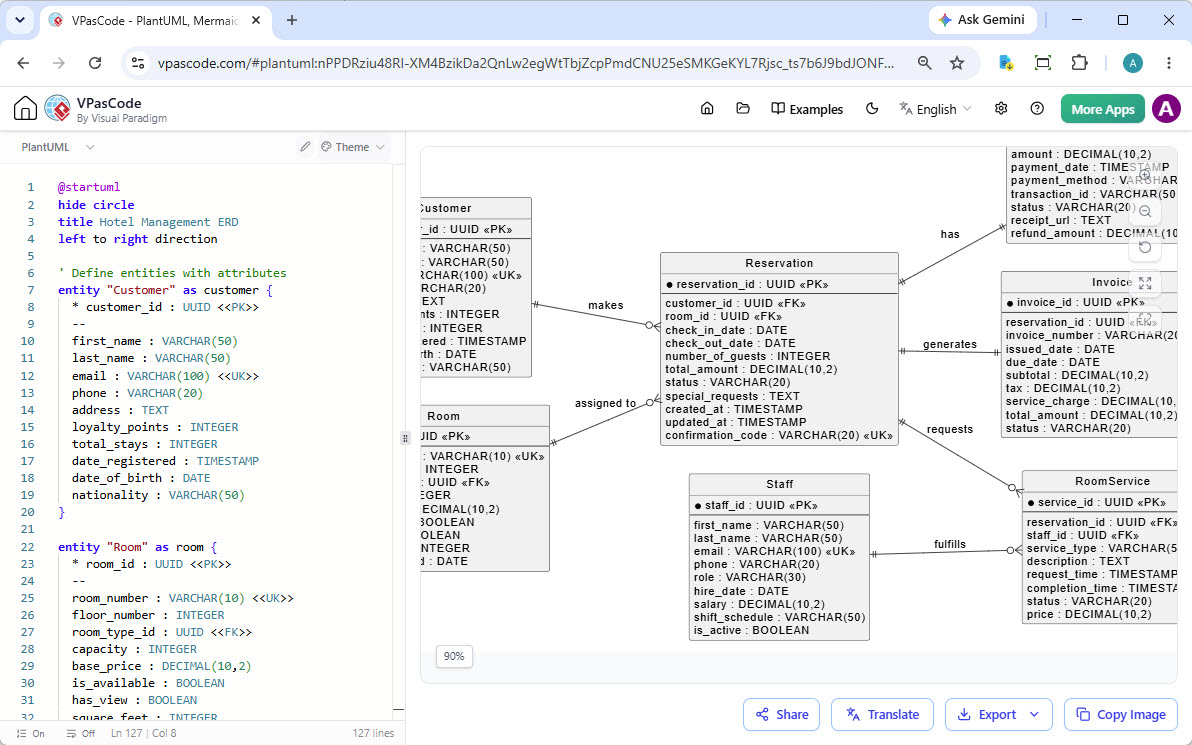
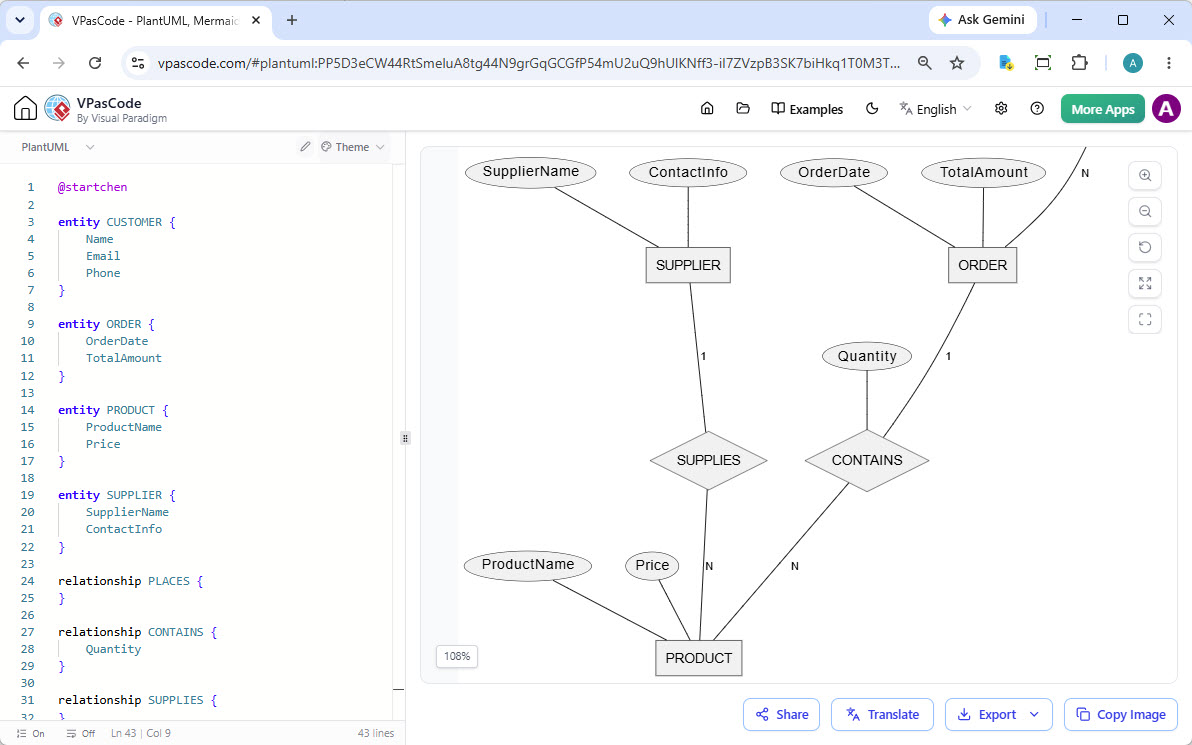
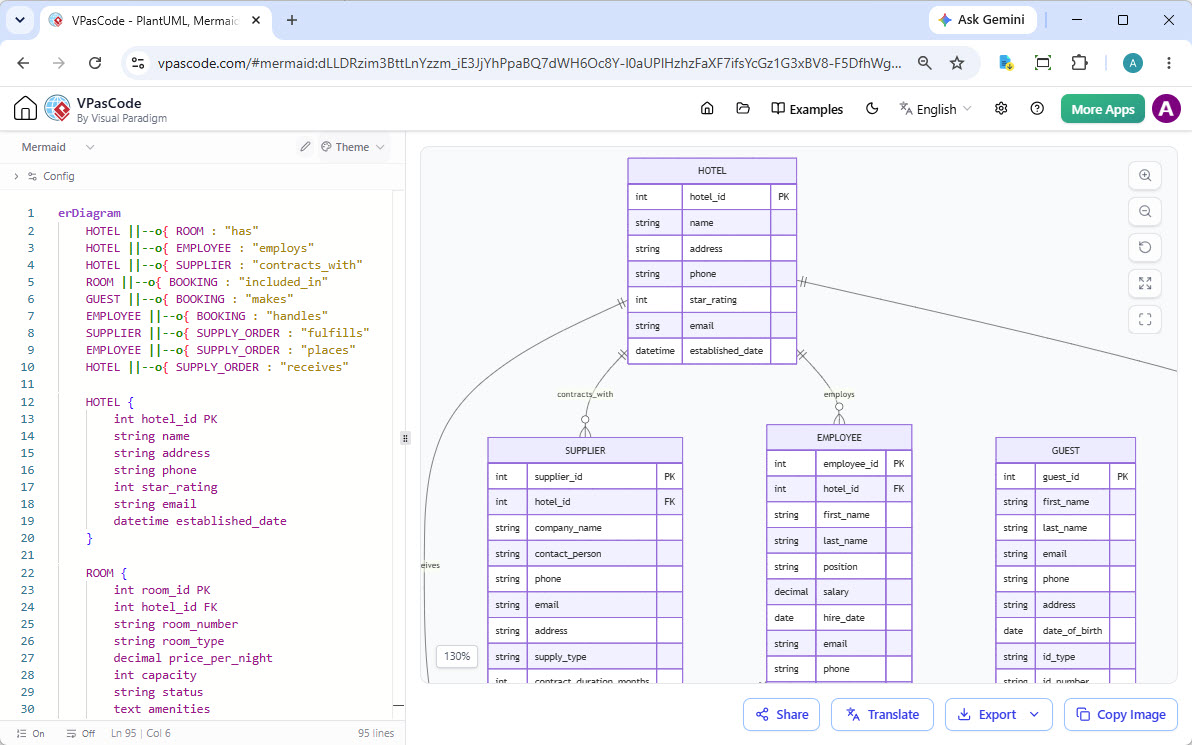
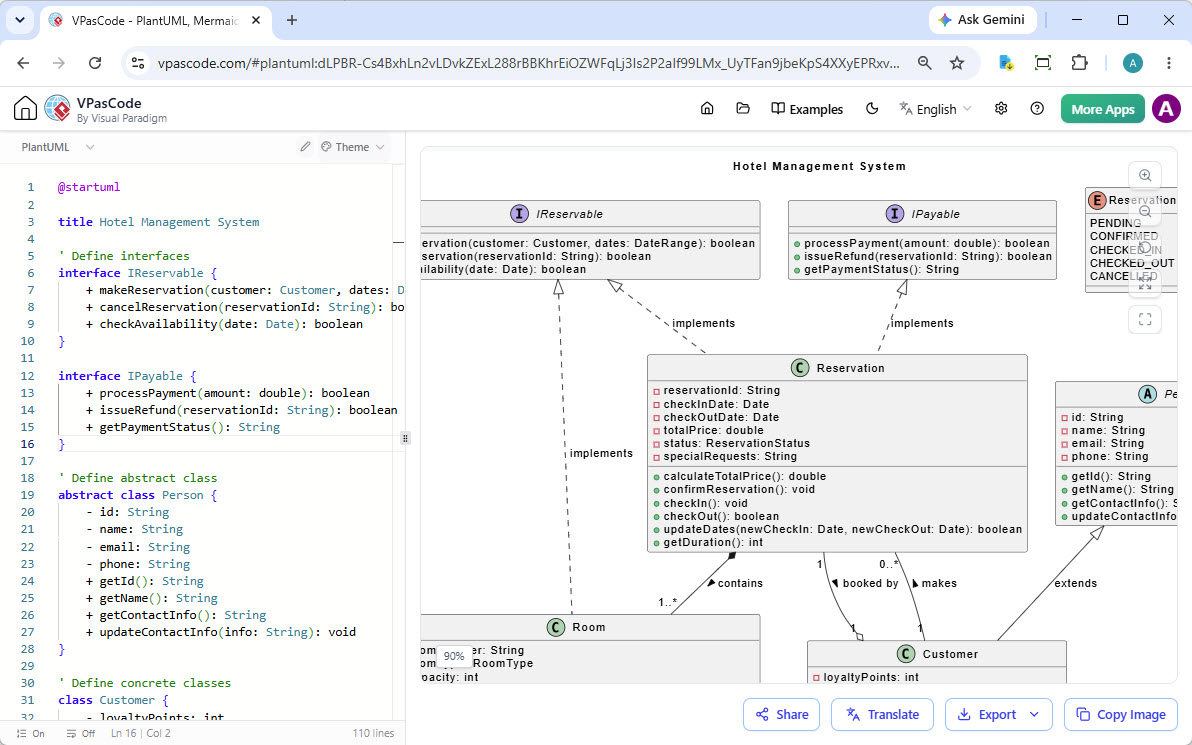
VPasCode editor showing a PlantUML class diagram side-by-side with its rendered output.

Tired of Juggling Disparate Diagram Tools?

Diagram as code is powerful, but the ecosystem is fragmented. You use one editor for PlantUML, another for Mermaid, another for D2 and yet another for Graphviz. This context switching kills productivity. What if you could have one diagram as code tool to rule them all?

One Platform. Every Major Diagramming Standard.

VPasCode is the unified diagram as code software that consolidates your toolchain. It's a comprehensive platform that understands multiple text-to-diagram languages. From UML and flowcharts to cloud architecture and beyond, generate any diagram from text with the ultimate diagram as code tool.

More Supported Diagram Types

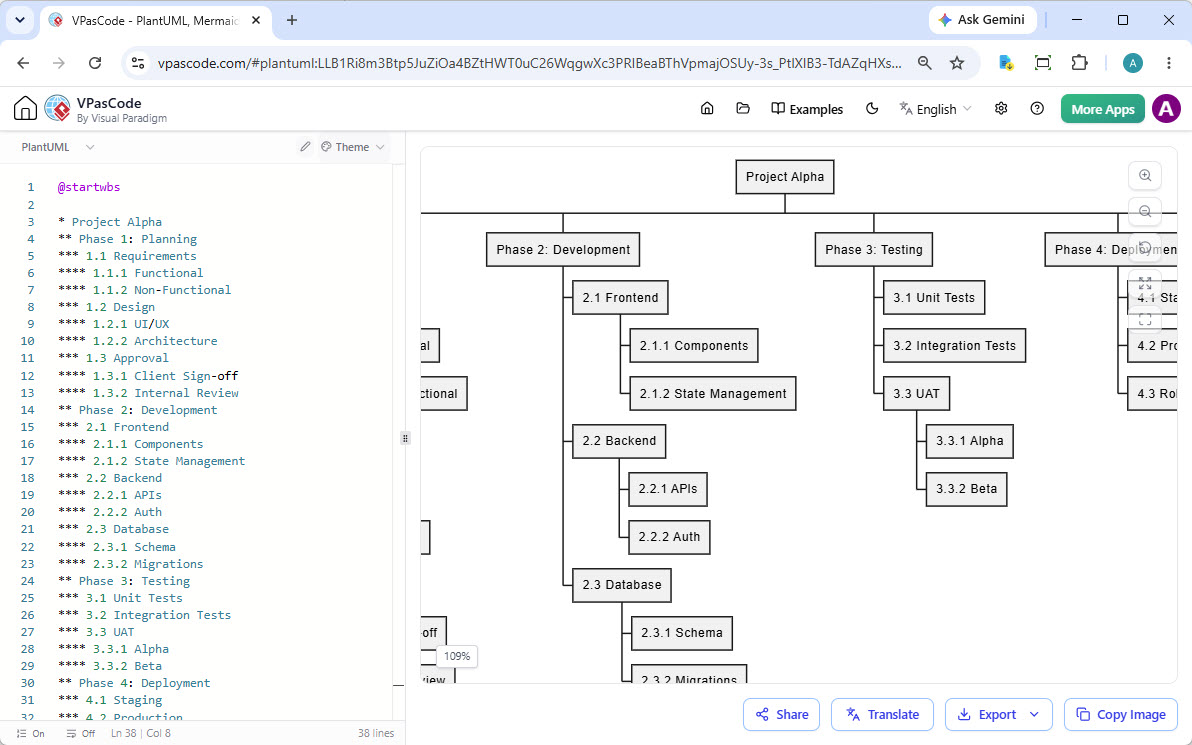
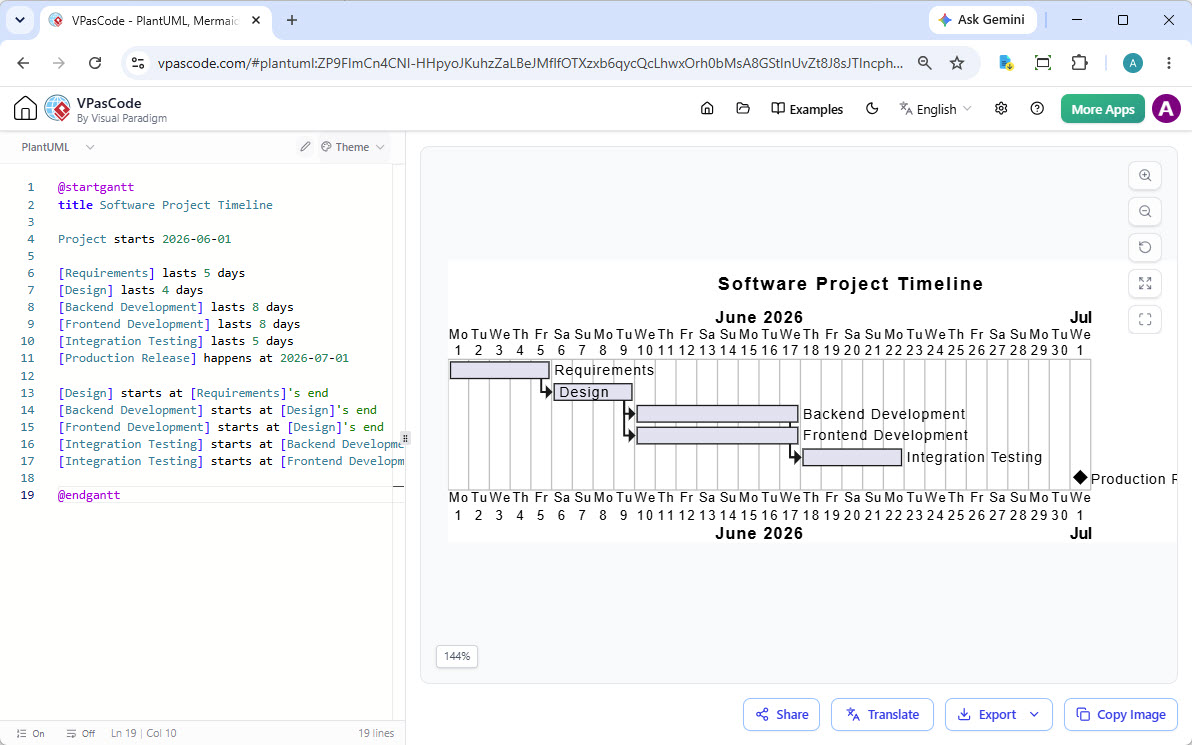
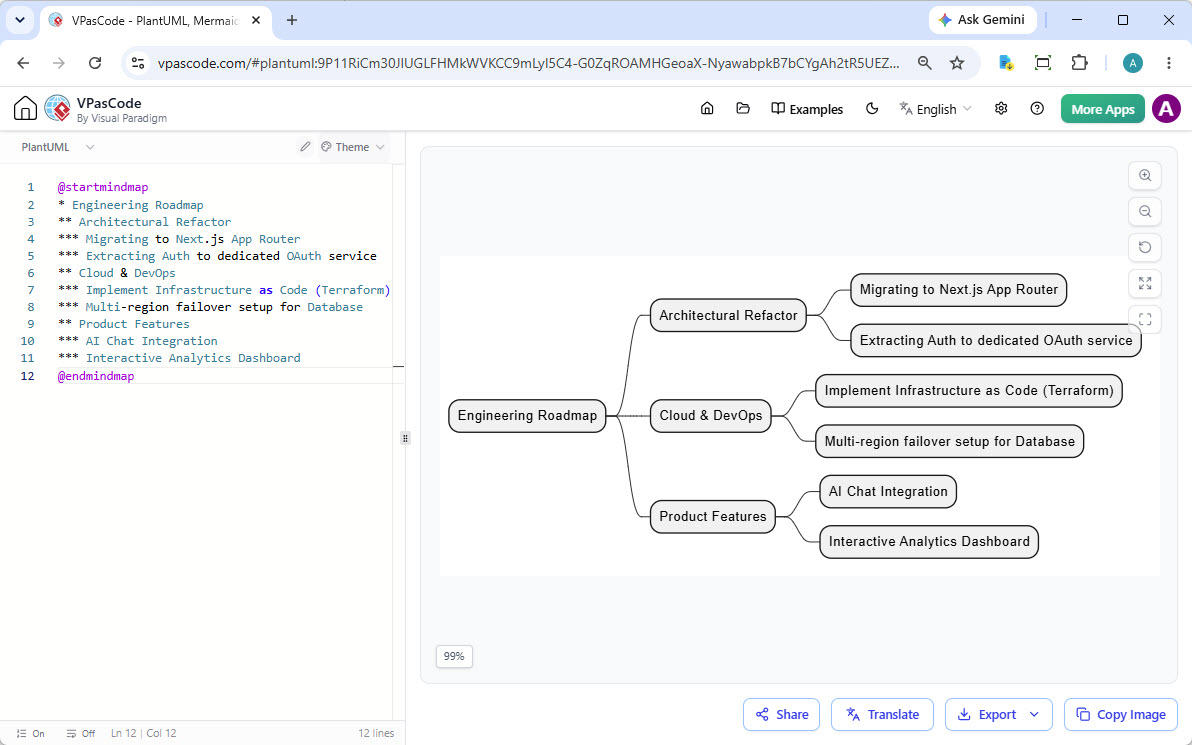
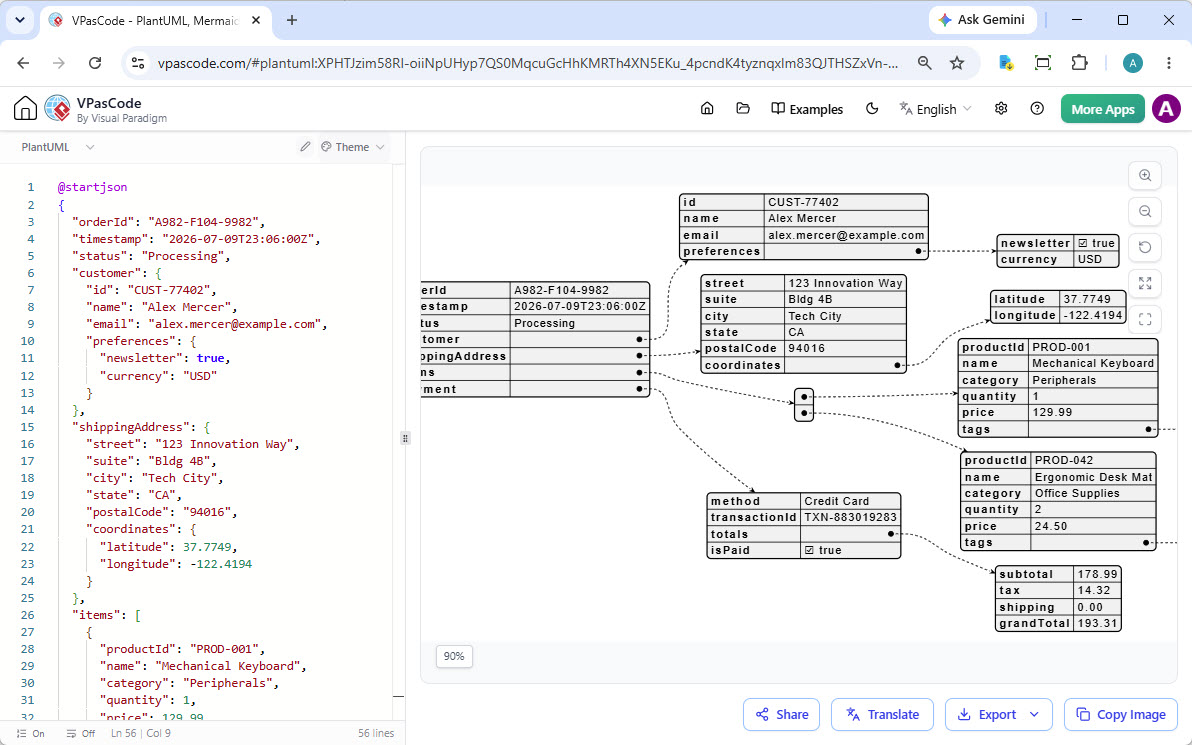
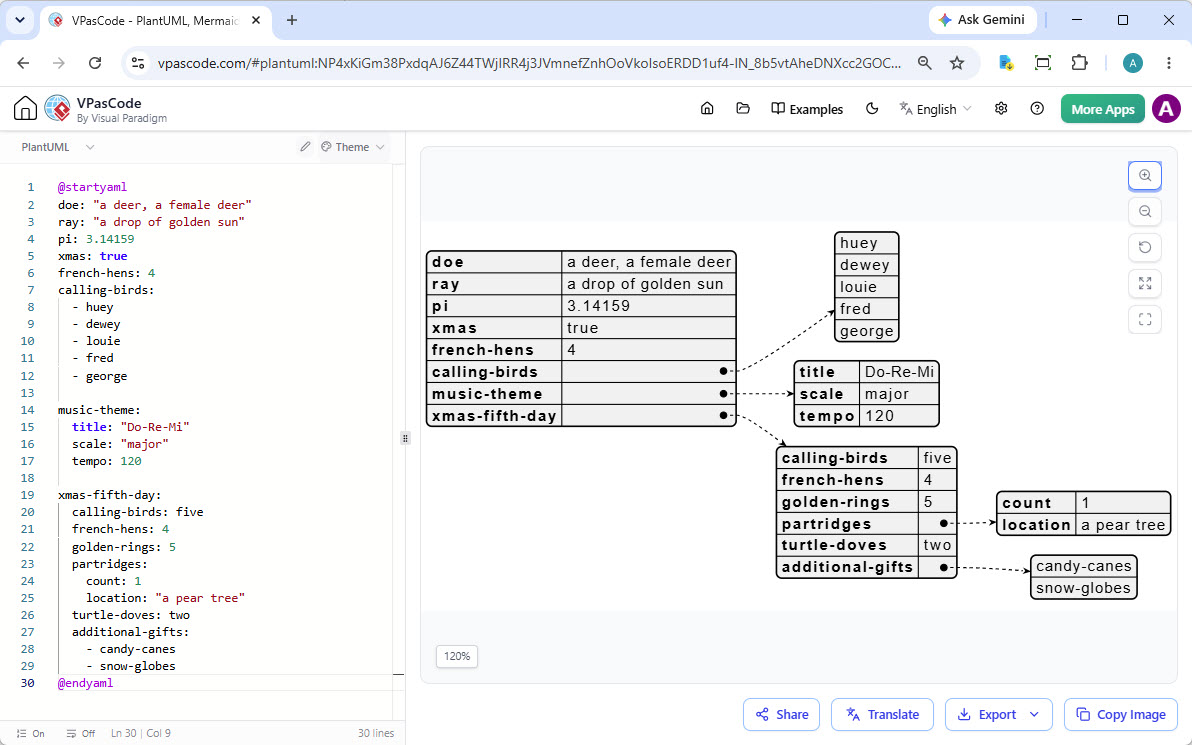
VPasCode supports all major syntax options across your favorite engines. Create dozens of professional layouts instantly from text.

Data & Schemas

  • SQL
  • DBML
  • JSON
  • JSON Schema
  • JSONC
  • JSON5
  • JSONL / NDJSON
  • TOON
  • YAML
  • XML
  • CSV
  • TOML

Code Support

  • Java
  • TypeScript
  • Go
  • Rust
  • C#
  • Python
  • C
  • C++
  • PHP
  • Ruby
  • Scala
  • Zig
  • Kotlin
  • Swift
  • Elixir

...and more powerful text-to-diagram formats coming in future updates!

Go Beyond Syntax with Industry-Unique AI

VPasCode integrates powerful AI to solve common frustrations, making our diagram as code tool faster and more educational.

Never Get Stuck on Syntax Again

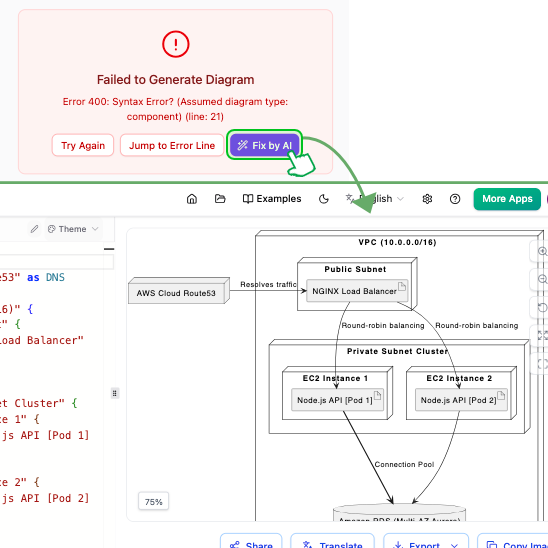
A misplaced bracket or a forgotten keyword can bring your diagramming to a halt. VPasCode introduces AI Code Error Fixing. When you have a syntax error, simply click 'Fix by AI'.

Our AI not only corrects the code but also provides a clear, side-by-side comparison explaining the fix. It's not just a correction; it's a learning opportunity to master the syntax of any supported language in our diagram as code tool.

An example of the AI Code Error Fixing feature in VPasCode, showing a code editor with an error being automatically corrected and explained.
Original English Diagram before AI translation
Simplified Chinese Diagram translated by AI

Break Language Barriers with AI Translation

Need to present your diagram to a global team? With AI Diagram Translation, you can instantly translate the text content within your diagrams. Convert a class diagram from English to Japanese or a flowchart from Spanish to German in seconds.

PlantUML Styling & Themes

Make your documentation polished and professional. Our PlantUML tool gives you beautiful visual layouts without manual coding.

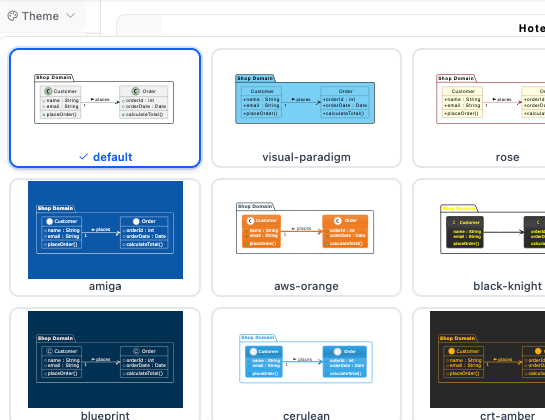
Seamless Theme Selection UI

Styling your documentation shouldn't require manual coding. Our PlantUML tool features a built-in Theme Selection UI designed for ultimate ease of use, eliminating the need to look up external documentation or memorize exact theme names.

With just one click to switch themes, you can instantly refresh the look of your diagrams. Simply choose a style from the hand-picked list in our free PlantUML editor; the tool automatically injects the proper theme syntax directly into your script and gives you an instant preview, letting you find the perfect aesthetic in seconds.

VPasCode editor showing the new PlantUML theme selection dropdown interface for quick styling changes.
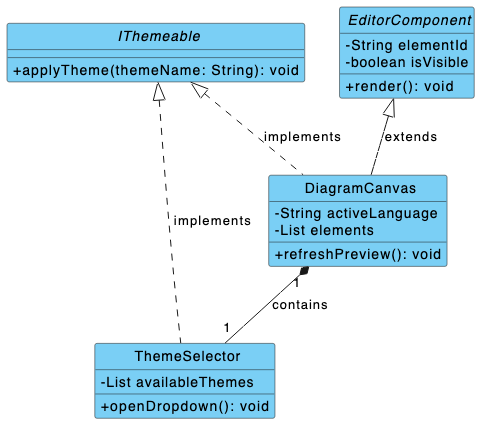
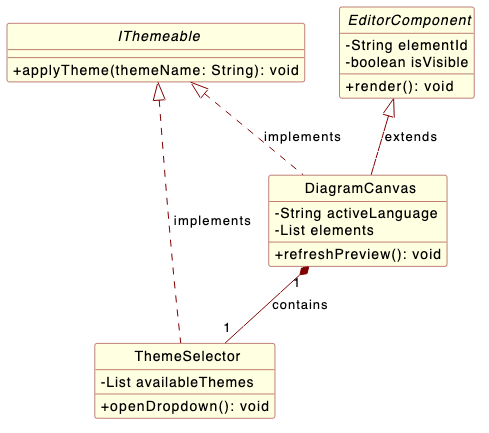
PlantUML class diagram styled with the custom visual-paradigm theme featuring bright blue header boxes
PlantUML class diagram styled with the custom rose theme featuring classic light yellow boxes

Classic Visual Paradigm and Rose Themes

Bring a recognizable, professional look to your technical layouts. Our PlantUML editor now provides custom Visual Paradigm and Rose Theme engineered specifically to mirror industry-standard modeling designs.

Whether you want the sleek blue headers of Visual Paradigm or the classic light yellow aesthetic of IBM Rational Rose, these dedicated styles ensure your software documentation remains unified and comfortable for veteran developers to read.

Powerful Features for a Seamless Workflow

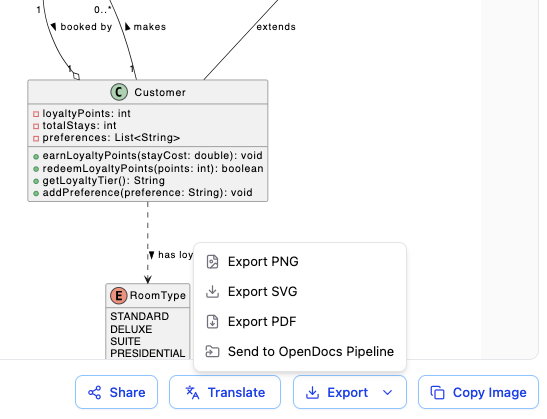
Export as SVG/PNG

Export high-quality, scalable vector (SVG) or bitmap (PNG) images of your diagrams.

Share via URL

Generate a shareable link to let colleagues view your work directly in their browser.

Embeddable Links

Get an embeddable link to integrate your live diagram into other websites or platforms.

Real-time Renderer

See your diagram update instantly as you type, providing immediate visual feedback.

Auto Format Detection

Paste code from any supported standard, and VPasCode will automatically detect the language.

Copy Image as Bitmap

Quickly copy the rendered diagram to your clipboard to paste into documents and presentations.

A Core Part of the Visual Paradigm Ecosystem

VPasCode works seamlessly with other Visual Paradigm tools, creating a fluid workflow from idea to documentation.

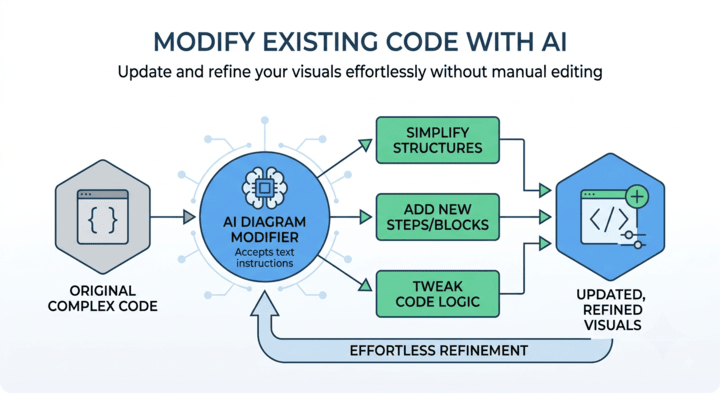
Generate with AI, Refine with VPasCode

Use the Visual Paradigm AI Diagramming Chatbot to generate complex diagrams from natural language prompts. Once generated, open the code in our diagram as code tool to fine-tune every detail until it's perfect.

Try AI Diagramming Chatbot Now
Workflow from AI Chatbot to VPasCode editor.
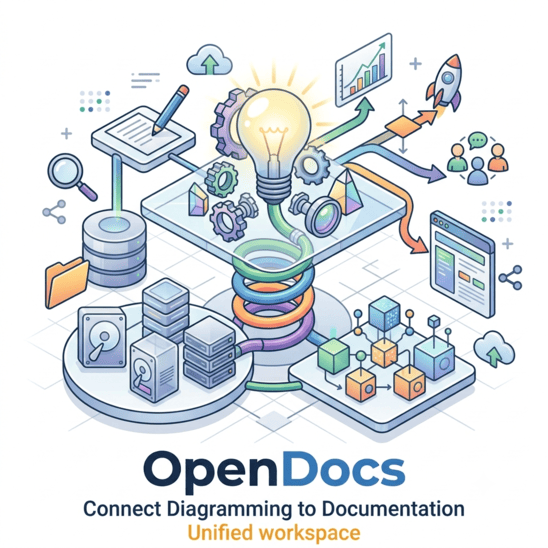
Diagram from VPasCode in OpenDocs.

Connect Diagramming to Documentation

A diagram is often part of a larger story. With one click, send your finished work from VPasCode directly to Visual Paradigm OpenDocs to create rich, shareable knowledge bases and project documentation.

Trusted by Leading Teams Worldwide

Our diagram as code tool and wider modeling platform are used by professionals in the world's most successful companies.

Adobe logo
Apple logo
AT&T logo
Caterpillar logo
Intel logo
NASA logo
Nokia logo
Toyota logo

Frequently Asked Questions

What is a diagram as code tool?

A diagram as code tool is a utility that allows developers and designers to create and edit diagrams by writing text-based definitions, rather than using a mouse. Visual Paradigm's VPasCode is a powerful diagram as code tool that unifies multiple standards like PlantUML and Mermaid into one interface.

Is VPasCode really free?

Yes. The core functionality of VPasCode - including the editor, live-rendering, and exporting for all supported formats - is completely free to use. Advanced features like AI Code Error Fixing and AI Translation are paid features available in select Visual Paradigm editions.

Which diagram-as-code standards are supported?

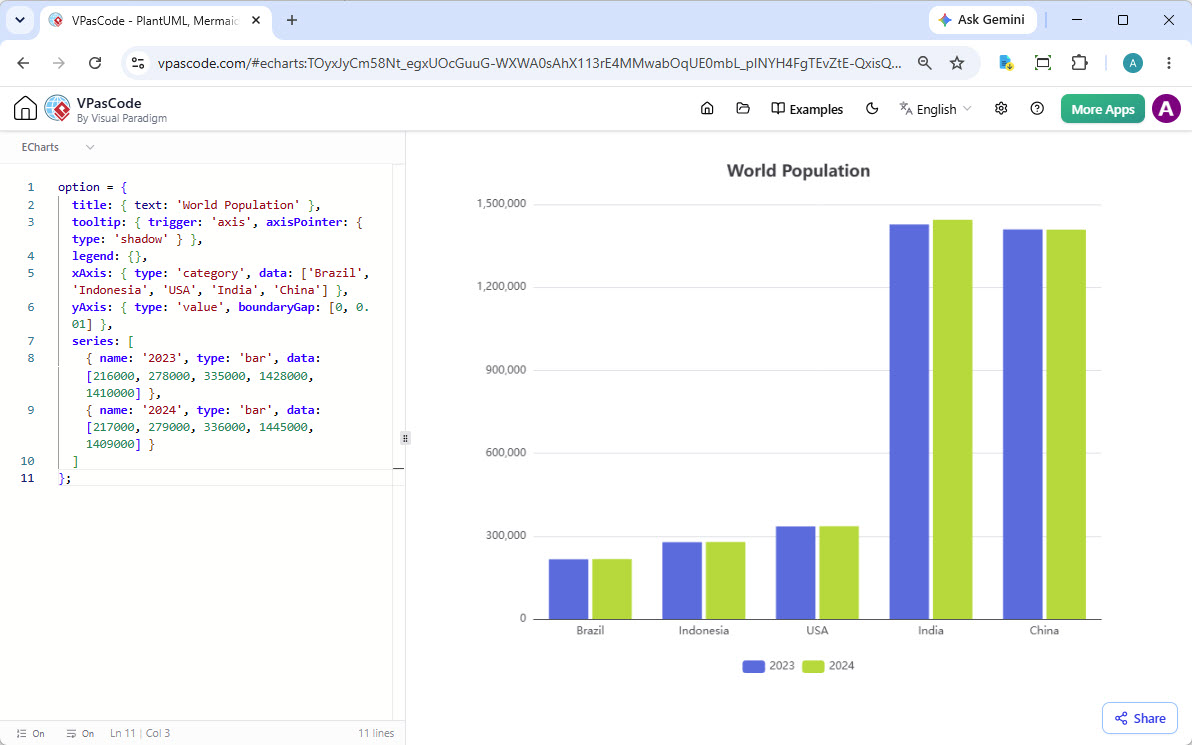
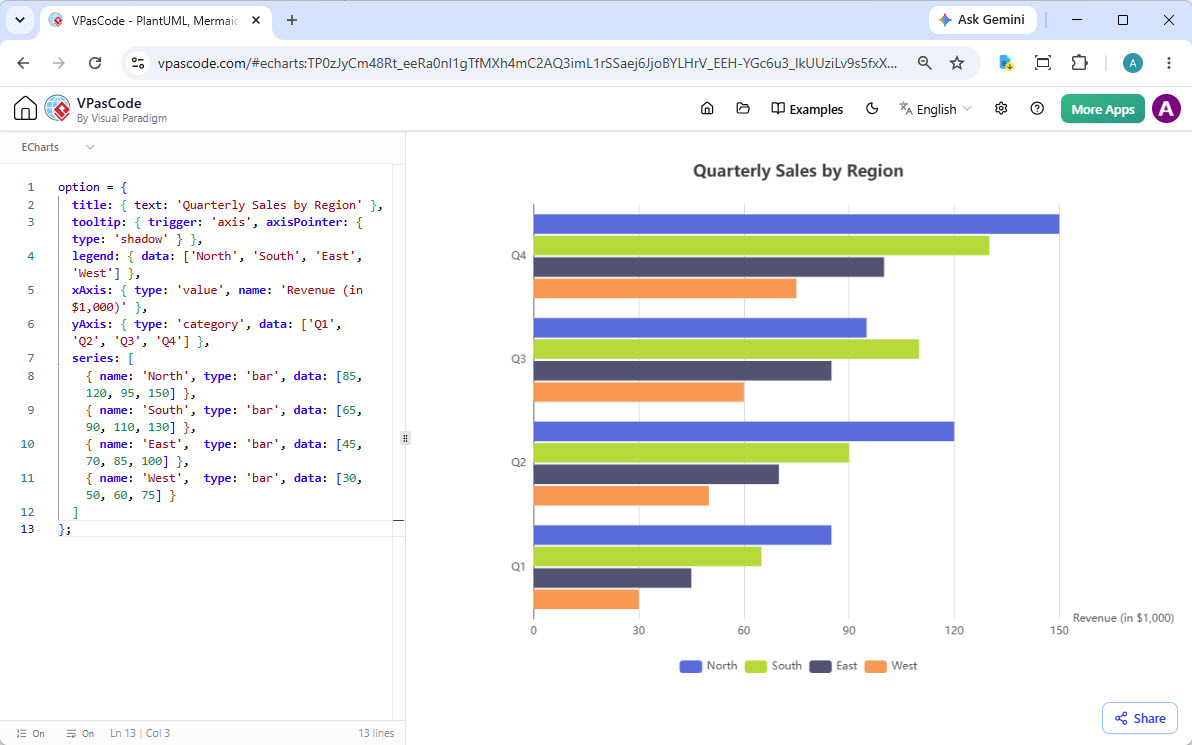
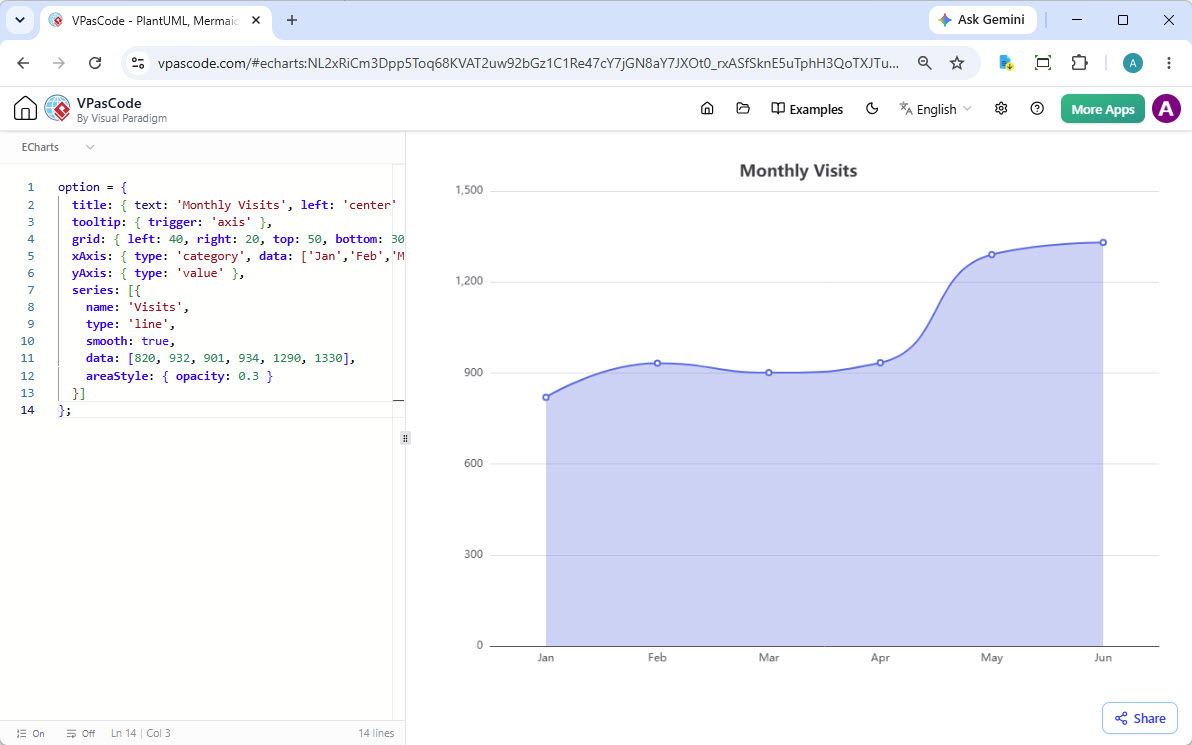
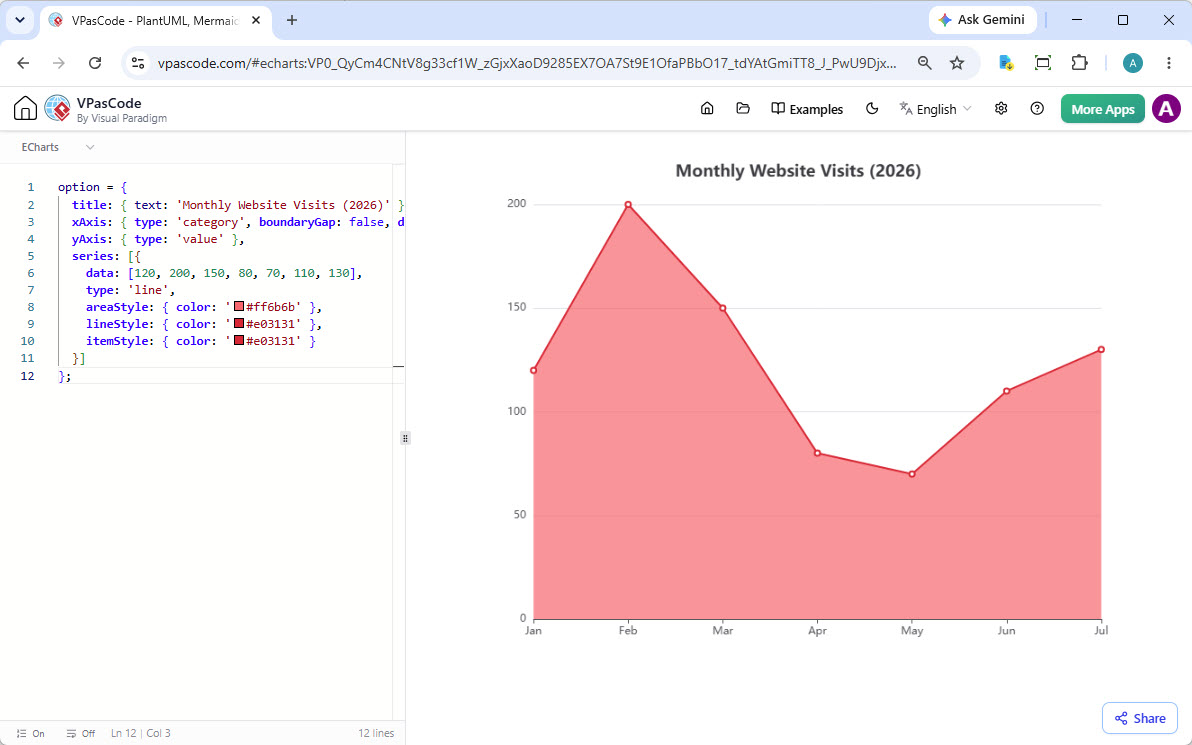
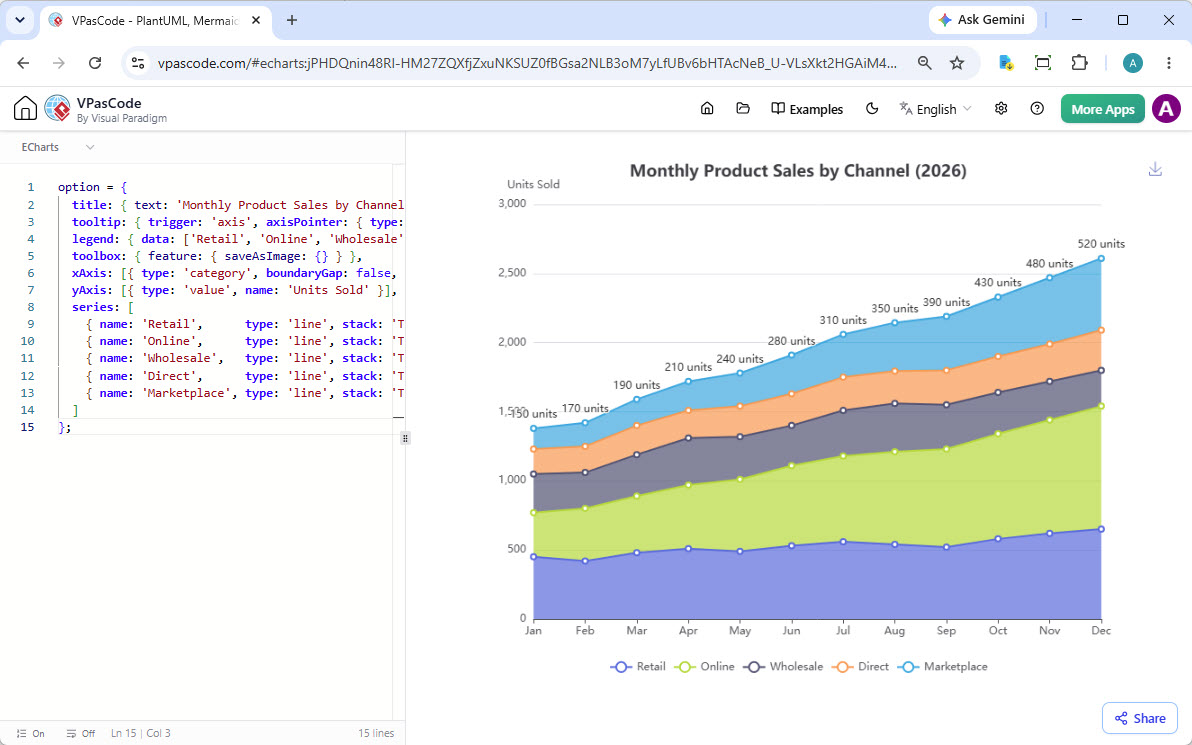
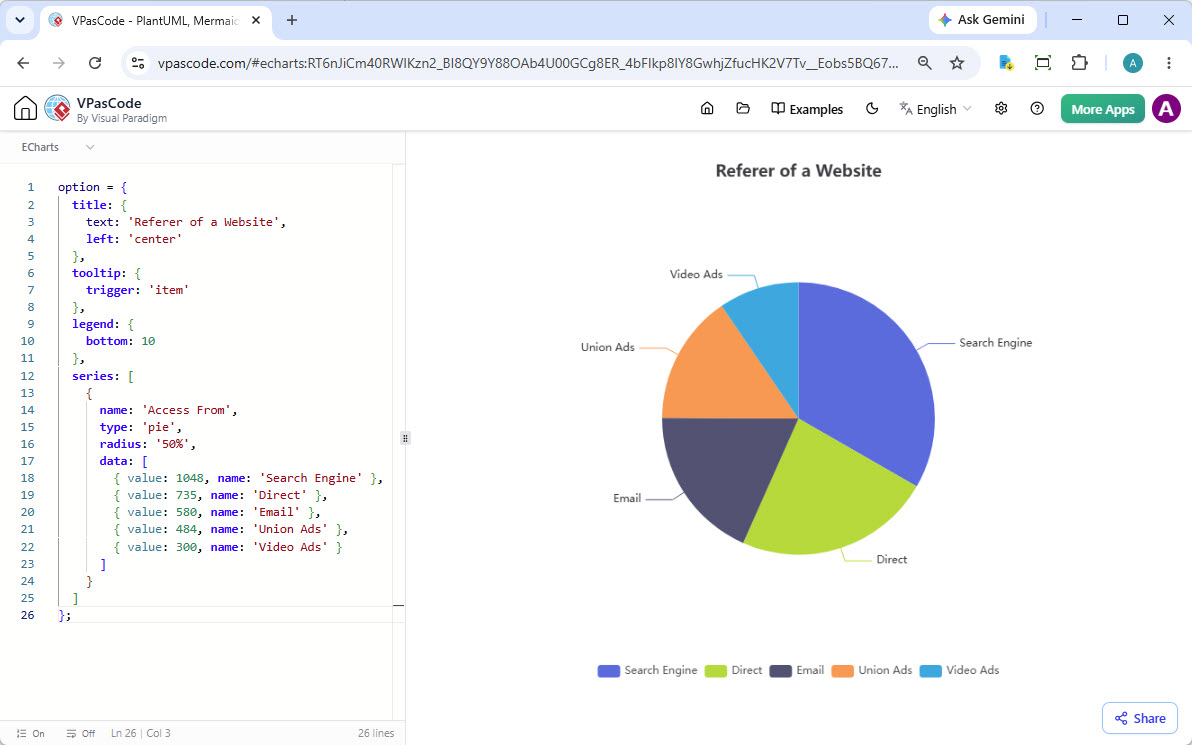
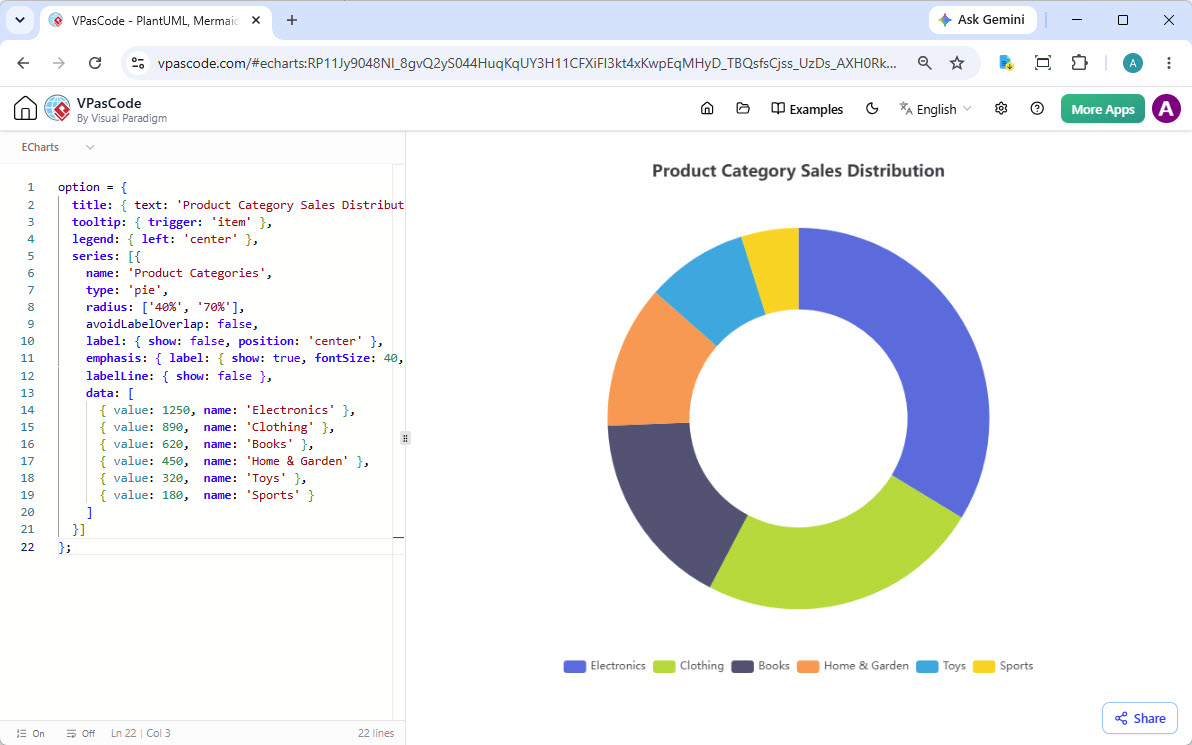
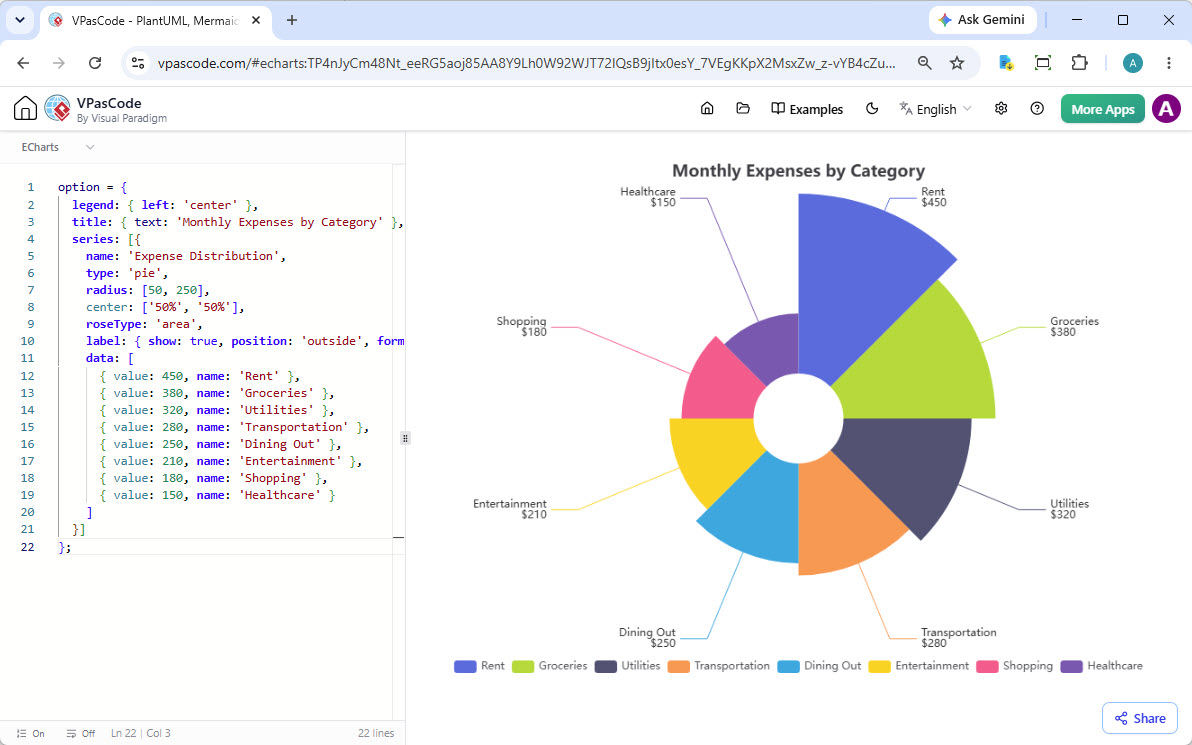
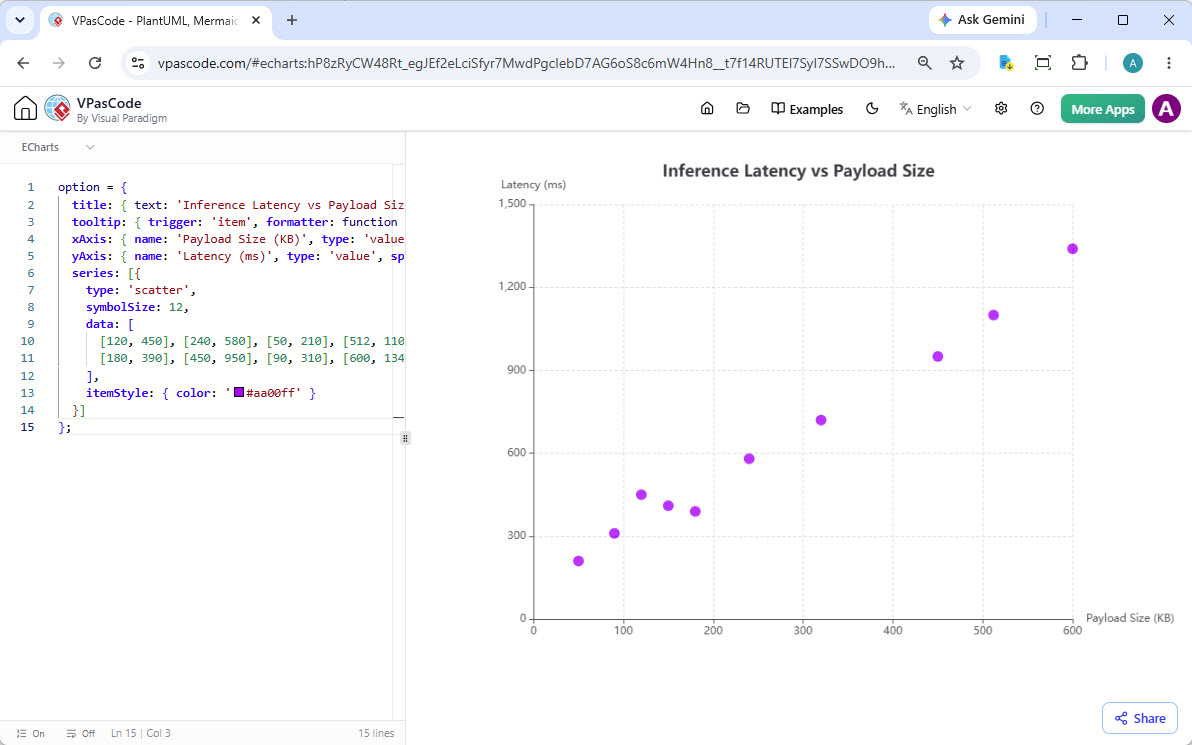
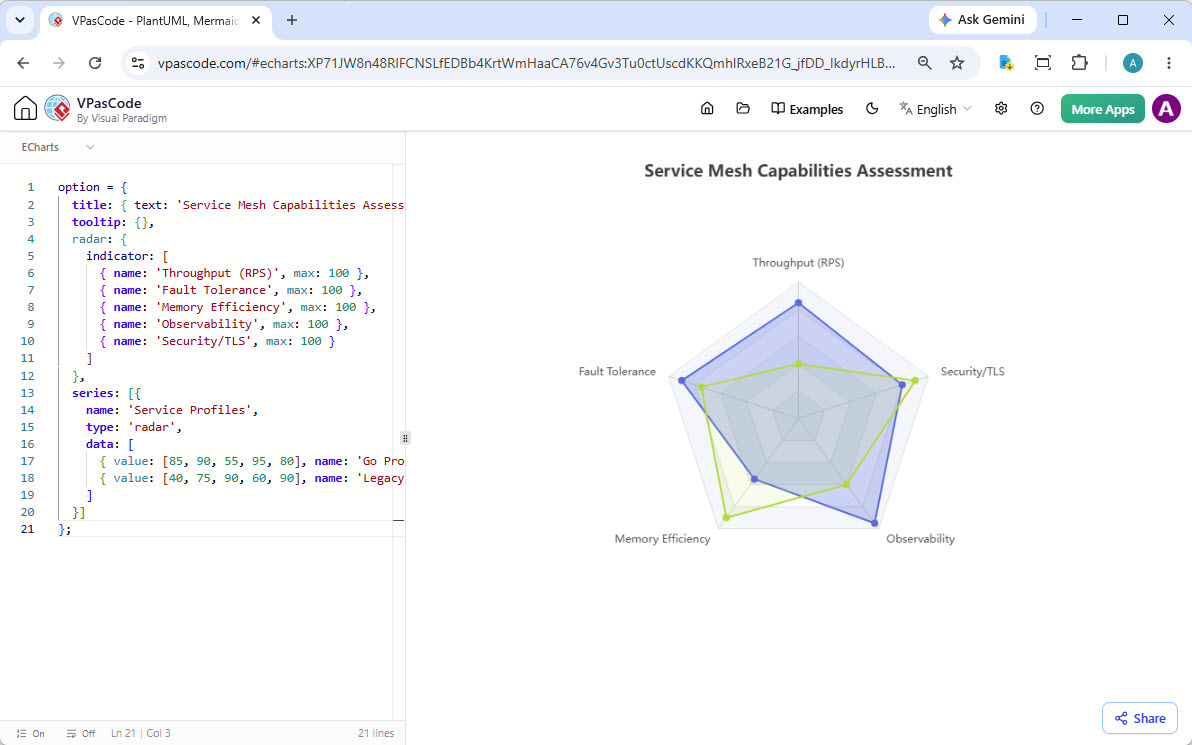
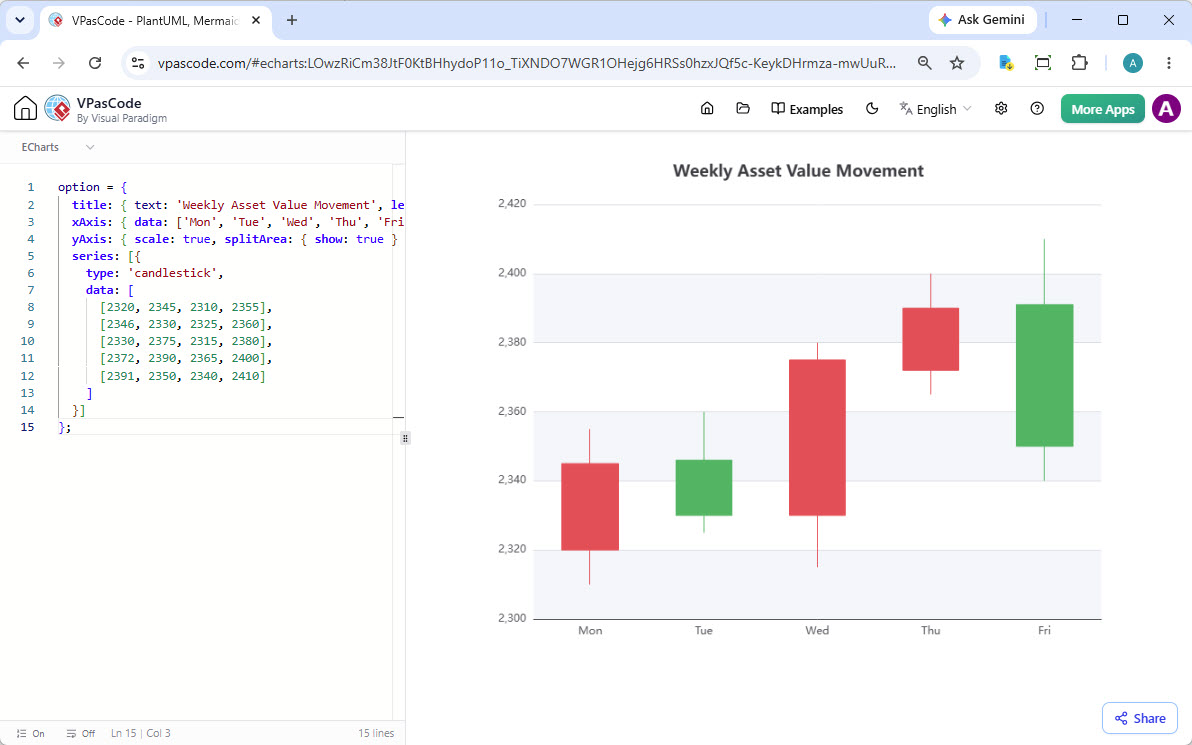
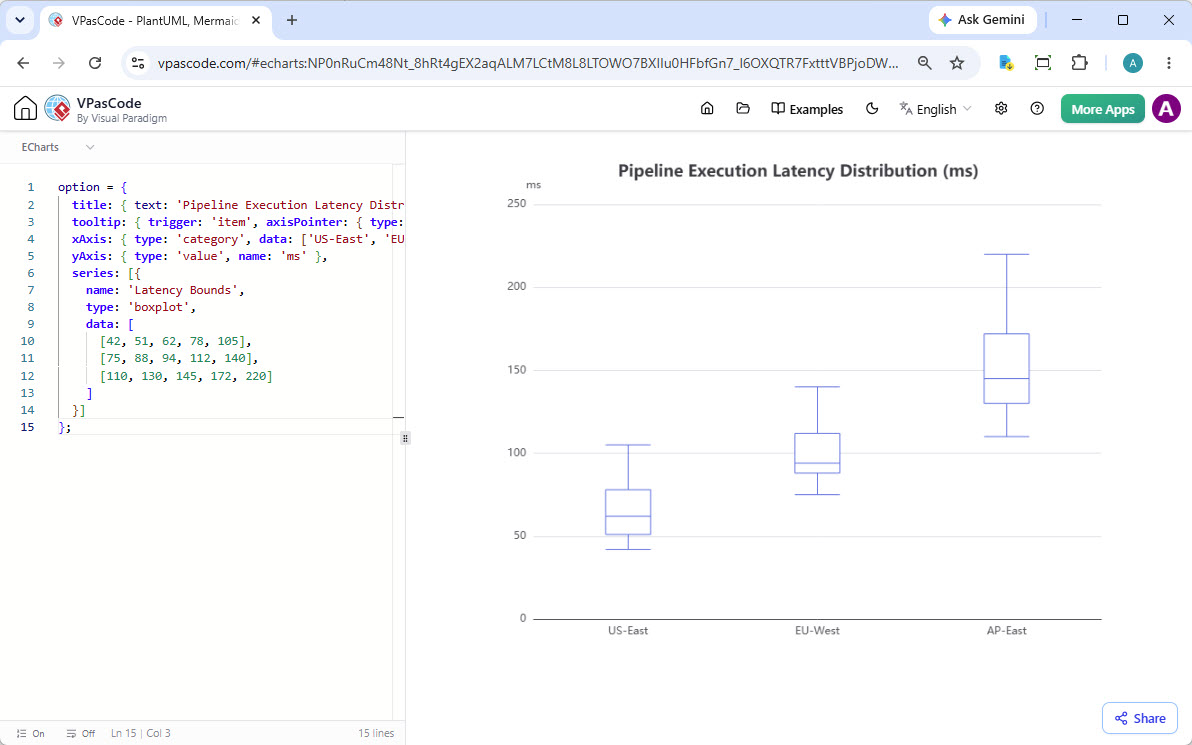
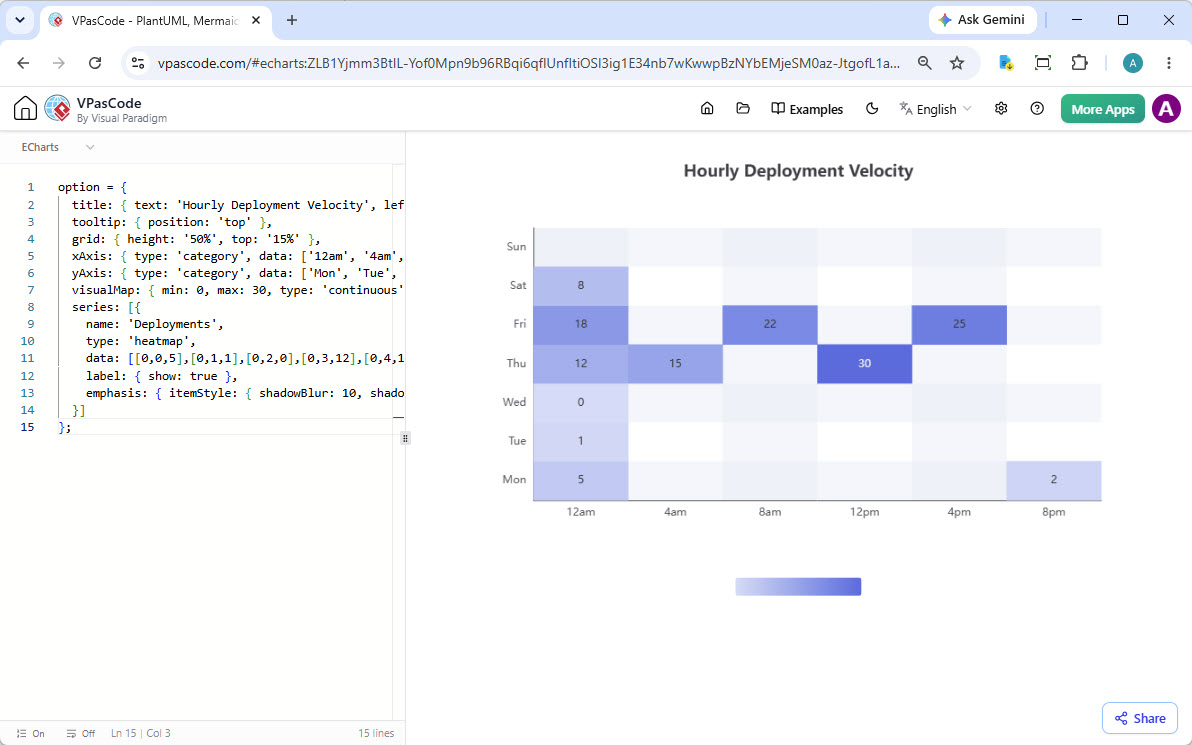
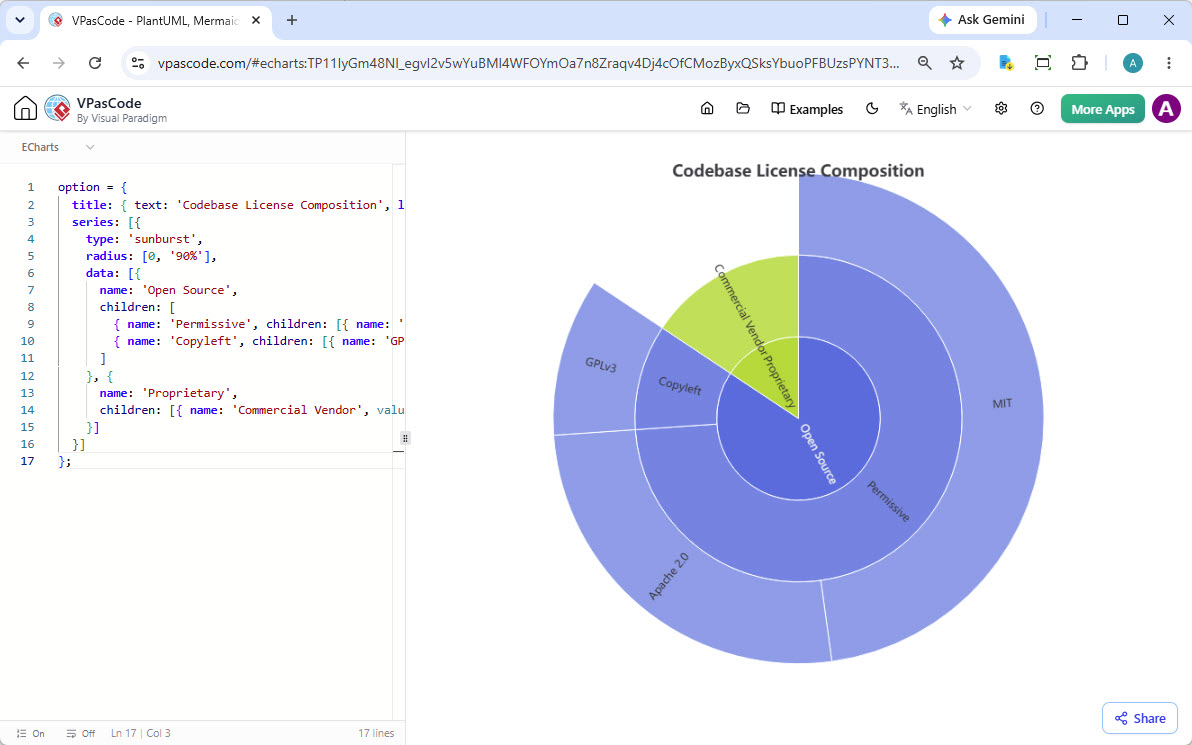
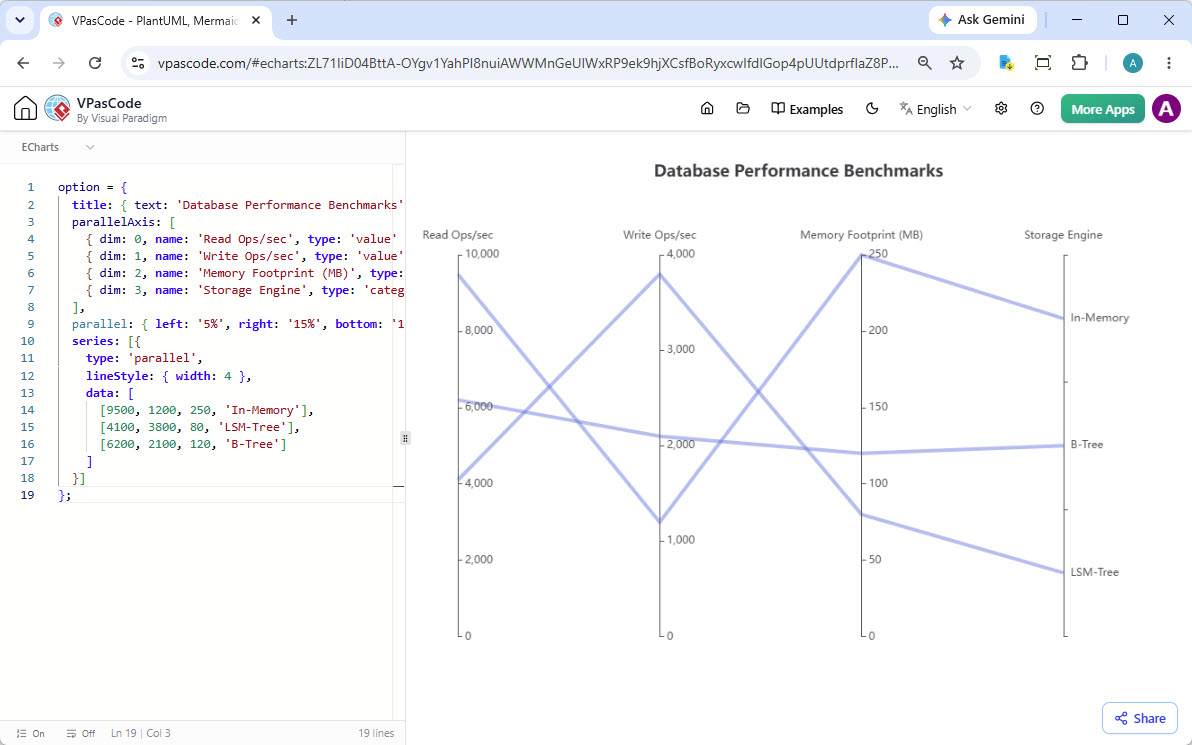
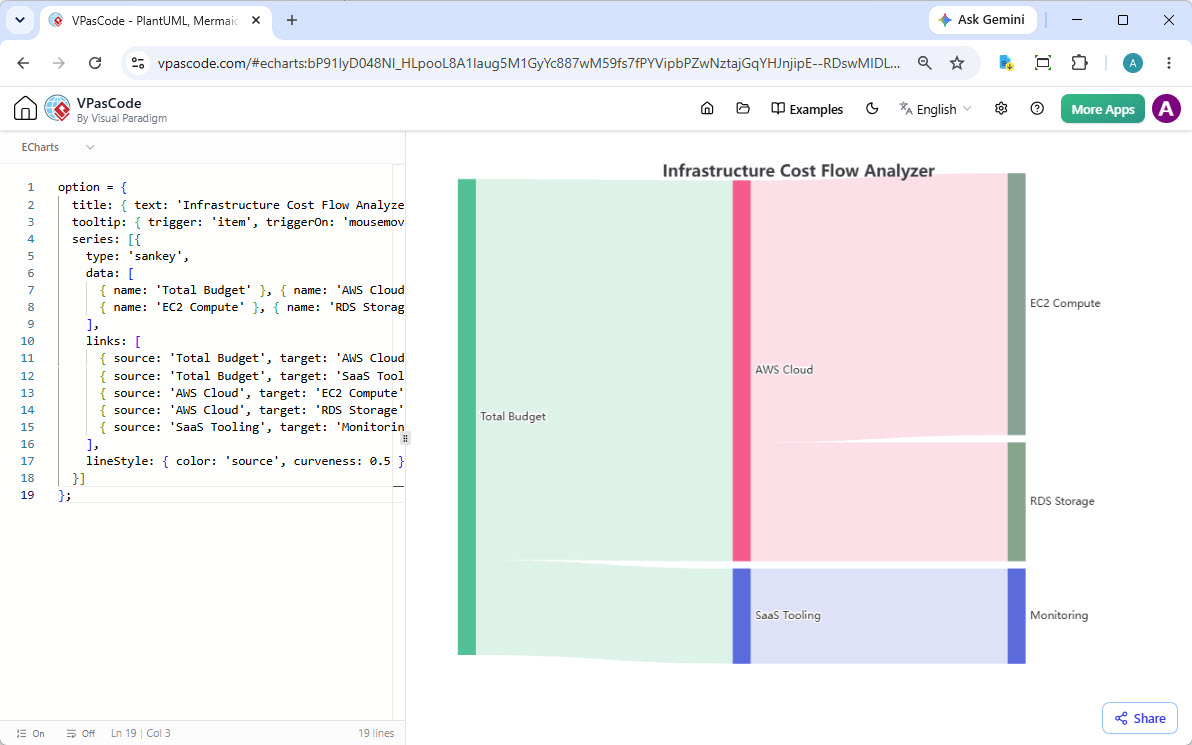
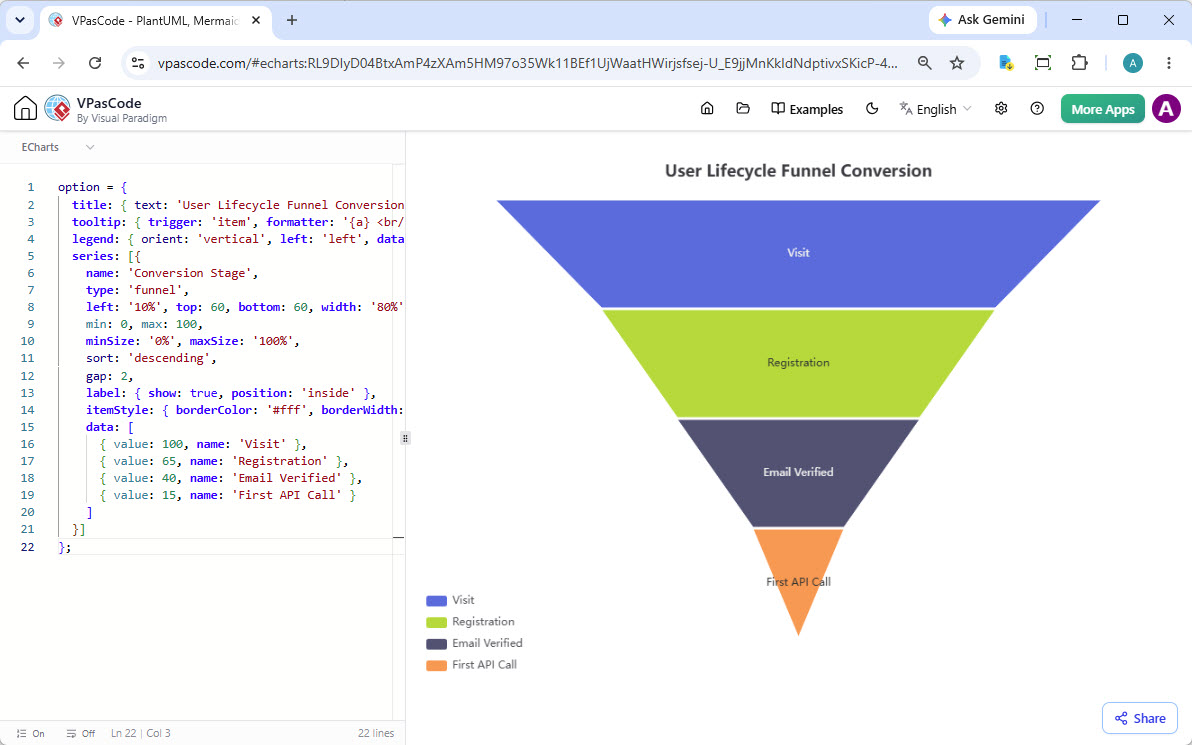
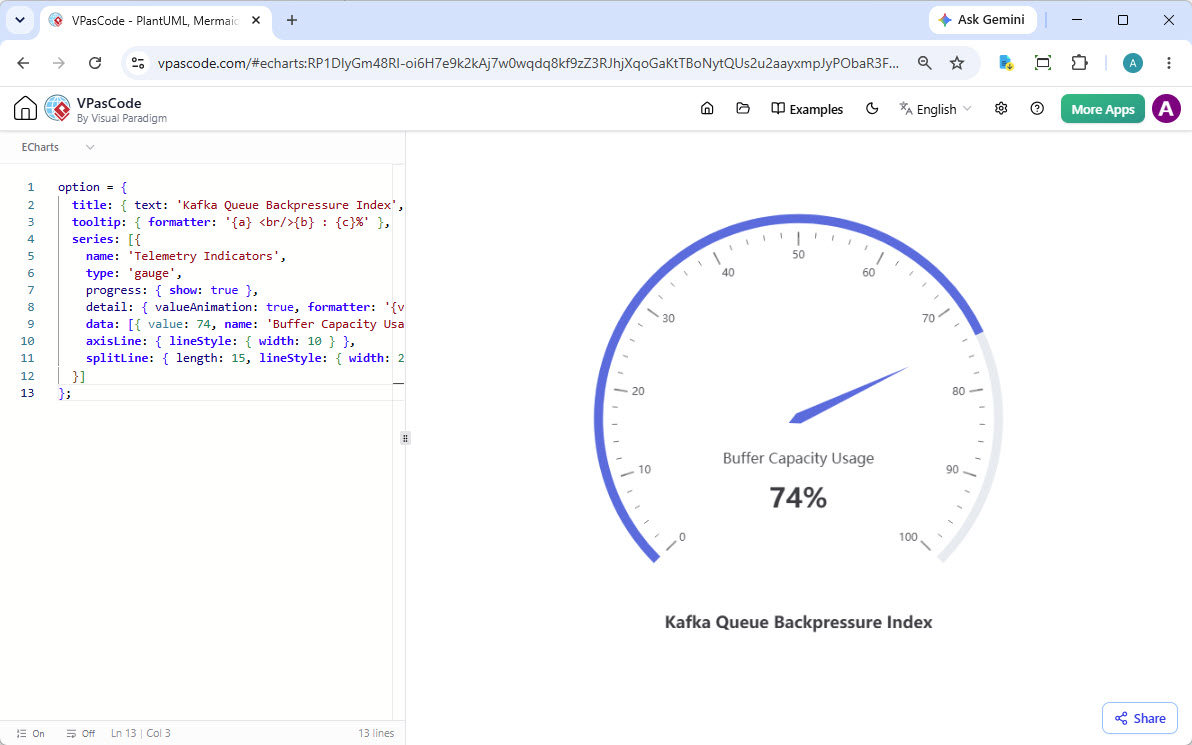
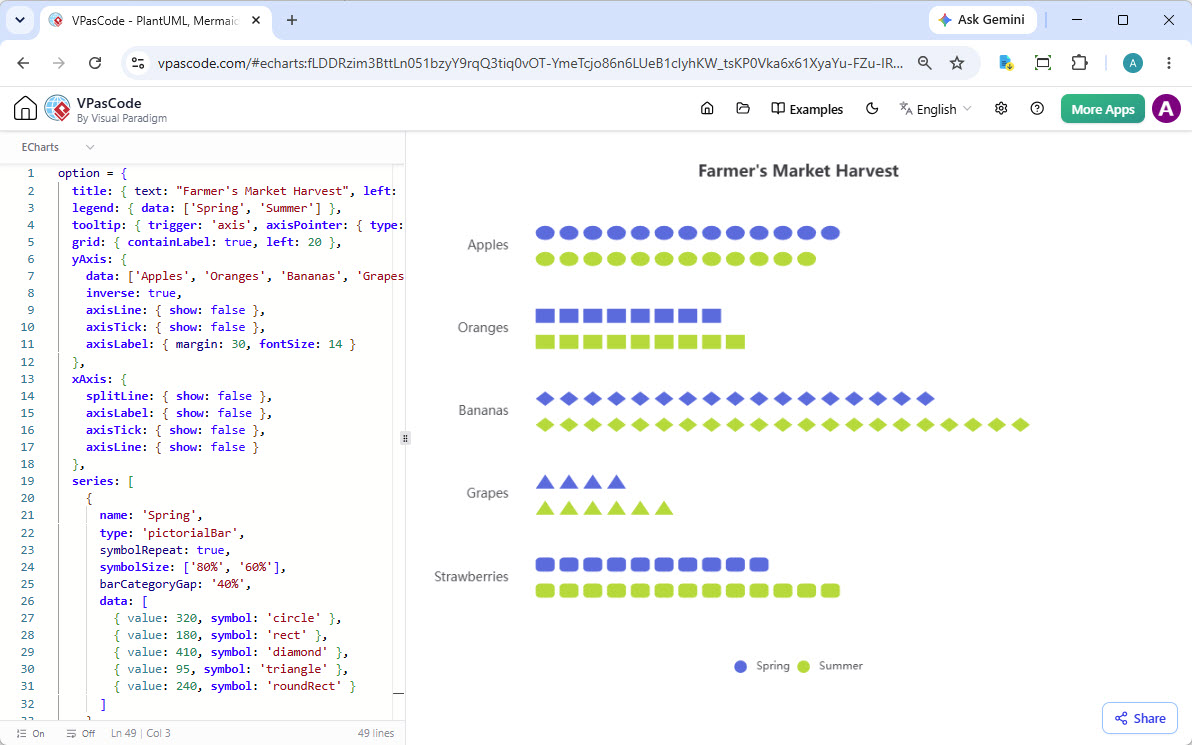
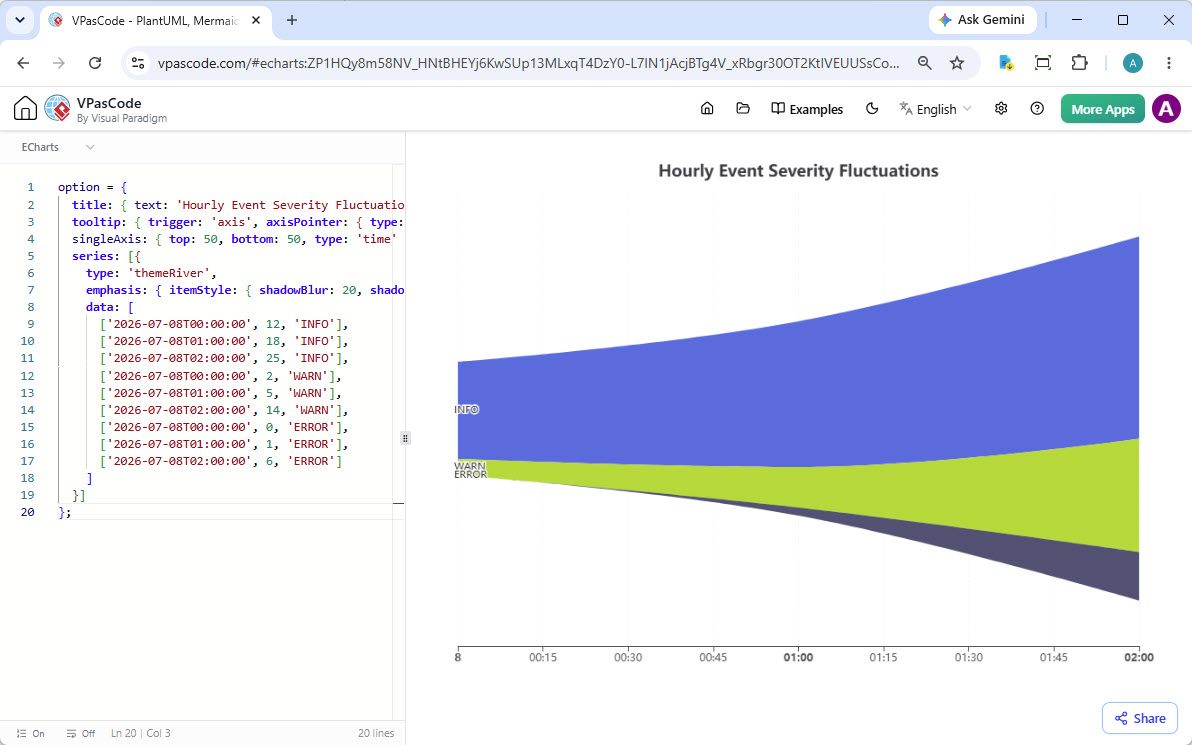
VPasCode supports a wide array of popular standards. This includes extensive support for PlantUML, Mermaid, D2 and Graphviz, as well as others like ECharts for data visualization and Markmap for mind maps from Markdown. We are constantly expanding our support.