Craft Diagrams Effortlessly with Our Free Online Mermaid Editor

Unlock the power of text-to-diagram with VPasCode, the premier online Mermaid tool. Our intelligent and free Mermaid editor delivers a real-time rendering experience, letting you create Flowcharts, Sequence diagrams, and Gantt charts with unparalleled speed.

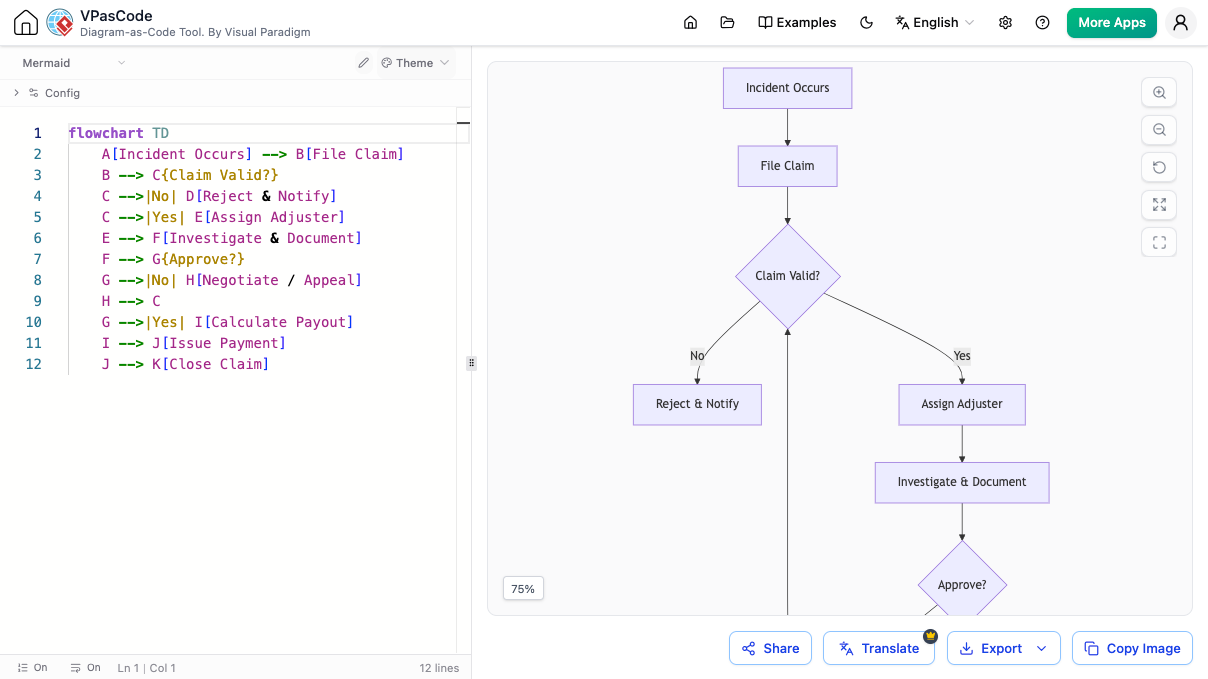
VPasCode text to diagram editor displaying Mermaid code and a visual preview of an insurance claim flowchart.

Struggling to Visualize Your Mermaid Code?

It can be tough to find a Mermaid tool that isn't just fast, but also packed with features. You require an online editor that supports the full Mermaid syntax, actively assists your coding process, and works instantly in your browser.

Live Preview for All Mermaid Diagrams

Boost your productivity with an editor built for the complete Mermaid syntax. From flowcharts to user journeys, our live-rendering Mermaid tool visualizes your code instantly.

Editing Mermaid Flowchart in our powerful Mermaid Editor

Our Mermaid editor making a Flowchart. Supports all other Mermaid diagrams too.

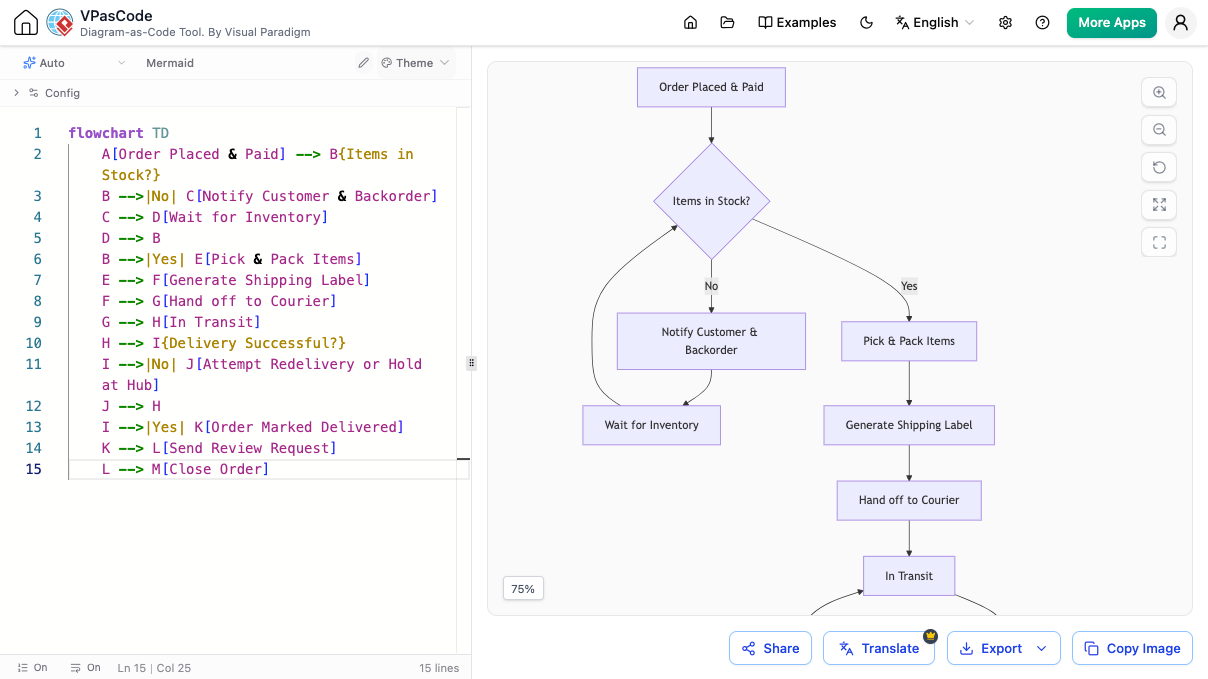
e-commerce order fulfillment flowchart in text to diagram - VPasCode
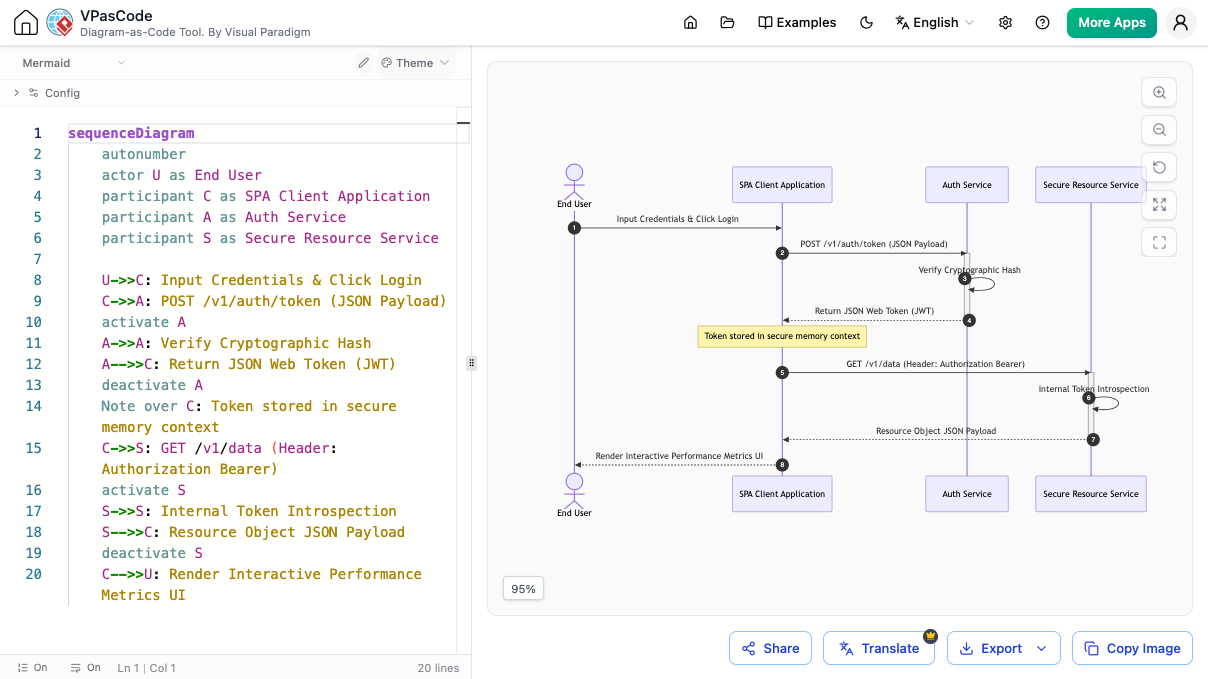
user authentication sequence diagram in text to diagram - VPasCode
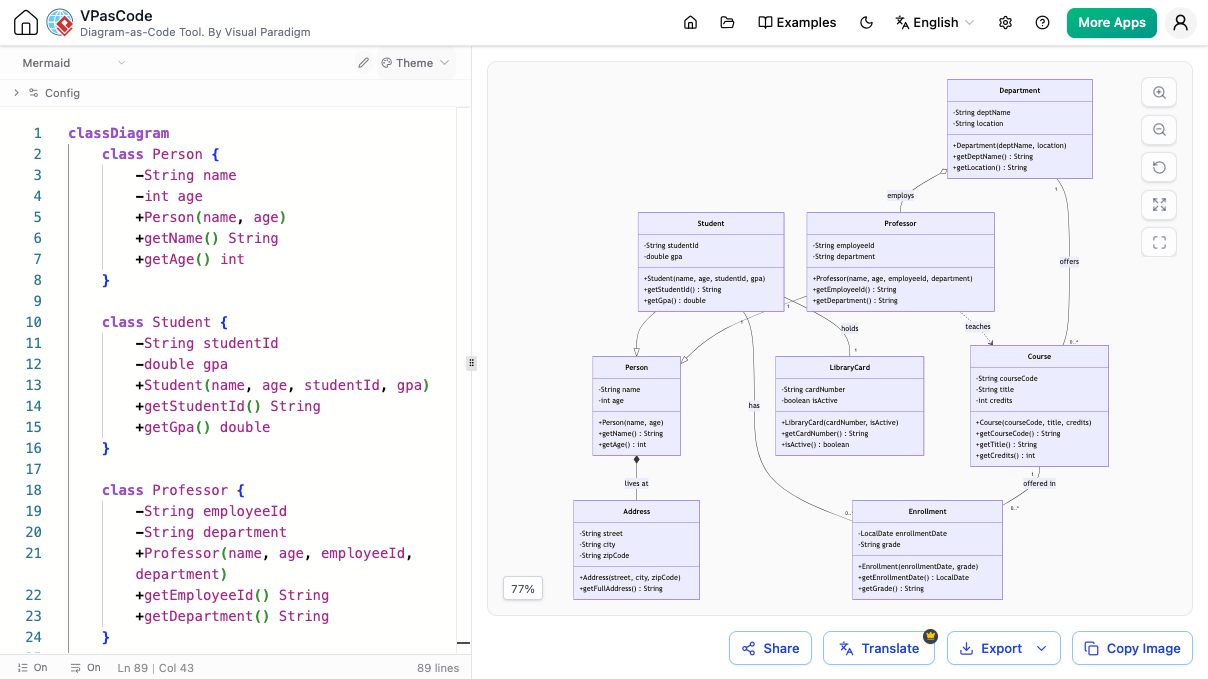
university system class diagram in text to diagram - VPasCode
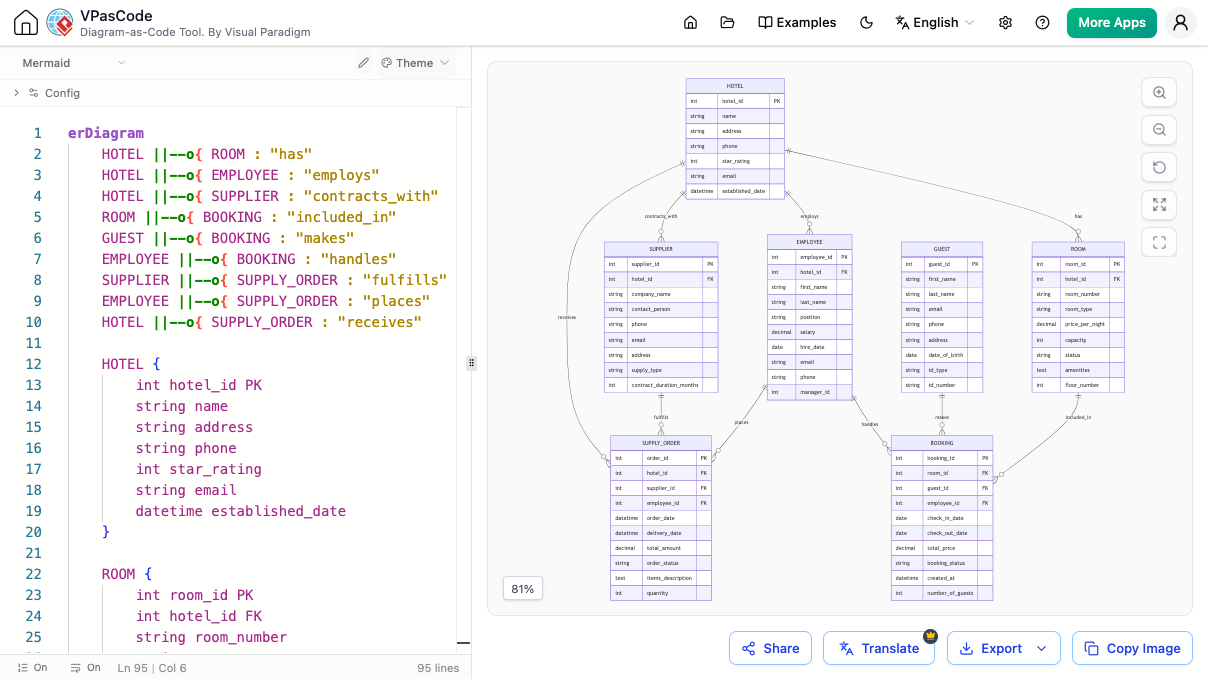
hotel management database entity-relationship diagram in text to diagram - VPasCode

Supercharge Your Workflow with an AI Mermaid Editor

VPasCode goes beyond simple rendering. Leverage the power of AI in our Mermaid tool to accelerate your diagramming tasks.

Never Get Stuck on Syntax Again

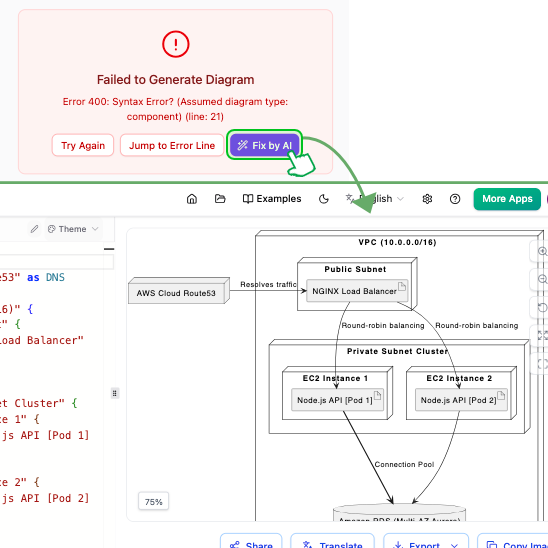
Syntax errors in Mermaid code can halt your progress. With our editor's one-click AI assistance, you can fix mistakes instantly. The AI explains the correction, helping you learn and master the Mermaid syntax, making this the most intelligent free Mermaid editor available.

AI in our Mermaid tool automatically fixing a syntax error in the code and explaining the correction.
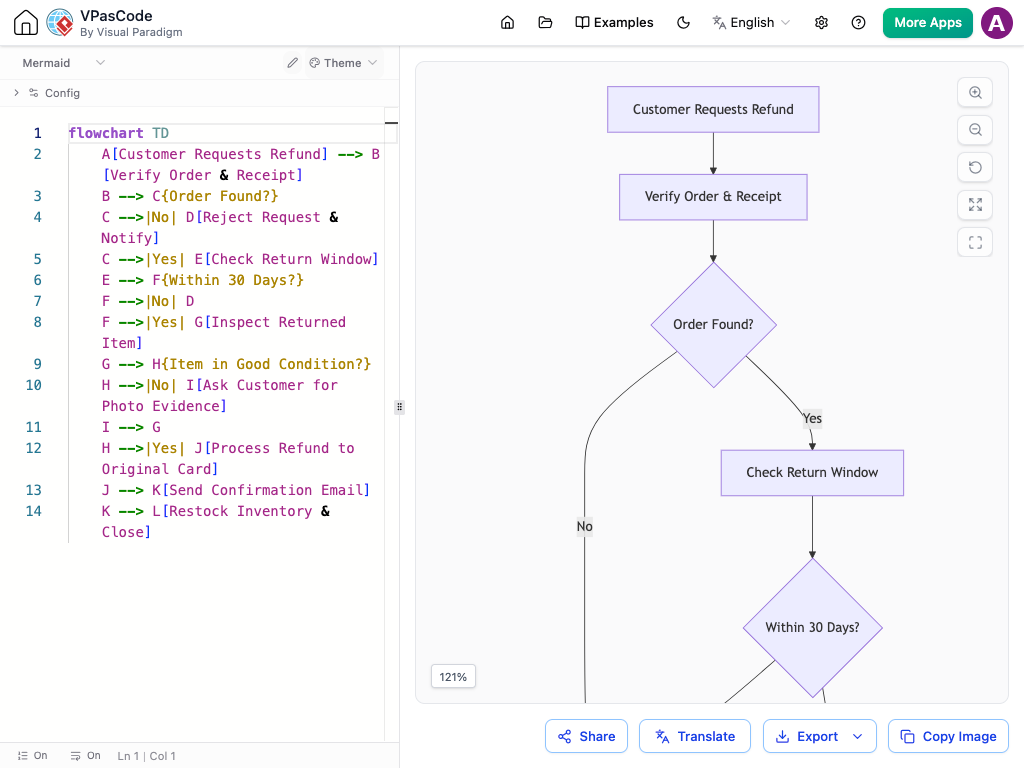
Original Mermaid diagram with English text before AI translation
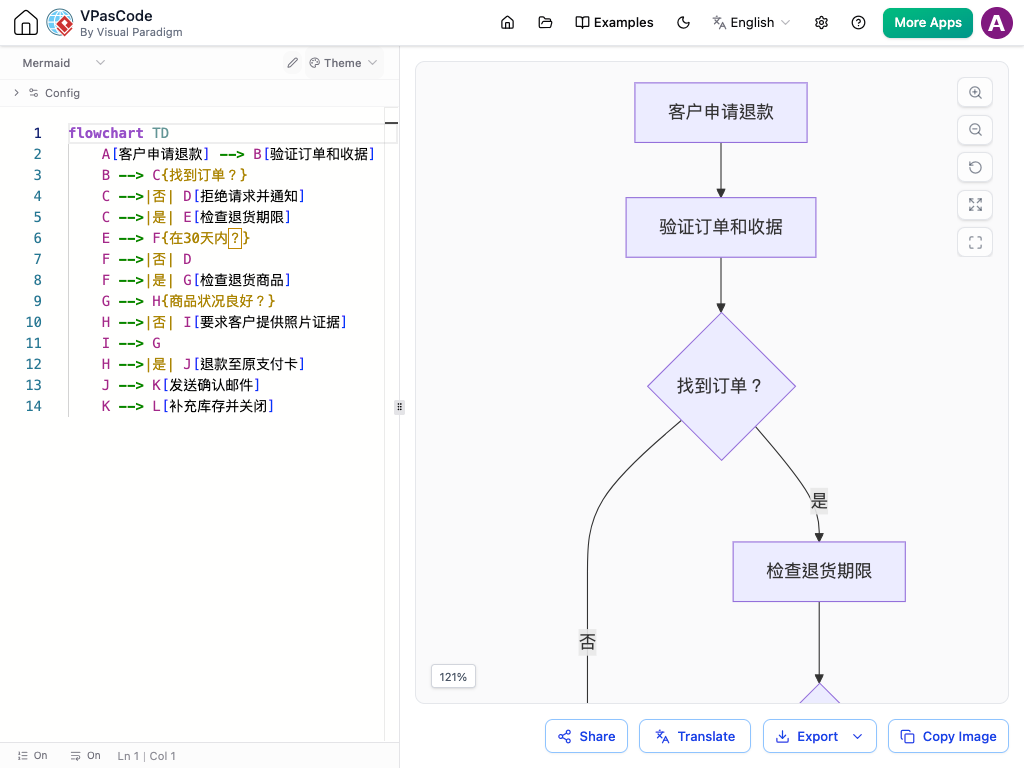
Mermaid diagram after being translated to Chinese by our AI Mermaid editor

Bridge Language Gaps with AI Translation

Working on a global project? Instantly convert the text in your diagrams into different languages using the built-in AI translation feature of our Mermaid tool. It's perfect for international collaboration.

Everything You Expect from a Modern Mermaid Editor

High-Quality Export

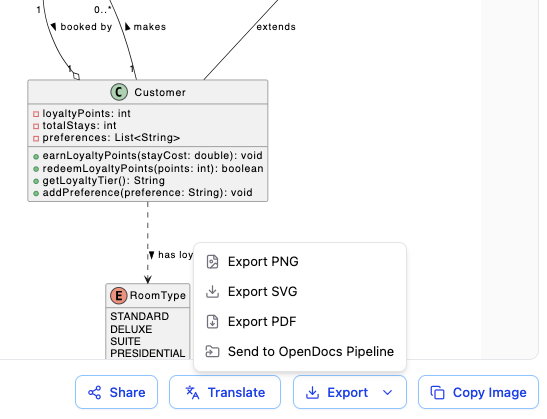
Export your Mermaid diagrams as crisp SVG or PNG images for use anywhere.

Instant Sharing

Share your Mermaid creations via a direct URL, QR code, or social media.

Live Rendering

Our online Mermaid editor shows your diagram update in real-time as you type.

Automatic Detection

Paste any code. Our Mermaid tool recognizes it's Mermaid and renders it.

OpenDocs Integration

Send your finished diagram to Visual Paradigm OpenDocs for documentation.

Also a Unified Tool

While it's a first-class Mermaid editor, it also supports PlantUML, Graphviz, and more.

A Unified Platform for All Your Code-Based Diagrams

While VPasCode is a world-class Mermaid tool, it's also a unified diagramming environment. The skills you learn are transferable. Effortlessly create diagrams with PlantUML, Graphviz, ECharts, or visualize data from JSON and SQL—all in one place.

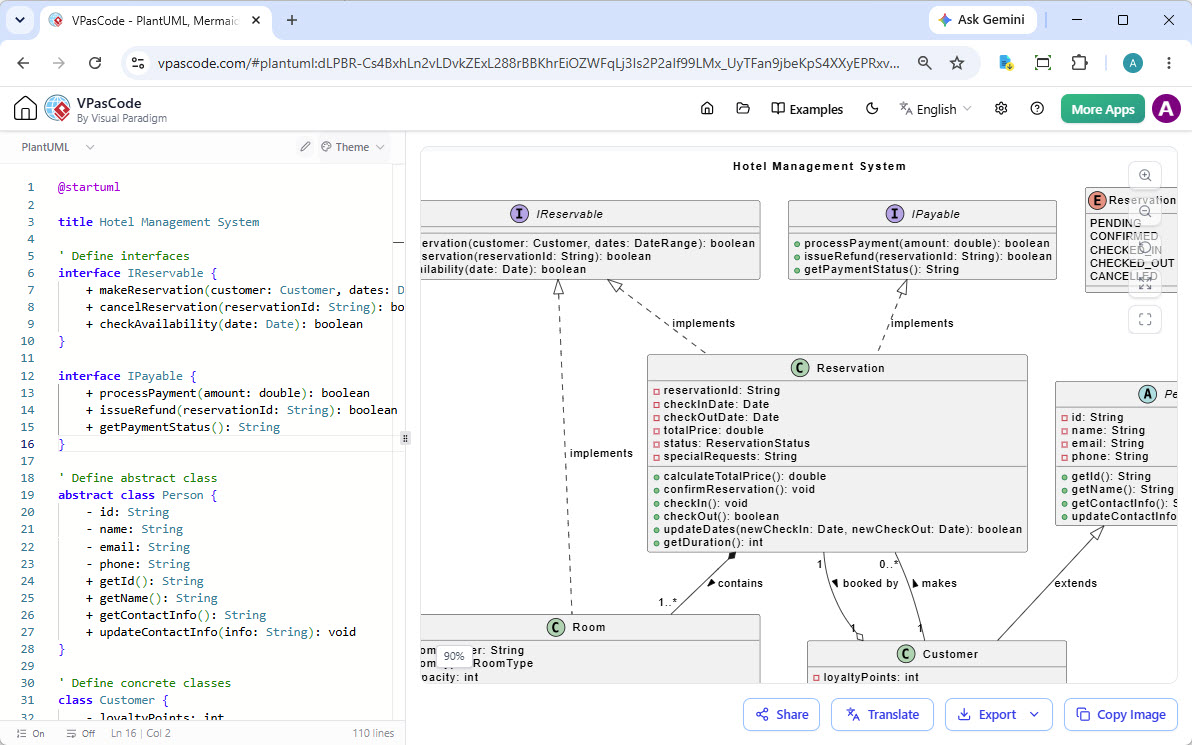
A PlantUML class diagram shown in the VPasCode editor.

PlantUML Support

Create UML, ArchiMate, C4 diagrams and more.

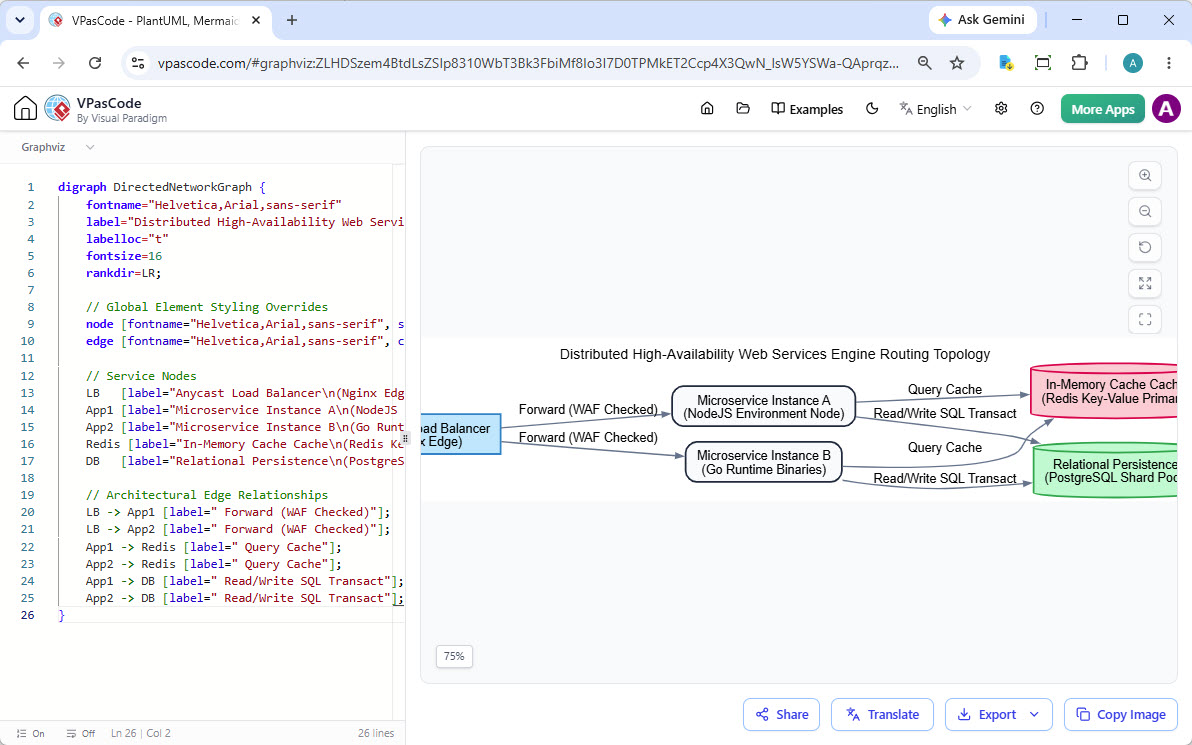
A Graphviz digraph shown in the VPasCode editor.

Graphviz DOT Support

Render complex graphs and network diagrams from DOT language.

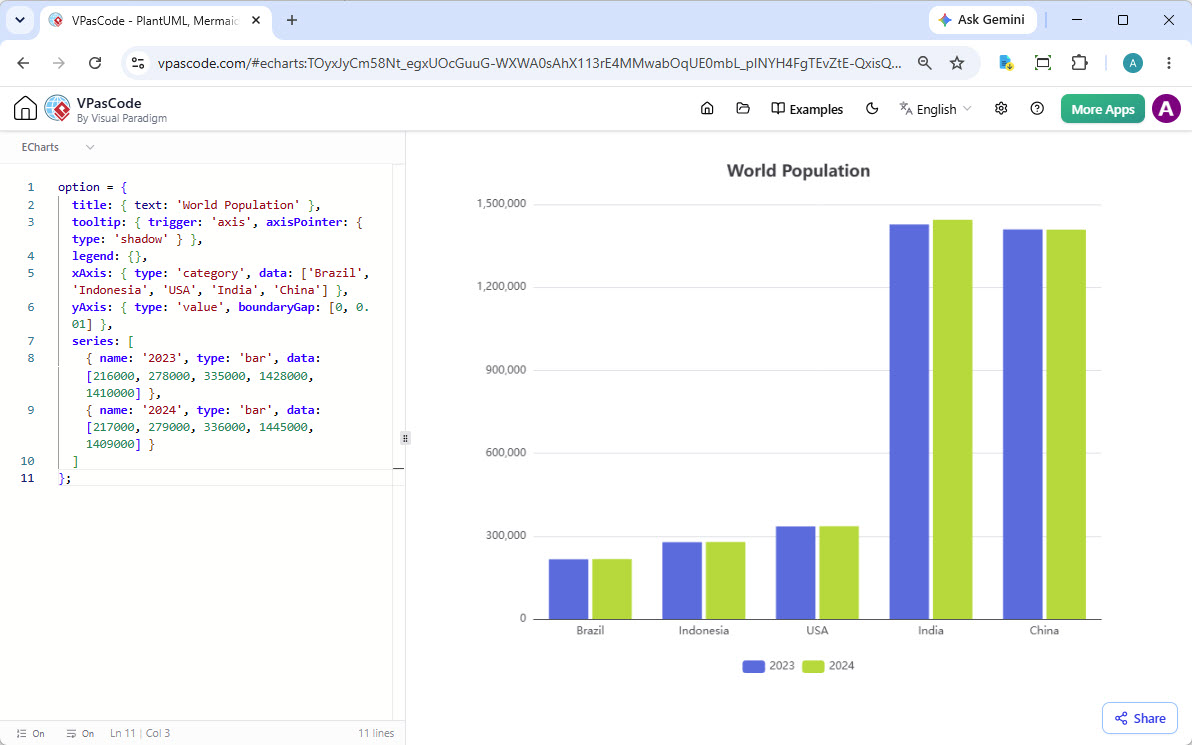
An ECharts column chart shown in the VPasCode editor.

ECharts for Data Viz

Build rich, interactive charts and data visualizations.

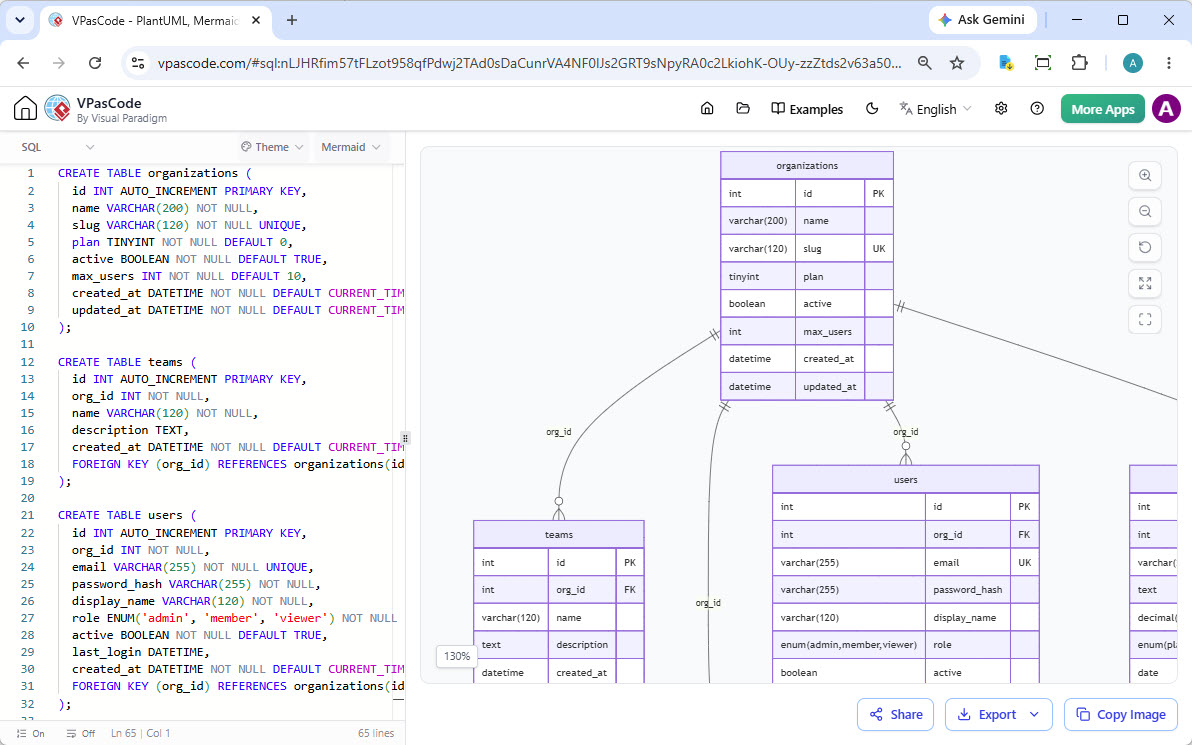
SQL data being visualized in the VPasCode editor.

And Many More

Visualize SQL, JSON, YAML, Markmap mind maps and other formats.

Seamlessly Integrated with the Visual Paradigm Suite

Your Mermaid editor is a key component of the Visual Paradigm ecosystem, ensuring a smooth workflow from initial concept to final documentation.

Generate with AI, Perfect with VPasCode

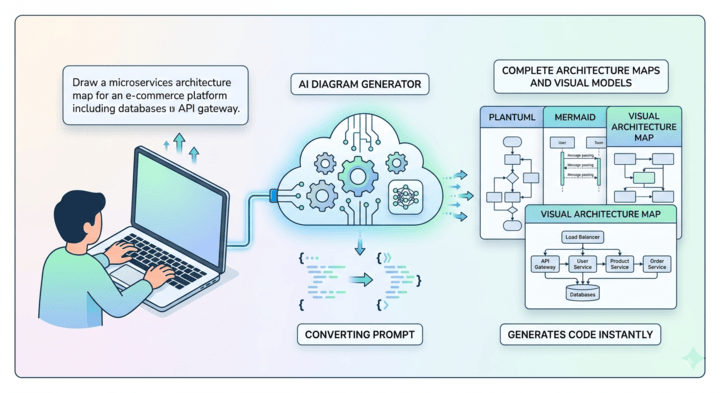
Use the Visual Paradigm AI Diagramming Chatbot to generate intricate Mermaid diagrams from plain text. Then, open the generated code in your Mermaid editor to refine every last detail.

Try AI Diagramming Chatbot Now
Workflow from AI Chatbot to the VPasCode Mermaid editor.
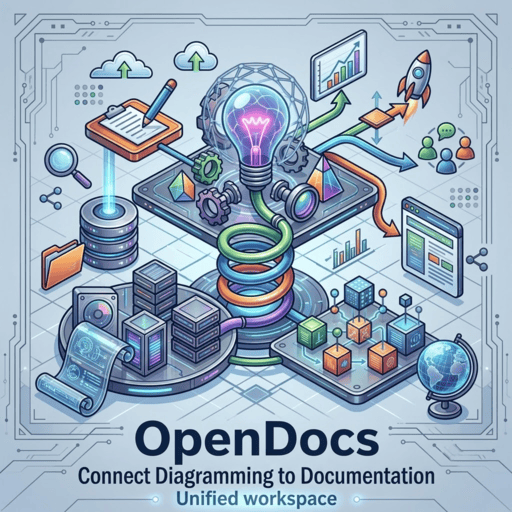
Diagram from your Mermaid tool shown in OpenDocs.

Connect Diagramming to Documentation

A diagram is often part of a larger story. With one click, send your finished work from your Mermaid tool directly to Visual Paradigm OpenDocs to create rich, shareable knowledge bases and project documentation.

Trusted by Leading Teams Worldwide

Our Mermaid editor and wider modeling platform are used by professionals in the world's most successful companies.

Adobe logo
Apple logo
AT&T logo
Caterpillar logo
Intel logo
NASA logo
Nokia logo
Toyota logo

Start Creating with the Best Mermaid Tool Today

Ditch the slow and cumbersome tools. Begin crafting beautiful diagrams right now with the best free Mermaid editor on the web. No downloads, no waiting.

Your Mermaid Editor Questions, Answered

Why choose this Mermaid editor?

Our Mermaid editor provides a superior experience by combining a rapid, real-time renderer with exclusive AI capabilities like syntax correction and translation. As a comprehensive Mermaid tool that's free for core features and integrated into a wider documentation ecosystem, it offers unmatched value.

What parts of the Mermaid tool are free?

The essential features are entirely free! This includes the editor, live preview, and high-quality PNG/SVG export. The advanced AI-powered features are available in our premium Visual Paradigm editions.

Is this an online-only Mermaid tool?

Yes, and that's a key feature. Our online Mermaid editor works entirely in your browser. There is nothing to install or configure, so you can get started immediately.

How extensive is the Mermaid syntax support?

Our Mermaid tool offers comprehensive support for the full range of official diagrams, including Architecture, Flowcharts, Sequence Diagrams, Gantt Charts, Mind Maps, Class Diagrams, ERDs, State Diagrams, User Journeys, and more. If Mermaid supports it, you can create it here.

What is the difference between a Mermaid editor and a general text editor?

A general text editor only lets you write code. A dedicated Mermaid editor, like VPasCode, provides a live preview that renders the diagram as you type. It also offers features like syntax highlighting and, in our case, AI-powered error correction, making the process much faster and more intuitive.

Can I integrate this Mermaid editor with other tools?

Yes. While VPasCode is a powerful standalone online tool, its primary purpose is to be part of the Visual Paradigm ecosystem. You can generate diagram code with our AI Chatbot and open it in the editor, or send finished diagrams from the editor to OpenDocs for documentation. This creates a seamless workflow from concept to final documentation.