Visual Paradigm VPasCode: Unified Diagram-as-Code Platform
Turn text into professional diagrams instantly. Write, preview, and share Mermaid, PlantUML, D2, Data & Schemas, Code and Graphviz diagrams in a single, free code editor.
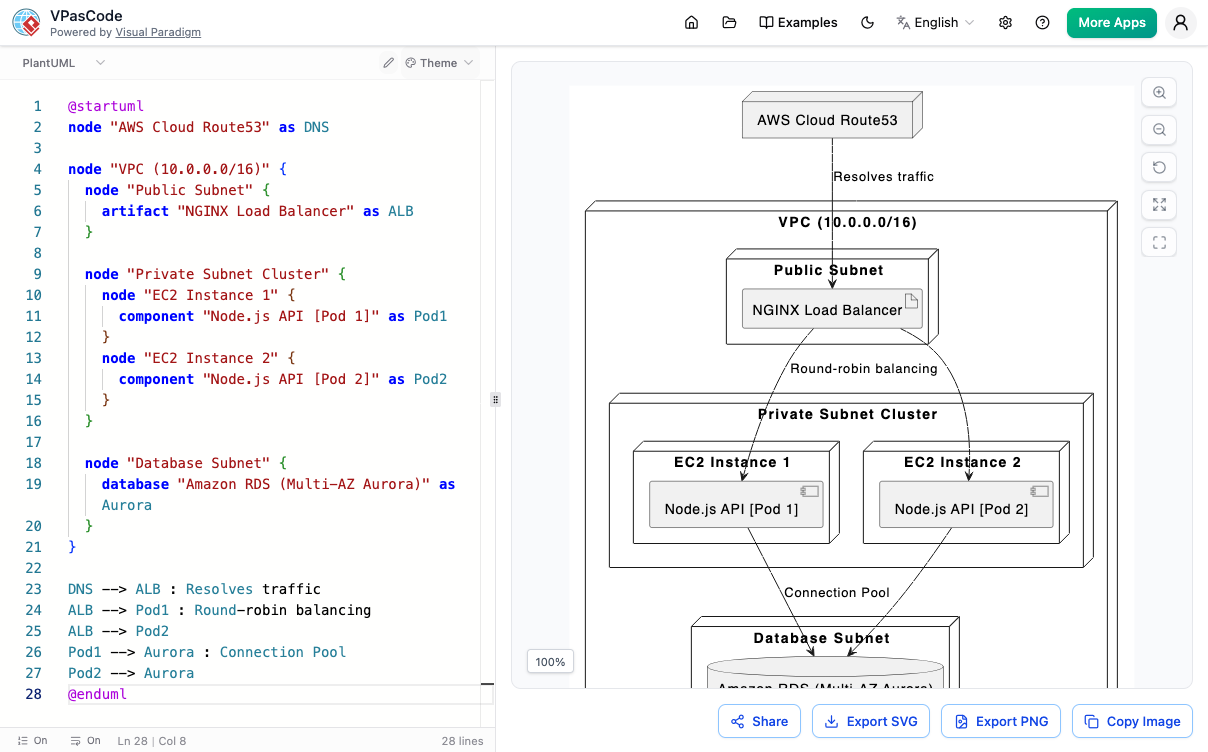
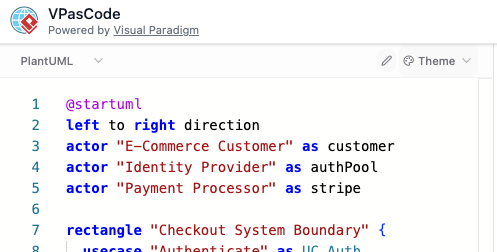
Meet VPasCode
VPasCode brings all your favorite text-to-diagram engines into one unified platform. Built entirely in your browser, it combines a free, smart code editor with a high-performance renderer for Mermaid, PlantUML, and Graphviz. Stop wrestling with clunky drawing tools—just type and watch your diagrams come to life instantly.
Watch How Visual Paradigm VPasCode Works
Supported Diagram Types
VPasCode supports all major syntax options across your favorite engines. Create dozens of professional layouts instantly from text.
PlantUML Support
- ✔ ArchiMate
- ✔ C4 Models
- ✔ Sequence Diagrams
- ✔ Use Case Diagrams
- ✔ Class Diagrams
- ✔ Object Diagrams
- ✔ Activity Diagrams
- ✔ Component Diagrams
- ✔ Deployment Diagrams
- ✔ State Diagrams
- ✔ Timing Diagrams
- ✔ Entity Relationship (ERD)
- ✔ Chen ERD
- ✔ Network Layouts
- ✔ Work Breakdown Structure (WBS)
Mermaid.js Support
- ✔ Flowcharts
- ✔ Class Diagrams
- ✔ Sequence Diagrams
- ✔ Entity Relationship (ERD)
- ✔ State Diagrams
- ✔ Mind Maps
- ✔ C4 Models
- ✔ Gantt Charts
- ✔ Quadrant Charts
- ✔ Requirement Diagrams
- ✔ Timelines
- ✔ User Journeys
- ✔ Git Graphs
- ✔ Kanban Boards
Graphviz Support
- ✔ Digraphs (Directed Graphs)
- ✔ Standard Graphs
- ✔ Flowcharts
- ✔ Organization Charts
- ✔ Cluster Diagrams
- ✔ Data Flow Diagrams
D2 Support
- ✔ Basic Shapes
- ✔ Containers
- ✔ Sequence Diagrams
- ✔ Styled Diagrams
- ✔ Network Diagrams
Data & Schemas
- ✔ SQL
- ✔ DBML
- ✔ JSON
- ✔ JSON Schema
- ✔ JSONC
- ✔ JSON5
- ✔ JSONL / NDJSON
- ✔ TOON
- ✔ YAML
- ✔ XML
- ✔ CSV
- ✔ TOML
Code Support
- ✔ Java
- ✔ TypeScript
- ✔ Go
- ✔ Rust
- ✔ C#
- ✔ Python
- ✔ C
- ✔ C++
- ✔ PHP
- ✔ Ruby
- ✔ Scala
- ✔ Zig
- ✔ Kotlin
- ✔ Swift
- ✔ Elixir
...and more powerful text-to-diagram formats coming in future updates!
Real-Time Live Preview
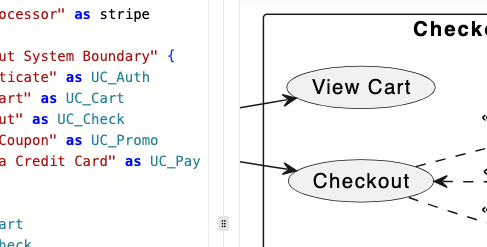
Ditch the hassle of manual drag-and-drop design. Write your layout using simple textual descriptions and watch your diagram render perfectly on the fly as you code.
AI-Powered Diagram Generation
Skip the initial coding phase entirely. Use text-to-diagram prompts to describe your system architecture in plain English, and watch the built-in AI generate production-ready code for your chosen format immediately.
Learn More
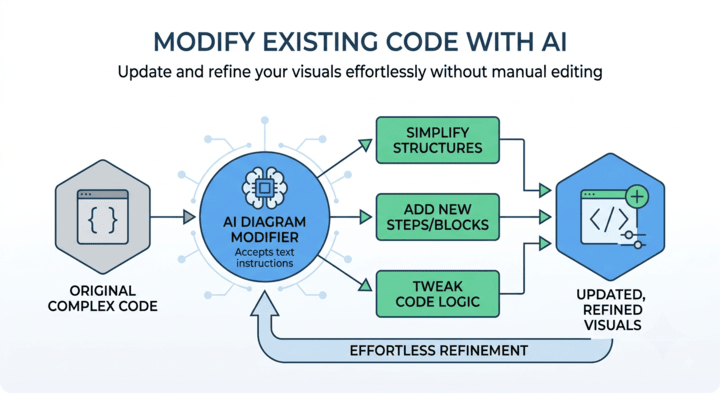
AI-Powered Diagram Modification
Updating your code is easier than ever. Instead of rewriting syntax by hand, type simple instructions to tell the AI how to refine, expand, or simplify your existing diagram script seamlessly.
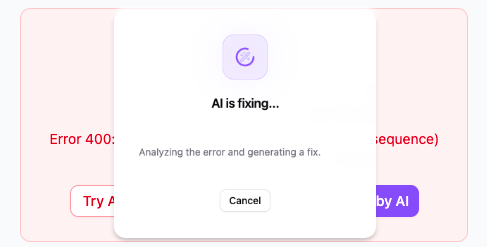
AI-Powered Code Error Fixing
Don't let syntax typos disrupt your workflow. VPasCode includes smart AI assistance that instantly detects broken syntax and corrects your diagram code automatically on the spot.
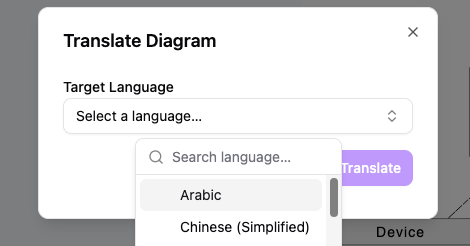
AI-Powered Diagram Translation
Bridge the gap across global teams effortlessly. VPasCode features intelligent AI translation that automatically converts your diagram's text labels into multiple languages, ensuring clear cross-border documentation without manual re-typing.
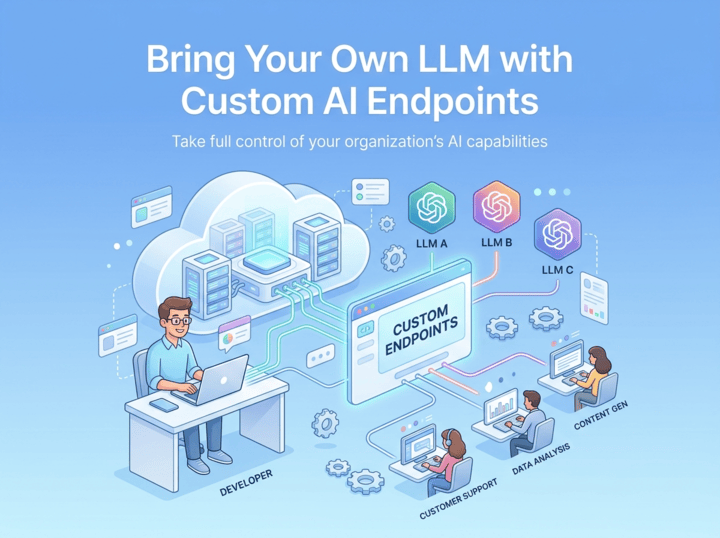
Connect Your Own LLM Infrastructure
Maintain complete oversight of your corporate AI environment. Seamlessly plug in your preferred AI models, utilize your existing API credentials, and ensure strict alignment with your internal security standards and expenditure controls.
Productivity Boosters
Beyond core AI capabilities, VPasCode includes thoughtful micro-features and daily tools that reduce friction, speed up modeling, and keep your workspace organized.
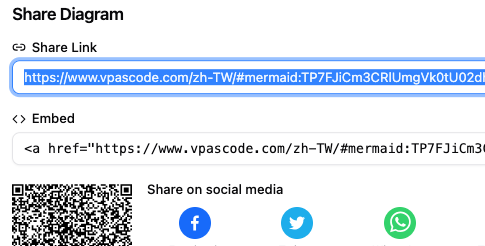
Easy Sharing & High-Quality Exports
Publish and distribute your diagrams effortlessly. Share live, interactive links with your team instantly, or download high-resolution vector images ready for documentation and presentations.
- ✔ Shareable Web Links via URL
- ✔ Export as Vector quailty PDF
- ✔ Export as SVG Vector Images
- ✔ Export as High-Res PNG Images
Real-Time Live Preview
Ditch the hassle of manual drag-and-drop design. Write your layout using simple textual descriptions and watch your diagram render perfectly on the fly as you code.
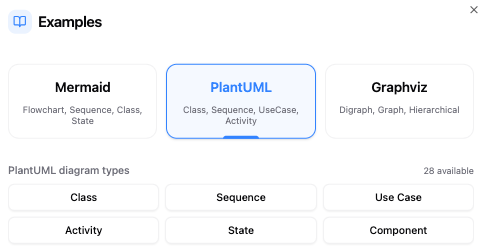
Built-in Diagram Examples
Don't start from scratch. Access a rich library of pre-made diagram examples directly inside the workspace. Explore templates for flowcharts, architecture maps, and sequence tracks to see how different syntaxes work and kickstart your project in seconds.
PlantUML Styling & Themes
Make your documentation polished and professional. Our PlantUML tool gives you beautiful visual layouts without manual coding.
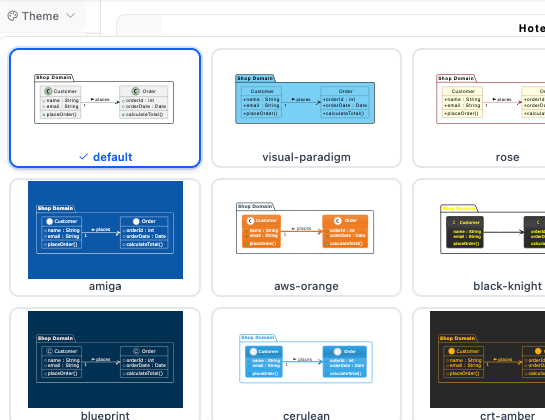
Seamless Theme Selection UI
Styling your documentation shouldn't require manual coding. Our PlantUML tool features a built-in Theme Selection UI designed for ultimate ease of use, eliminating the need to look up external documentation or memorize exact theme names.
With just one click to switch themes, you can instantly refresh the look of your diagrams. Simply choose a style from the hand-picked list in our free PlantUML editor; the tool automatically injects the proper theme syntax directly into your script and gives you an instant preview, letting you find the perfect aesthetic in seconds.
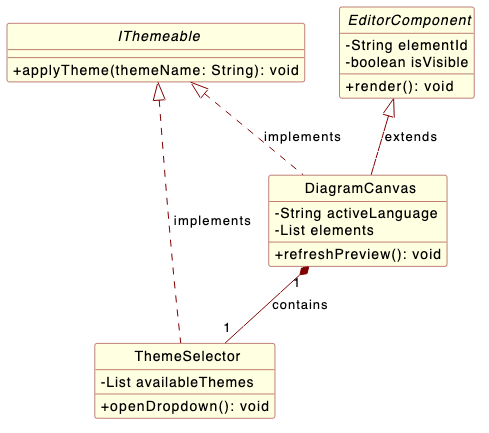
Classic Visual Paradigm and Rose Themes
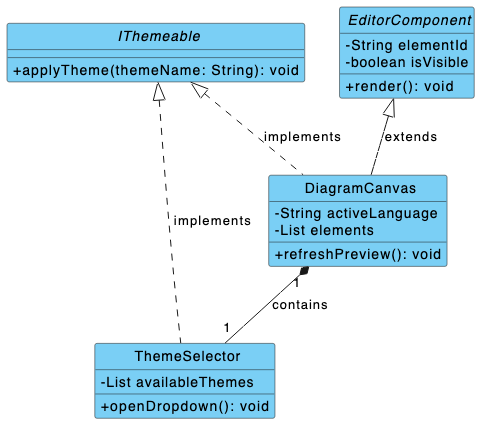
Bring a recognizable, professional look to your technical layouts. Our PlantUML editor now provides custom Visual Paradigm and Rose Theme engineered specifically to mirror industry-standard modeling designs.
Whether you want the sleek blue headers of Visual Paradigm or the classic light yellow aesthetic of IBM Rational Rose, these dedicated styles ensure your software documentation remains unified and comfortable for veteran developers to read.
Core Technical Capabilities
Multi-Format Engine
Full syntax support for PlantUML, Mermaid, and Graphviz, with more text-to-diagram formats coming in future updates.
Real-Time Renderer
Instantly watch your textual descriptions transform into clean, interactive diagrams as you type them out live.
Free Integrated Code Editor
A convenient and seamless web workspace built to write, tweak, and perfect your diagram scripts without setup friction.
AI Diagnostics & Tools
Fix syntax mistakes effortlessly using smart AI error corrections, and convert text elements with built-in AI translation.
Vector & Raster Exports
Download your finished visuals instantly as crisp SVG vector graphics or standard high-resolution PNG image files.
Frictionless Sharing
Generate easy-to-use diagram URLs to send your work or look back at your code dynamically across the web.
Frequently Asked Questions
Everything you need to know about the VPasCode platform.
What is VPasCode?
VPasCode is a unified text-to-diagram platform that lets you create professional diagrams using popular syntax formats like Mermaid, PlantUML, and Graphviz. It combines a free code editor with a real-time previewer so you can build visual assets purely through code.
Does Visual Paradigm VPasCode support AI diagram generation?
Yes, VPasCode features built-in, native AI diagram generation.
VPasCode includes embedded AI capabilities directly within the application workspace, allowing you to generate diagrams through natural language. By entering a prompt—such as "Generate a sequence diagram for a user login flow" or "Create a flowchart for an order approval process"—VPasCode instantly creates the diagram code natively in your preferred format (such as Mermaid or PlantUML).
Can I edit AI Diagramming Chatbot diagrams in VPasCode?
Yes! You can generate initial concepts in the Visual Paradigm AI Diagramming Chatbot, then open them directly in VPasCode for fine-grained code editing, styling, or translation.
Do I need to install anything?
Not at all! VPasCode operates completely within your web browser. There are no downloads, setups, or local configurations required. You can jump straight into the workspace and start diagramming instantly.
How do the AI capabilities work in VPasCode?
- AI Code Error Fixing: Instantly scans, detects, and automatically repairs broken diagram syntax on the fly.
- AI Diagram Modification: Refines, expands, or updates existing diagram scripts using plain text requests.
- AI Translation: Seamlessly converts text labels within your diagrams to accommodate international project teams.
Note: AI diagnostics and cloud storage features are available under our paid add-on options.
Can I export and share my diagrams?
Yes! You can instantly download your completed visual layouts as scalable SVG vector files or standard high-resolution PNG images. You can also generate a unique, shareable URL to share your live diagram work across the web with team members.
What text-to-diagram formats are supported?
VPasCode provides deep, integrated engine support for Mermaid.js, PlantUML, D2, Data & Schemas, Code and Graphviz syntaxes out of the box. This allows you to generate flowcharts, sequence diagrams, architecture maps, mind maps, and much more. We are continuously building onto the core engine and will add support for more formats in future updates.
Ready to Transform Your Workflow?
Join the future of diagramming. Type your text and watch your ideas take shape instantly.
Try Now