
The Unified Modeling Language (UML) is the industry standard for visualizing, specifying, constructing, and documenting the artifacts of a software-intensive system. While core diagrams (like Class, Sequence, and Use Case diagrams) form the backbone of UML, the true power of the language lies in its rich vocabulary of semantic concepts.
This guide focuses on "Other Important Terms" in UML. These concepts provide the necessary depth, behavioral context, and structural rules that transform a basic sketch into a precise, actionable, and professional software model. Whether you are designing object-oriented architectures, mapping business processes, or documenting system deployments, mastering these terms is essential for clear communication among developers, architects, and stakeholders.
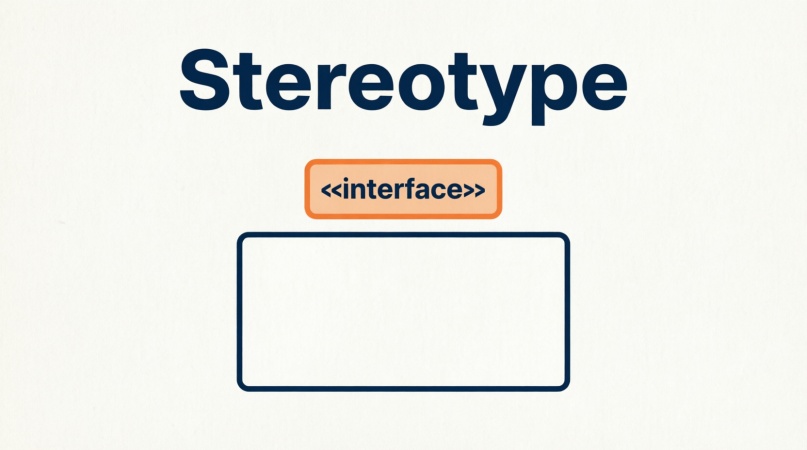
Definition: A UML extension mechanism that allows you to create new kinds of modeling elements based on existing ones, tailored to your specific domain. They are denoted by guillemets (« »).
Purpose: To add domain-specific semantics to standard UML elements without altering the core UML specification.
Example: In a Class Diagram, a standard class can be stereotyped as «interface» to denote it has no implementation, or «entity» to indicate it maps directly to a database table.
Visual: «interface» PaymentProcessor
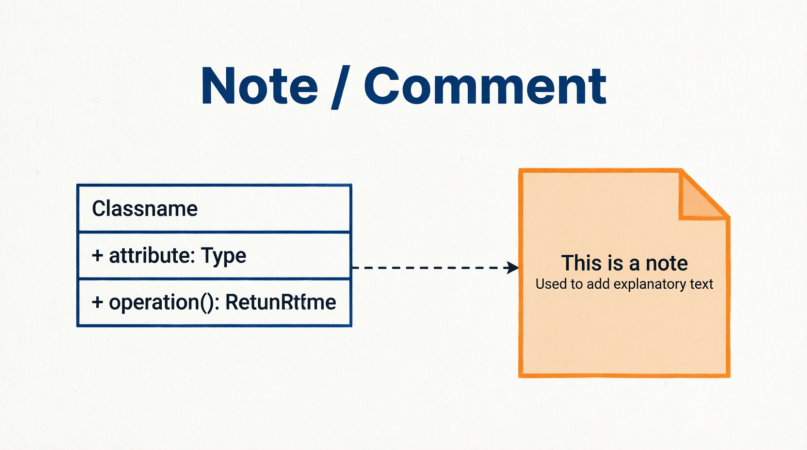
Definition: An explanatory text element that can be attached to any UML element to provide additional context, clarification, or constraints that are difficult to express visually.
Purpose: To improve diagram readability and document assumptions, business rules, or TODOs without cluttering the main model.
Example: A note attached to a User class in a Class Diagram stating: "Password must be hashed using bcrypt before storage." Visually, this is a rectangle with a folded top-right corner, connected to the element by a dashed line.

Definition: The process of focusing on the essential features of an object or system while ignoring the irrelevant or complex underlying details.
Purpose: To manage complexity by presenting a simplified view of a system, making it easier to understand and design.
Example: In a Vehicle class, abstraction means defining a move() operation. The class does not need to specify how the vehicle moves (e.g., combustion engine, electric motor, or pedaling); it only declares that moving is a core capability.
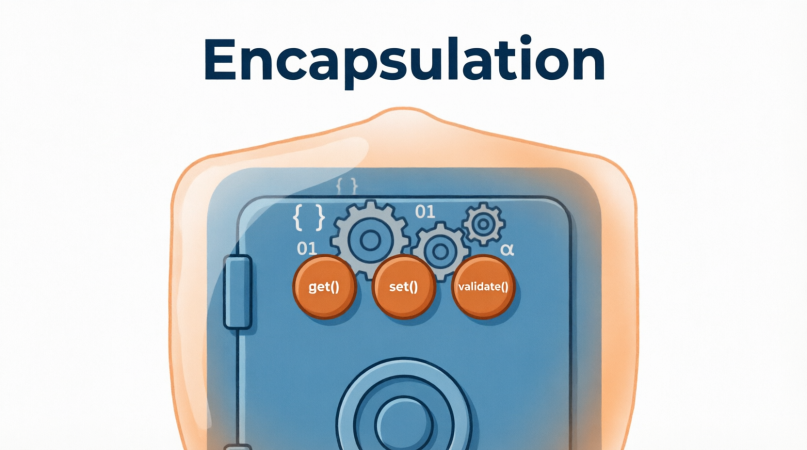
Definition: The object-oriented principle of bundling data (attributes) and the methods that operate on that data into a single unit (a class), while restricting direct access to some of the object's internal components.
Purpose: To protect an object's internal state from unintended interference and misuse, ensuring data integrity.
Example: A BankAccount class encapsulates the balance attribute by making it private. External systems cannot directly alter the balance; they must use public methods like deposit(amount) or withdraw(amount), which contain validation logic.
Visibility
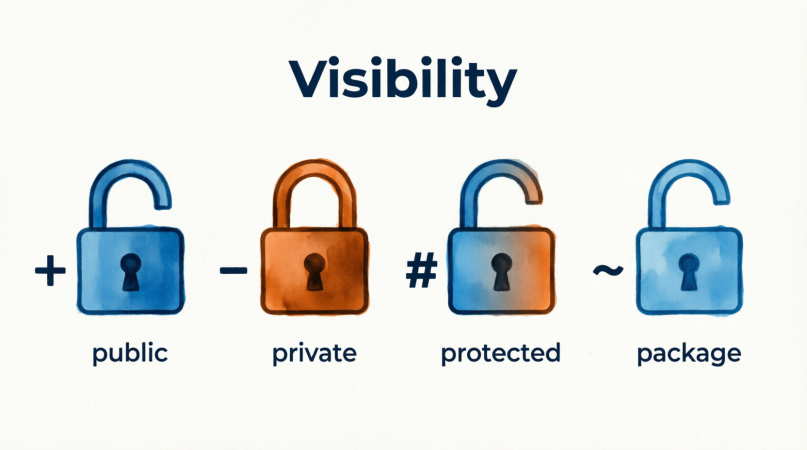
Definition: The access level of a class member (attribute or operation), dictating which other elements can see or use it. UML uses specific symbols to denote this.
Purpose: To enforce encapsulation and define the public API of a class.
Symbols & Example:
+ Public: Accessible from anywhere. (e.g., + getName(): String)
- Private: Accessible only within the defining class. (e.g., - passwordHash: String)
# Protected: Accessible within the defining class and its subclasses. (e.g., # calculateTax(): double)
~ Package: Accessible only by other elements within the same package/namespace. (e.g., ~ internalCache: Map)
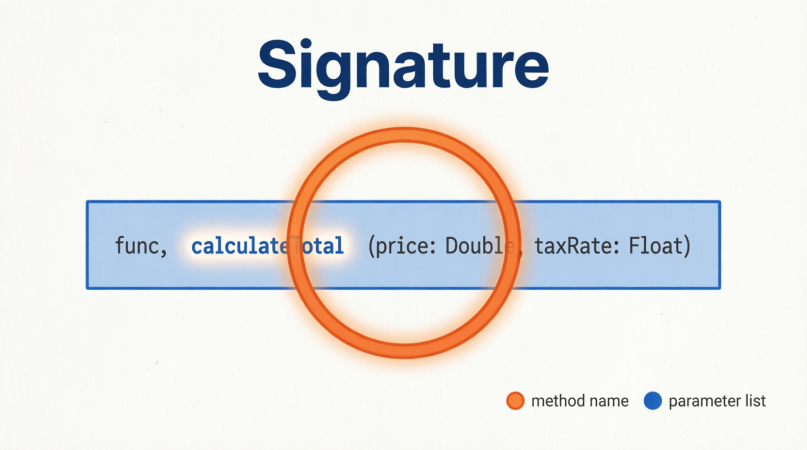
Definition: The unique identifier of an operation, consisting of its name and the ordered list of its parameters (including their types). The return type is often considered part of the signature in UML.
Purpose: To distinguish between different operations, especially when overloading (having multiple methods with the same name but different parameters).
Example: calculateTotal(price: double, taxRate: double): double. Here, the signature is defined by the name calculateTotal and the parameters price and taxRate.
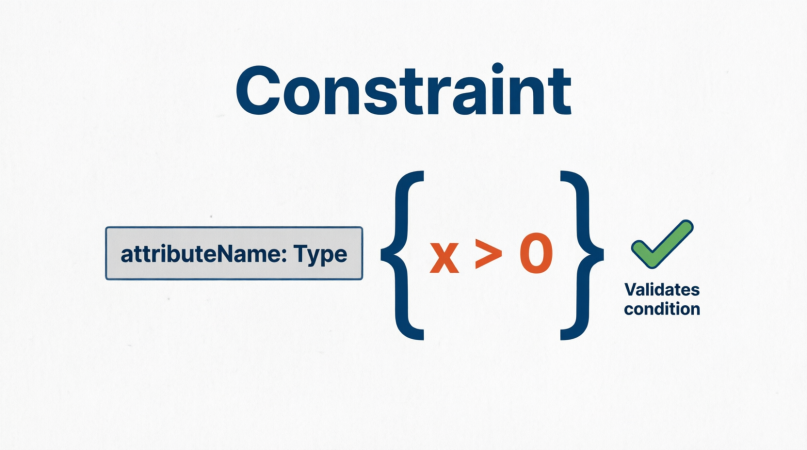
Definition: A rule or condition that must be held true for the model to be valid. Constraints are typically written in curly braces { } or in a formal language like OCL (Object Constraint Language).
Purpose: To enforce business rules, data integrity, or structural requirements within the model.
Example:
On an association end: {ordered} (items must be processed in sequence) or {unique} (no duplicate entries).
. On an attribute: {age >= 18} ensuring a User meets a minimum age requirement.
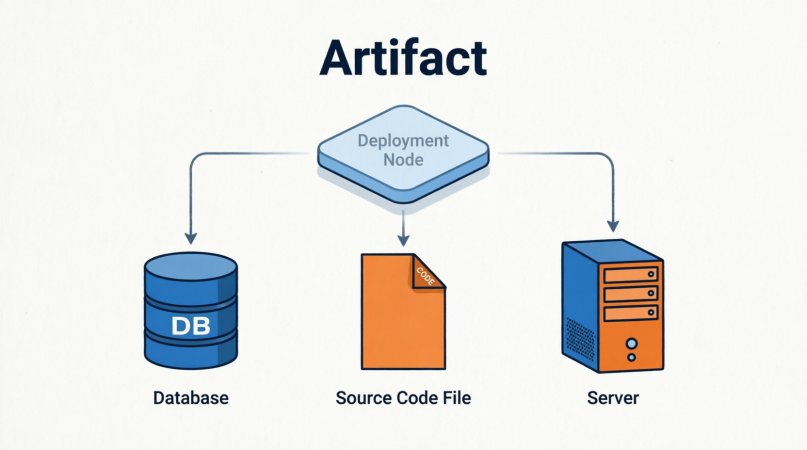
Definition: A physical, tangible piece of information that is produced or used during the software development process or deployed in the runtime environment.
Purpose: To model the physical deployment and structure of a system, bridging the gap between logical design and physical implementation.
Example: In a Deployment Diagram, artifacts include executable files (app.jar), database scripts (schema.sql), configuration files (config.xml), or even physical documents like UserManual.pdf.
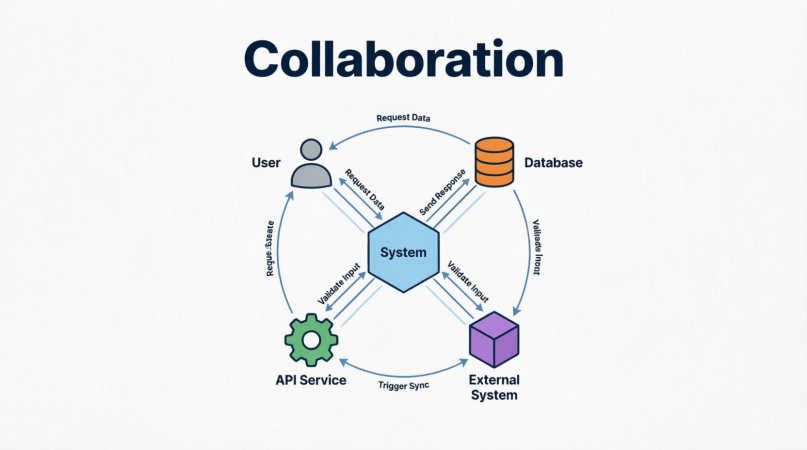
Definition: A grouping of roles and their interactions that work together to achieve a specific purpose or behavior. It represents a "team" of objects cooperating.
Purpose: To show how multiple objects or components interact to fulfill a use case or operation, often serving as the foundation for Interaction Overview or Communication diagrams.
Example: An OrderProcessing collaboration involving the roles of Customer, ShoppingCart, PaymentGateway, and InventorySystem. The collaboration defines how a message flows from the Customer to the PaymentGateway, which then notifies the InventorySystem to reserve items.
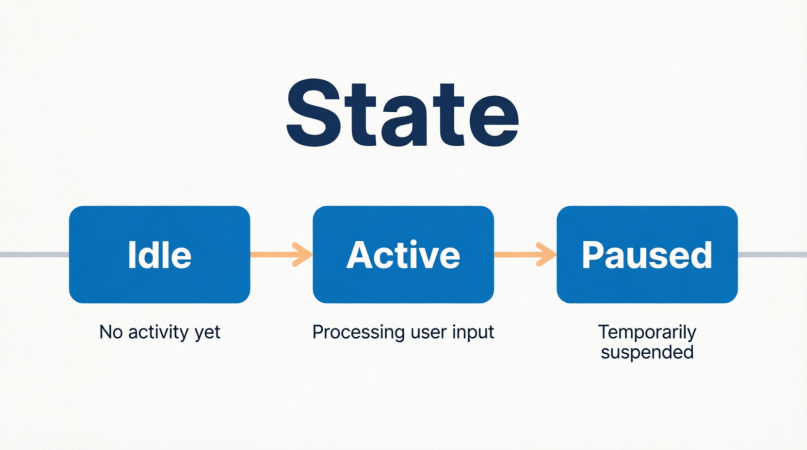
Definition: A condition or situation in the lifecycle of an object during which it satisfies some condition, performs some activity, or waits for an event.
Purpose: Used in State Machine Diagrams to model the dynamic behavior of reactive objects (objects whose behavior depends on their history).
Example: A Document object in a content management system can be in the states: Draft, UnderReview, Approved, or Published.
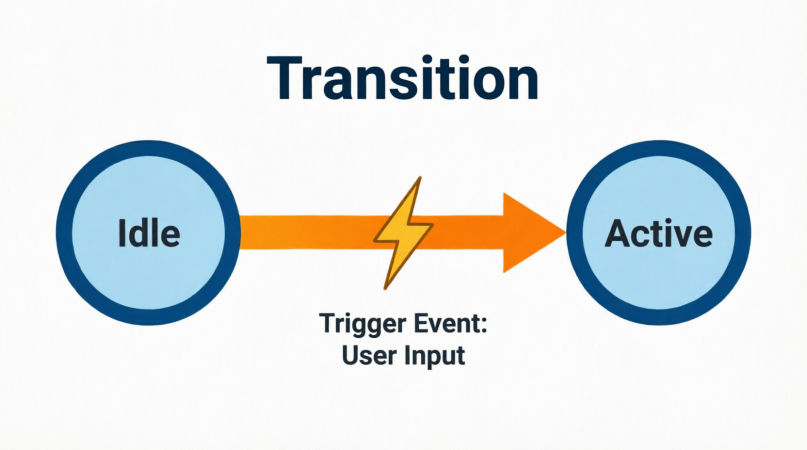
Definition: The relationship between two states, indicating that an object in the source state will enter the target state when a specific event occurs and any associated guard conditions are met.
Purpose: To define the triggers and actions that cause an object to change its state.
Example: In the Document state machine, a transition from UnderReview to Approved is triggered by the event reviewerApproves() with a guard condition [allCommentsResolved == true].
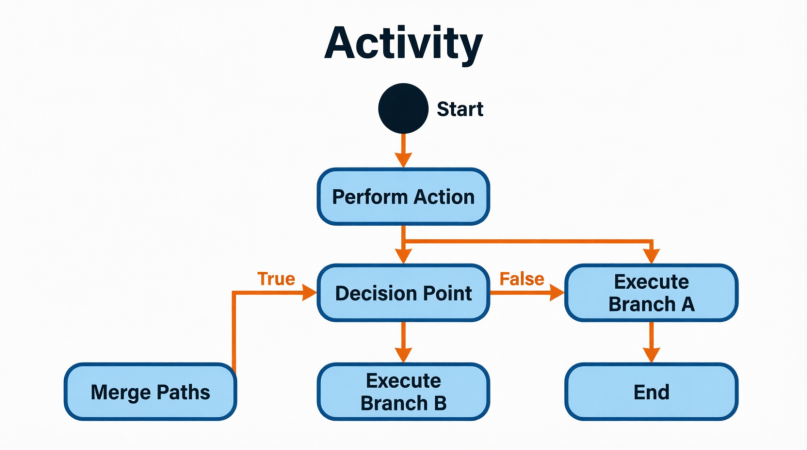
Definition: A step or action in a process, representing the execution of a specific behavior. Activities can be atomic (indivisible) or decomposed into further sub-activities.
Purpose: Used in Activity Diagrams to model business workflows, use case scenarios, or the step-by-step logic of an operation.
Example: In an e-commerce checkout workflow, activities include Validate Shipping Address, Process Credit Card, and Generate Invoice. Each is represented as a rounded rectangle.
Mastering these "Other Important Terms" elevates your UML modeling from simple box-and-line drawings to rigorous, professional-grade software blueprints. Concepts like Abstraction, Encapsulation, and Polymorphism ensure your object-oriented designs are robust and maintainable. Meanwhile, Stereotypes, Constraints, and Visibility provide the precise rules needed to eliminate ambiguity. Finally, behavioral terms like State, Transition, Activity, and Collaboration allow you to accurately map the dynamic, real-world execution of your system.
By consistently applying this vocabulary, you ensure that your UML diagrams serve as a universal, unambiguous language that bridges the gap between business requirements and technical implementation, ultimately leading to higher-quality software architecture.

