
Unified Modeling Language (UML) has long been the industry standard for visualizing software architecture, system workflows, and component relationships. Yet, for developers, architects, and product managers, creating UML diagrams manually has historically meant wrestling with drag-and-drop interfaces, manual alignment, and constant version drift between evolving requirements and static drawings.
AI-powered UML generation changes this paradigm. By combining natural language understanding with model-driven engineering, modern platforms now transform plain-text requirements into polished, standards-compliant diagrams in seconds.
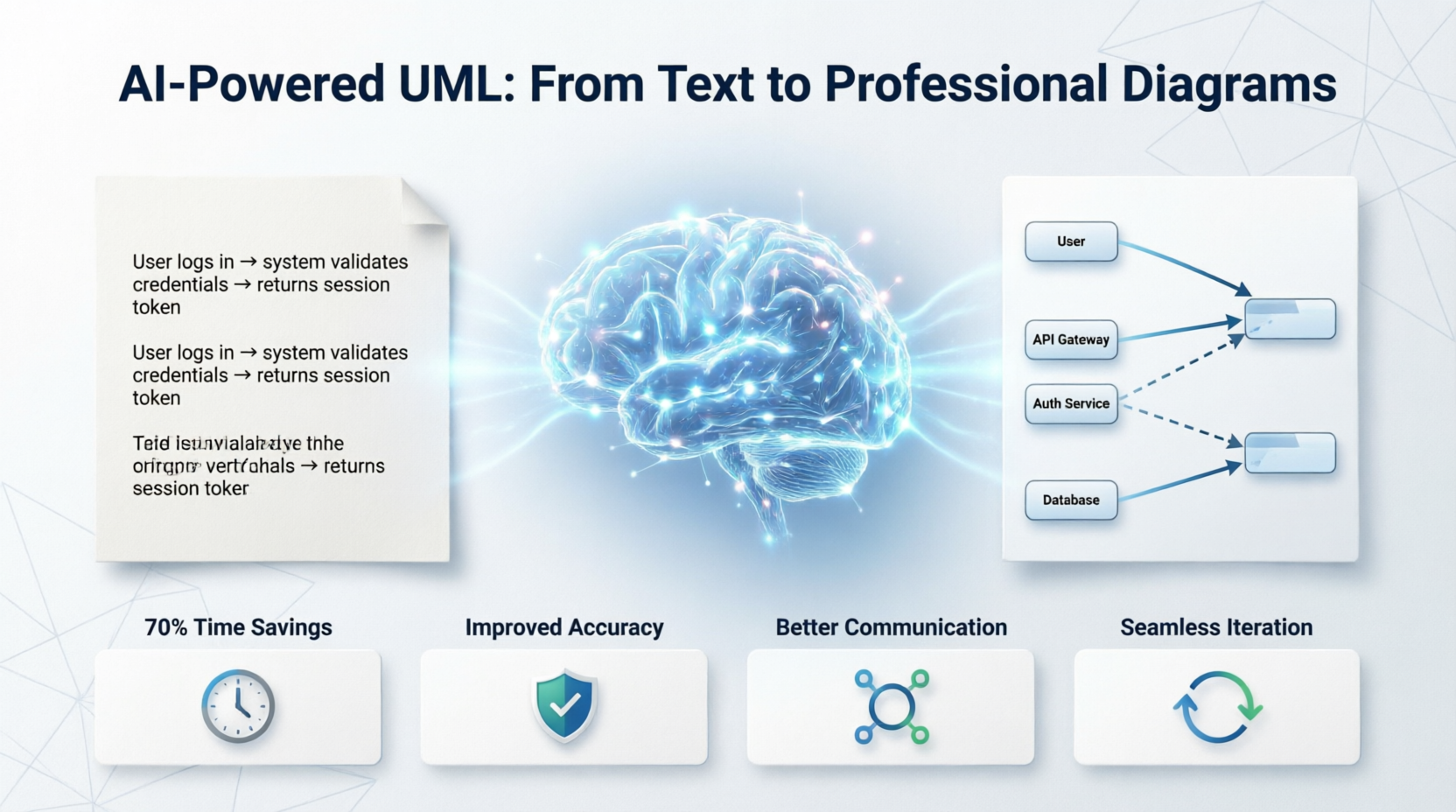
This tutorial is designed for beginners who want to harness AI to accelerate their design workflow, reduce manual errors, and bridge the gap between abstract business requirements and executable code. Using Visual Paradigm’s AI Chatbot, Diagram Generator, and Textual Analysis features, you’ll learn how to describe a system in plain English, generate professional UML diagrams, validate them automatically, and iterate seamlessly. Along the way, we’ll explore how these capabilities deliver measurable real-world impacts: 70%+ time savings, improved accuracy, clearer stakeholder communication, and a direct pipeline from requirements to code.
| Requirement | Details |
|---|---|
| Primary Tool | Visual Paradigm (Desktop or Web Edition) |
| AI Modules | AI Chatbot, AI Diagram Generator, Textual Analysis (enable in Tools > AI Assistant) |
| License | Free trial or Professional/Enterprise edition (AI features require cloud connectivity) |
| Optional Knowledge | Basic UML notation (Class, Use Case, Sequence, Activity) & PlantUML syntax for cross-tool portability |
Download Visual Paradigm from the official website and install.
Create an account and activate your trial or license.
Open Tools > AI Assistant and toggle on Chatbot, Diagram Generator, and Textual Analysis.
Ensure stable internet access (AI inference runs on secure cloud endpoints).
Create a new project: File > New Project > Empty.
AI UML generation begins with clear, structured text. Skip the whiteboard sketch and write what the system should do.
Example Requirement:
"Build an e-commerce order processing system. A customer places an order, the system validates inventory, processes payment via a gateway, and sends a confirmation email. If payment fails, the system retries once, then cancels the order. Admins can view order status and generate reports."
Open the AI Chatbot panel in Visual Paradigm. Paste your requirement and prompt:
Identify key actors, use cases, and relationships from this requirement.
Format them as a structured list optimized for UML generation.
Expected AI Output:
Actors: Customer, Payment Gateway, Admin
Use Cases: Place Order, Validate Inventory, Process Payment, Send Confirmation, Retry Payment, Cancel Order, View Status, Generate Report
Relationships:
Customer → Place Order, View Status
Payment Gateway → Process Payment, Retry Payment
Admin → View Status, Generate Report
Retry Payment extends Process Payment
Validate Inventory included in Place Order
Navigate to Create > AI Diagram Generator.
Select diagram type: Sequence Diagram or Use Case Diagram.
Paste the original requirement or the AI-refined list.
Click Generate.
Visual Paradigm’s AI will auto-layout elements, apply correct UML stereotypes, route connectors, and align spacing according to OMG standards. No manual dragging required.
Open the Textual Analysis panel and upload your original requirements document (or paste the text). The AI will:
Cross-check diagram elements against requirements
Flag missing flows, orphaned actors, or invalid relationships
Suggest corrections (e.g., "Retry Payment should extend Process Payment, not include it")
Click Apply Suggestions to update the model live. This keeps your diagram perfectly synchronized with business specs.
Export as PNG, SVG, or Interactive HTML for stakeholder review.
Use Visual Paradigm’s Forward Engineering to generate code skeletons (Java, C#, Python, TypeScript) directly from the UML model.
Enable Version Sync so updating the text and regenerating automatically refreshes the diagram without breaking links or comments.
While Visual Paradigm’s AI Generator uses its native modeling engine, understanding the underlying logical structure is valuable for cross-tool collaboration. Below is the equivalent PlantUML code for the e-commerce payment flow. You can import this into Visual Paradigm via Tools > Import > PlantUML or use it in open-source pipelines.
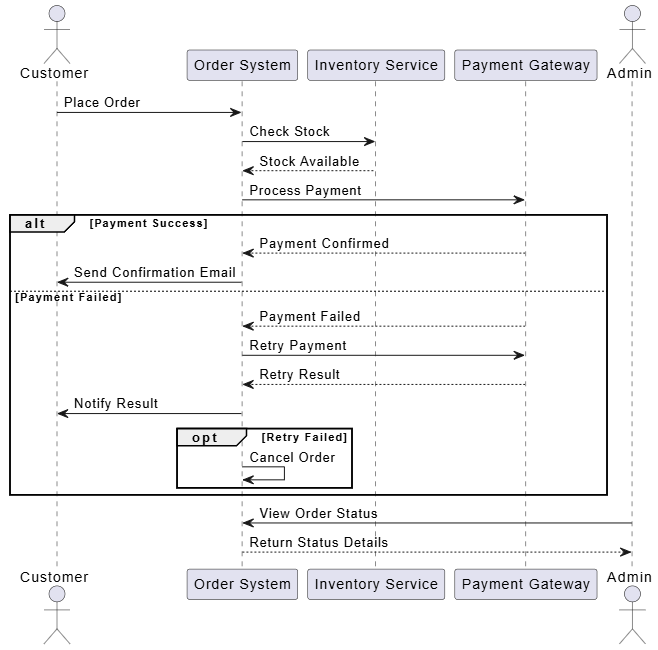
@startuml
actor Customer
participant "Order System" as OS
participant "Inventory Service" as IS
participant "Payment Gateway" as PG
actor "Admin" as A

Customer -> OS : Place Order
OS -> IS : Check Stock
IS --> OS : Stock Available
OS -> PG : Process Payment
alt Payment Success
  PG --> OS : Payment Confirmed
  OS -> Customer : Send Confirmation Email
else Payment Failed
  PG --> OS : Payment Failed
  OS -> PG : Retry Payment
  PG --> OS : Retry Result
  OS -> Customer : Notify Result
  opt Retry Failed
    OS -> OS : Cancel Order
  end
end
A -> OS : View Order Status
OS --> A : Return Status Details
@enduml
Tip: Visual Paradigm’s AI Generator produces a visually polished, standards-compliant version automatically. The PlantUML above demonstrates the exact logical flow you’d describe in text to trigger AI generation.
| Benefit | How AI Delivers It | Real-World Impact |
|---|---|---|
| 70%+ Time Savings | Eliminates manual placement, alignment, and connector routing. AI parses text → generates layout instantly. | Teams shift from days of diagramming to hours of refinement. Sprint planning becomes faster. |
| Improved Accuracy | Textual analysis cross-validates requirements vs. diagram elements. AI flags missing states, orphaned actors, or invalid UML syntax. | Fewer design-phase defects; models stay aligned with evolving specs. |
| Better Stakeholder Communication | Natural language input/output + interactive diagrams. Non-technical stakeholders review logic without learning UML notation. | Faster approval cycles; reduced misalignment between business and dev teams. |
| Seamless Iteration | Update the text, click regenerate. Version history tracks changes. AI suggests optimal layout adjustments. | Agile teams adapt diagrams mid-sprint without diagramming bottlenecks. |
| Bridging Requirements to Code | AI-enriched UML models feed directly into Visual Paradigm’s code generators. | Architects move from abstract design to executable skeletons in one workflow. |
| Error Reduction | Automated validation catches logical gaps before implementation. Consistent naming, standardized stereotypes, enforced relationships. | Lower rework costs; fewer integration surprises during development. |
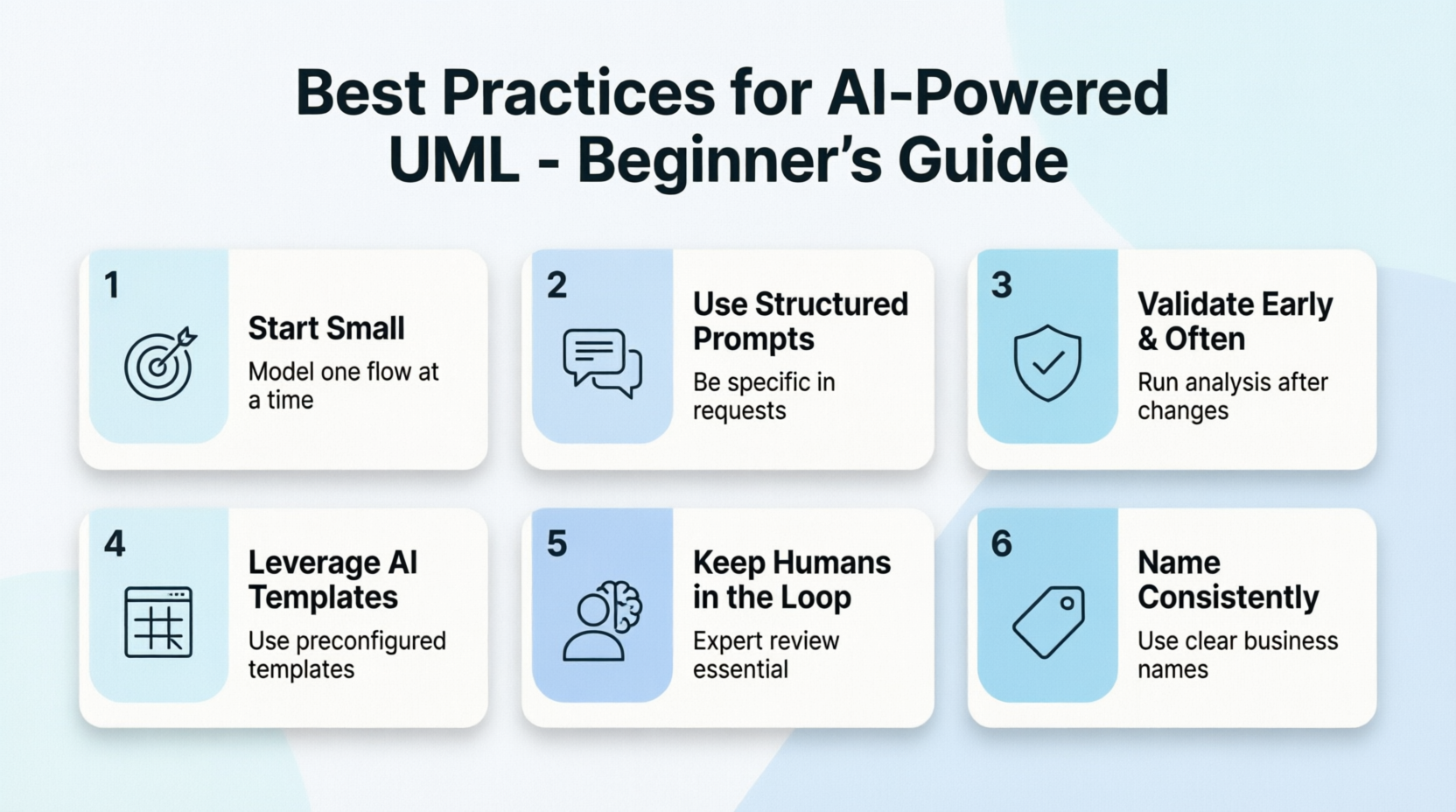
Start Small: Model one flow (e.g., checkout or authentication) before tackling the entire system.
Use Structured Prompts: Instead of "draw a diagram", write "Generate a sequence diagram for user login with success, invalid credentials, and account lockout paths."
Validate Early & Often: Run Textual Analysis after every major requirement change to catch drift.
Leverage AI Templates: Visual Paradigm includes AI-preconfigured templates for microservices, REST APIs, and event-driven architectures.
Keep Humans in the Loop: AI accelerates creation, but architectural trade-offs, security constraints, and edge-case handling still require expert review.
Name Consistently: Use clear, business-aligned names for actors and use cases. AI follows your terminology for downstream code generation.
AI-powered UML is no longer a futuristic concept—it’s a practical, production-ready workflow that fundamentally transforms how teams design, communicate, and build software. By leveraging Visual Paradigm’s AI Chatbot, Diagram Generator, and Textual Analysis features, beginners can bypass the steep learning curve of manual diagramming and focus on what truly matters: solving architectural problems, aligning stakeholders, and shipping reliable systems.
The promise of 70%+ time savings, near-zero syntax errors, seamless iteration, and a direct pipeline from requirements to code isn’t marketing hype; it’s the new baseline for modern software engineering. Start with a single requirement, let AI draft your first diagram, validate with textual analysis, and watch your design process evolve from static documentation to living architecture. The future of UML isn’t drawn—it’s described, generated, and continuously refined. Open Visual Paradigm, type your first requirement, and let AI do the heavy lifting.

