
User stories are the foundation of modern Agile product development. They replace heavy requirement documents with lightweight, user-focused descriptions that drive collaboration, deliver real value, and adapt to change.
A good user story clearly communicates who wants something, what they want, and why it matters — while leaving room for the team to find the best solution. Poorly written stories lead to misalignment, wasted effort, and missed deadlines.
This comprehensive guide covers everything you need to write excellent user stories: core concepts, proven best practices, step-by-step techniques, rich examples (including good vs. bad), templates, and practical advice you can apply immediately.
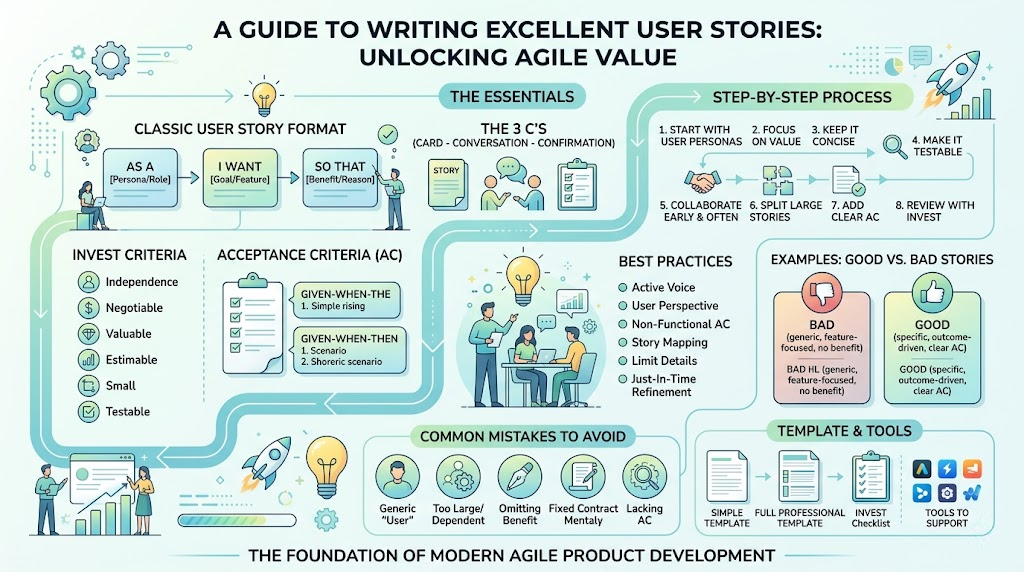
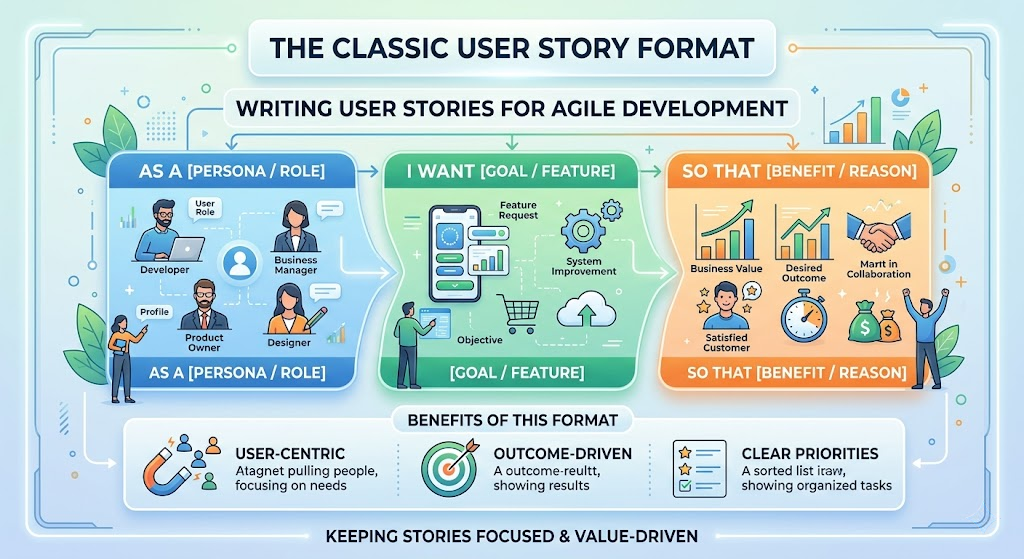
As a [persona/role],
I want [goal or feature],
so that [benefit or reason].
This format keeps the story user-centric and outcome-driven.
Bad Story:
As a user, I want search functionality.
Good Story:
As a busy online shopper,
I want to search for products using keywords and apply multiple filters (price, brand, rating),
so that I can quickly find items that match my needs without scrolling through hundreds of results.
Acceptance Criteria:
Bad Story:
As a user, I want notifications.
Good Story:
As a frequent traveler using the banking app,
I want to receive instant push notifications for transactions over $100,
so that I can quickly detect potential fraud while abroad.
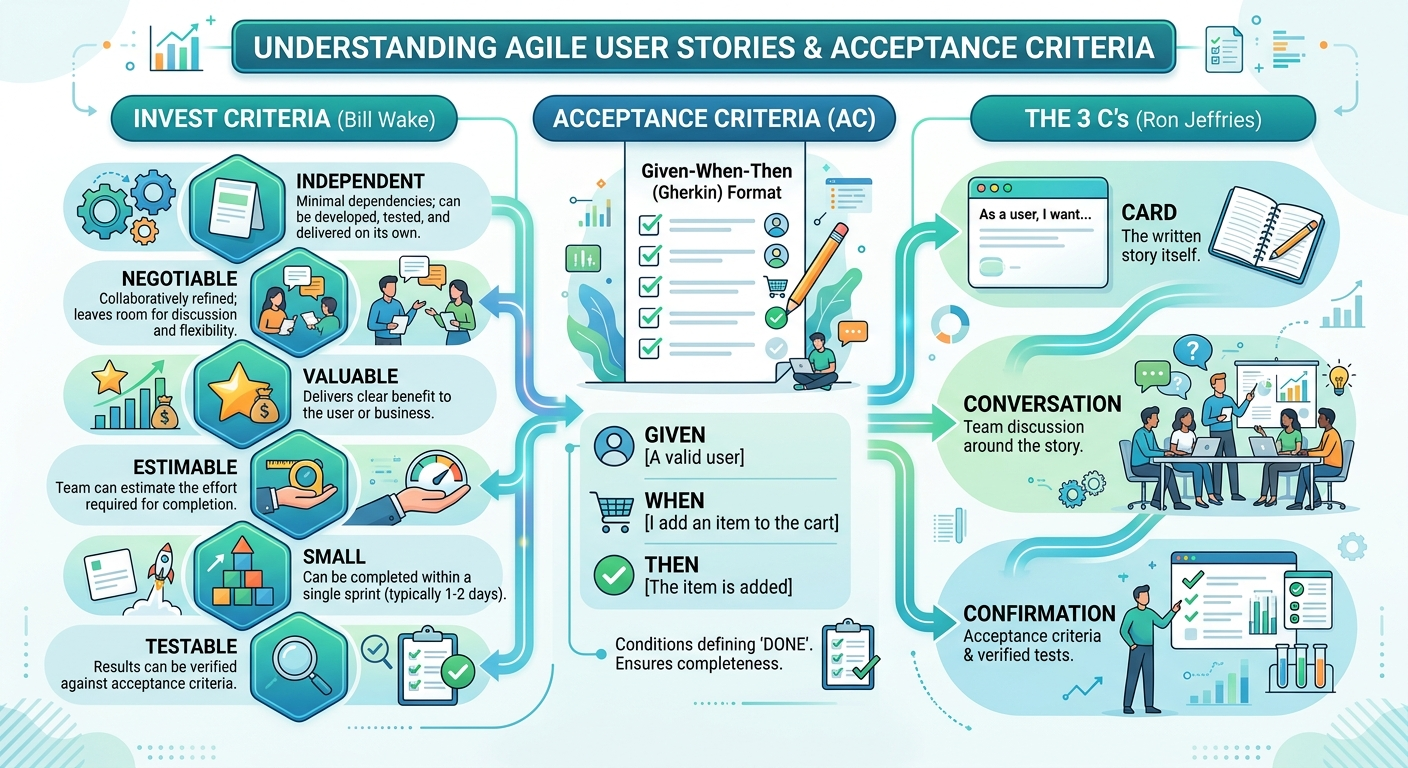
Acceptance Criteria (Given-When-Then):
Bad Story:
As an admin, I want to manage users.
Good Story (Split Version):
As a system administrator,
I want to deactivate a user account immediately,
so that I can revoke access for terminated employees without delay.
Acceptance Criteria:
Story Splitting Techniques:
Data-Driven Story:
As a marketing analyst,
I want to export user engagement reports filtered by date range and segment,
so that I can analyze campaign performance and share insights with stakeholders.
Simple Template:
As a [persona],
I want [goal],
so that [benefit].
Full Professional Template:
**Story ID**: US-123
**Title**: [Short descriptive title]

**Description**:
As a [persona], I want [goal], so that [benefit].

**Acceptance Criteria**:
- [Criterion 1]
- [Criterion 2]
- Given [context] When [action] Then [outcome]

**Notes**:
[Technical considerations, edge cases, links to designs]
INVEST Validation Checklist:
Writing good user stories is both an art and a discipline. By following the As a / I want / so that format, strictly applying the INVEST criteria, creating clear acceptance criteria, and collaborating with your team, you’ll produce stories that drive better understanding, faster delivery, and higher-quality outcomes.
Remember: The best user stories are not perfect documents — they are living artifacts that spark meaningful conversations and deliver genuine user value.
Actionable Next Step: Pick 3–5 backlog items today. Rewrite them using the templates and examples above. Run them through the INVEST checklist with your team and observe the difference in clarity and confidence.
Mastering user story writing is one of the highest-leverage skills in Agile. Practice consistently, and you’ll see measurable improvements in your team’s productivity and product success.

