In the world of product development and software engineering, few debates spark as much passionate—and sometimes pointless—argument as requirements gathering. Specifically: Should we write Use Cases or User Stories?
Too often, teams treat these two concepts as mutually exclusive rivals. Agile purists ban Use Cases entirely, claiming they cause "analysis paralysis," while traditionalists dismiss User Stories as "too vague" for serious engineering. The result of this tribalism is usually the same: bloated documentation that no one reads, or vague tickets that lead to costly development rework and missed edge cases.
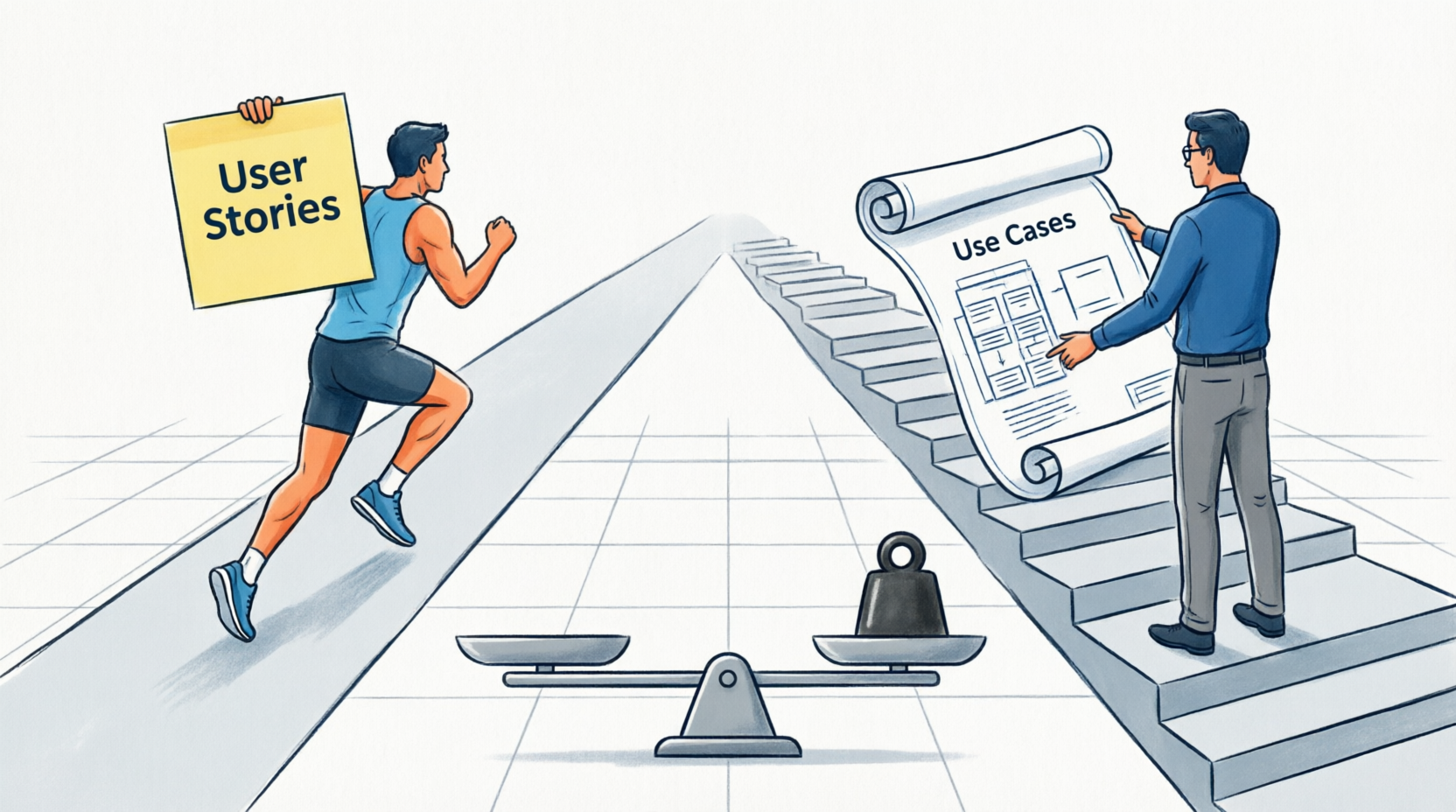
The truth is, neither is inherently "better." They are simply different tools designed for different jobs. A User Story is a promise for a conversation; a Use Case is a detailed contract of system behavior.
In this comprehensive guide, we will cut through the noise. We will break down the key concepts of both, explore exactly why User Stories are the undisputed kings of the Agile approach, and provide a clear decision framework to help you choose the right tool for your project. Whether you are a Product Owner, Business Analyst, or Developer, it’s time to stop fighting over the terminology and start using the right tool for the job. Let's dive in.
The Short Answer: Which is Better?
Neither is inherently "better." They are different tools designed for different purposes.
- User Stories are generally more suitable for Agile environments because they prioritize conversation, flexibility, and business value over exhaustive documentation.
- Use Cases are better suited for complex, highly regulated, or safety-critical systems where every possible system interaction, error state, and edge case must be documented upfron
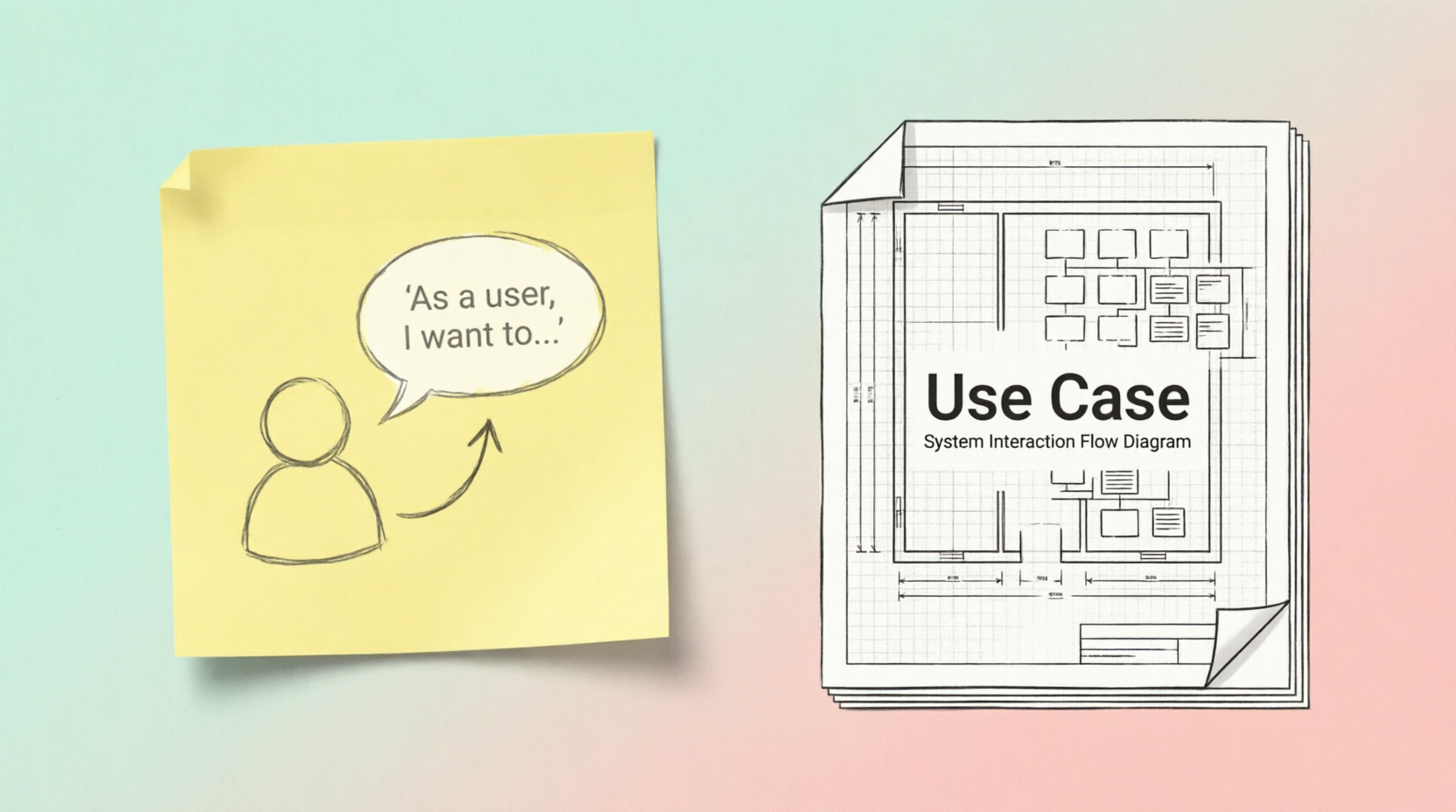
Think of it this way: A User Story is a promise for a conversation about what the user needs and why. A Use Case is a detailed contract describing exactly how the system will behave in every scenario.
Part 1: User Stories (The Agile Staple)
A User Story is a brief, informal description of a software feature told from the perspective of the end-user. It focuses on the value the feature delivers, leaving the technical implementation details to be discussed later.
Key Concepts:
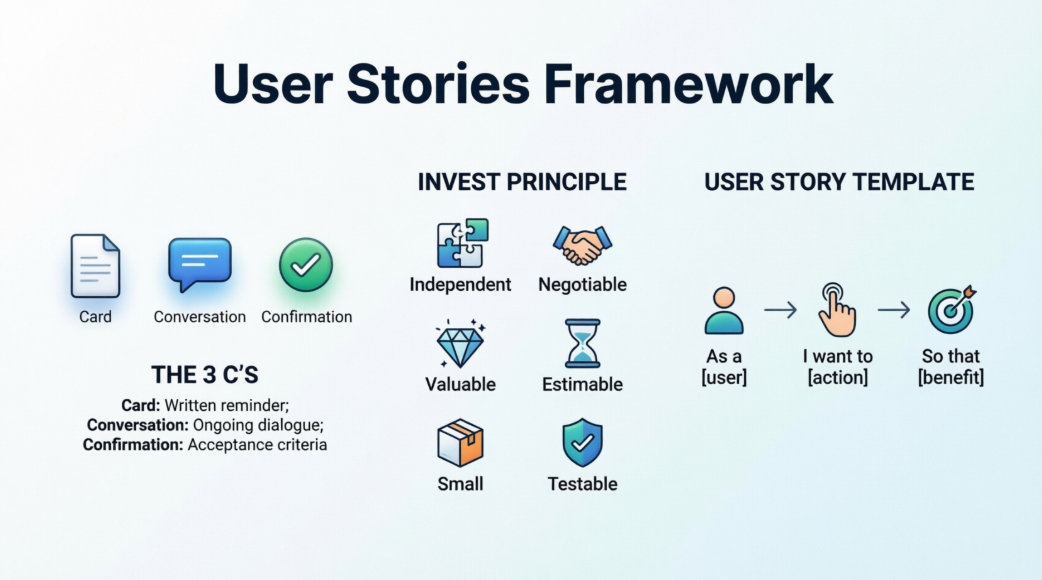
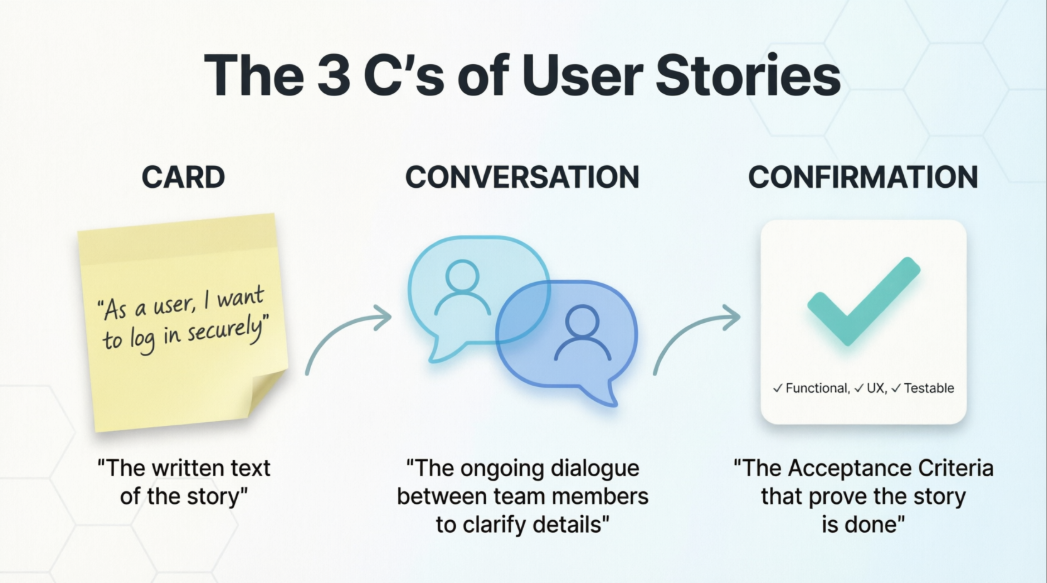
- The 3 C’s:
- Card: The written text of the story (often on a sticky note or Jira ticket).
- Conversation: The ongoing dialogue between the Product Owner, developers, and testers to clarify details.
- Confirmation: The Acceptance Criteria that prove the story is done and working as intended.
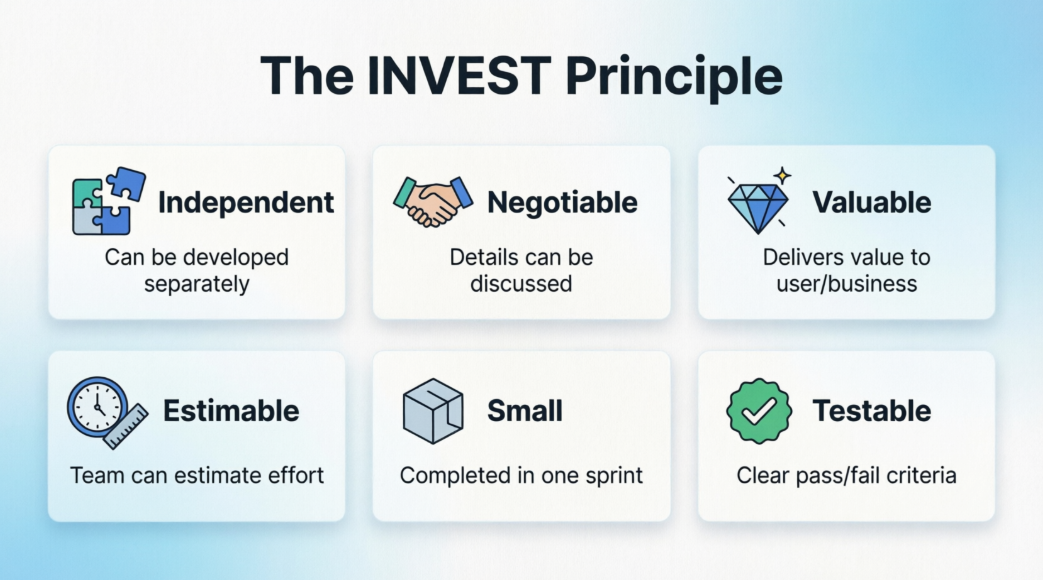
- The INVEST Principle: A good user story should be:
- Independent (can be developed separately)
- Negotiable (details can be discussed)
- Valuable (delivers value to the user/business)
- Estimable (the team can guess the effort required)
- Small (can be completed in a single sprint)
- Testable (has clear pass/fail criteria)
Standard Format:
"As a [type of user], I want to [perform an action], so that [I achieve a specific benefit/value]."
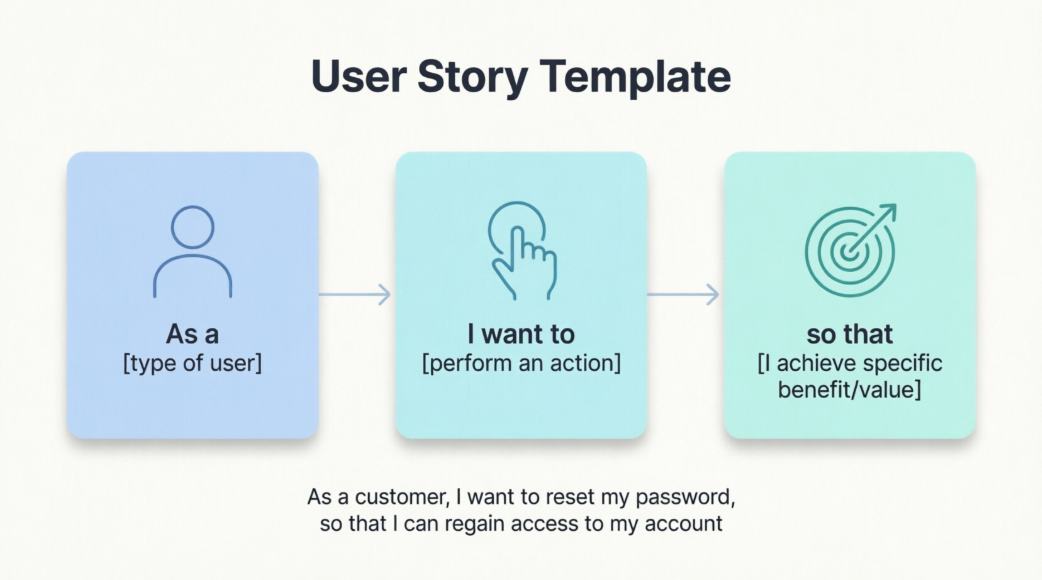
Example: E-Commerce App
- Title: Save Payment Information
- Story: As a returning customer, I want to securely save my credit card details, so that I can check out faster on future purchases without typing my card number again.
- Acceptance Criteria (Confirmation):
- Card details are encrypted before saving.
- User can delete saved cards from their profile.
- System displays a masked version of the card (e.g., **** **** **** 1234).
Part 2: Use Cases (The Traditional Heavyweight)
A Use Case is a detailed, step-by-step description of how a user (actor) interacts with a system to achieve a specific goal. It maps out the "Happy Path" (main success scenario) as well as all alternate paths, error states, and edge cases.
Key Concepts:
- Actor: The person or external system interacting with the software.
- Preconditions: What must be true before the use case can start.
- Main Flow (Happy Path): The ideal, step-by-step sequence of events where everything goes right.
- Alternate/Exception Flows: What happens when things go wrong (e.g., invalid input, system timeout, network failure).
- Postconditions: The state of the system after the use case is completed.
Standard Format:
Typically a structured document or template containing the elements above.
Example: E-Commerce App (Same feature as above)
- Use Case Name: Process Saved Payment at Checkout
- Actor: Registered Customer
- Preconditions: Customer is logged in and has at least one saved, valid payment method.
- Main Flow:
- Customer clicks "Proceed to Checkout."
- System retrieves and displays masked saved payment methods.
- Customer selects a saved payment method and clicks "Pay."
- System sends encrypted token to payment gateway.
- Payment gateway approves transaction.
- System displays "Order Confirmed" and updates inventory.
- Alternate Flow 3a (Payment Declined):
- 3a1. Payment gateway returns a "Declined" status.
- 3a2. System displays an error message: "Payment declined. Please try another card."
- 3a3. System prompts user to enter a new card or try again.
- Postcondition: Order is created, inventory is reserved, and the user receives a confirmation email.
Part 3: Head-to-Head Comparison
| Feature |
User Story |
Use Case |
| Primary Focus |
Value & Outcome (The Why and What) |
System Behavior (The How) |
| Level of Detail |
High-level, intentionally vague to spark conversation. |
Highly detailed, exhaustive, and prescriptive. |
| Format |
1-2 sentences + Acceptance Criteria. |
Structured document with flows, pre/post conditions. |
| Flexibility |
Highly flexible; details are negotiated during the sprint. |
Rigid; changes require updating the formal document. |
| Primary Audience |
Product Owners, Developers, Stakeholders. |
System Analysts, QA Testers, Architects, Compliance Officers. |
| Best Environment |
Agile, fast-paced, high-uncertainty projects. |
Waterfall, regulated industries (healthcare, finance, aerospace). |
Part 4: Are User Stories More Suitable for Agile?
Yes, overwhelmingly so. Here is why User Stories align perfectly with the Agile Manifesto:
- "Individuals and interactions over processes and tools": User stories are designed to be incomplete on purpose. They force the team to talk to each other (the "Conversation" in the 3 C's) rather than just reading a 10-page document.
- "Responding to change over following a plan": Because user stories are small and lack rigid, upfront technical specifications, they can be easily reprioritized, split, or rewritten based on new feedback. Use cases are heavy and costly to change.
- "Working software over comprehensive documentation": A user story focuses on delivering a slice of working, valuable software. A use case often leads to "analysis paralysis" and massive documentation that may become outdated the moment development starts.
However, Use Cases are not banned in Agile. In complex Agile projects, teams often use a hybrid approach: The User Story acts as the "wrapper" (defining the value), while simplified Use Case scenarios (often written as BDD / Given-When-Then statements) act as the Acceptance Criteria to handle complex logic.
Part 5: How to Choose (Decision Framework)
Do not treat this as a religious debate. Choose the tool that fits your current context:
Choose User Stories When:
- You are building a new product or feature with high uncertainty.
- Your team is practicing Scrum, Kanban, or another Agile framework.
- You want to empower developers to figure out the best technical solution.
- You need to deliver value in small, 1- to 2-week increments.
Choose Use Cases When:
- You are working in a heavily regulated industry (e.g., FDA-approved medical software, aviation, banking) where auditors require exhaustive documentation of every system state.
- You are integrating with a complex, legacy system where a single misstep causes catastrophic failure.
- You are defining the requirements for an external vendor who needs a strict, unambiguous contract of what the system must do.
The "Best of Both Worlds" (Hybrid) Approach:
For complex features in an Agile team, combine them:
- Write a User Story to establish the business value and get it into the backlog.
- During backlog refinement, the team realizes the logic is highly complex.
- The team drafts a lightweight Use Case (or a set of BDD scenarios) and attaches it to the User Story as the Acceptance Criteria.
- The developers build to satisfy the User Story's value, using the Use Case to ensure no edge cases are missed.
Conclusion
If you are asking which is better for a modern, adaptive software team, User Stories are the clear winner. They keep the focus on the user, encourage collaboration, and prevent the team from getting bogged down in unnecessary documentation.
However, never discard Use Cases entirely. When a feature involves intricate business rules, security protocols, or complex error handling, borrowing the structured thinking of a Use Case to define your Acceptance Criteria will save your team from costly bugs down the line.