
In the fast-paced world of Agile development, the mantra is often “working software over comprehensive documentation.” So why would any Agile team bother with UML (Unified Modeling Language)? The answer is simple: when used correctly—lightweight, iterative, and purpose-driven—UML becomes a powerful accelerator rather than a bureaucratic drag.
Agile teams that strategically apply UML ship faster because they reduce misunderstandings, catch design flaws early, align stakeholders quickly, and make better architectural decisions with less rework. They also ship smarter—producing more maintainable, scalable code with higher quality and fewer defects.
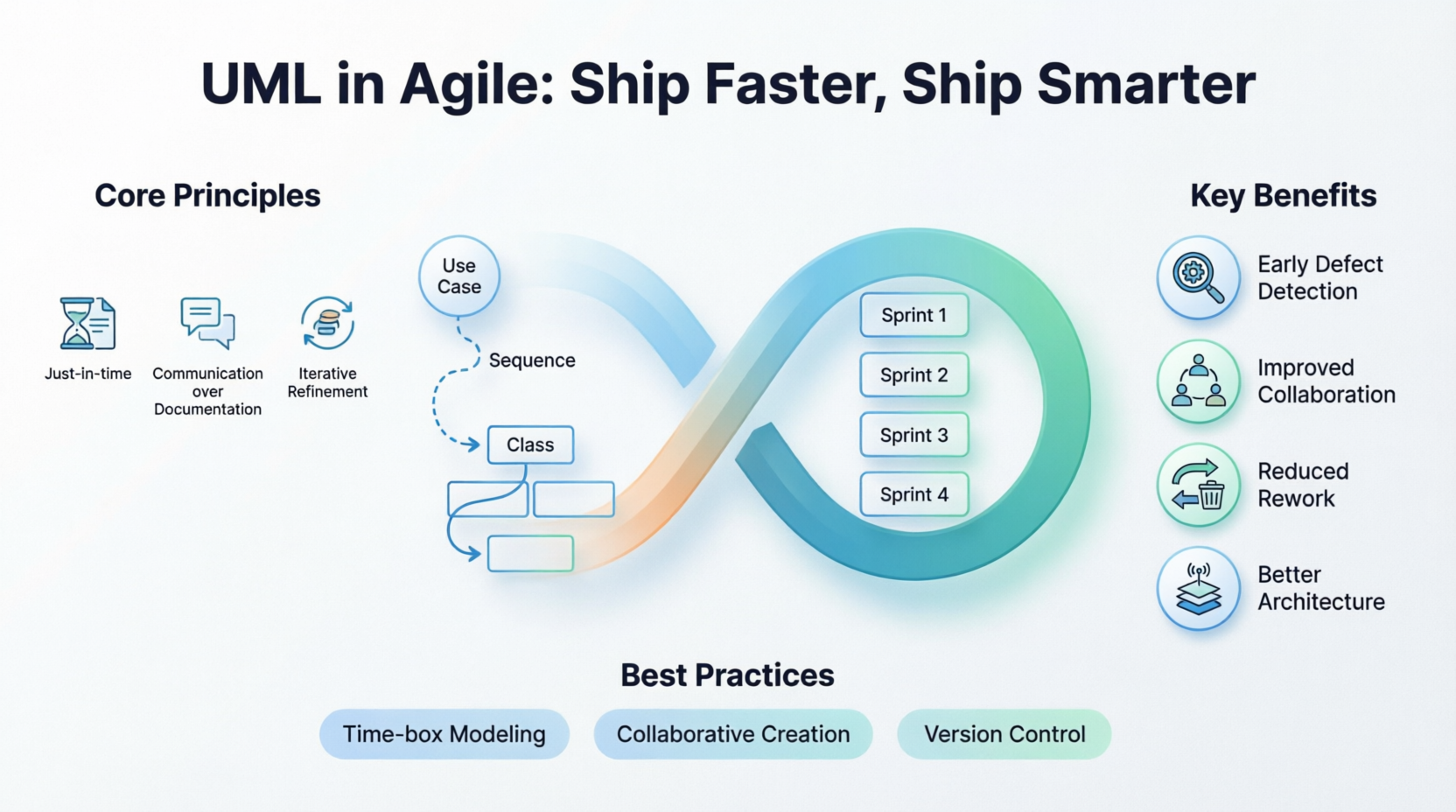
This guide explores how modern Agile teams integrate UML without falling back into waterfall habits. You’ll learn the key concepts, practical techniques, essential diagrams, real-world examples, and best practices for maximum impact.
Agile Modeling (popularized by Scott Ambler and others) adapts UML to fit the Agile Manifesto:
Just-in-time and just-enough modeling: Create diagrams only when they add value—usually during sprint planning, refinement, or spikes.
Communication over documentation: Diagrams are living conversation tools, often sketched on whiteboards or in collaborative tools like Visual Paradigm, rather than formal deliverables.
Iterative refinement: Models evolve with the code. They are updated as requirements change, not treated as frozen artifacts.
Focus on value: Prioritize diagrams that reduce risk, clarify complexity, or speed up onboarding and decision-making.
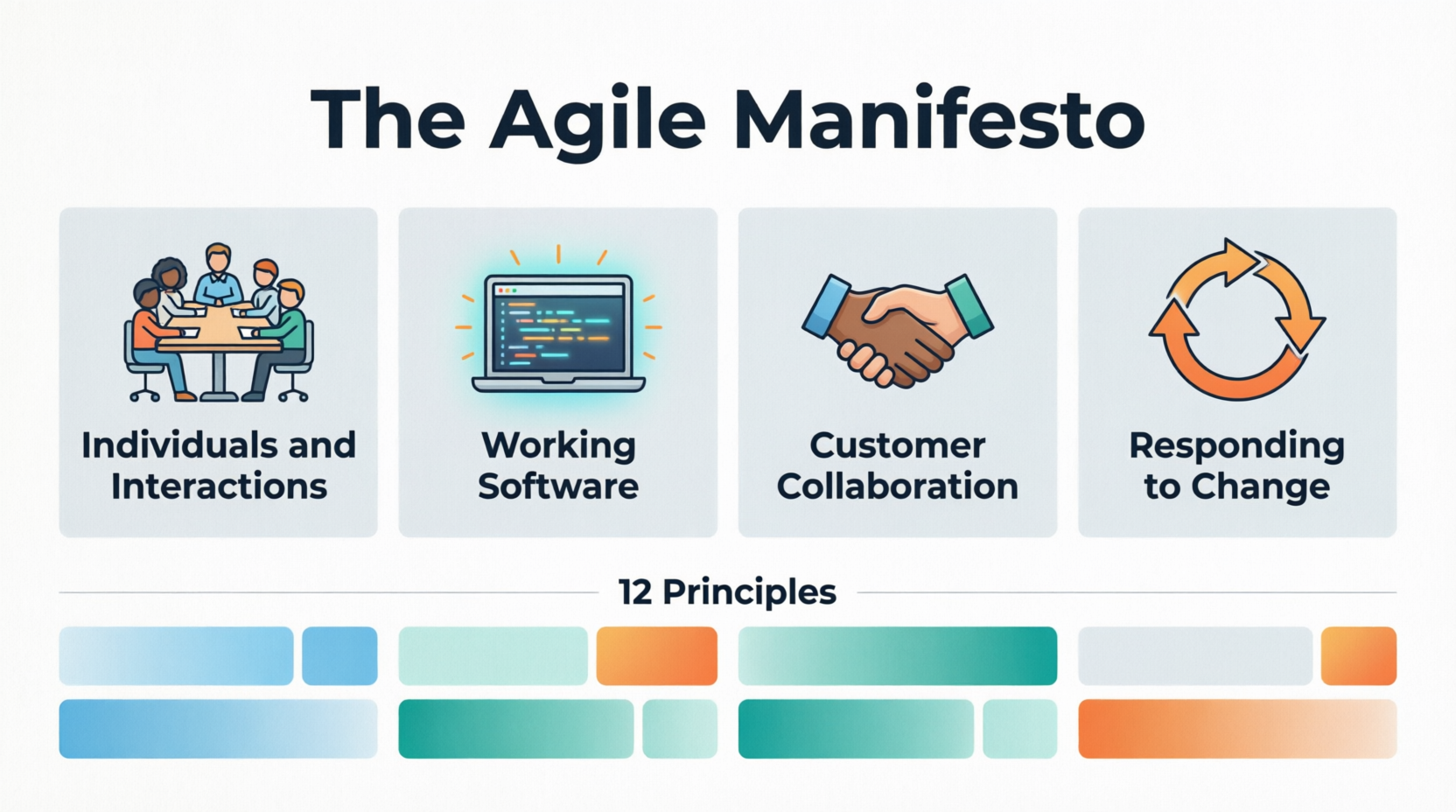
Core Principle: UML in Agile is a thinking and collaboration tool, not a replacement for code. It complements user stories, not replaces them.
Benefits Driving Faster and Smarter Delivery:
Early defect detection: Visualizing interactions reveals inconsistencies before coding.
Improved collaboration: A shared visual language bridges developers, product owners, architects, and stakeholders.
Faster onboarding: New team members understand the system architecture quickly.
Reduced rework: Better upfront design decisions (without Big Design Up Front) minimize costly changes later.
Better architecture: Teams make intentional choices about modularity, scalability, and integration.
Living documentation: Lightweight models serve as reference points throughout the product lifecycle.
Studies and case reports show teams using visual modeling experience quicker product discovery, improved test coverage, and smoother handoffs.
Not all 14 UML diagram types are needed. Focus on high-ROI ones:
Use Case Diagrams
Show actors and system functionality at a high level. Excellent for refining user stories and clarifying scope.
Agile Use: During backlog refinement to visualize user journeys and edge cases.
Class Diagrams
Depict the static structure (classes, attributes, relationships).
Agile Use: Domain modeling and designing key components. Keep them lightweight—focus on core entities.
Sequence Diagrams
Illustrate interactions between objects over time.
Agile Use: For complex user stories or integration points. Great for exploring “happy paths” and alternatives.
Activity Diagrams
Model workflows and business processes (like flowcharts with swimlanes).
Agile Use: Clarifying complex business logic or approval flows.
Component and Deployment Diagrams (as needed)
For architectural overviews in larger systems or microservices.
Tip: Start with sketches. Use tools for polish only when sharing with stakeholders.
Example 1: E-commerce Checkout Flow (Use Case + Activity + Sequence)
A team building an online store had frequent bugs in the checkout process. They created:
A Use Case Diagram showing actors (Customer, Payment Gateway, Inventory Service).
An Activity Diagram with swimlanes for the end-to-end flow.
A Sequence Diagram for the critical payment processing interaction.
Result: Identified a race condition early, reduced defects by ~40% in that module, and completed the feature one sprint earlier than estimated. The diagrams served as living references for testing and future enhancements.
Example 2: Domain Modeling for a SaaS Platform (Class Diagram)
An Agile team developing a project management tool used a simplified Class Diagram during a design spike to model Workspace, Project, Task, and User relationships (including inheritance and associations).
This prevented several data modeling mistakes that would have caused refactoring later. New developers onboarded in days instead of weeks.
Example 3: Microservices Integration (Sequence + Component Diagrams)
A team migrating to microservices sketched Sequence Diagrams for key cross-service calls. This revealed unnecessary synchronous dependencies, leading to an event-driven redesign that improved resilience and performance—delivering measurable velocity gains.
Real-World Case: One consulting team used UML diagrams for complex, changing requirements. Benefits included faster decisions, better impact analysis, quicker onboarding, improved test coverage, and living documentation—ultimately enhancing product quality and team alignment.
Time-box modeling: Limit sessions to 30-60 minutes in sprint planning or refinement.
Collaborative creation: Involve the whole team (devs, PO, QA) rather than architects alone.
Version control models: Store diagrams in the repo (PlantUML, Mermaid, or tool exports) so they evolve with code.
Trace to user stories: Link diagrams to specific stories or epics.
Review and prune: Regularly revisit models in retrospectives—delete outdated ones.
Tooling: Whiteboards for exploration; digital tools (Visual Paradigm / PlantUML) for persistence.
Avoid over-modeling: If a diagram doesn’t reduce uncertainty or speed up delivery, don’t create it.
Combine with other practices: Pair with Test-Driven Development (TDD), Behavior-Driven Development (BDD), and Domain-Driven Design (DDD) for even stronger results.
Parallel Agile approaches demonstrate how minimalist UML-based design can enable faster delivery, fewer defects, and lower costs by supporting parallel development streams.
Falling into Big Design Up Front: Stick to modeling only what’s needed for the current sprint or upcoming ones.
Outdated diagrams: Treat models as secondary to working code; update only high-value ones.
Tool obsession: Prioritize simple sketches over perfect diagrams.
Excluding non-technical stakeholders: Use simplified views or plain English annotations.
Agile teams that master lightweight UML don’t just follow trends—they gain a genuine competitive edge. By visualizing complexity, aligning minds quickly, and making smarter design decisions early, these teams reduce waste, accelerate delivery, and build higher-quality software that’s easier to maintain and evolve.
UML isn’t dead in the Agile era—it’s reborn as a lean, collaborative superpower. The teams that use it judiciously ship faster (fewer surprises, less rework) and smarter (better architecture, shared understanding, sustainable pace).
Start small: Next sprint, try sketching one Use Case or Sequence Diagram for your most complex story. You’ll likely wonder how you ever worked without it.

