The AI Note Taking Tool That Builds Your Single Source of Truth
Go beyond static text. Unify your documentation, diagrams, and team knowledge into a living repository supercharged by an intelligence platform built on three core pillars.
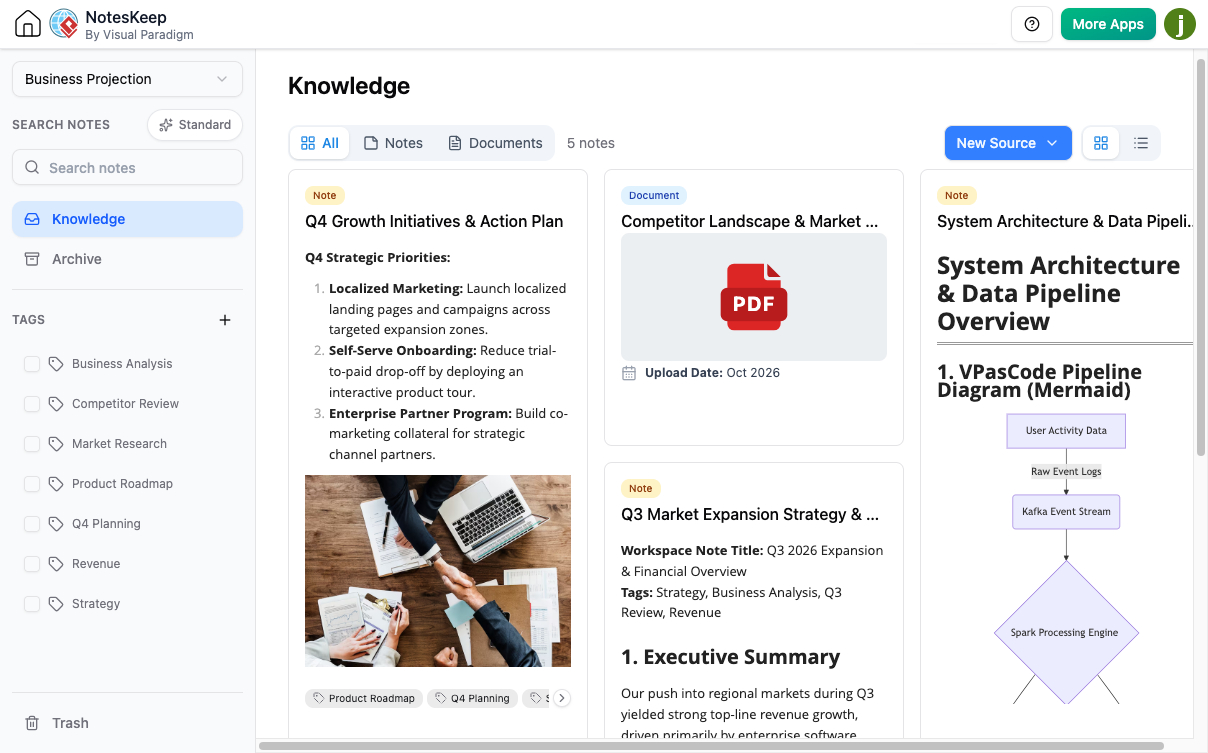
Is Your Project Knowledge Scattered and Stale?
In dynamic project ecosystems, vital information lives in disconnected silos: meeting minutes in emails, requirements in Word docs, decisions in chat logs, and architecture in separate diagram files. Wikis become outdated, and the true 'ground truth' is impossible to find.
Powered by Three Core Pillars
Visual Paradigm NotesKeep unifies documentation through an integrated architecture designed for collaborative teams.
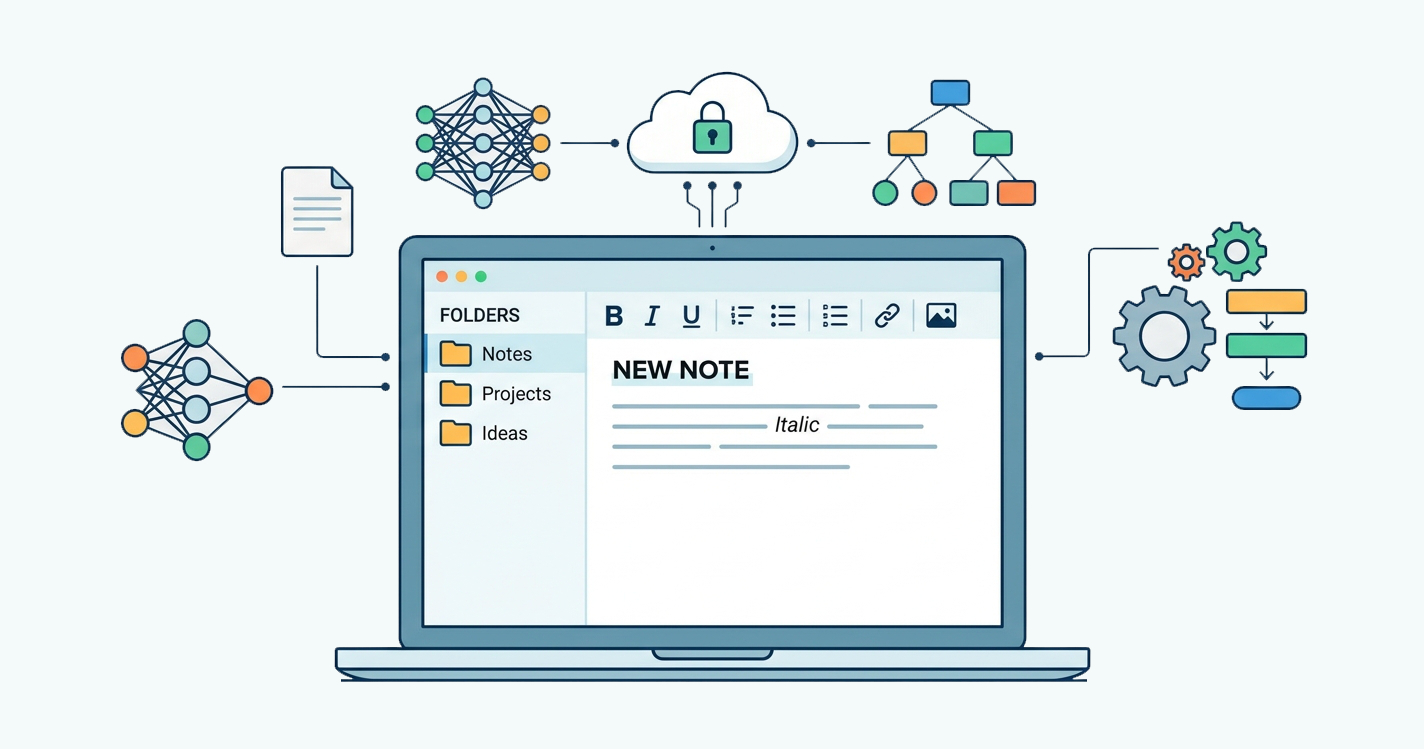
Note-Taking Tool
Write down your daily notes, meeting minutes, and to-do lists, and keep them neatly organized in one easy-to-find place.
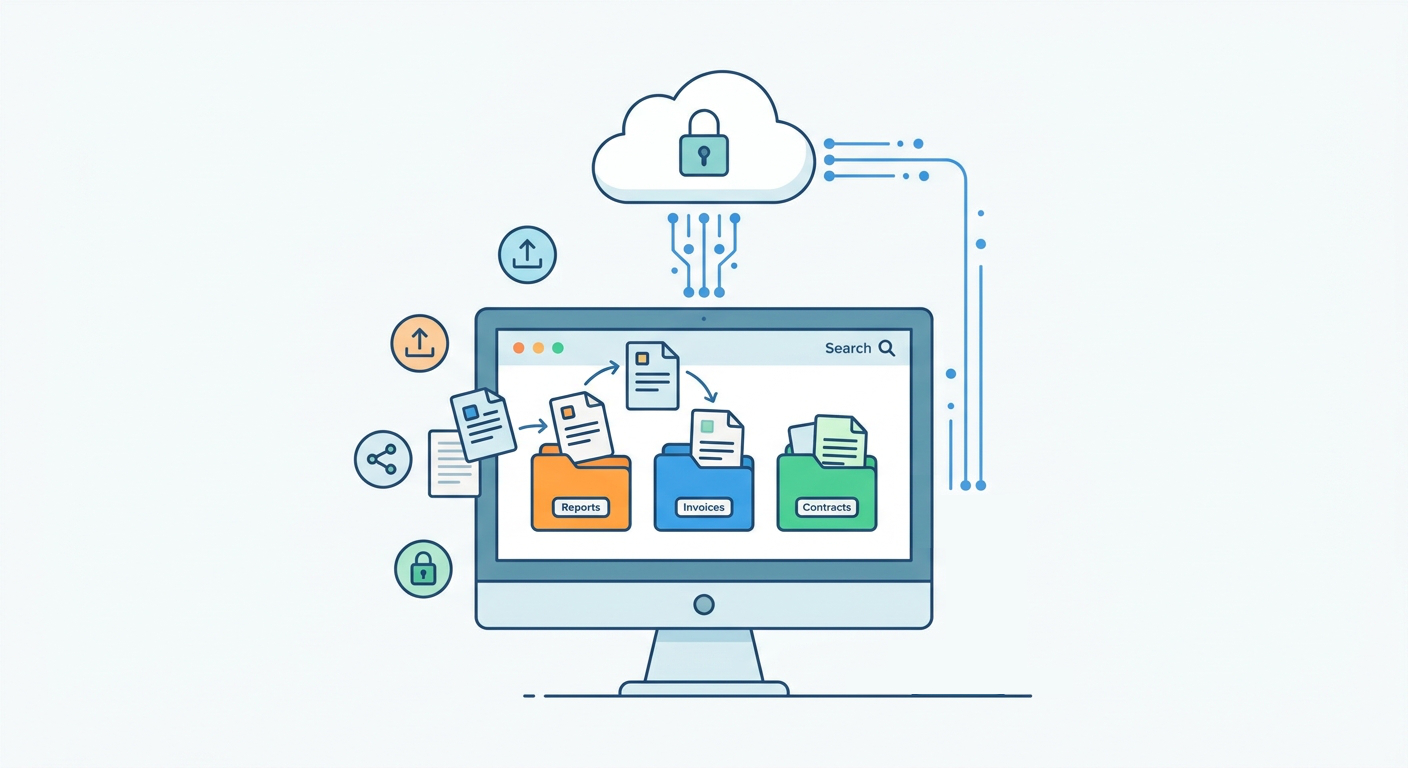
Document Management System
Store all your company files, rules, guides, and important documents safely so you never have to waste time hunting them down.
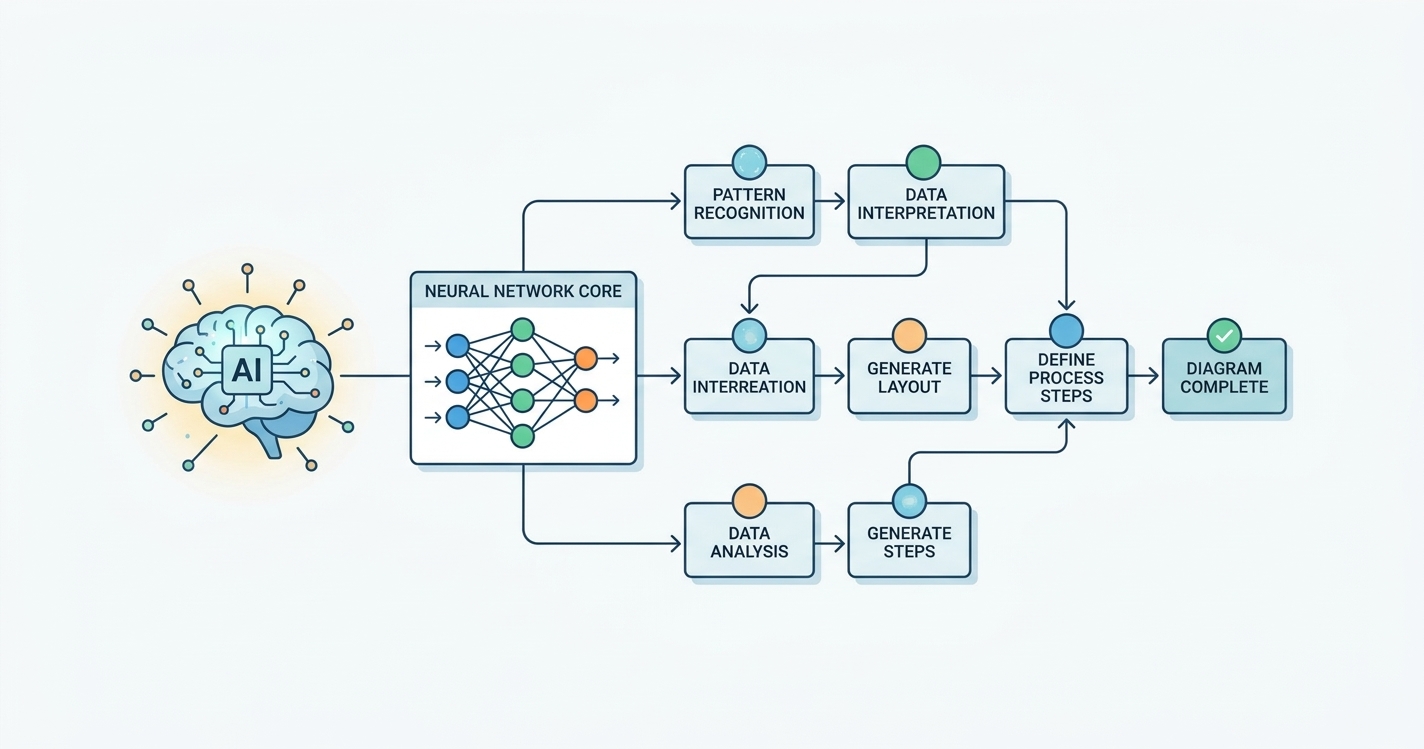
AI Knowledge Intelligence
Use smart AI to instantly find answers, summarize your notes, and discover helpful insights from everything you've saved.
What is Visual Paradigm NotesKeep?
NotesKeep is a unified platform designed to move beyond simple static text entry by treating project documentation as a living, chronological narrative.
By organizing knowledge into shared projects and capturing how decisions evolve over time, it provides the critical context needed for both your team and your AI.
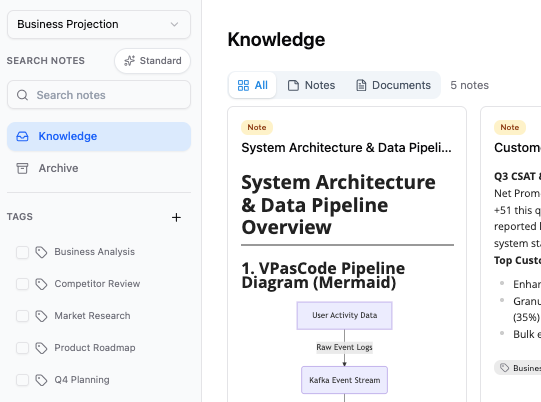
Seamless Ecosystem Integration
NotesKeep is deeply integrated across the broader Visual Paradigm suite. Beyond standard notes, you can directly embed AI Infographics, live web diagrams, diagram-as-code via VPasCode, and Excalidraw whiteboard drawings directly into your notes—with many more application integrations supported in the future.
Context is never lost, ensuring your documentation always reflects your active design models.
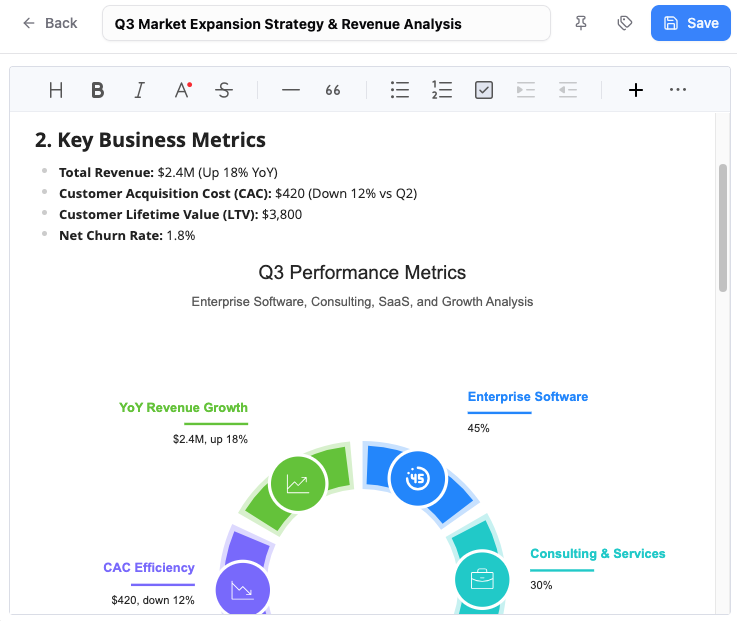
Focusing on Document Management?
Explore how NotesKeep handles multi-format file ingestion, OCR visual diagram reading, project workspace structuring, and scoped document queries in detail.
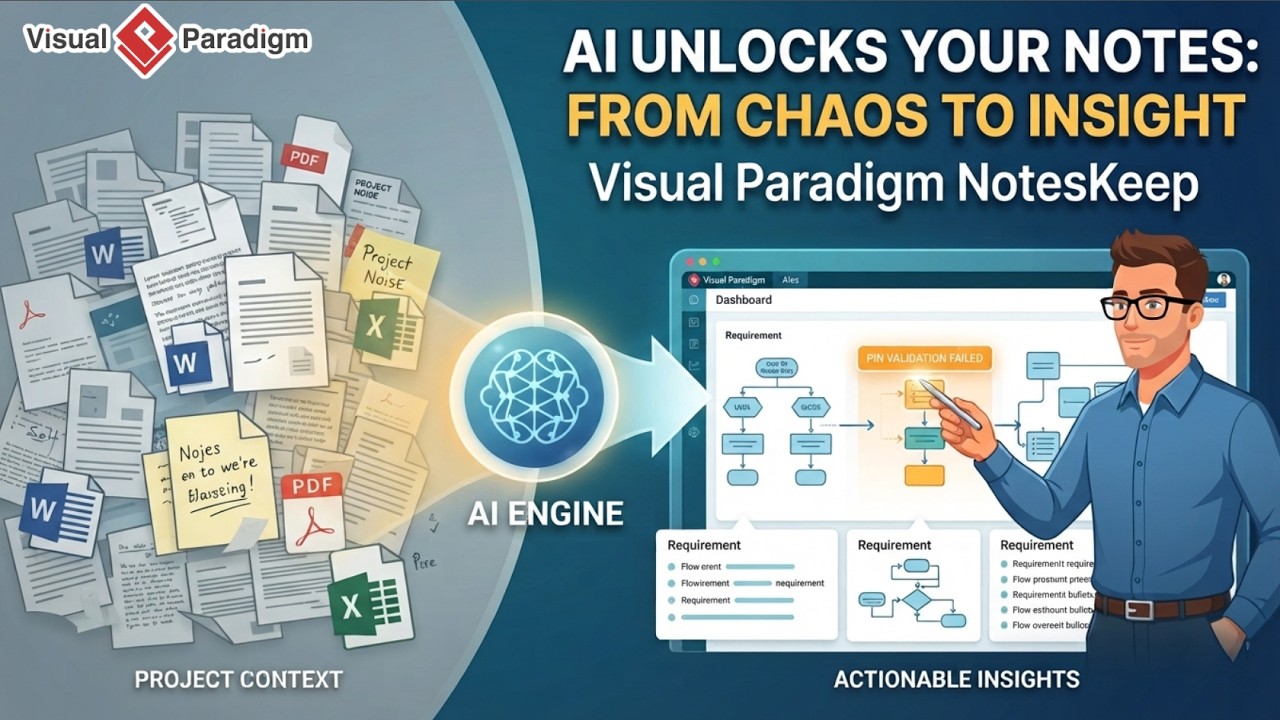
Your Notes, Now an AI Knowledge Intelligence Hub
Unlock advanced reasoning, computer vision OCR, and domain-trained diagram synthesis powered by the Visual Paradigm Chatbot.
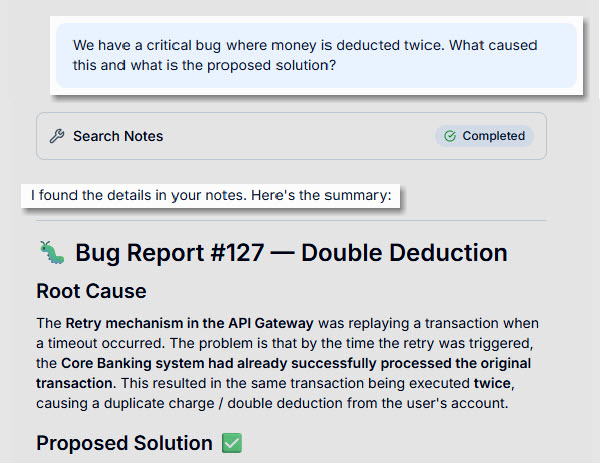
Ask AI Questions About Project Knowledge
Run precise, scoped RAG queries across specific projects or custom tags. Every insight comes complete with inline citations pointing directly to the exact originating sentence or visual asset in your repository.
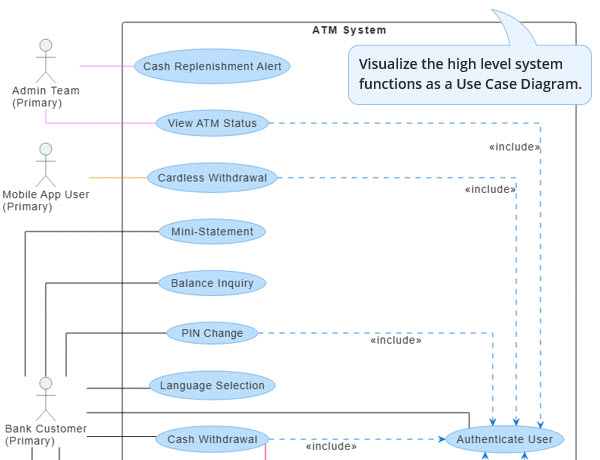
Specialized Model Trained for Diagram Generation
Our model is exceptionally well-trained for diagram generation. Instantly convert unstructured notes, meeting logs, and specs into professional UML, BPMN, ERD, and C4 architecture diagrams. You can also retain AI's insights by sending AI's answers and diagrams straight back into NotesKeep.
Want a Step-by-Step Walkthrough?
Explore our complete user guide covering how to capture notes, upload corporate files, organize projects, and use the AI chatbot to get instant answers and generate diagrams.
Common Use Cases of NotesKeep
Leverage your AI-powered knowledge base to handle complex team synthesis tasks.
Requirement Synthesis
Consolidate notes from multiple meetings into a clean, active list of action items and system scope documents.
Temporal Reconciliation
Analyze chronological updates to identify active project constraints versus revoked requirements.
Compliance & Risk Identification
Query your entire project history to surface security regulations, legal considerations, and compliance risks.
Strategic Recommendations
Examine project histories to generate actionable technical recommendations and executive summaries.
A Complete Note Management Platform
Rich WYSIWYG Editor
Create beautiful notes with text styling, tables, code blocks, and embedded elements.
Project-Based Workspaces
Group notes into discrete corporate workspaces for structured team collaboration.
Multi-Dimensional Tags
Classify entries easily with custom multi-tagging and dedicated tag view filtering.
Advanced Semantic Search
Retrieve information instantly using combined full-text keyword and semantic vector search.
Multimodal OCR Vision
Automatically parse text and details from whiteboard photos, diagrams, and UI screenshots.
Pinning & Soft-Delete
Manage critical resources with note pinning, archiving, and trash recovery features.
Licensing & Deployment
Flexible deployment options tailored for team collaboration and enterprise scaling.
NotesKeep Core Platform
Access the core note-taking and document management workspaces.
VP Online
Requires Combo Edition or higher.
VP Desktop
Requires Professional Edition or higher with active maintenance.
Visual Paradigm AI Chatbot
Unlocks scoped RAG queries, multimodal vision/OCR reasoning, inline citations, and AI diagram generation.
VP Online
Requires Deluxe Edition.
VP Desktop
Requires Professional Edition or higher with active maintenance.
Trusted by Leading Organizations Worldwide
Join thousands of enterprise teams building better software and systems with Visual Paradigm.







Start Building Your Single Source of Truth Today
Unify your notes, multi-format documents, and AI-powered diagrams with Visual Paradigm NotesKeep.
Frequently Asked Questions
What are the three core pillars of NotesKeep?
NotesKeep is built on Note-Taking, a Document Management System (DMS), and AI Knowledge Intelligence.
How does the AI Chatbot interact with my notes?
Using scoped Retrieval-Augmented Generation (RAG) and multimodal OCR, the chatbot reads text and embedded visual assets to provide precise answers with inline citations.
Can AI Chatbot generate diagrams from my notes?
Yes! The AI engine is specially trained to convert unstructured textual notes and specifications into professional technical diagrams like UML, BPMN, C4 models, ERDs, and flowcharts.
What applications can I embed into NotesKeep?
You can embed AI Infographics, web diagrams, diagram-as-code via VPasCode, and Excalidraw drawings directly into your notes, with more integrations arriving in the future.
Can I keep AI-generated answers and insights directly in my workspace?
Yes. You can instantly keep, organize, and reference any answers, summaries, or new insights created by the AI alongside your regular notes and documents.