AI SysML Block Definition Diagram Generator
Instantly translate system concepts into formal SysML Block Definition Diagrams. Describe your system's structure with our AI SysML diagram tool, and watch it visualize the blocks, connections, and interfaces for you.
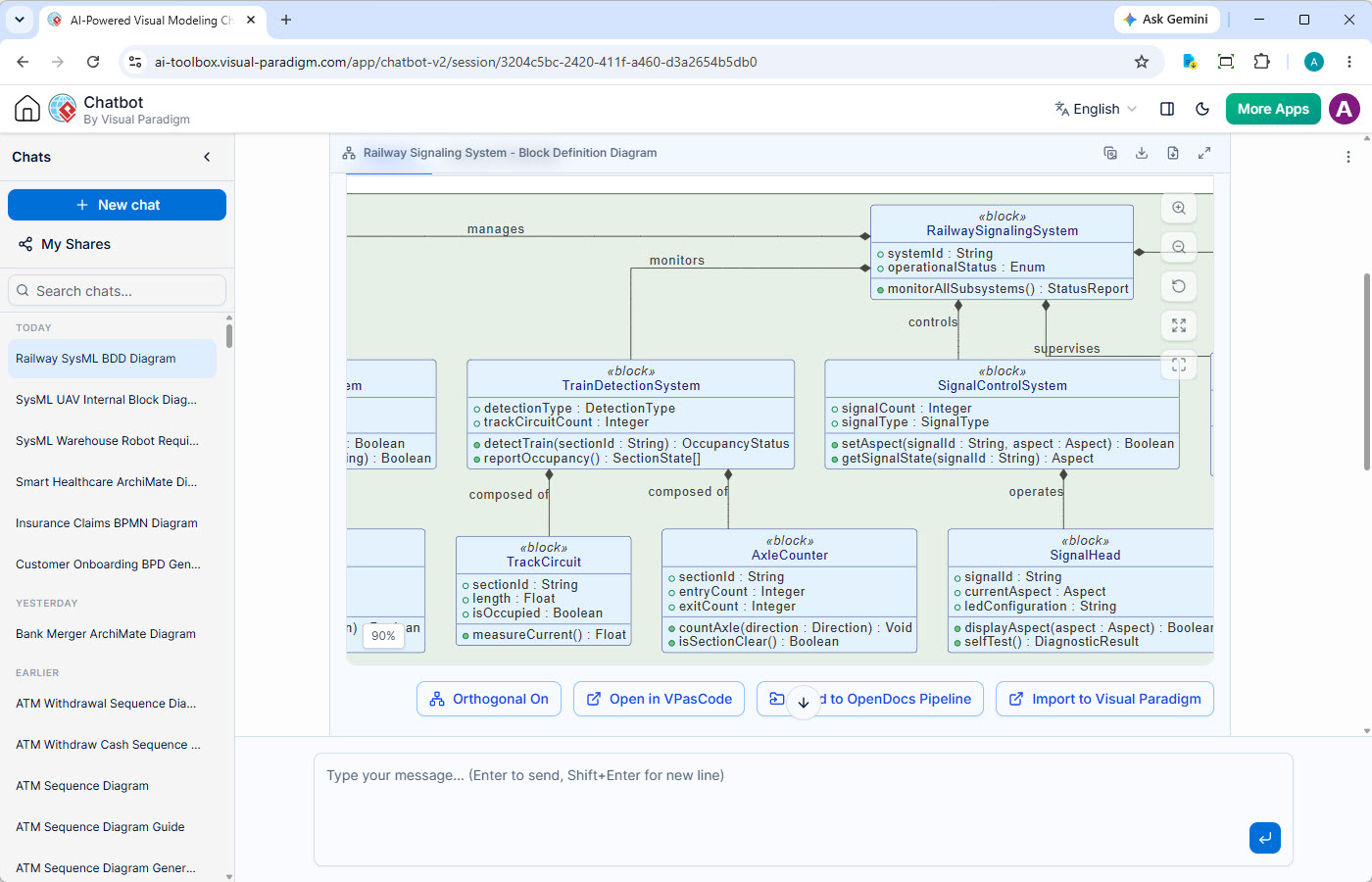
From Mental Models to Formal Blueprints, Instantly
Manually creating Block Definition Diagrams is slow, error-prone, and a barrier to agile system design. The focus shifts from architectural thinking to tedious box-and-line drawing.
Manual Diagramming Overhead
Hours are wasted drawing and aligning blocks, parts, and ports. This manual effort stifles creativity and slows down the critical early-stage design process.
Inconsistent Abstractions
Different engineers may model the same conceptual block in slightly different ways, leading to architectural drift and integration problems down the line.
Disconnected Architecture
BDDs drawn in isolation are just pictures. They lack a live connection to requirements, behavioral models, and analysis, making true MBSE impossible.
Generate System Structure with Our AI SysML Tool
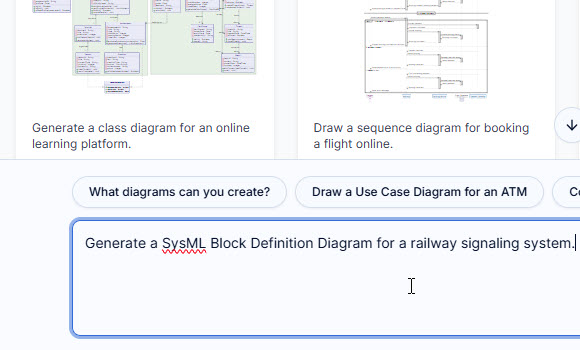
The Visual Paradigm AI SysML block definition diagram generator is an intelligent SysML diagram tool that builds your system's architecture from conversation. Describe the blocks, their parts, and how they connect—our AI handles the formal diagramming, creating a clear and accurate structural blueprint in seconds.
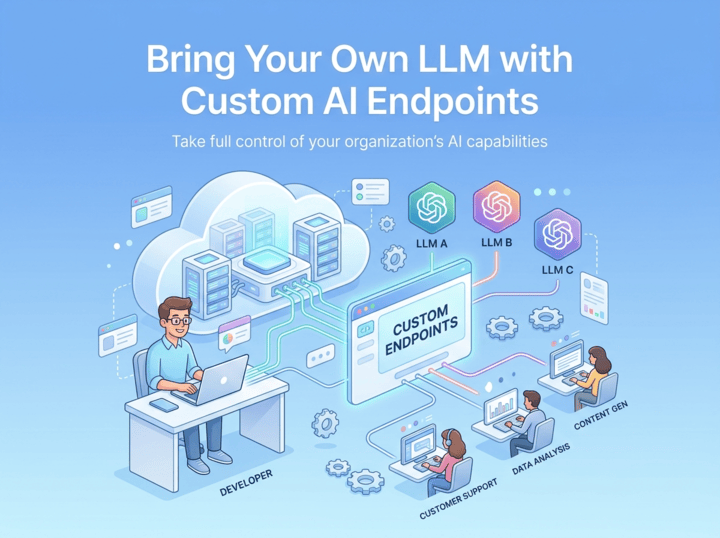
Connect Your Own Custom AI Endpoints
Take full command of your organization's AI deployment. Route diagram generation through corporate API keys to maintain enterprise-grade security, prevent unmonitored spending, and keep sensitive system data within authorized channels.
A Smarter Way to Define System Architecture
Our AI SysML tool provides a comprehensive feature set for architectural modeling, from initial concept to detailed design and collaboration.
Accurate BDD Generation
Trained for BDD syntax, our AI correctly models blocks, parts, references, ports, and interfaces, ensuring standards-compliant output.
Iterative Architectural Refinement
Start with high-level blocks, then ask the AI to add ports, define value types, or decompose blocks into smaller parts to elaborate the design.
Artifacts Pane for Navigation
Instantly jump to any BDD or other diagram in a long design session. This 'table of contents' keeps complex architectural conversations organized.
Shareable Design Sessions
Get feedback early. Share a direct link to your AI chat session, allowing team members to review and contribute to the evolving system architecture.
SVG & PNG Export
Embed your BDDs into design documents, wikis, and presentations with high-quality vector or raster image exports for clear communication.
Transparent Diagram Code
View and copy the underlying PlantUML code for every BDD. This gives you full control for fine-tuning and integration with CI/CD pipelines.
From AI Blueprint to Executable Architecture
The AI-generated Block Definition Diagram is not an endpoint. It's the starting point for a robust, traceable, and collaborative modeling journey within the Visual Paradigm ecosystem.
Publish with OpenDocs
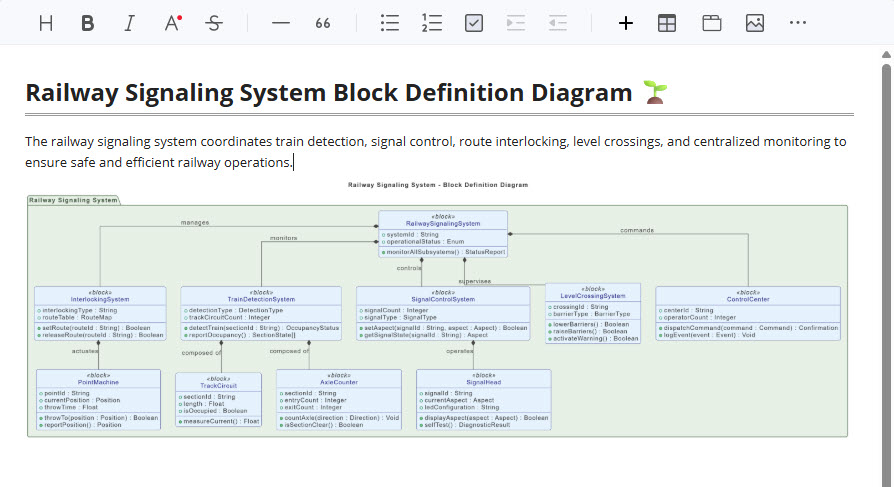
Send your AI-generated BDD to Visual Paradigm OpenDocs. Create a living system specification where you can combine architectural diagrams with rich text, tables, and other media for stakeholder review.
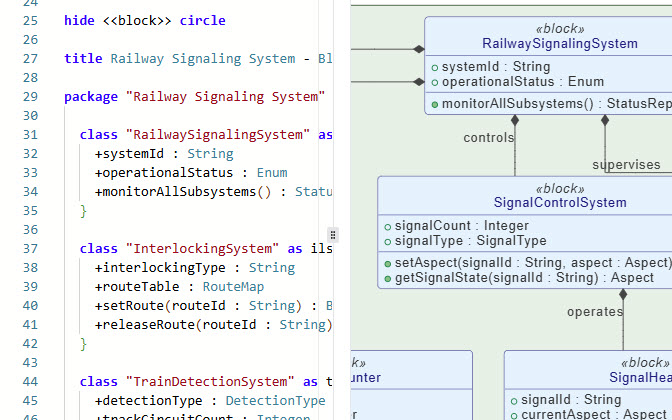
Fine-Tune with VPasCode
For engineers who live in their IDE, open the diagram in VPasCode. This provides a unified, text-based environment to programmatically script changes, version control your architecture, and integrate with GitOps workflows.
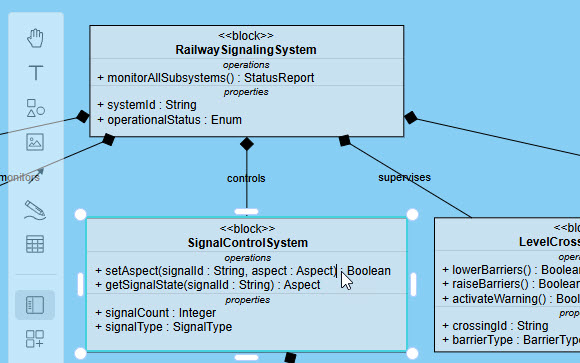
Drag, Drop, and Refine
Need to make a quick adjustment? Open the AI-generated BDD directly in Visual Paradigm Online. Our web-based editor gives you an intuitive, drag-and-drop interface for fast and precise visual modifications.
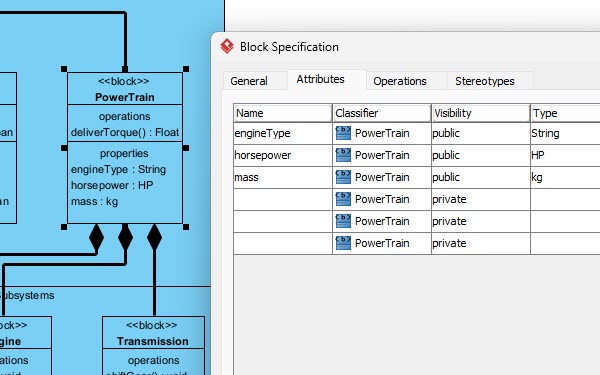
Evolve in VP Desktop
Start by creating your initial SysML Block Definition Diagram right inside the AI Chatbot using simple conversation. Once your base diagram is ready, you can seamlessly open it in Visual Paradigm Desktop to take your design further. The desktop app gives you complete freedom to fine-tune your model, add complex details, organize relationships, and connect your diagram to full system architectures—giving you the best of fast AI creation and deep design tools.
Your AI Architect, Available Anywhere
Access the AI SysML Block Definition Diagram Chatbot from your browser or right inside the Visual Paradigm desktop application.

Instant Access on the Web
Start designing system structures instantly. The web-based chatbot requires no installation, letting your team jump directly into AI-powered architecture from any browser.
Try on Web Now
Integrated Desktop Experience
For a deeply integrated workflow, launch the chatbot within VP Desktop. Seamlessly transition from AI-generated BDDs to detailed, repository-based modeling and analysis.
Download VP DesktopComplete Your MBSE Toolkit with AI
Define every aspect of your system with our suite of AI-powered SysML diagram generators. Move seamlessly between requirements, high-level structure, and internal composition.
AI Requirement Diagram Generator
Translate stakeholder needs and textual specifications into formal SysML Requirement Diagrams to capture the 'what' of your system.
Learn More →AI Internal Block Diagram Generator
Detail the internal structure of a block, showing how its constituent parts are connected and interact to realize its behavior.
Learn More →Powering Mission-Critical Systems Engineering
Visual Paradigm is the trusted modeling platform for professionals in the world's most innovative and demanding organizations.







More Than Just a SysML Tool
While excelling as an AI SysML diagram tool, our chatbot supports a vast library of notations for UML, ArchiMate, BPMN, strategic planning, and more.
UML
SysML & ArchiMate
- Requirement Diagram
- Block Definition Diagram
- Internal Block Diagram
- ArchiMate Diagram
- ArchiMate Viewpoint-based Diagrams
C4 Model
- System Context Diagram
- Container Diagram
- Component Diagram
- Deployment Diagram
Business & Strategic
- SWOT & PEST Analysis
- BPMN
- DFD
- Flowcharts
- Org Charts
- Mind Maps
Frequently Asked Questions
What is an AI SysML block definition diagram generator?
An AI SysML block definition diagram generator is a specialized tool that uses artificial intelligence to automatically create SysML Block Definition Diagrams (BDDs) from plain text. You describe the system's blocks, parts, references, and connections, and the AI tool visualizes this structure as a formal diagram, saving significant time compared to manual drawing.
How does the AI handle complex BDD structures like ports and interfaces?
Our AI is trained on the specific syntax and semantics of SysML. You can instruct it to 'add a port named p1 to block B1' or 'connect block A to block B with an interface'. The AI understands these structural and relational commands, producing diagrams that accurately model not just blocks, but also their interaction points and contracts.
Can I edit the Block Definition Diagram visually after it's generated?
Yes. This is a key advantage of our platform. While ideation happens in the chatbot, you can open any AI-generated BDD directly in Visual Paradigm Online for full, drag-and-drop visual editing. This gives you the speed of AI and the precision of a traditional editor.
What makes this AI BDD tool better than a general LLM like ChatGPT?
Our AI SysML tool is a specialist. It is fine-tuned on a massive, curated library of valid SysML, UML, and ArchiMate models. This deep, domain-specific training means it understands the strict rules of BDDs—like the difference between a part and a reference—and generates standards-compliant diagrams that general-purpose AIs often fail to produce correctly.
What licenses do I need to use the AI Block Definition Diagram generator?
Full access to the AI Diagramming Chatbot for generating SysML Block Definition Diagrams is included with a license for VP Desktop Professional Edition or VP Online Deluxe Edition. A free trial is available for you to evaluate its capabilities.
How do I export my finished BDD for a design review?
You can export any diagram from the chat interface as a high-resolution SVG or PNG file. These are perfect for embedding in requirement documents, Confluence pages, PowerPoint presentations, or any other system design documentation.
Stop Drawing System Structure. Start Designing It.
Focus on architecture, not on drawing. Try the market's leading AI SysML block definition diagram generator and accelerate your model-based systems engineering workflow today.