AI Chatbot for UML Component Diagrams
Describe your system's architecture. Get a clear component diagram in seconds. The premier AI component diagram tool for software architects and senior developers.
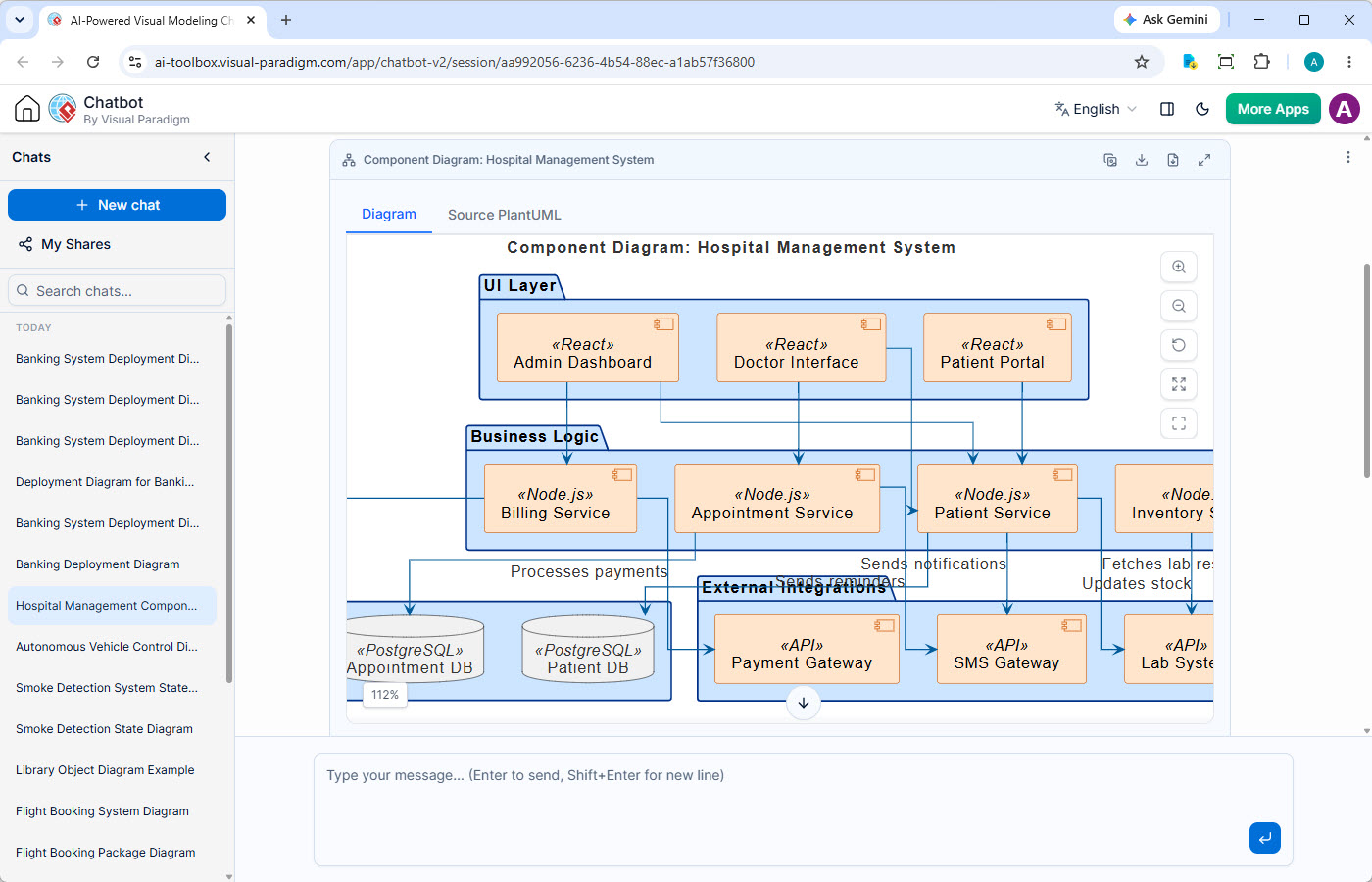
Visualize Software Architecture with Conversational AI
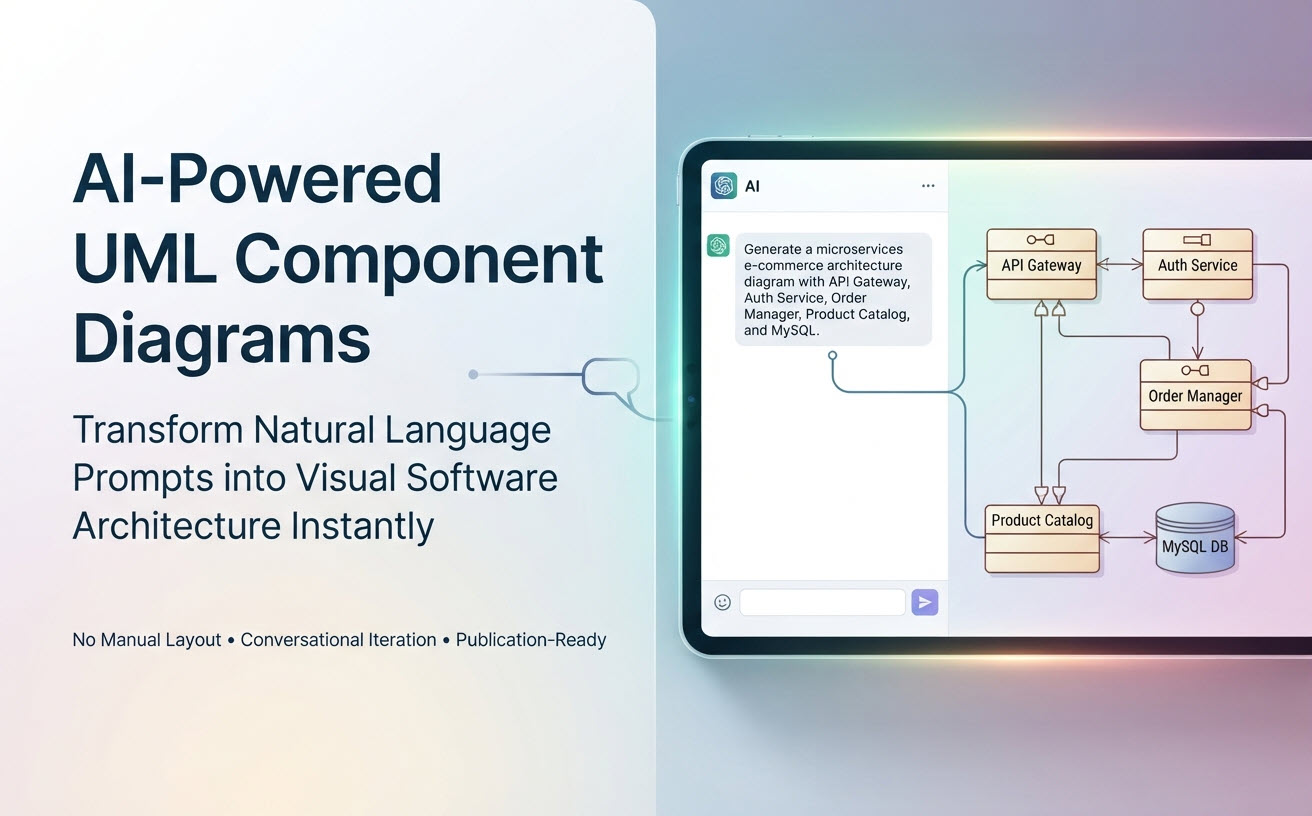
Visual Paradigm's AI Diagramming Chatbot is a versatile tool for visual modeling. This page highlights its powerful capability as an AI component diagram generator. Describe your system's modules, their interfaces, and dependencies in natural language, and this AI component diagram tool will instantly produce a formal UML Component Diagram, accelerating your architectural design process.
From Monoliths to Modular Designs
Manually designing and documenting a system's component architecture is a struggle against complexity and ambiguity.
Hidden Dependencies
In complex systems, it's easy to lose track of dependencies between components, leading to tightly-coupled designs that are difficult to maintain and scale.
Unclear Service Boundaries
Defining clear, coherent interfaces for each component is challenging. Poorly defined boundaries lead to confusion, integration problems, and duplicated effort.
Difficult to Communicate
Without a clear visual blueprint, communicating a complex software architecture to new team members or stakeholders is a slow and error-prone process.
Key Features for Architectural Design
Beyond simple generation, the AI Chatbot offers a complete set of features designed to enhance your architectural design workflow.
Persistent Chat Sessions
Preserve every architectural decision. Your component modeling conversations are saved, allowing you to iterate on component structures, interfaces, and dependencies.
Shareable Sessions
Streamline architectural reviews. Easily share a direct link to your component diagramming session for instant feedback and collaborative refinement of your system's structure.
Artifacts Pane
Navigate your architectural views. Instantly jump to any generated component diagram within the conversation, making it easy to compare different design alternatives.
Powerful Diagram Viewer
Analyze complex architectures. Utilize zoom, pan, and full-screen modes to meticulously examine component relationships and interface details, ensuring a clear system overview.
Multiple Export Options
Flexible architecture documentation. Export your final component diagrams as high-fidelity SVG or PNG for design documents, technical specifications, or presentations.
Transparent Diagram Code
Edit architecture with code. Access the underlying text-based diagram code for your component models. This enables direct editing and allows you to manage your models in any version control system, just like source code.
From AI-Generated Components to Executable Architecture
Your AI-generated component diagram is an active blueprint that connects high-level architecture to detailed design and implementation within the Visual Paradigm ecosystem.
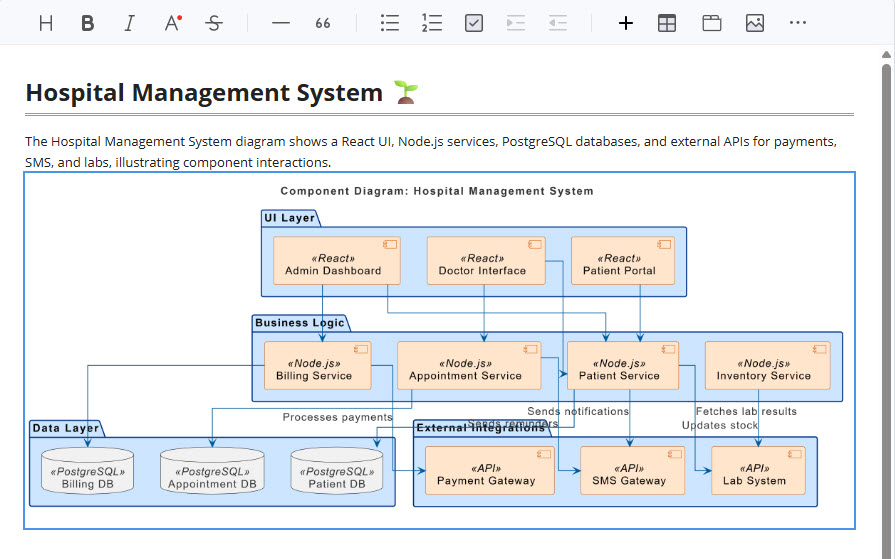
Document with OpenDocs
Use your AI-generated component diagram to produce clear API and service boundary documentation. Embed the visual architecture in OpenDocs alongside interface specifications to create unambiguous guides for development teams.
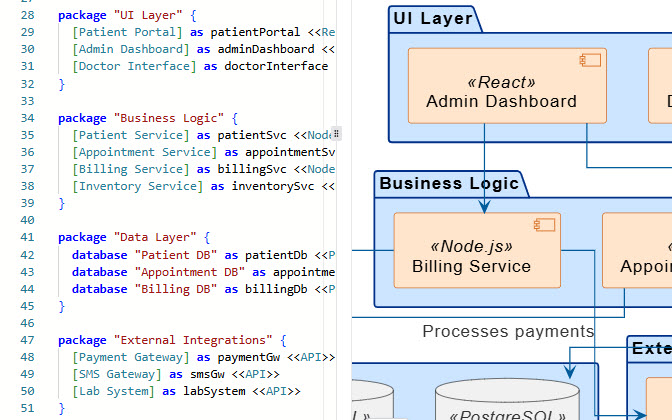
Refine with VPasCode
Treat your system architecture as code. Open the diagram in VPasCode to manage the component model textually. Because the model is just text, you can easily use it with Git or any other version control system. This lets you perform diffs on changes and manage the system structure in sync with the codebase.
Refine in VP Online
Use VP Online as a virtual architecture workshop. Evolve the initial AI-generated component diagram with your team. Collaboratively whiteboard different modular designs and dependency structures using the intuitive drag-and-drop editor to solidify your system's architecture.
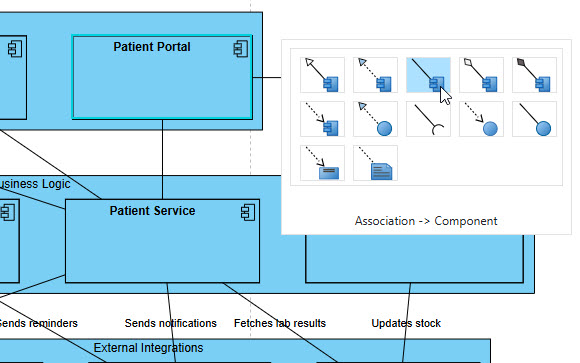
Evolve in VP Desktop
Bridge the gap between high-level architecture and low-level design. Import the component diagram into VP Desktop to link components to the actual classes that implement their interfaces. This ensures your architecture is traceable and consistent with the codebase.
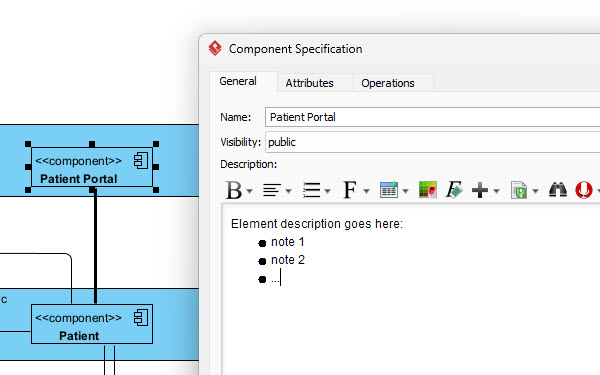
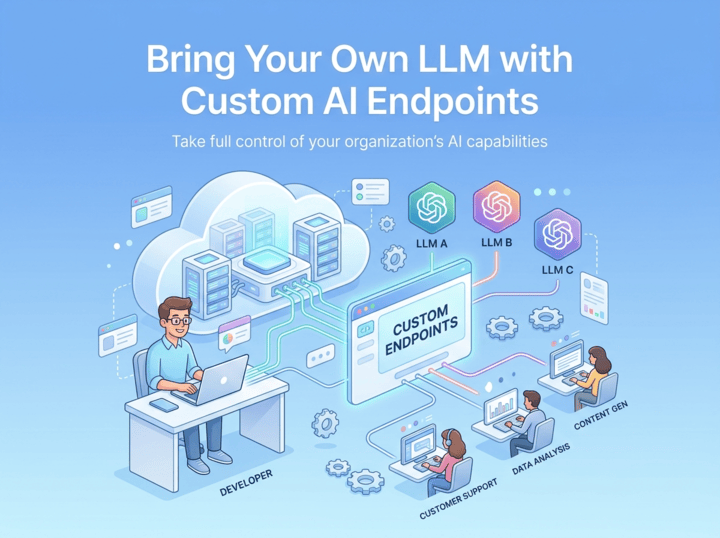
Custom AI Endpoint Support
Plug in your organization's API credentials to run AI operations through your chosen model providers. Maintain absolute authority over corporate data privacy, compliance standards, and token usage limits.
Your AI Architecture Tool, Available Anywhere
Whether you're quickly sketching a system overview or performing a detailed architectural review, your AI Component Diagram assistant is always available.

Instant Access on the Web
Launch the AI Chatbot in any browser for immediate component diagram generation. It's perfect for high-level architectural brainstorming, exploring design alternatives, and sharing structural ideas without any software installation.
Try on Web Now
Integrated Desktop Experience
For deep architectural work, run the AI Chatbot from within VP Desktop. Seamlessly import generated component diagrams into your formal system architecture, link them to implementation classes, and ensure consistency across your entire design.
Download VP DesktopTrusted by Leading Teams Worldwide
Visual Paradigm's modeling platform is used by professionals in the world's most successful and demanding organizations.







A Vast Library of Supported Diagram Types
The AI Component Diagram Generator excels at architectural modeling, but also supports a wide array of notations to visualize system behavior, business processes, and strategic plans.
UML
SysML & ArchiMate
- Requirement Diagram
- Block Definition Diagram
- Internal Block Diagram
- ArchiMate Diagram
- ArchiMate Viewpoint-based Diagrams
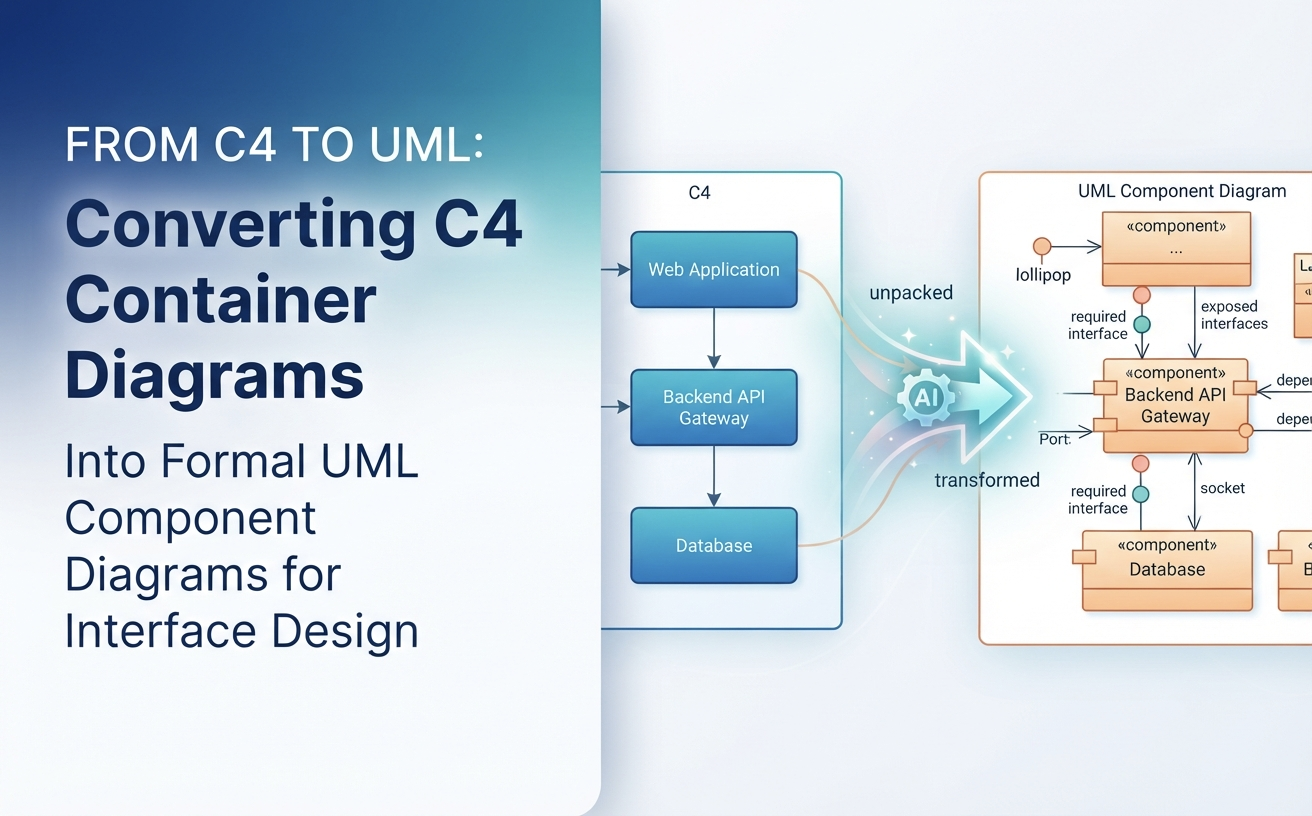
C4 Model
- System Context Diagram
- Container Diagram
- Component Diagram
- Deployment Diagram
Business & Strategic
- SWOT & PEST Analysis
- BPMN
- DFD
- Flowcharts
- Org Charts
- Mind Maps
Frequently Asked Questions
How does the AI define component interfaces and dependencies?
You can describe the system's structure, for example: 'The Web Server component provides a REST API and depends on the Authentication Service component.' The AI interprets these relationships to create components with the correct provided and required interfaces and dependency links.
Can this AI component diagram tool model microservices architecture?
Yes, it is an excellent starting point. You can describe your microservices as individual components and their API interactions as interfaces. The AI component diagram generator will create a high-level architectural view. You can then refine this model in VP Desktop to add more detail, such as linking components to specific deployment nodes or underlying class implementations.
How does this differ from the AI Class Diagram tool?
The AI Class Diagram tool focuses on the detailed, logical structure of the software's code (classes, attributes, methods). In contrast, this AI Component Diagram tool focuses on the higher-level, physical structure of the system—how it's broken down into modular, replaceable parts (components) and how those parts connect, providing a blueprint of the software architecture.
Do I need a separate subscription for the AI Component Diagram Generator?
No. The AI Diagramming Chatbot is an integral part of Visual Paradigm. Full access to its component diagram generation capabilities is included with a license for VP Desktop Professional Edition or VP Online Deluxe Edition.
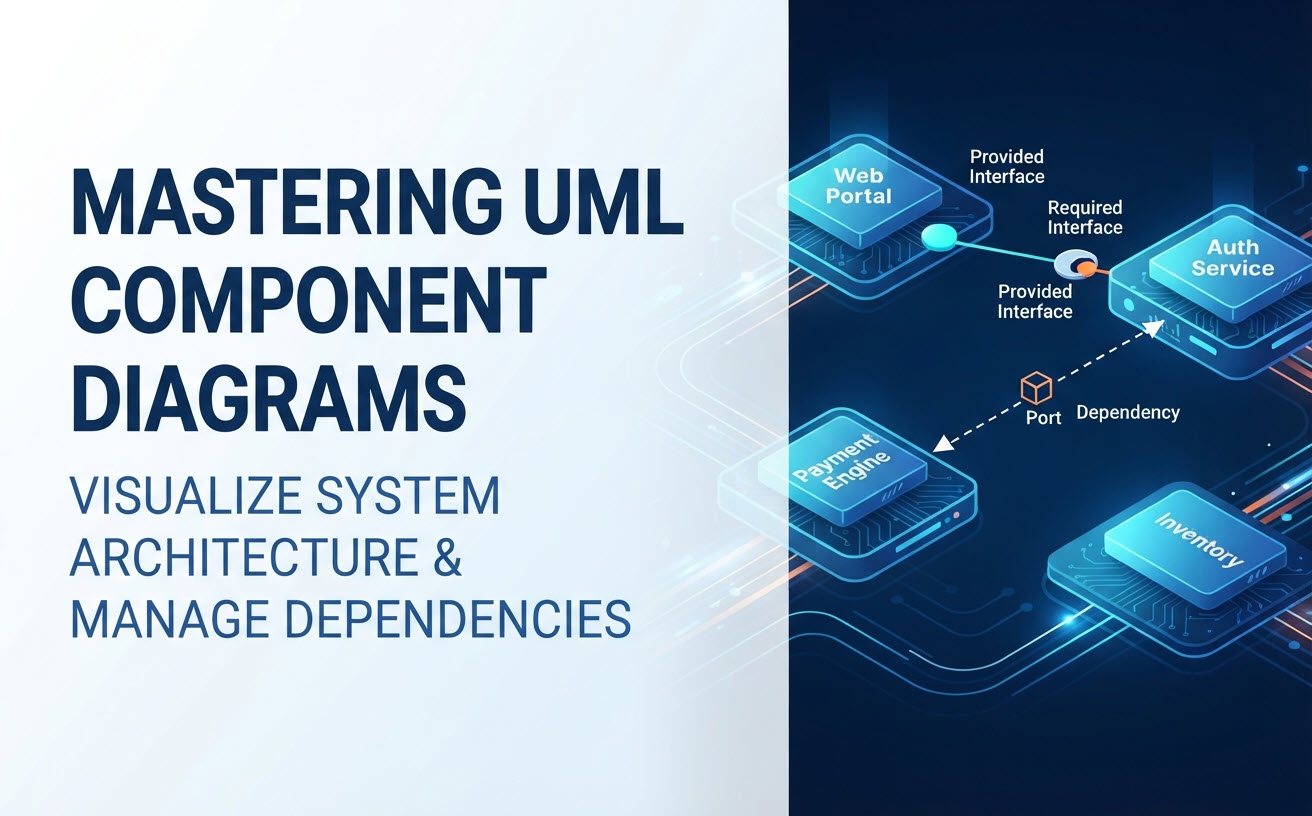
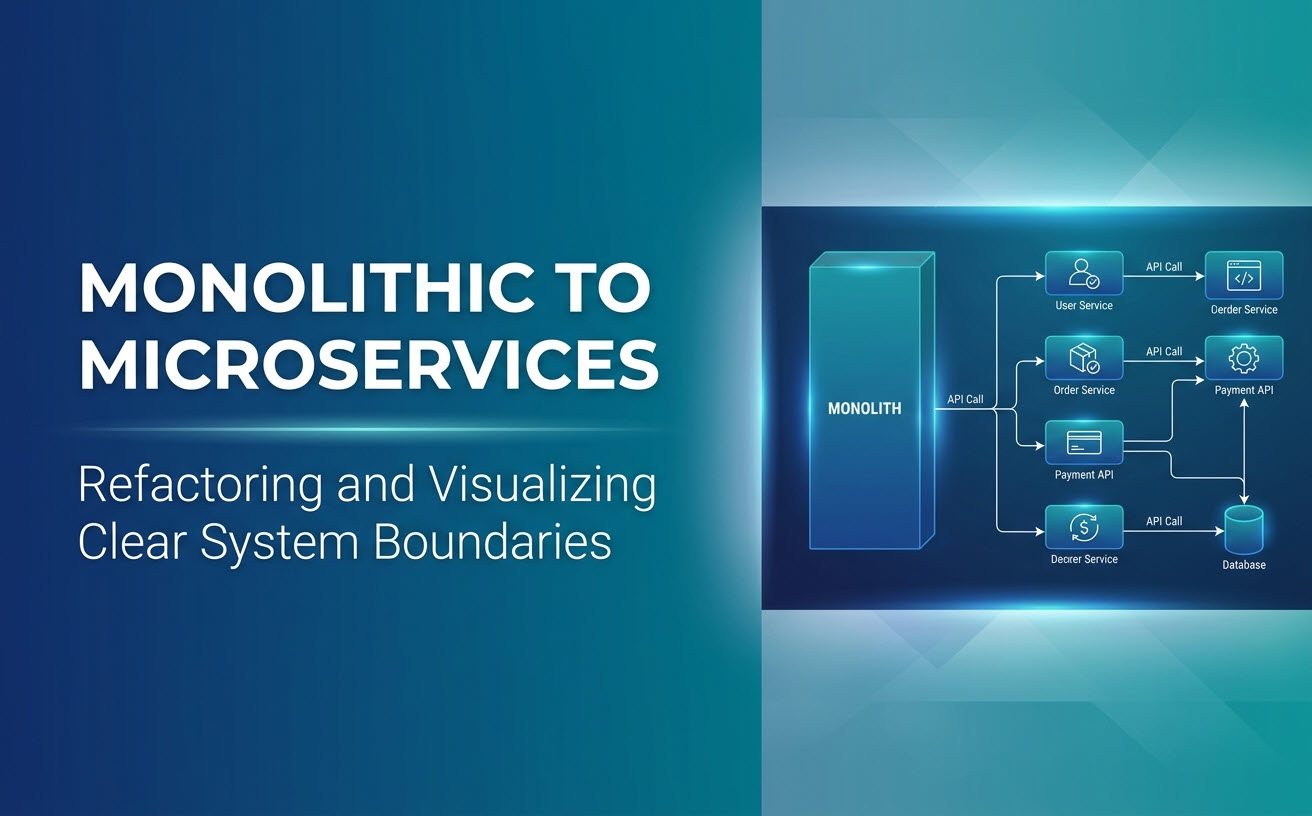
Master UML Component Diagrams with Our In-Depth Guides
From foundational principles to advanced, domain-specific architectures, these resources will help you excel at component-based software architecture.
Comprehensive Educational Guides

Industry & Domain-Specific Example Pages



From Text Description to Architectural Blueprint in Minutes
Stop guessing, start designing. Experience the fastest way to visualize and communicate your software architecture with our AI Component Diagram Tool.