AI Chatbot for UML Class Diagrams
Describe your software architecture. Get a perfect class diagram in seconds. The premier AI class diagram tool for architects, designers, and developers who value precision and efficiency in object-oriented modeling.
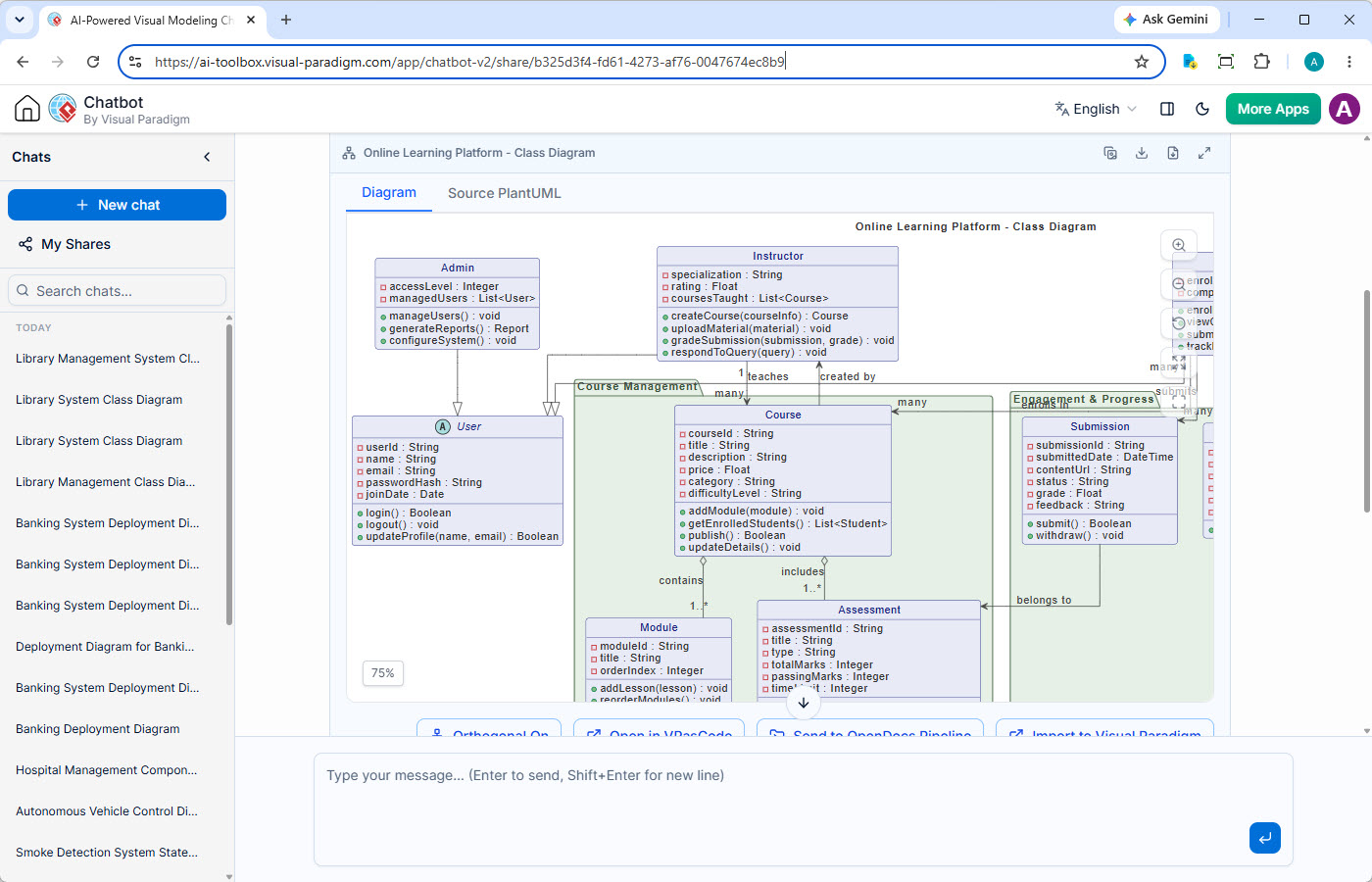
Generate Class Diagrams with Conversational AI
Visual Paradigm's AI Diagramming Chatbot is a versatile tool for visual modeling. This page highlights its powerful capability as an AI class diagram generator. Describe your system's entities, attributes, and relationships in natural language, and let this AI class diagram tool instantly construct a precise UML Class Diagram, accelerating your object-oriented design process and ensuring architectural clarity.
From Manual Design to Precise Class Modeling
Manually creating and maintaining complex class diagrams can be a significant drain on development resources and a source of errors.
Complexity Overload
Representing intricate class structures with numerous attributes, methods, and relationships becomes overwhelming, leading to mistakes and incomplete designs.
Inconsistent Standards
Without automation, enforcing UML conventions for class diagrams across a team is challenging, resulting in inconsistent modeling and communication breakdowns.
Slow to Adapt
As requirements evolve, manually updating class diagrams is time-consuming. Outdated diagrams quickly lose their value and can misguide development efforts.
Key Features for Efficient Class Modeling
Beyond simple generation, the AI Chatbot offers a complete set of features designed to enhance your object-oriented design workflow.
Persistent Chat Sessions
Preserve every design decision. Your class modeling conversations are saved, allowing you to iterate on class definitions, attributes, and relationships without losing prior insights.
Shareable Sessions
Streamline design reviews. Easily share a direct link to your class diagramming session for instant feedback and collaborative refinement of your object model with team members.
Artifacts Pane
Navigate your class design history. Instantly jump to any generated class diagram or related artifact within the conversation for quick review and cross-referencing of architectural components.
Powerful Diagram Viewer
Visualize class structures clearly. Utilize zoom, pan, and full-screen modes to meticulously examine class hierarchies, attributes, and method signatures, ensuring every detail of your object model is understood.
Multiple Export Options
Flexible class diagram delivery. Export your final class diagrams as high-fidelity SVG or PNG for documentation, code generation, or simply copy the image to your clipboard.
Transparent Diagram Code
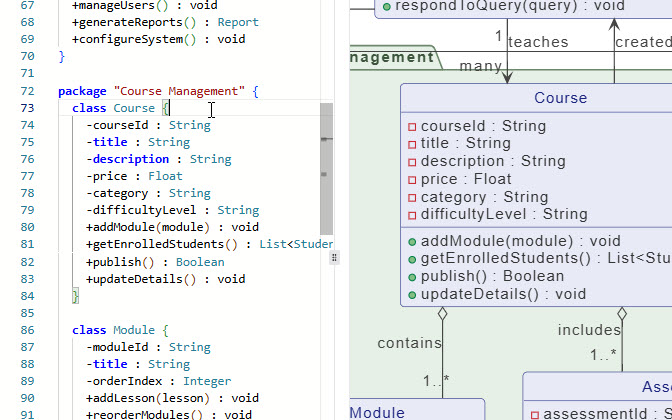
Edit class models with code. Access the underlying text-based diagram code (e.g., PlantUML) for your class definitions. This enables direct editing and allows you to manage your models in any version control system, just like source code.
From AI Ideation to Enterprise-Grade Class Modeling
Your AI-generated class diagram is more than just an image—it's the foundation for robust object-oriented design and deeper architectural analysis within the Visual Paradigm ecosystem.
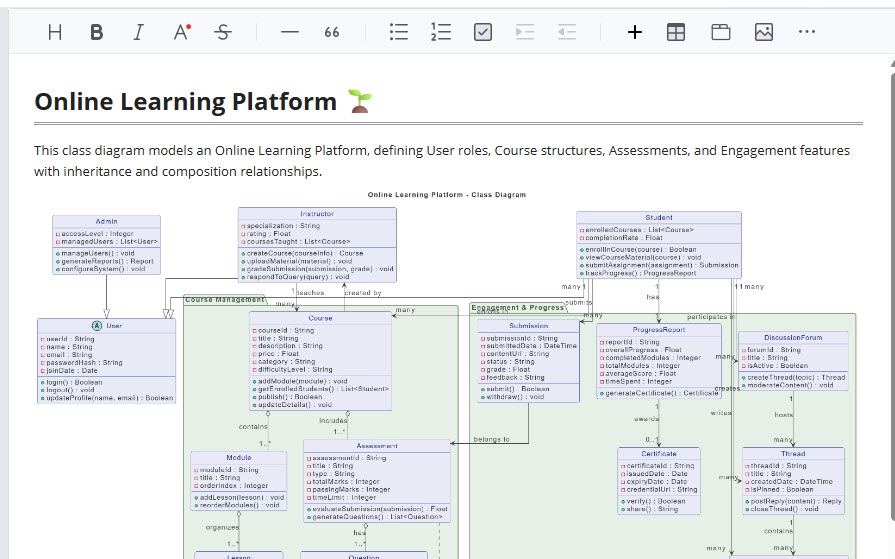
Document with OpenDocs
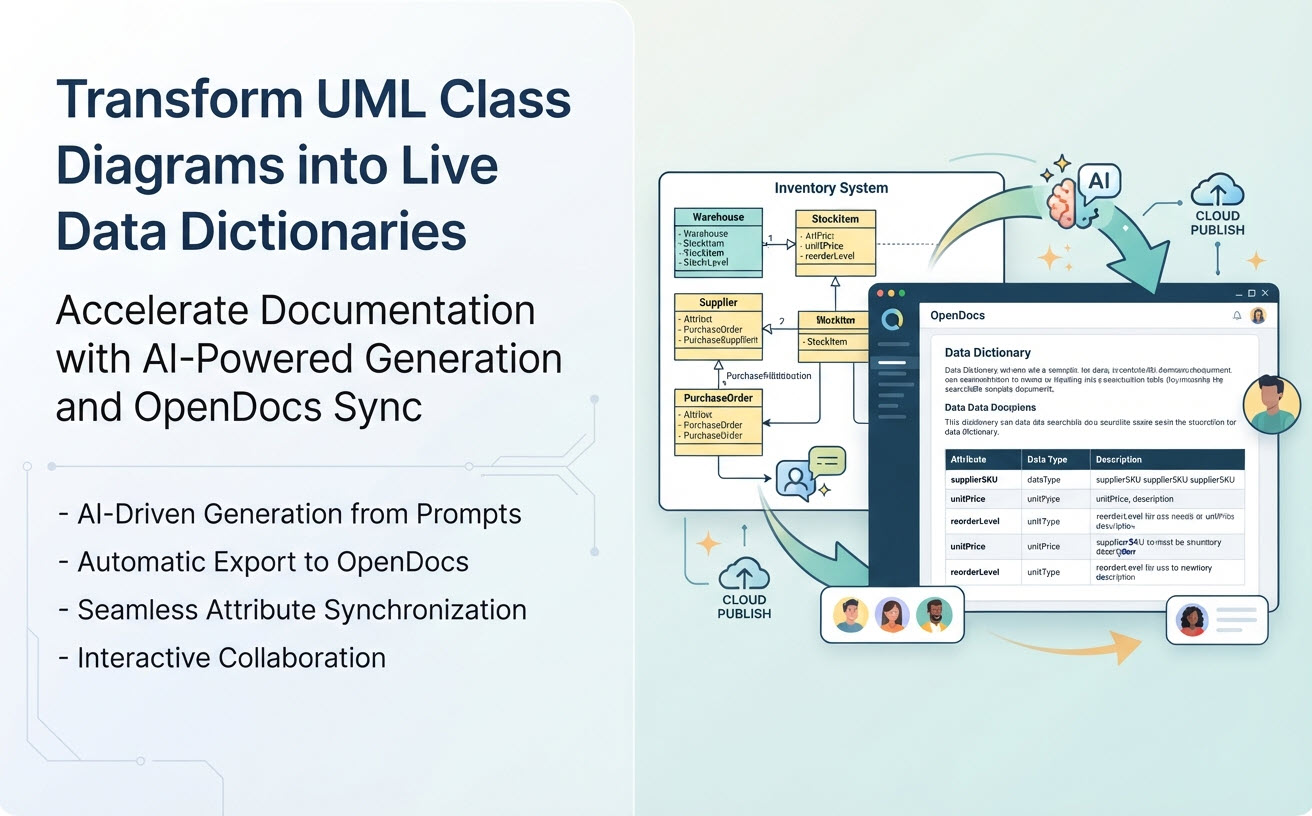
Use your AI-generated class diagram as the foundation for a living data dictionary in OpenDocs. Document each class, its attributes, and methods with detailed descriptions. This creates a single source of truth for your data model that is easily accessible to the entire team.
Refine with VPasCode
Treat your architecture as code. Open the diagram in VPasCode to manage your class model textually. Because the model is just text, you can easily use it with Git or any other version control system. This lets you track changes, compare versions, and keep your design perfectly in sync with your source code.
Refine in VP Online
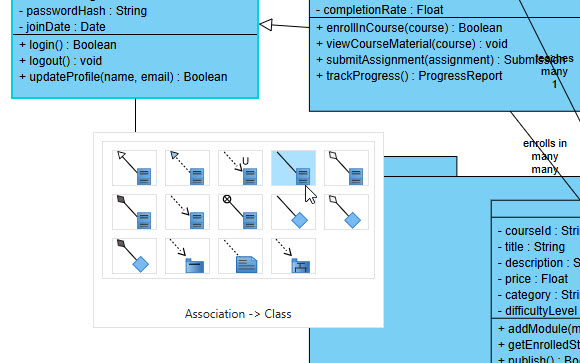
Collaboratively sketch your domain model. Use VP Online as a virtual whiteboard to quickly evolve the initial AI-generated class diagram. Brainstorm with your team using the intuitive drag-and-drop editor to explore relationships and refine the object structure in real-time.
Evolve in VP Desktop
Generate code and reverse-engineer. Import the class diagram into VP Desktop to unlock its full potential. Generate complete source code skeletons in Java, C#, and other languages, or reverse-engineer an existing codebase into a class diagram to visualize and understand legacy systems.
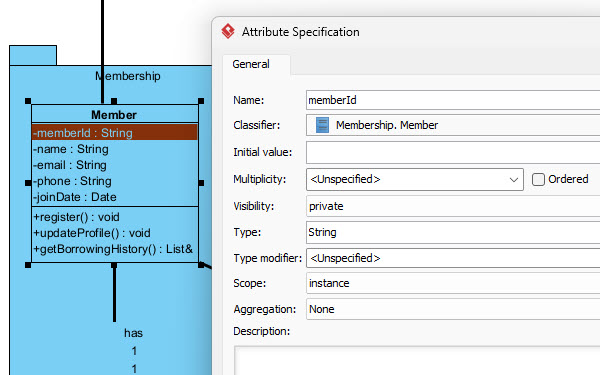
Seamless Custom AI Endpoint Integration
Maintain complete oversight of your enterprise AI footprint. Route all diagramming requests through your preferred LLM providers, plug in corporate API credentials, and strictly enforce internal privacy policies and usage budgets.
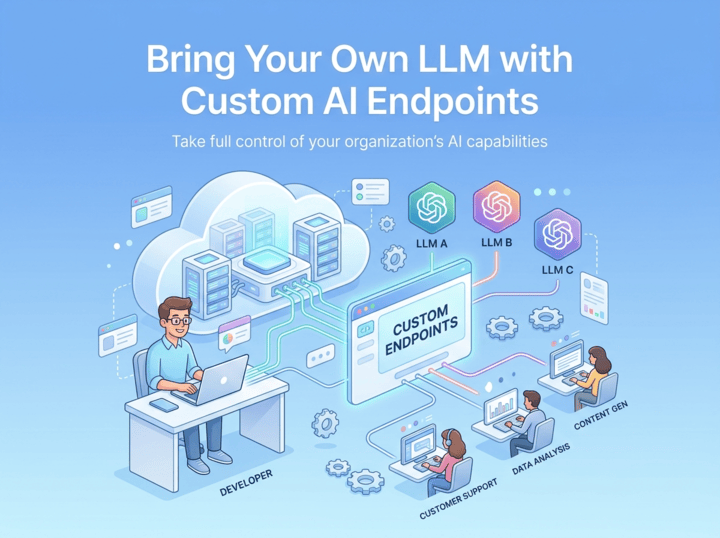
Your AI Class Diagram Tool, Available Anywhere
Whether you're brainstorming object structures or formalizing software designs, your AI Class Diagram assistant is always ready.

Instant Access on the Web
Launch the AI Chatbot in any browser for immediate class diagram generation. It's perfect for quick architectural sketches, exploring design options, and sharing preliminary class models without any software installation.
Try on Web Now
Integrated Desktop Experience
For a truly robust design workflow, run the AI Chatbot from within VP Desktop. Seamlessly import generated class diagrams into your formal object model, conduct detailed design analysis, generate code, and integrate them into your complete software architecture.
Download VP DesktopTrusted by Leading Teams Worldwide
Visual Paradigm's modeling platform is used by professionals in the world's most successful and demanding organizations.







A Vast Library of Supported Diagram Types
The AI Class Diagram Generator excels at object-oriented modeling, but also supports a wide array of notations to visualize system architecture, business processes, and strategic plans.
UML
SysML & ArchiMate
- Requirement Diagram
- Block Definition Diagram
- Internal Block Diagram
- ArchiMate Diagram
- ArchiMate Viewpoint-based Diagrams
C4 Model
- System Context Diagram
- Container Diagram
- Component Diagram
- Deployment Diagram
Business & Strategic
- SWOT & PEST Analysis
- BPMN
- DFD
- Flowcharts
- Org Charts
- Mind Maps
Frequently Asked Questions
How does this AI Class Diagram Tool understand object-oriented concepts?
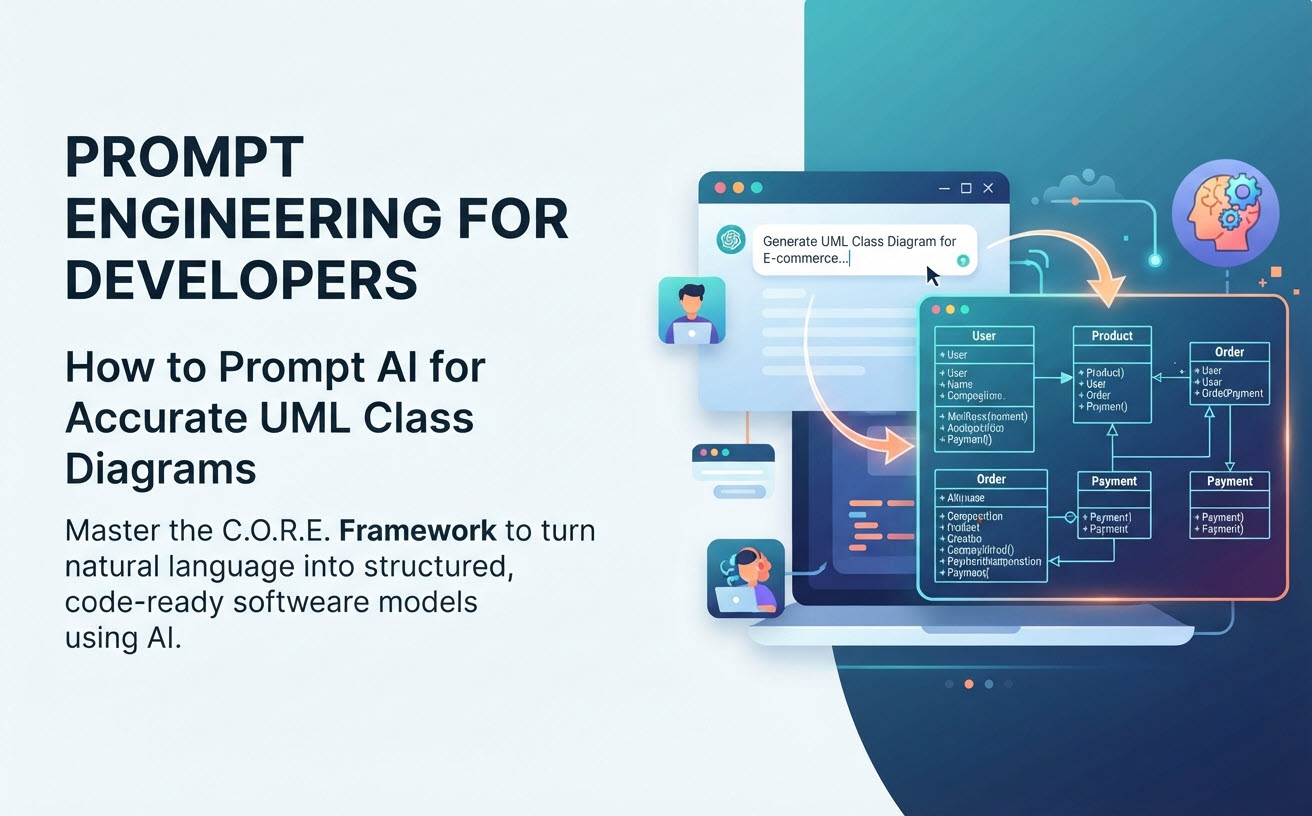
You provide a problem description, a list of entities with their attributes and behaviors, or even snippets of code. The AI, trained on vast examples of object-oriented design patterns and class models, identifies classes, their members, and relationships (association, inheritance, aggregation, composition) to generate an initial diagram. You can then refine it through further conversation.
Is this tool suitable for complex enterprise class models?
Absolutely. This AI class diagram generator is excellent for creating a baseline class model, even for highly complex systems. For deep, hierarchical modeling and detailed design, you can generate the initial diagram with AI and then import it into Visual Paradigm Desktop to connect it with other UML diagrams, generate code, and perform advanced architectural analysis.
What distinguishes this AI Class Diagram Generator from generic LLMs?
Our model is specifically fine-tuned for software engineering diagrams and object-oriented design principles. This results in superior accuracy for UML Class Diagram syntax and semantics. This AI class diagram tool understands concepts like visibility, static members, abstract classes, and complex relationships, leading to diagrams that are not just visually plausible but architecturally sound and code-generatable.
Do I need a separate subscription for the AI Class Diagram Generator?
No. The AI Diagramming Chatbot is an integral part of Visual Paradigm. Full access to its class diagram generation capabilities is included with a license for VP Desktop Professional Edition or VP Online Deluxe Edition.
Master UML Class Diagrams with Our In-Depth Guides
From foundational principles to advanced, domain-specific architectures, these resources will help you excel at object-oriented modeling.
Comprehensive Educational Guides
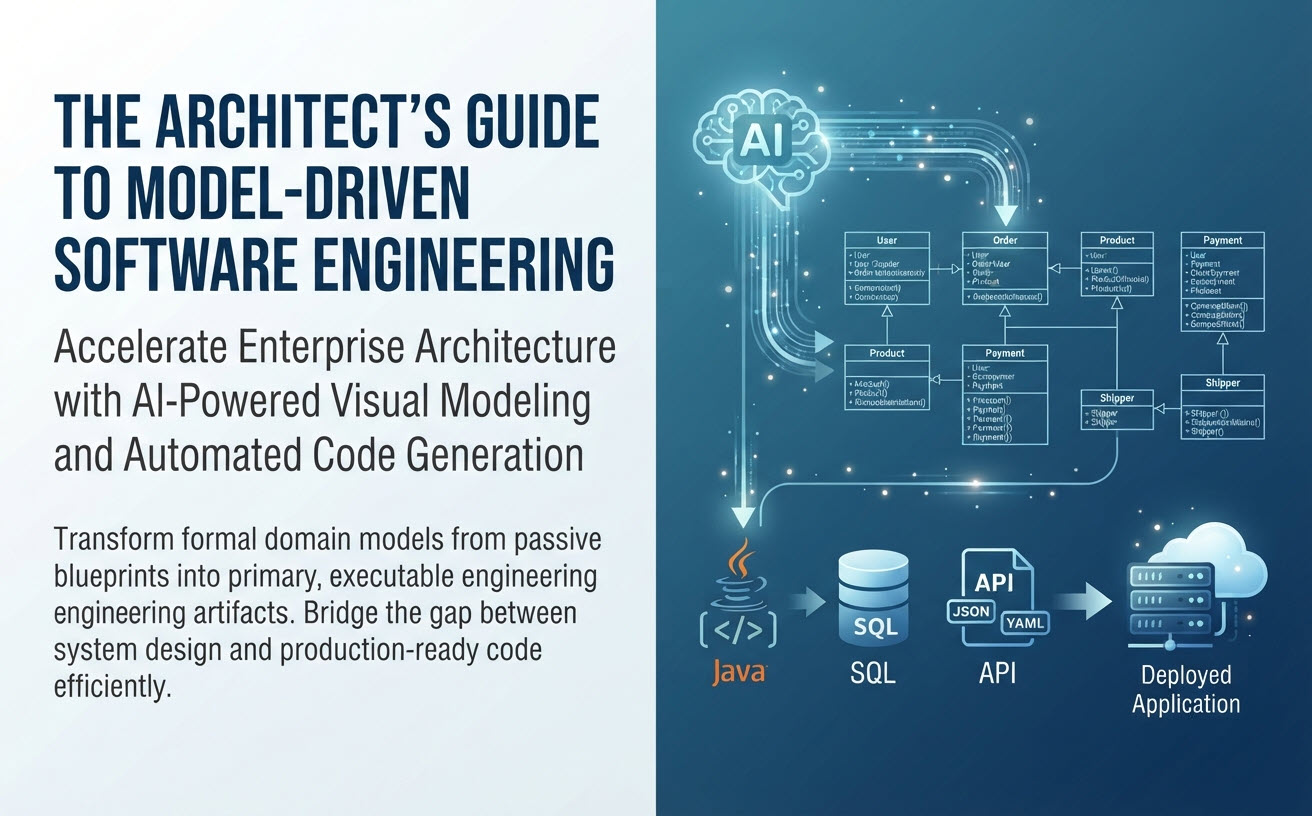
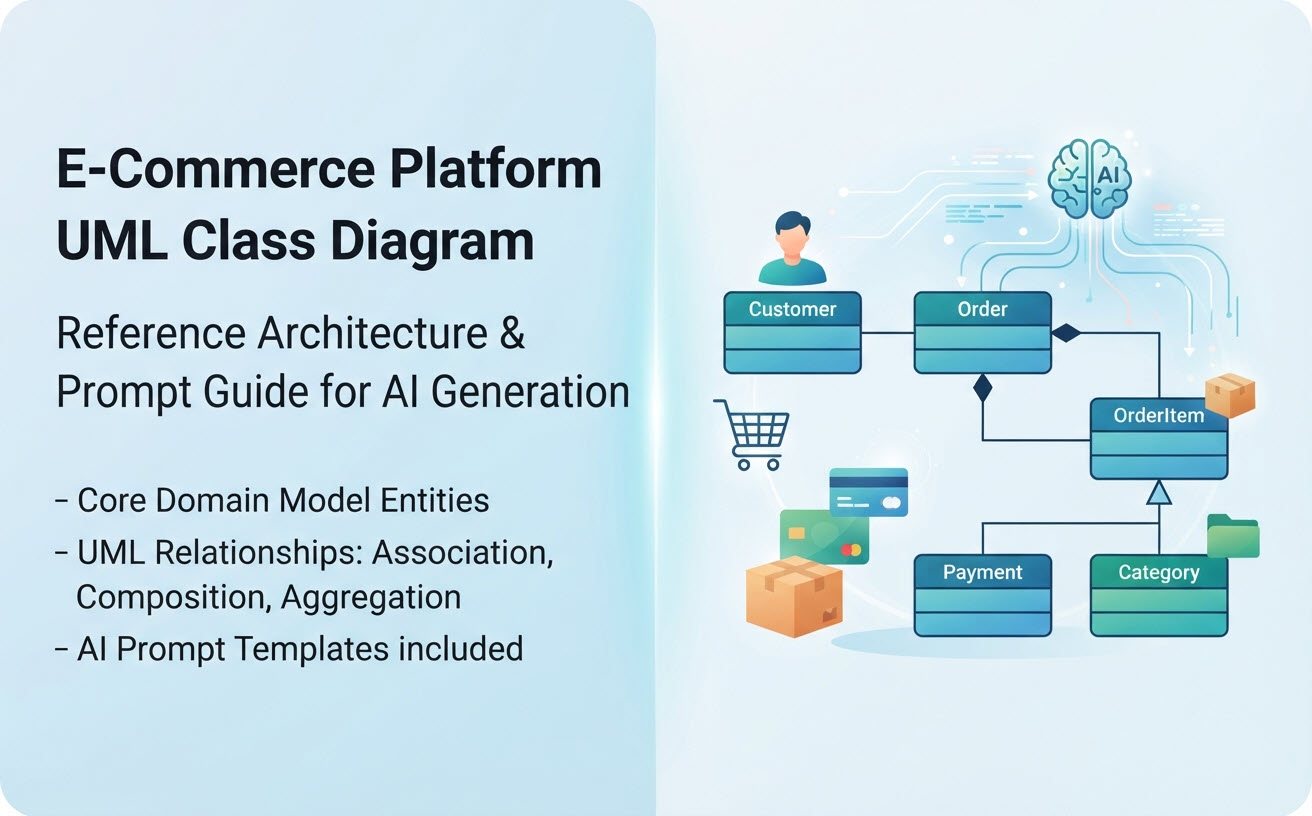
Industry & Domain-Specific Example Pages



From Blank Canvas to Class Model in Minutes
Stop drawing, start designing. Experience the fastest way to architect and visualize software structures with our AI Class Diagram Tool.