
In today’s hyper-connected software landscape, engineering teams are no longer confined to a single room or a single time zone. We are building highly distributed, cloud-native systems using microservices, event-driven architectures, and complex AI integrations. As the scale and complexity of our software grow, so does the risk of miscommunication. A misunderstood requirement or an ambiguous architectural decision can cost weeks of rework or millions in lost revenue.
Enter the Unified Modeling Language (UML). While some in the agile community once dismissed UML as a relic of heavyweight, waterfall-era documentation, the release of UML 2.5 by the Object Management Group (OMG) changed the narrative. By stripping away unnecessary complexity and sharpening its semantic precision, UML 2.5 has evolved into a lean, highly effective visual language tailored for modern, iterative development. It is no longer about creating exhaustive, upfront documentation; it is about creating shared, actionable blueprints that align product managers, architects, and developers in real-time.
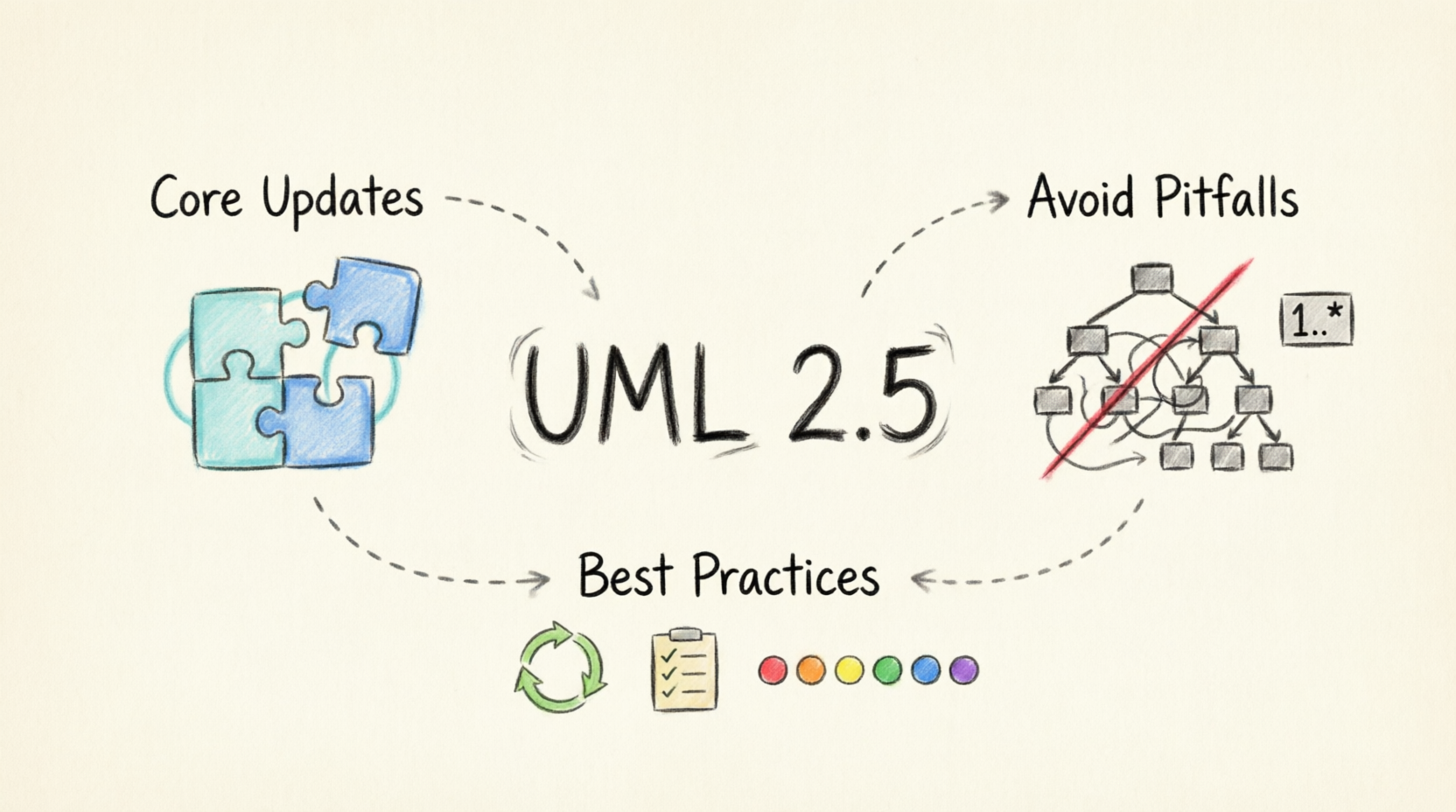
This comprehensive guide will demystify UML 2.5. We will explore the critical updates that make it relevant today, dissect the common modeling pitfalls that derail projects, and provide actionable, field-tested best practices to help your team design better software, faster.
UML 2.5 refined nearly every aspect of the specification, but three major shifts directly impact how modern teams communicate and execute designs.
Earlier UML versions left the boundaries between association, aggregation, and composition open to interpretation, leading to disastrous implementation choices. UML 2.5 formalizes clear, non-overlapping definitions:
Association: A loose, peer-to-peer connection with no lifecycle dependency.
Aggregation: A "has-a" shared ownership relationship where parts can outlive the whole.
Composition: A strict whole-part lifecycle dependency where parts are destroyed immediately when the whole is removed.
Real-World Impact: A cross-border e-commerce team once mislabeled the relationship between
OrderandProductas a composition under older, vague UML rules. Developers implemented cascading deletion logic based on this diagram. During a peak sales cleanup, the system accidentally deleted over 3,000 active product records when expired orders were purged, causing nearly $1 million in revenue losses. UML 2.5’s strict semantics prevent this exact class of catastrophic errors.
UML 2.5 introduces robust support for modular decomposition. Instead of forcing every class onto a single, unreadable "spaghetti" diagram, teams can now split massive system models into independent, reusable units. You can define subsystem boundaries, reference external elements across model files, and maintain a clean hierarchy.
Real-World Impact: The core object storage R&D team at a leading cloud vendor used UML 2.5’s modular features to split a 10-million-line codebase model into 127 independent subsystem units. Distributed teams maintained their own modules separately, using only public property declarations for cross-module references. This boosted their model iteration efficiency by over 70%.
UML 2.5 aggressively pruned the language. It eliminated 27 legacy special symbols (which had an overall usage rate below 1%), such as obscure state machine extensions for early telecom scenarios and redundant interaction syntax.
The Result: The learning curve was reduced by nearly 40%. New team members can master the core diagram types in days, not weeks, and veterans no longer waste time debating outdated syntax.
Even with a refined standard, teams often produce diagrams that create more confusion than clarity. Avoid these frequent traps:
Leaving multiplicity undefined on association lines forces developers to guess the system's rules.
The Mistake: Drawing a line between User and Device in a smart home system without labels. Can one user control 10 devices? Can 5 users control 1 thermostat?
The Fix: Always define multiplicity. For example, in an e-commerce system, the Order to OrderItem relationship should be marked 1 on the Order end (an item belongs to exactly one order) and 1..* on the OrderItem end (an order must have at least one item, preventing empty orders). Rule of thumb: Never draw an association line without explicit multiplicity on both ends.
Designers frequently mix up inheritance ("is-a") with whole-part relationships ("has-a").
The Mistake: Drawing a composition arrow from Order to Product. This implies that if the Order is deleted, the Product ceases to exist.
The Fix: Use Generalization strictly for inheritance. Use Composition only for exclusive lifecycle ownership (e.g., House and Room). Use Aggregation or standard Association for shared or independent relationships (e.g., Order and Product).
It is tempting to build deep, multi-level inheritance trees to represent every minor product variation, but this creates rigid, fragile models.
The Mistake: Creating a hierarchy like Product → Electronics → Smartphone → 5G Smartphone. Every new feature requires a new subclass.
The Fix: Favor composition and interfaces over deep inheritance.
Real-World Impact: A SaaS vendor built an 8-layer inheritance hierarchy to distinguish membership tiers. Adding a new tier required modifying 3 parent classes, risking regression bugs. By refactoring to 1 base interface + 12 independent benefit component classes, they could add new tiers simply by combining components, multiplying their iteration speed.
The Mistake: Drawing a solid line between an interface and a concrete class. This blurs the line between a public contract and internal implementation.
The Fix: In UML 2.5, interface implementation (realization) must be marked with a dashed line and a hollow triangle pointing to the interface. This visually enforces the separation of concerns.
To transform UML from a documentation chore into a powerful engineering tool, adopt these field-tested practices:
Do not force a single diagram to do everything. UML 2.5 provides specific tools for specific jobs:
Class Diagrams: Define static structure, entity attributes, and relationships.
Sequence Diagrams: Map runtime interaction flows and API calls between microservices.
Activity Diagrams: Model end-to-end business processes and complex logic flows.
Deployment Diagrams: Document hardware, containers, and software runtime layouts.
Adopt a just-in-time modeling mindset. UML should not be a heavy, upfront burden.
Draw diagrams only to align on complex decisions.
Update them alongside code refactoring.
Agile Integration: Make UML updates a mandatory checklist item in Pull Requests. If a PR changes core system structure, the corresponding UML diagram must be updated in the same PR. This prevents code and documentation from drifting apart.
Create a lightweight, project-specific style guide to ensure everyone reads diagrams the same way. Implement simple visual conventions:
🔵 Light Blue Fill: Core business entities.
⚪ Light Gray Fill: Third-party dependencies or external APIs.
⬜ Dashed Borders: Pending or unimplemented modules.
Benefit: Any new team member can learn to read your team's diagrams in under 10 minutes.
Stop relying on manual reviews to catch structural errors. Use modern, UML 2.5-compliant modeling tools (like Enterprise Architect, PlantUML, or Lucidchart with UML 2.5 packs) to automatically validate your models. These tools will flag missing multiplicity labels, incorrectly drawn arrows, and orphaned elements before the diagram is ever shared with the team.
UML 2.5 is far more than a rigid set of drawing rules; it is the universal lingua franca of software engineering. In an era where systems are increasingly distributed and teams are globally dispersed, the cost of miscommunication is simply too high to rely on undocumented assumptions or ad-hoc sketches.
By embracing the precise semantics of UML 2.5, avoiding the architectural pitfalls that plague legacy designs, and integrating lightweight, living diagrams into your agile workflows, you can fundamentally change how your team builds software. UML stops being a tedious compliance task and becomes your team's most powerful asset for designing clear, maintainable, and scalable systems.
Your Next Step: Pick one active project this week. Identify a complex module that lacks clear documentation, and draft a single, well-defined UML 2.5 sequence or class diagram. Share it with your team, gather feedback, and watch how a shared visual language instantly accelerates your development cycle.
Agile Architecture Evolved: Supercharging UML Modeling with AI and Visual Paradigm: Discusses how AI features like natural language to diagram, auto-sync, and intelligent suggestions make UML modeling agile and suitable for iterative development .
From Text to Architecture: Accelerating UML Modeling with Visual Paradigm's Generative AI: Explains the core AI capabilities of Visual Paradigm, including prompt-to-diagram generation, conversational chatbot refinement, and intelligent diagnostics .
From Silos to Synergy: How Visual Paradigm OpenDocs Transforms Team Documentation Through AI-Powered Visual Collaboration: Describes OpenDocs as a solution for collaborative documentation, integrating various UML diagram types (Class, Sequence, Use Case, Activity, etc.) within an AI-powered platform .
UML in the Age of AI: How Visual Paradigm's Ecosystem Is Reviving Visual Modeling: Argues that UML is being reborn through AI, presenting Visual Paradigm as a leader in AI-powered visual modeling with features like text-to-diagram and code synchronization .
Visual Paradigm for UML: A practical guide from a university wiki providing tips on formatting, exporting diagrams, and working with specific diagram types like Activity, Class, and Sequence Diagrams .
Module 5: Modeling Behavioral Dynamics and Interactions: Covers AI-assisted techniques for creating behavioral diagrams, particularly Sequence and State Machine Diagrams, through conversational commands .
Entering Sample Table Records for Entities: Explains how to specify default data for entities in an Entity Relationship Diagram (ERD) for database generation .

