Consolidate Document Silos:
Convert PDFs & Office Files to Editable Specs
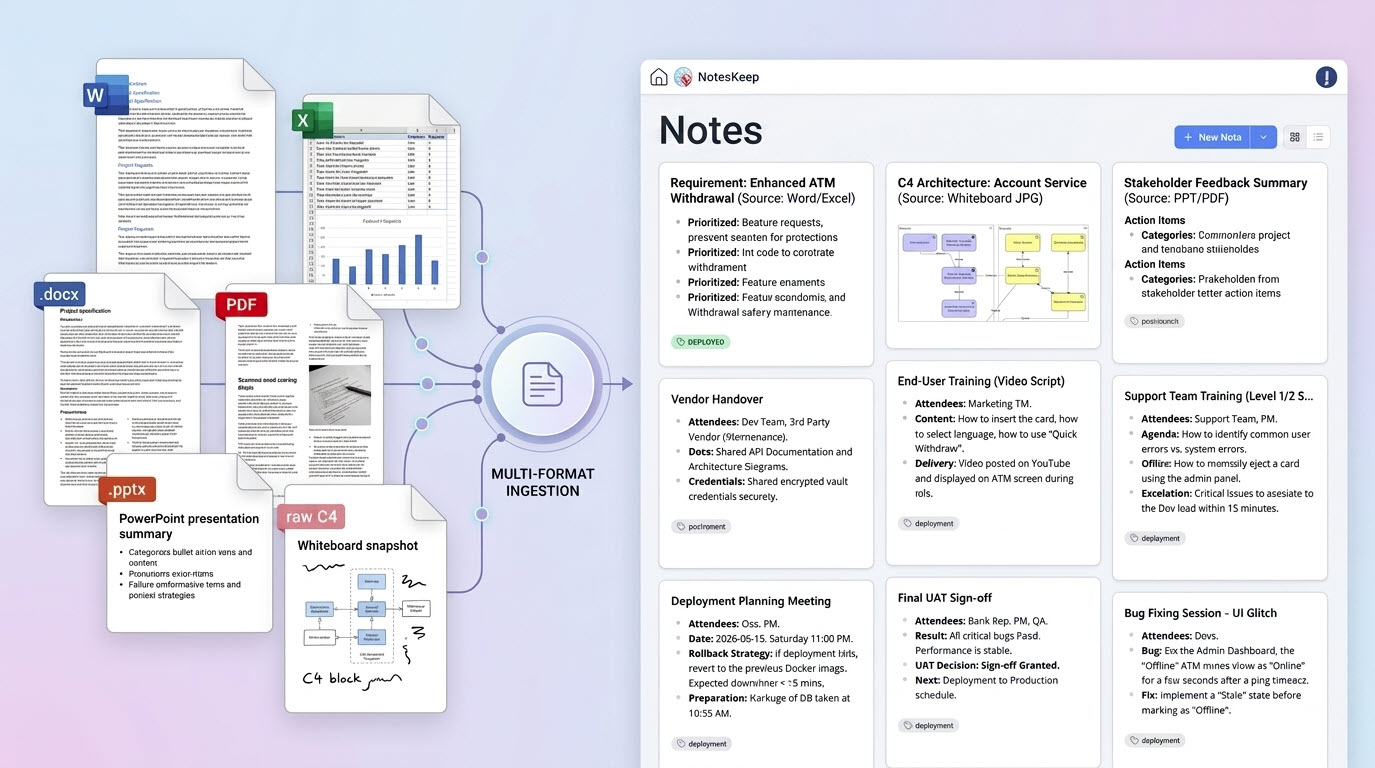
Stop manually copying text from Word files or redrafting hand-drawn whiteboards. NotesKeep is an integrated AI note taking tool that lets you import multi-format documents, slides, sheets, and image captures directly. Let AI auto-generate system models instantly.
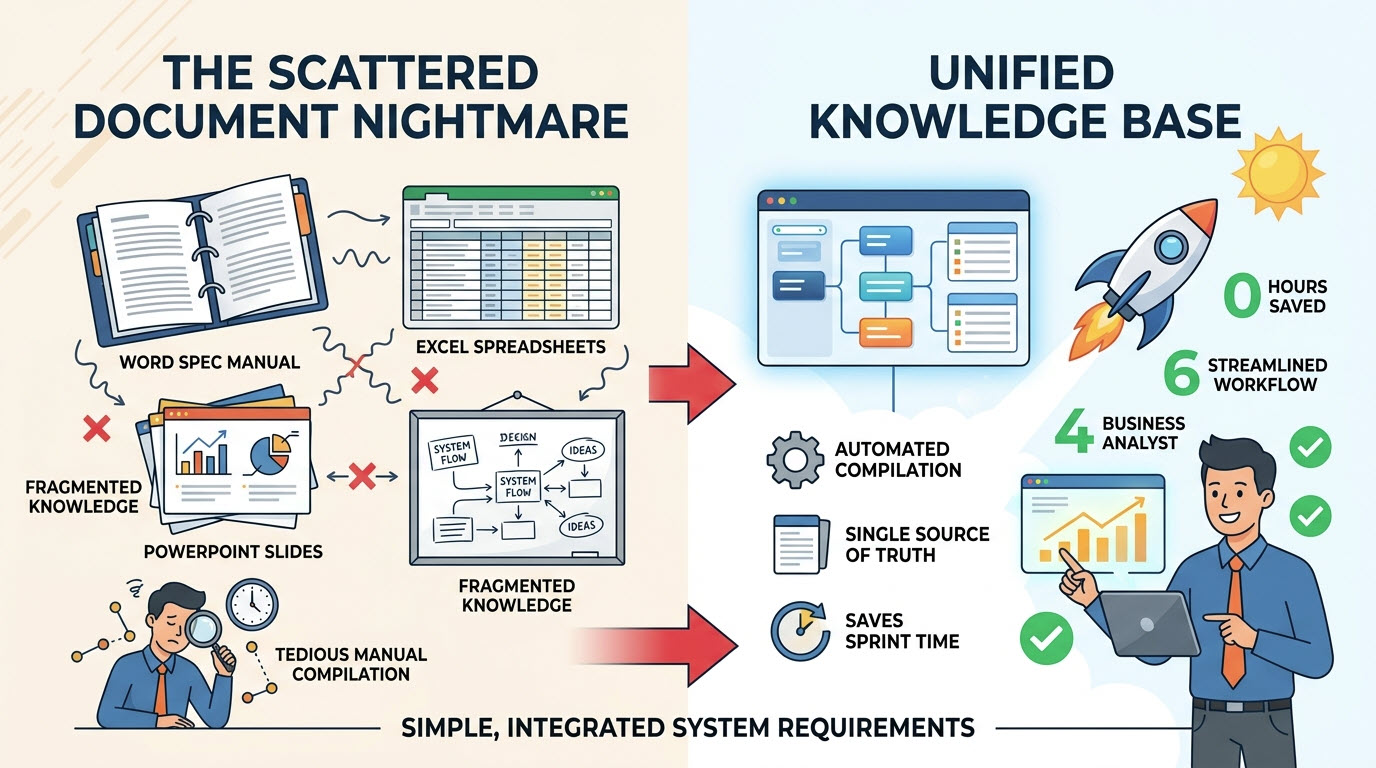
The Scattered Document Nightmare
Corporate knowledge is hopelessly fragmented. Part of it sits inside a 50-page Word spec manual. Data relationships reside in sprawling Excel spreadsheets. The C-suite outlines strategic ideas in PowerPoint slides, while developers sketch block diagrams on whiteboards.
Manually compiling this fragmented data into a single source of truth is extremely tedious. Business analysts waste hours of valuable sprint time translating static files and raw whiteboard screenshots into unified system requirements. NotesKeep eliminates this friction entirely.
Supported Ingestion Pipeline: Convert Anything Into Live Notes
Documents
Word (.docx, .doc, .docm), PDF, Markdown (.md), HTML, RTF, ODT, EPub.
Data & Sheets
Excel (.xlsx, .xls, .xlsm), CSV, OpenDocument Spreadsheets (.ods).
Presentations
PowerPoint (.pptx, .ppt, .PPS, .PPSM), OpenOffice ODP formats.
Visual Assets
PNG, JPG, SVG, WebP, GIF, hand-drawn board wireframes (OCR enabled).
The 3-Step Information Consolidation Flow
How NotesKeep extracts and visualizes raw, fragmented knowledge bases automatically.
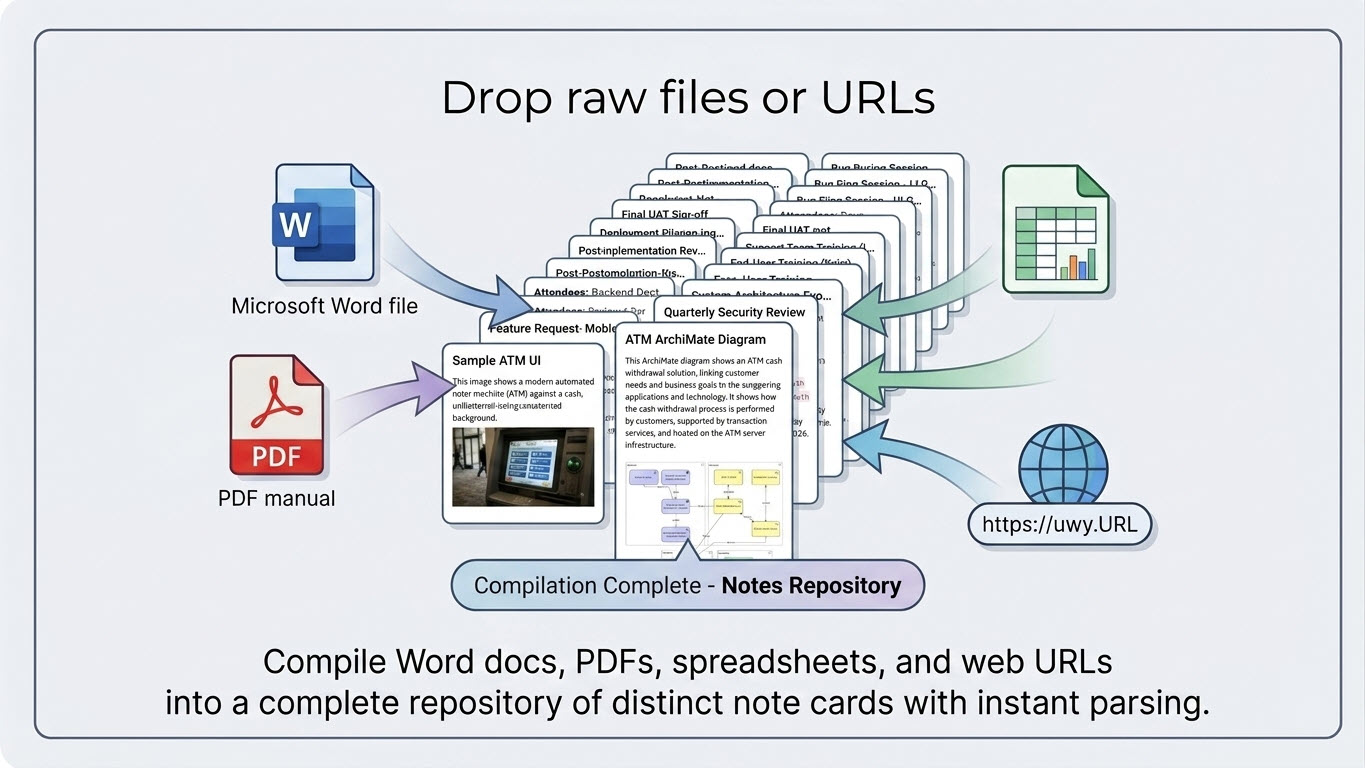
Drop raw files or URLs
Drag and drop any Microsoft Word file, PDF manual, or spreadsheet, or input direct URLs to fetch web content. NotesKeep parses text structures and embedded visuals instantly, compiling them into a single editable note page.
Multimodal OCR Search
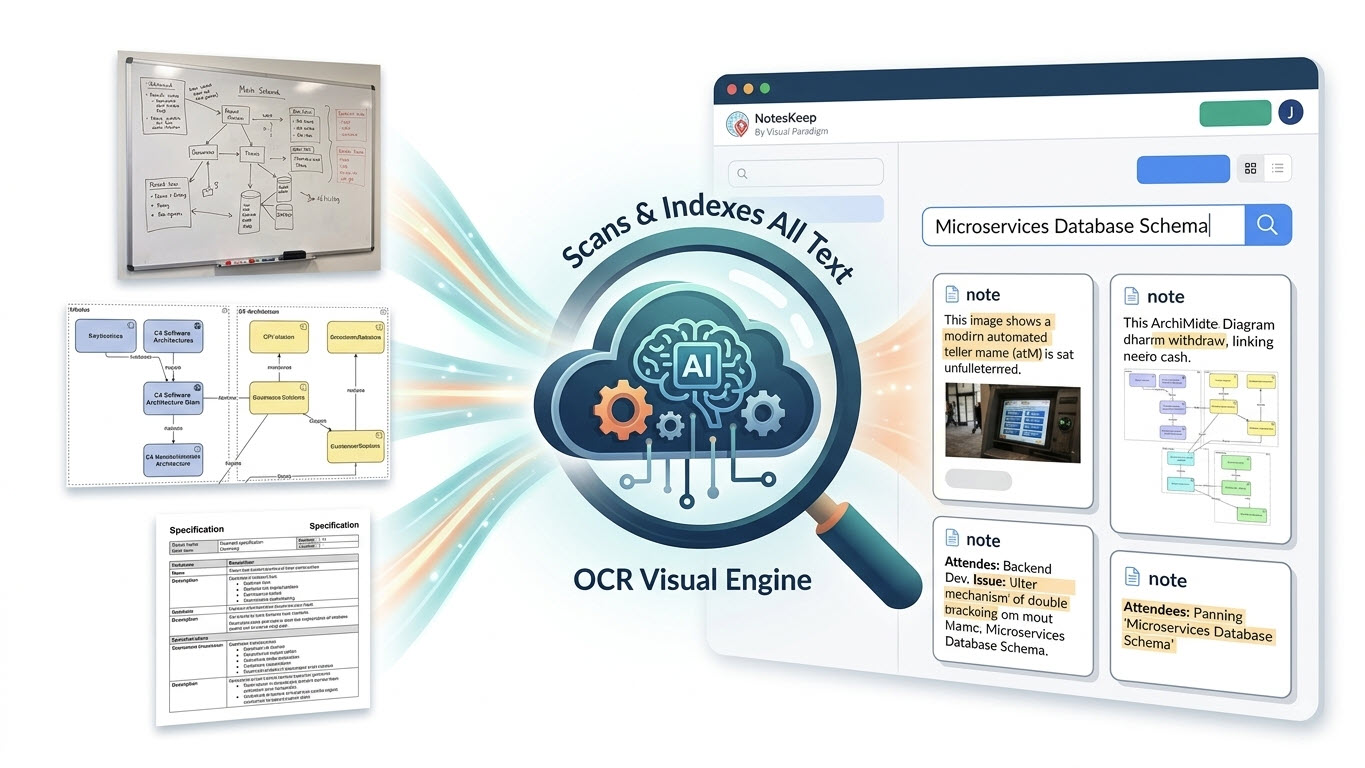
The visual engine automatically scans whiteboard photos, technical drawings, conceptual images, illustrations, and scanned spec sheets. All written text and image-embedded text are fully indexed and immediately searchable.
AI Diagram Synthesis
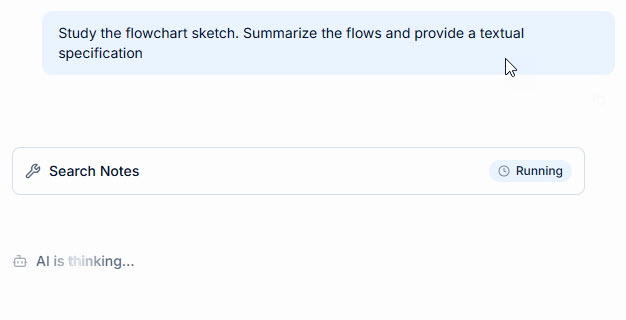
Query the AI chatbot bounding the search to your tag folder. Type commands like: "Study the flowchart sketch. Summarize the flows and provide a textual specification."
Frequently Asked Questions
Got questions about smashing document silos? We have answers.
How does NotesKeep handle optical character recognition (OCR) for hand-drawn diagrams?
NotesKeep integrates an advanced multimodal visual processing engine. When you upload a picture of a whiteboard, hand-drawn wireframe, or a blueprint photo, the system transcribes all handwritten annotations, parses shapes, and makes the contents fully indexable and searchable alongside standard text files.
Is there a size or page limit for uploaded PDFs?
Yes, for optimal performance and AI accuracy, the web-based file ingestion pipeline supports multi-page files like PDFs up to 10 pages per upload. For larger manuals, we suggest grouping uploads or using our dedicated project workspace tagging.
Can we export the synthesized requirements back to Word or PDF?
Absolutely. Once NotesKeep has synthesized your documents into structured requirements, you can export them to Markdown, HTML, print-ready PDF, or publish them directly to hosted OpenDocs wikis for live client review.
Centralize Your Scattered Knowledge Base
Say goodbye to fragmented Word, PDF, and spreadsheet silos. Consolidate your systems requirements with AI today.