
In the modern software development lifecycle, documentation is no longer an afterthought—it is a critical component of system architecture and team alignment. However, maintaining accurate, up-to-date diagrams has traditionally been a painful bottleneck. Engineers often face a frustrating choice: spend hours manually dragging and dropping shapes in visual editors that quickly become outdated, or wrestle with complex syntax in "diagram-as-code" tools where a single missing bracket can halt progress entirely.
This friction leads to "documentation drift," where architectural diagrams fall out of sync with the actual codebase, reducing their value and trustworthiness. To bridge this gap, Visual Paradigm introduced VPasCode (Visual Paradigm as Code), a unified platform that treats diagrams with the same rigor as application code. But even the best text-based tools have a learning curve. Recognizing that syntax errors are the primary barrier to adoption, Visual Paradigm has launched a groundbreaking feature: AI Code Error Fixing. This innovation promises to eliminate the tedious debugging process, allowing engineers to focus on structural logic rather than syntactical compliance.
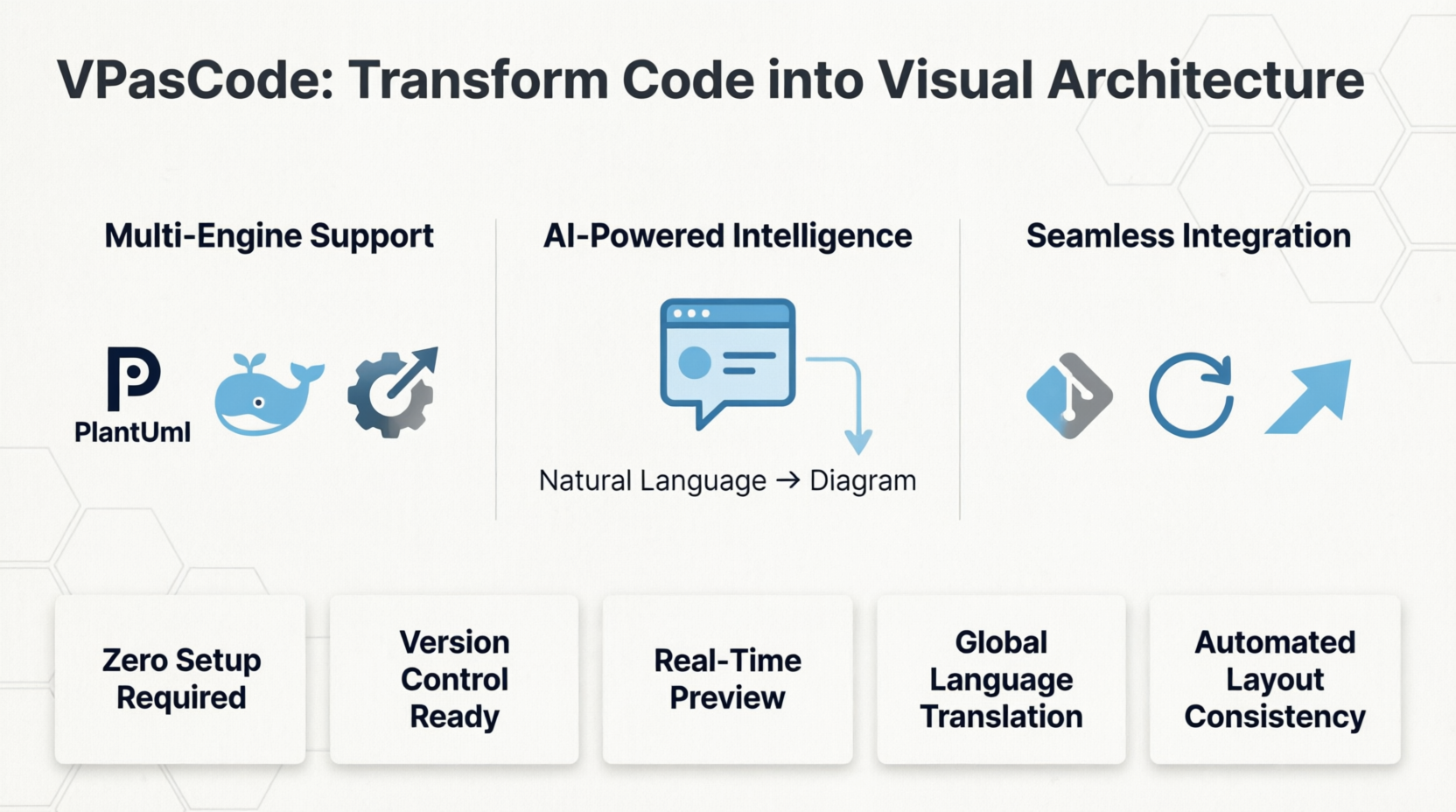
This case study explores how VPasCode’s AI-driven troubleshooting capabilities are reshaping the diagramming experience, turning potential roadblocks into seamless, automated corrections.
For teams adopting Diagram-as-Code (DaC) methodologies, the benefits are clear: version control, Git-native workflows, and automatic rendering. However, the initial hurdle is often steep. Whether using PlantUML for UML classes, Mermaid.js for flowcharts, or Graphviz for complex network topologies, the margin for error is zero.
A typical scenario might look like this:
{ prevents the diagram from rendering.This manual debugging process interrupts the creative flow and reduces engineering productivity, counteracting the very efficiency gains that DaC platforms promise.
To address this pain point, VPasCode has integrated an intelligent AI Code Error Fixing engine. This feature transforms the platform from a passive renderer into an active assistant that understands the syntax rules of PlantUML, Mermaid.js, and Graphviz.
VPasCode monitors your syntax in real-time. If a code error prevents your diagram from rendering, the platform shifts from a blank screen to an assistive troubleshooting mode instantly. Here is how the automated workflow repairs your broken scripts:
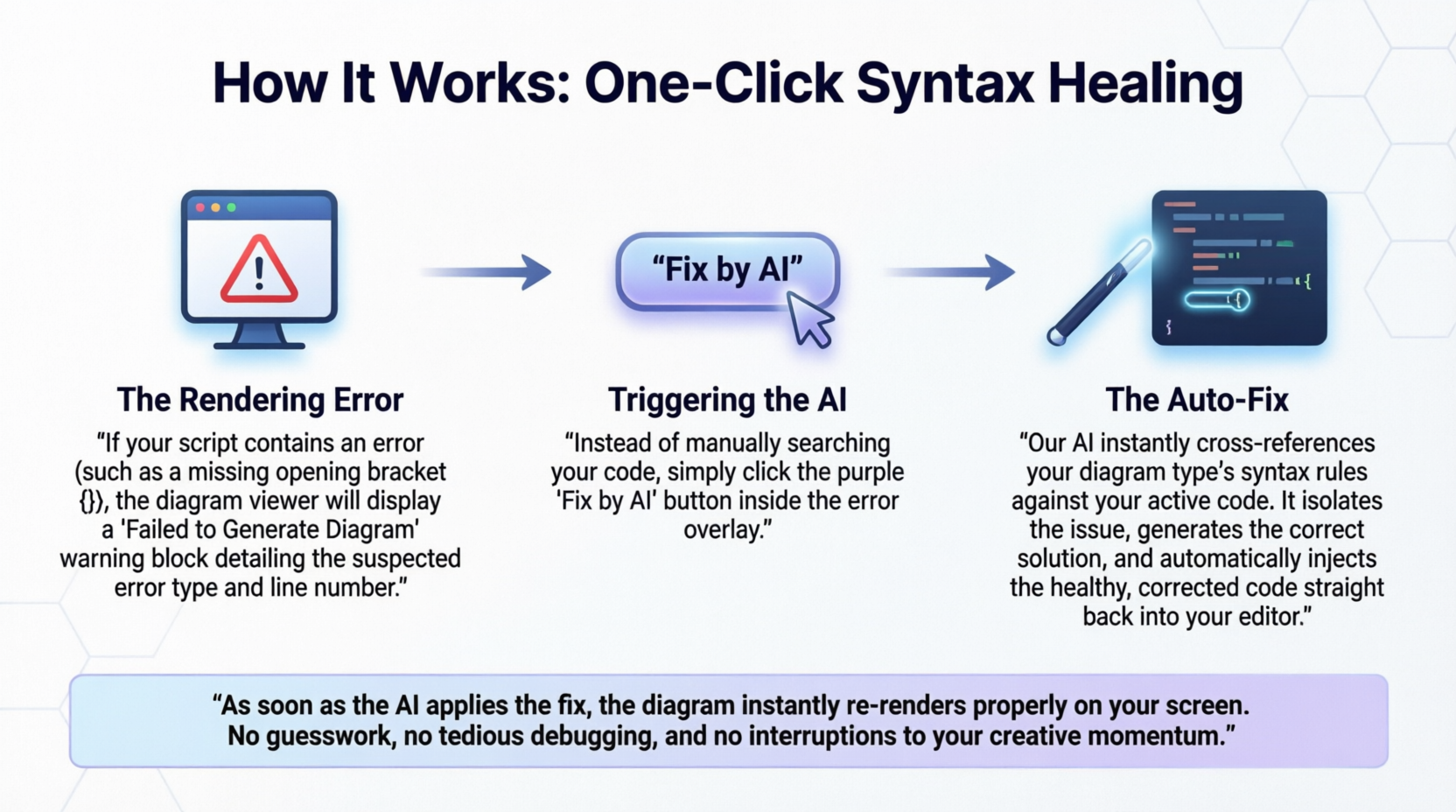
{), the diagram viewer will display a “Failed to Generate Diagram” warning block detailing the suspected error type and line number.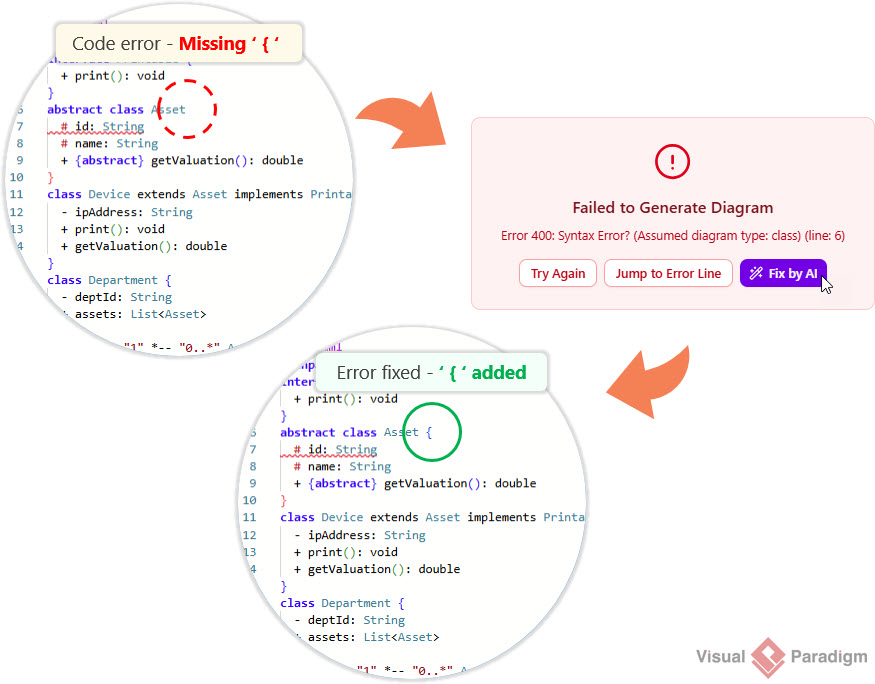
As soon as the AI applies the fix, the diagram instantly re-renders properly on your screen. No guesswork, no tedious debugging, and no interruptions to your creative momentum.
Looking for a powerful, free diagram-as-code tool? Effortlessly render PlantUML, Mermaid, Graphviz, and 20+ programming languages in real time—powered by instant AI error fixing and automatic format detection.
While the AI Error Fixing feature solves the immediate problem of syntax hurdles, it sits within a broader ecosystem designed to modernize technical documentation.
In fast-paced software environments, manually drawn architecture shapes quickly become outdated as live systems evolve. By treating system diagrams with the same precision as application code, documentation can update automatically as codebases or configuration schemas change, maintaining a 1:1 alignment with production architectures.
Because diagrams are written as plain-text scripts rather than proprietary binary files, they can live directly alongside application code in Git repositories. This makes architectural designs trackable, searchable, and reviewable through Pull Requests (PRs), fully compatible with existing CI/CD pipelines.
Instead of forcing teams to jump between isolated toolchains for different formatting syntaxes, VPasCode provides a unified sandbox that automatically detects and renders three major open-source text-to-diagram engines simultaneously inside a single layout:
Beyond error fixing, VPasCode features deep integration with an AI-powered chatbot engine to transform natural language prompts directly into diagram syntax. The AI also handles AI Diagram Translation, translating text labels, titles, and comments into target languages with two clicks while keeping structural script rules safe.
Engineers can focus on actual component logic and structural relationships rather than wasting time manually resizing boxes, snapping grids, or realigning lines. The platform's automated rendering engine takes the plain text and instantly formats uniform layouts, proper geometric boundaries, and spacing rules by itself.
The AI Code Error Fixing tool is a premium capability designed to maximize engineering productivity. It is included as a paid feature within the following packages:
Friendly Reminder for Desktop Users: If you are running Visual Paradigm Professional Edition (or higher) and have active maintenance, you already have full access to the web apps included in the VP Online Combo Edition. This means you can log into VPasCode and start using the “Fix by AI” tool right now!
The introduction of AI Code Error Fixing in VPasCode marks a significant milestone in the evolution of technical documentation tools. By removing the friction associated with syntax errors, Visual Paradigm has lowered the barrier to entry for Diagram-as-Code methodologies, making them accessible not just to seasoned architects, but to any developer who wants to document their work efficiently.
With features like real-time error healing, multi-engine support, and Git-native integration, VPasCode ensures that a simple typo never slows down innovation. For teams looking to keep their momentum flowing and their documentation aligned with their code, VPasCode offers a powerful, intelligent solution that lets you write your ideas freely while the AI handles the compliance.
Ready to experience frictionless diagramming?

