
The decision table tool that helps you formulate business rules easily.

Decision table provides a handy way to explain business rules. In a decision table, rules are presented as columns, while the conditions that constitute the rules and the actions to take are listed as rows. The structured representation is easy to read and understand, making decision table an ideal tool to represent business policy, constraints and rules, regardless of their complexity.
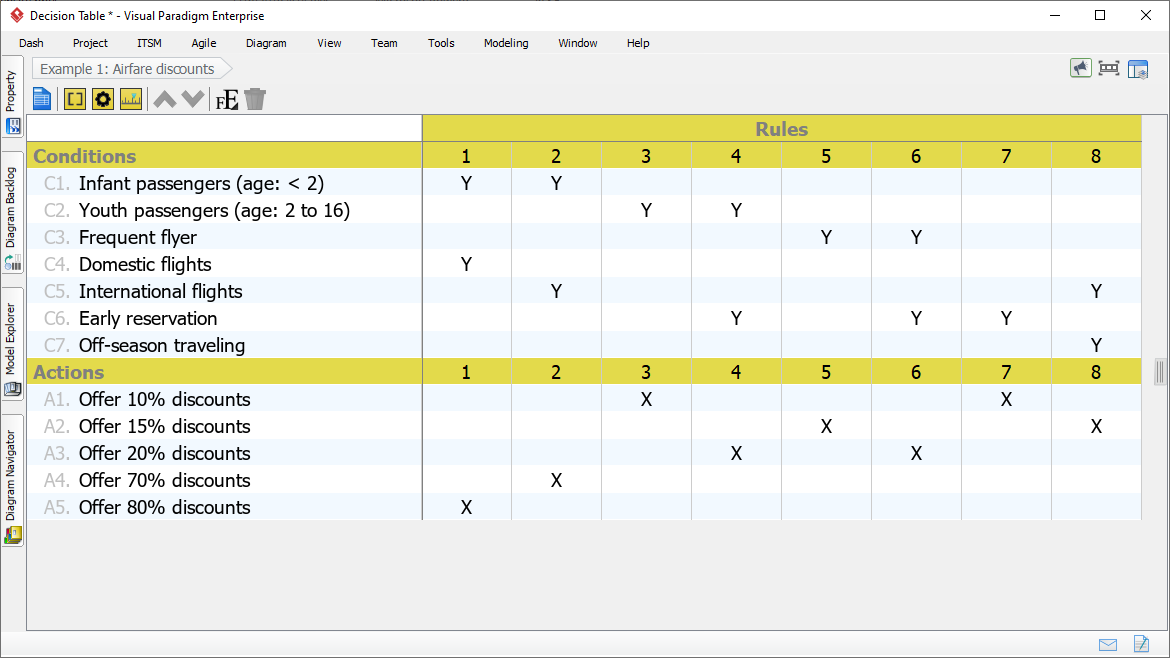
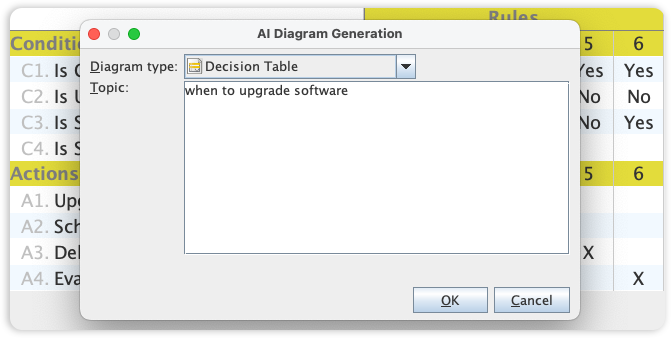
Visual Paradigm's professional Decision Table editor is already a staple for analysts, known for making manual logic mapping fast and intuitive through structured grids and clear rule sets. We are now dramatically accelerating this process by integrating full logic-mapping support into our AI Diagram Generator.
This new capability allows you to instantly produce complex Decision Tables from simple text input, entirely skipping the manual setup of conditions, actions, and rules. Simply describe your business logic or system requirements, and the AI leverages its deep understanding of logical structures to deliver a complete, error-free Decision Table for immediate use.

Visual Paradigm features an intuitive decision table editor that makes editing fast and straight forward. Both to add and re-arrange conditions, a rules or actions can be done with a single-mouse click. Editing is done inline – no redundant popup window!
Visual traceability among rules, conditions and actions can be achieved through the smart highlighting feature. When row(s) or column(s) is being selected, its counterparts will be highlighted instantly, which is useful in realizing the content of rules and identifying loopholes.


Screen out non-interested rules by applying filter on conditions and/or actions, so that you can focus on a subset of rules that matches particular specific conditions and actions.


